Best Logistics Document Management Options for Forwarders
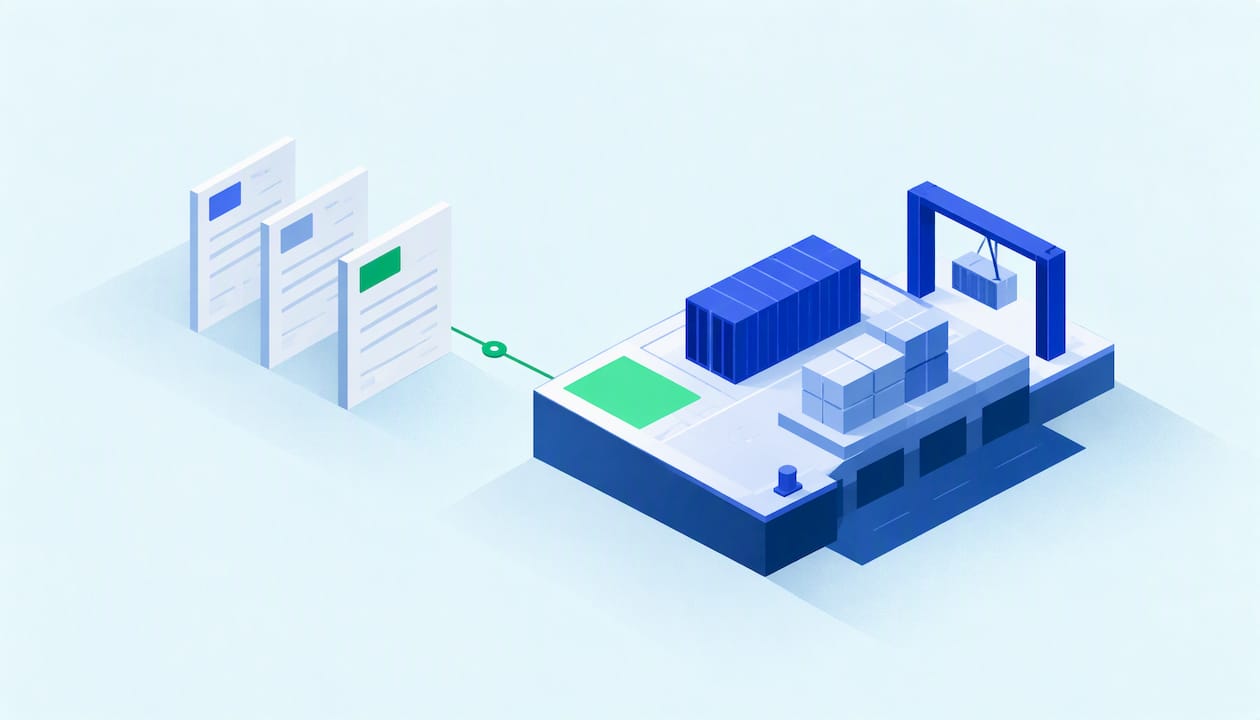
The best logistics document management setup for a freight forwarder is the one that ties every bill of lading, invoice and customs record to the shipment it belongs to. For most forwarders, that means a transport management system with document management built in, such as FreightSuite. General-purpose platforms like DocuWare, M-Files and Doxis are strong choices when you need enterprise-wide content control beyond freight operations. This guide compares them on what forwarders actually need: capture, matching, retention, integrations, deployment and cost.
TL;DR
- Forwarders handle transport, commercial and compliance documents at once, so the document system must connect to shipment records, not sit beside them.
- US rules set minimum retention periods: three years for broker transaction records and five years for customs broker records.
- A TMS with native document management, like FreightSuite, removes the silo between files and load data. Standalone DMS platforms suit companies with wider content needs.
- Published US pricing runs from $30 to $125+ per user per month for DocuWare Cloud and $65 per seat monthly for M-Files Essentials. Doxis is quoted on request.
- Budget for integration and implementation, not just licenses.
Table of Contents
- What a forwarder’s document system has to handle
- The record-keeping rules your system must support
- How to compare logistics document management options
- The best options compared
- TMS-native versus standalone: the decision that matters
- What implementation really takes
- Where FreightSuite fits
- FAQ
- Sources
What a forwarder’s document system has to handle
A forwarder’s paperwork is not one category. It spans transport documents such as bills of lading and delivery orders, commercial documents such as invoices and packing lists, and compliance documentation such as customs declarations and certificates of origin, as one freight software vendor’s overview lays out. Each type arrives from a different party, in a different format, on a different clock.
That mix is why generic file storage fails in freight. A folder structure cannot tell you that the commercial invoice for one container is missing while the house bill is already issued. A document system built for logistics has to know which shipment, which customer and which charge each file belongs to.
The ground is shifting here. Customers now expect shipment visibility and fast invoicing, and both depend on documents being captured, read and matched in hours rather than days. Every manual keying step between an inbox and an invoice is margin you are paying to lose.
The record-keeping rules your system must support
Before comparing features, know what the law asks you to keep and produce. These are the US baselines:
Freight brokers. Under 49 CFR 371.3, brokers must retain transaction records, including names and addresses of consignors and carriers, bill of lading numbers and compensation details, for at least three years.
Licensed customs brokers. CBP requires records relating to customs transactions to be kept for at least five years after the date of entry, and to be made available to CBP within 30 calendar days, or longer if CBP specifies.
Originals behind electronic filings. CBP’s recordkeeping guidance for ACE states that the original documents used to create electronic data transmissions for entries must be maintained by the filer and produced on demand, even when digital copies were transmitted.
In practice, this turns into three buying criteria. You need retention that cannot be casually deleted, retrieval fast enough to meet a 30-day production window without a scramble, and an audit trail that shows who touched which document and when. If you operate across several roles, such as brokerage and customs, confirm with your compliance counsel which retention period governs each record type.

How to compare logistics document management options
Five questions separate useful platforms from expensive archives.
First, how does a document get in? Look for mobile capture, email ingestion and OCR or AI extraction that handles the format diversity of carriers, ports and forwarders. Second, how is it classified and matched? The strongest systems link a file to a load or shipment record automatically. Third, what does the workflow look like for approvals, exceptions and missing documents? Fourth, how does it connect: native TMS connectors, open APIs and ERP connectivity matter most for billing and settlement. Fifth, where does it run, in the cloud or on premises, and who administers it?
A DMS should also connect documents to TMS load records to avoid silos. That single point explains most of the difference between the options below.
The best options compared
The table summarizes the options worth shortlisting. Pricing is as published by each vendor for the US, and anything not published is marked as quoted on request.
| Option | Type | Strength for logistics | Deployment | US price signal |
|---|---|---|---|---|
| FreightSuite | Agentic TMS with built-in document management | Documents, invoice recognition, rates, tracking and accounting connections in one system | Cloud | No published price; demo-based |
| DocuWare | Document management and workflow | Capture, classification, routing of BOLs, PODs and freight invoices | Cloud or on premises | $30 to $125+ per user per month (Cloud) |
| M-Files | Metadata-driven DMS | Metadata retrieval, version control, Microsoft 365 integration | Cloud | Essentials $65 per seat monthly; Enterprise by quote |
| Doxis | Logistics ECM | Native SAP and certified Dynamics 365 connectors, AI processing | Cloud or on premises | Custom pricing |
| Docuflair | Logistics document management | Mobile capture, OCR, audit-proof archiving | On premises or dedicated private cloud | Not published |
| Hyland OnBase, OpenText Documentum, Laserfiche, Square 9 | Enterprise content platforms | Broad workflow and ERP integration | Varies | Not published |
FreightSuite: documents inside the TMS
FreightSuite is an agentic TMS for freight forwarders and logistics companies, and document management is part of the core product rather than an add-on. It covers automated document management and invoice recognition alongside rate management, air and ocean tracking, operations, workflows, dynamic FX and cost tracking, credit control, customer dashboards and integrated accounting software connections. Its AI agent orchestration is built natively into the system.
Why does that matter for documents? Because a document is only valuable when it changes a decision or a transaction. When an invoice is recognized inside the same system that holds the shipment, the costs and the customer account, there is no export, no re-keying and no separate index to maintain. We designed FreightSuite so that all core features are included out of the box, without add-ons, which keeps the document layer from becoming a separate line item in your budget.
The product is organized around the modes forwarders run. You can see how it handles ocean freight, air freight, road freight and customs brokerage workflows on their own pages. FreightSuite does not publish a price, and access starts with a demo.
DocuWare: strong workflow for BOLs, PODs and invoices
DocuWare provides document management and workflow automation as both cloud SaaS and an on-premises solution. For transportation, it routes bills of lading, PODs, freight invoices and compliance documents through defined review, approval and exception-handling processes, with version history and audit trails. That is exactly the discipline a retention rule demands.
On cost, DocuWare states that in the US, DocuWare Cloud typically costs between $30 and $125+ per user per month, depending on plan tier, user type and implementation scale. The same page notes that over 90% of new US customers choose the cloud version. The trade-off for a forwarder is that DocuWare is a document layer: you will still need to connect it to your TMS and accounting system.
M-Files: metadata over folders
M-Files is a metadata-driven, context-first system that unifies content and integrates with Microsoft 365. Retrieval by metadata rather than folder path suits teams who search by shipment number, customer or consignee. According to its pricing page, Essentials is $65 per seat monthly, Enterprise requires a custom quote based on scale, compliance and AI usage, and both include its AI assistant, M-Files Aino. It is a good fit for firms already deep in Microsoft 365 that want one repository across freight, HR and finance.
Doxis: ECM with SAP and Dynamics connectors
Doxis offers logistics enterprise content management with native SAP and certified Dynamics 365 connectors, AI-powered document processing, cloud or on-premises deployment and custom pricing. Its logistics page describes AI that verifies document authenticity, flags fraud and matches delivery notes with purchase orders and invoices. It is aimed at larger operations running SAP or Dynamics as the system of record.
Docuflair and the enterprise platforms
Docuflair lists mobile document capture, OCR extraction and audit-proof archiving, with on-premises or dedicated private-cloud deployment. The same Doxis roundup also names Hyland OnBase, OpenText Documentum, Laserfiche and Square 9 as options, with AI capture, workflow automation, ERP integrations and varied deployment. These platforms can do the job, but expect a configuration project, since none arrives pre-shaped around forwarding workflows.
Point tools for extraction
Standalone bill of lading OCR tools exist for teams that only want to read documents faster. Reviews such as Lido’s own 2026 comparison stress that BOL extraction is hard because every carrier, port and forwarder uses a different format. Extraction alone does not solve retention, matching or billing, so treat these as a component rather than a system.
TMS-native versus standalone: the decision that matters
The real choice is architectural. A standalone DMS gives you deep content features and works across departments, but it creates a second system that must be synchronized with shipments, charges and invoices. A TMS-native approach gives up some enterprise-wide breadth in exchange for a single record of every shipment.
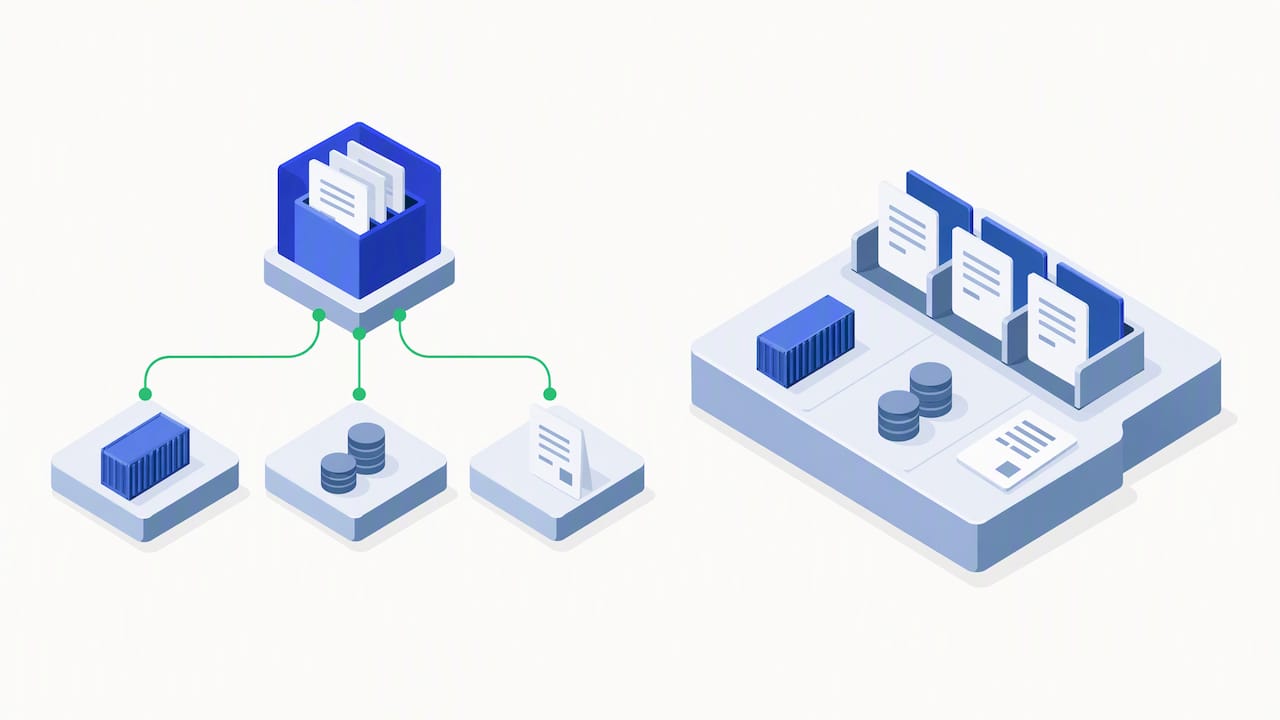
For a forwarder, the second path usually pays back faster. Consider what happens when a vendor invoice arrives. In a standalone setup, someone indexes it, finds the job in the TMS, keys the cost, checks it against the rate and sends it to accounting. In a TMS with invoice recognition, the invoice is read, matched to the shipment, compared with expected cost and passed to the accounting connection. The headcount that used to do that work moves to customer service and sales, which is where margin grows.
This is also an audit question. If you want to see how the accounting side of a forwarder’s paper trail comes together, our guide to TMS accounting integration and the IRS audit trail walks through it. And if your document problems start with inconsistent shipment data, fixing freight master data is the upstream step that makes automated matching reliable.
What implementation really takes
Any honest evaluation budgets for more than the license. Forwarders should account for integration complexity and for implementation, training and support costs, and integrations may require custom development. A per-seat price of $30 or $65 is the start of the number, not the end of it.
When you run a demo, test with your own messy documents rather than the vendor’s samples. Bring a scanned bill of lading, a multi-page vendor invoice with surcharges and a customs packet with a certificate of origin. Then ask four questions:
- Does the system classify each file and attach it to the right shipment without manual indexing?
- What happens when a document is missing or contradicts the shipment data?
- Can you pull every record for one entry in minutes, as a CBP request would require?
- Who can see, change or delete a file, and where is that logged?
The answers tell you more than a feature checklist. A system that handles exceptions gracefully is worth far more than one that handles perfect documents impressively.
Where FreightSuite fits
If you run a freight forwarding or logistics company and your documents currently live in email, shared drives and a separate archive, the fastest improvement is to bring them into the system where shipments are already managed. FreightSuite combines automated document management, invoice recognition, rate management, air and ocean tracking and workflow customization in one cloud TMS, with AI agents orchestrated inside the platform. You can see the platform and request a demo to test it against your own documents. To understand the wider system first, read our explainer on freight forwarding TMS.
The window is real, and it has a timeline. Forwarders who automate document handling now will quote faster, invoice sooner and carry less admin headcount than those who wait. The choice is yours to make.
FAQ
What is logistics document management?
It is the capture, classification, storage, matching and retrieval of the documents that move freight: bills of lading, delivery orders, invoices, packing lists, customs declarations and certificates of origin. Good systems also control access and keep an audit trail. In freight, the key feature is linking each file to its shipment.
How long must freight forwarders keep shipping documents in the US?
Freight brokers must keep transaction records for at least three years under 49 CFR 371.3. Licensed customs brokers must keep customs transaction records for at least five years after entry, per CBP. Confirm the rule that applies to your license with counsel.
Should I choose a standalone DMS or a TMS with document management?
Choose a TMS with built-in document management when your main goal is faster shipment operations and invoicing, because documents and load data stay in one record. Choose a standalone DMS when you need one repository for the whole company and have the resources to integrate it with your TMS.
How much does document management software cost?
Published US prices vary widely. DocuWare Cloud typically runs $30 to $125+ per user per month, and M-Files Essentials is $65 per seat monthly. Doxis and M-Files Enterprise are quoted individually, and FreightSuite is priced after a demo.
Sources
- Freight document management software guide, LaneSurf
- 49 CFR 371.3, Records to be kept by brokers, eCFR
- U.S. Customs and Border Protection, Customs Bulletin Vol. 46 No. 27
- CBP Guidance on Recordkeeping in ACE
- DocuWare document management software
- DocuWare for transportation and logistics
- DocuWare pricing FAQ
- M-Files
- M-Files editions and pricing
- Best document management software for logistics, Doxis
- Doxis ECM for the logistics industry
- Docuflair logistics document management
- Best bill of lading OCR software in 2026, Lido

