
2-Minute Lookups: Ops-First Customer Rate Visibility for Forwarders
Make customer rates and rating signals unambiguous and auditable. Show rate amounts with full context, publish rating averages alongside review counts, and enforce role-based view and edit controls before scaling any dashboard. Add rate history and audit trails from day one. A modern rate management module includes these features natively, providing forwarders a working model to compare against.
TL;DR:
- Showing both the review count and the rating average significantly increases customer trust and reduces disputes, especially when the number of reviews is high.
- Displaying clear rate details, including charges, currency, effective dates, and context, minimizes customer confusion and shortens invoice dispute resolution times.
- Limiting rate editing rights to a small, authorized team and enforcing an audit trail prevents unauthorized changes and supports dispute resolution.
- Automated systems that flag discrepancies, rate below cost, or outliers help catch margin leaks early and improve reconciliation efficiency.
- FreightSuite’s platform integrates essential rate visibility features, such as rate floors, role-based permissions, and audit trails, as standard components.
Table of Contents
- What Is Customer Rate Visibility and Why Does It Matter?
- What Should a Visible Rate and Feedback Display Include?
- How Do You Build a Rate Visibility System Step by Step?
- Who Should See and Edit Customer Rates?
- Which Metrics Actually Show Whether Visibility Is Working?
- What Mistakes Undermine Customer Rate Visibility?
- How FreightSuite Puts This Playbook to Work
- Sources
- FAQ
What Is Customer Rate Visibility and Why Does It Matter?
Customer rate visibility is the practice of surfacing pricing data, rate context, and feedback signals so both clients and internal teams can see, verify, and trust what a rate actually represents. For a freight forwarder, that means a customer looking at a quote can see the rate, the currency, what it includes, and how it compares to past shipments, without calling ops for clarification.
The payoff shows up fastest in disputes. When a rate’s history and inclusions are visible, a client questioning a surcharge can check the record instead of escalating to a manager. That shortens the invoice cycle and cuts the back-and-forth that eats a controller’s week.
Trust follows a similar pattern with ratings. Research from the Baymard Institute found that customers weigh a 4-star rating backed by many reviews more heavily than a perfect 5-star rating built on a single review. Sample size changes how people read a number. A forwarder showing “4.6 average, 340 shipments rated” earns more confidence than one showing “4.6” alone, because the count tells the reader the average is not a fluke.
What Should a Visible Rate and Feedback Display Include?
Good visibility design starts with what you choose to put on screen, not how you decorate it. Every customer-facing rate view should carry enough context that a reader never has to guess what a number means or where it came from.
At minimum, display:
- Rate amount and currency, stated clearly, never assumed from context
- Effective dates, so a customer knows whether they’re looking at a current or expired quote
- Included charges, itemized enough to explain what the base rate covers versus what’s added
- Rating average and review count together, never the average alone
- Component scores where feedback covers multiple dimensions, like on-time performance versus communication
Transparency extends past the display itself. Publish a plain-language explanation of how ratings get calculated and moderated. The FTC’s guidance for platforms recommends clearly disclosing how ratings are collected and displayed, and maintaining real procedures for catching fake or suspicious feedback. Give clients advance notice before changing your rating algorithm or weighting. A silent change that shifts someone’s score erodes the same trust you built by showing counts in the first place.
One design rule holds regardless of how your dashboard evolves: never show an aggregate number without its sample size and a trend indicator. A rating that jumped from three reviews to thirty tells a different story than one static number ever could.
How Do You Build a Rate Visibility System Step by Step?
Turning these principles into a working system means wiring the right data sources together and building automations that catch problems before customers do.
- Integrate your quoting engine with carrier cost feeds. Rate visibility falls apart when quoted prices and actual carrier costs live in separate systems that reconcile manually once a month.
- Connect CRM and invoicing data. A customer’s rate history should pull from the same record their invoices come from, not a parallel spreadsheet someone updates by hand.
- Validate incoming rate data at the point of entry. Flag anomalies (a rate that’s 40% below the trailing average for that lane, for instance) before they reach a quote.
- Build rate detail drilldowns into the dashboard. A customer or account manager should be able to click a total and see every line item that built it.
- Add a rate history timeline per customer. This is what turns a dispute call into a two-minute lookup instead of a half-day investigation.
- Set default sorting on feedback displays deliberately. Baymard’s research on rating sorts shows that default order changes which reviews people actually read, so choose “most recent” or “most helpful” on purpose, not by accident.
- Automate reconciliation triggers. Have the system flag mismatches between quoted and invoiced rates automatically, rather than waiting for a client to notice first.
Pro Tip: Set an automated alert for any rate that falls below your cost-plus-margin floor, and route it to a named approver with a required reason field. That single control catches more silent margin leakage than any manual spot-check ever will.
A freight quote management system built for this kind of validation removes most of the manual reconciliation work described above.
Who Should See and Edit Customer Rates?
Visibility without governance creates a different problem: pricing leaks, accidental edits, and no clear record of who changed what. The fix is a deliberate split between who can view a rate and who can change it.
Give broad view access to operational teams that need margin context to make sourcing decisions, but restrict edit rights to a small group with pricing authority. The Alvys Help Center’s documentation on rate permissions treats “View Customer Rate” and “Edit Customer Rate” as separate, distinct permissions for exactly this reason. A dispatcher who can see the customer rate to judge a lane’s profitability doesn’t need the ability to change it.
Layer governance on top of that split:
- Set a rate floor below cost-plus-margin, with a mandatory escalation channel for anything under it
- Require a recorded reason for every rate change, not just the new number
- Keep an immutable audit history that timestamps who changed what and when
- Make that history reportable, so a disputed invoice can be resolved by pulling the record instead of relying on memory
Operations teams get the same role-based control model applied to shipment tracking data, which keeps rate governance and operational visibility consistent across the platform.
Which Metrics Actually Show Whether Visibility Is Working?
Visibility only matters if you’re tracking whether it changes behavior. Split your dashboard into operational and customer-facing metrics, because they measure different things.
On the operational side, watch:
- Dispute rate, tracked as a percentage of invoices contested per month
- Invoice reconciliation time, from issue to resolution
- Rate leakage incidents, meaning rates that cleared below floor without escalation
- Quote-to-book time, which tends to shorten once customers trust the numbers they’re seeing
On the customer-facing side, track the distribution of ratings (not just the average), review volume over time, and helpful-vote or read-rate patterns on published feedback. A study of nearly 60,000 reviews found that visibility strongly predicts whether a review gets read or marked helpful at all, especially under “most helpful” sorting. That’s a strong signal that where feedback sits in the display matters as much as what it says.
Build low-sample warnings directly into your dashboard. Flag any average computed from a small pool of reviews with a visible note, and default your feedback view to either the most recent or most helpful entries rather than an arbitrary order.
What Mistakes Undermine Customer Rate Visibility?
Most visibility failures trace back to a handful of repeat mistakes. Showing an average rating without the count behind it is the most common one, and it’s also the easiest to fix immediately.
Hiding your moderation rules is another. If customers don’t know how you handle disputed or suspicious feedback, they’ll assume the worst about the numbers they can’t verify. Unrestricted edit access on customer rates is a third, quieter risk. It looks fine until a rate changes with no record of why. And exposing carrier costs to customers who never asked for that detail creates negotiating leverage you didn’t intend to hand over.
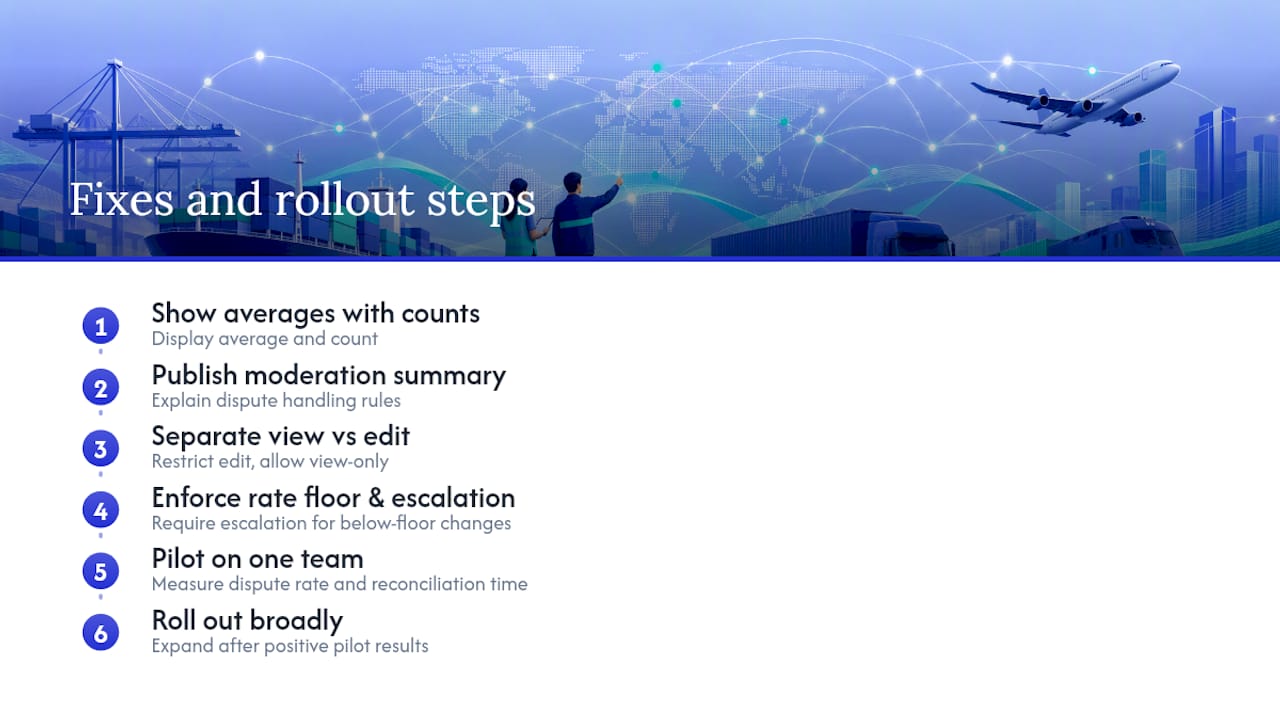
The fixes are fast: pair every average with its count, publish a short moderation summary, split view and edit permissions, and enforce a rate floor with mandatory escalation. Roll the changes out to one team first, measure the effect on dispute rate and reconciliation time, then expand.
How FreightSuite Puts This Playbook to Work
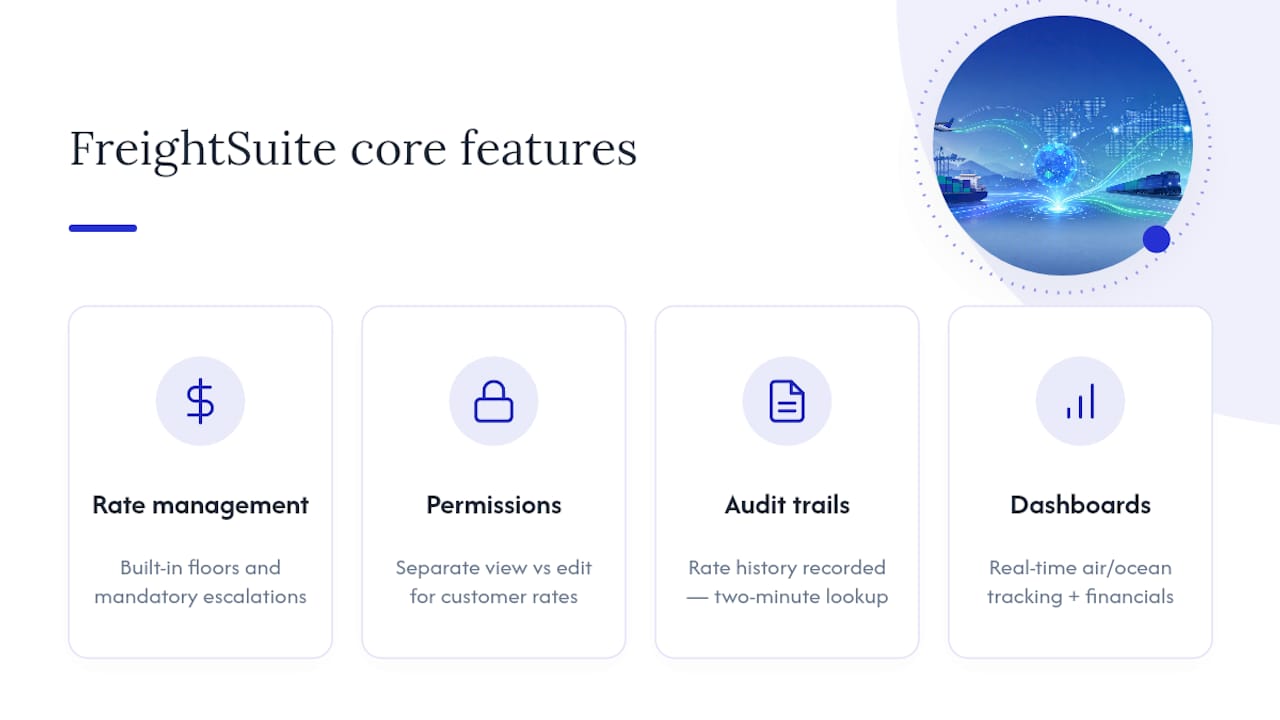
Every practice in this guide maps directly to features built into a comprehensive freight forwarder platform natively, not as add-on modules you have to configure from scratch.

Rate management with built-in floors and mandatory escalation channels means underpriced quotes get caught before they reach a customer, not after the invoice ships. Role-based permissions separate who can view a customer rate from who can edit it, matching the governance split this guide recommends. Rate history and audit trails are recorded automatically, so a disputed invoice becomes a two-minute lookup instead of a week of email threads. Dashboards surface real-time tracking across air and ocean shipments alongside the financial detail your team needs to spot rate leakage early.
This platform positions itself as the alternative to legacy TMS platforms, with automation and AI agent orchestration built in from the start rather than bolted on. Every core feature, including rate management for sales teams and audit-ready operational controls, ships out of the box.
If your current rate visibility runs on spreadsheets and manual reconciliation, start by looking at FreightSuite’s platform overview and see how the rate management and dashboard features line up against the checklist in this guide.
Sources
- Featuring online customer reviews: A guide for platforms — FTC
- User perception of product ratings — Baymard Institute
- Is review visibility fostering helpful votes? — Computers in Human Behavior
FAQ
What Does Customer Rate Visibility Mean in Freight Forwarding?
It means making customer-facing rates, their context, and any related feedback signals clear, complete, and auditable for both clients and internal teams. That includes showing rate amounts with currency and inclusions, plus pairing any rating average with its review count.
Why Should I Show Rating Counts Alongside Averages?
Because customers judge credibility using both numbers together, not the average alone. Baymard Institute’s research found people trust a lower-rated item with hundreds of reviews more than a perfect score with just one.
Who Should Have Edit Access to Customer Rates?
Edit access should stay limited to a small group with pricing authority, while view access can extend broadly to operations and sales teams who need margin context. This split, recommended in Alvys’s rate permissions documentation, prevents accidental changes while keeping teams informed.
How Do I Handle a Disputed Rate or Rating?
Pull the immutable audit trail first: it should show every change, the reason behind it, and who approved it. If your system logs rate history automatically, resolving a dispute becomes a lookup rather than an investigation.
Does FreightSuite Include Rate Visibility Features Out of the Box?
Yes. FreightSuite’s rate management includes rate floors, role-based permissions, and audit trails as native features, not paid add-ons. Pricing details are available directly on the FreightSuite website.
Stop FX Margin Leak: Six Steps to Dynamic FX Tracking for Freight Forwarders
Dynamic FX tracking is real-time monitoring of currency movements paired with automatic landed-cost revaluation inside your TMS, so quoted margins hold up all the way to settlement. For a freight forwarder juggling a dozen currencies across a single ocean booking, that automation is the difference between a quote you can trust and one that quietly loses money between acceptance and invoice. This tracking can be built natively into rate management and finance modules, which is the direction the whole industry is heading.
TL;DR:
- Automated FX hedging tools can recover several percentage points of margin per shipment, mainly by locking rates at quotation and reducing unhedged exposure.
- Dynamic FX tracking requires live rate feeds, configurable lock periods, and detailed audit trails to prevent margin leaks during currency fluctuations.
- Implementing effective treasury workflows, such as locking obligations at quote and using forward contracts, minimizes dual conversion and rate movement risks.
- Full integration between the TMS, banking, and FX providers ensures real-time rate updates and automated payment processing, without manual intervention.
- Regular review of FX variance reports and setting appropriate alert thresholds in dollar exposure help maintain control over currency-related margin loss.
Table of Contents
- Why FX Volatility Is Quietly Draining Your Margins
- The Core Components of Dynamic FX Tracking
- Treasury Workflows That Stop Dual-Conversion Losses
- Wiring Dynamic FX Into Your TMS Through Automation
- Metrics That Prove Your FX Controls Are Working
- Your Implementation Checklist for Going Live
- Real-Time Monitoring Techniques and Tools
- Data Sources and Accuracy Considerations
- Setting Alert Thresholds for Currency Movements
- Case Studies in Dynamic FX Tracking
- How FreightSuite Handles Dynamic FX Tracking for You
- Sources
- FAQ
Why FX Volatility Is Quietly Draining Your Margins
Currency swings are not a background risk. They are a documented driver of financial performance for freight forwarders, and a study on supply chain risk in South Africa ties currency fluctuation directly to profitability outcomes across the sector.
Here’s the mechanic most operations teams underestimate: a single booking might involve a buy rate in one currency, a sell rate in another, and a settlement that happens weeks later in a third. Every gap between quote and invoice is exposure. Forwarders who don’t manage that exposure directly can watch several percentage points of margin evaporate per shipment once the wire finally clears.
Statistic Callout: Automated FX hedging and rate-locking tools can reclaim multiple percentage points of margin per shipment that would otherwise disappear to unhedged currency swings, according to industry reporting on forwarder hedging outcomes. That gap shows up two ways: margin measured at booking versus margin actually realized at settlement, as well as the hours your finance team spends reconciling the difference every month.
The Core Components of Dynamic FX Tracking
A TMS that actually tracks FX dynamically needs more than a currency converter bolted onto an invoice screen. It needs a layered system that distinguishes rate types, locks them at the right moment, and keeps a clean record of what happened.
- Mid-market rate versus offered rate. The mid-market rate is the reference point; the offered rate includes the spread your bank or FX provider charges, and that spread is where quiet losses accumulate.
- Forward-rate locking at quotation. Locking a conversion rate the moment a client accepts a quote creates mathematical certainty about margin, removing the guesswork between quote and delivery.
- Configurable lock windows. Not every booking needs a 90-day lock. Shorter lanes might only need a 10-day window, and your TMS should let you set that per trade lane.
- Multi-currency ledgers. Landed cost has to recalculate automatically as freight, duty, and surcharge lines land in different currencies.
- Audit trail metadata. Every executed conversion rate tied to an invoice or payment needs to be logged, timestamped, and retrievable, both for client disputes and for your own finance audits.
Treasury Workflows That Stop Dual-Conversion Losses
Dual conversion happens when money changes currency twice unnecessarily, once on the way in and again on the way out, and each conversion carries its own spread. Fixing this is less about buying new software and more about setting rules your sales, treasury, and accounts payable teams actually follow.
- Lock known obligations at quotation acceptance. Once a client signs off, treat that rate as fixed wherever your provider allows it. This single policy removes most of the guesswork from margin forecasting.
- Use forward contracts for fixed future payables. If you know you owe a carrier $50,000 in euros in 60 days, a forward contract acts as insurance against the rate moving against you before then.
- Maintain multi-currency balances for natural hedging. Holding a euro balance to pay euro invoices, rather than converting back and forth, is one of the cheapest FX controls available to a forwarder.
- Automate bulk payments on a schedule. Batching payables reduces the number of individual conversions and shortens the window of exposure per transaction.
- Route payments from matching currency wallets. Draw euro payables from euro wallets, not from a converted dollar balance, whenever your treasury setup allows it.
Pro Tip: Most banks widen their spread well beyond what specialist FX providers charge, so comparing your bank’s rate against a dedicated FX partner on your top three trade lanes often pays for itself within a quarter.
Wiring Dynamic FX Into Your TMS Through Automation
Rate-locking and multi-currency wallets only work at scale if your TMS talks directly to your banking and FX providers. That means real integration, not a spreadsheet someone updates every morning.
- Live FX feeds connected to the TMS. Pull rates on a continuous basis rather than a daily manual refresh, so quotes generated at 4 p.m. reflect the same reality as quotes generated at 9 a.m.
- Payment API connections for straight-through processing. Once a rate is locked and an invoice is approved, the payment should route without a human retyping numbers into a banking portal.
- Automated invoice currency routing. The system should recognize which currency a client bills in and which currency a carrier expects, then trigger the right conversion path automatically.
- Structured remittance metadata. Storing execution details alongside each payment, not just the amount, is what lets automated reconciliation actually match invoices to receipts without manual review.
- Sandbox testing before go-live. Run your bank API connections against a handful of pilot trade lanes before trusting the full book of business to automated routing.
Metrics That Prove Your FX Controls Are Working
You cannot manage what you cannot measure, and FX leakage is easy to hide inside a general ledger that only shows totals. Finance teams need reports built specifically around currency variance, not adapted from a generic P&L template.
- Realized FX variance by booking and trade lane. Compare the rate quoted against the rate actually settled, broken out by lane so you can spot which corridors bleed the most.
- Average spread cost as a percentage of invoice value. This number tells you how much your bank or provider is actually charging you above mid-market.
- Exceptions report for failed or delayed conversions. Anything that didn’t process cleanly needs its own list, reviewed weekly, not buried in a monthly summary.
- Percentage of invoices requiring manual revaluation. A high number here signals your automation isn’t catching enough cases on its own.
Statistic Callout: Forwarders adopting automated rate-locking have reported recovering enough margin to offset the cost of the FX tooling itself within a single year, based on industry case examples of adoption outcomes. Assign a specific owner, usually a controller or treasury lead, to review these reports monthly rather than letting them sit as a dashboard nobody checks.
Your Implementation Checklist for Going Live
Rolling out dynamic FX tracking works better as a phased project than a flip of a switch. Skipping the pilot phase is the most common reason implementations stall.
- Define your FX policy with commercial and treasury together. Decide which bookings get locked at quotation, which get forward contracts, and which currencies you’ll hold natively.
- Map your currency exposures. List every currency pair that touches your top twenty trade lanes and set up ledgers for each.
- Integrate rate feeds and payment APIs. Connect your live FX data source and banking rails to the TMS before touching live client bookings.
- Run end-to-end tests in a sandbox. Simulate a full booking-to-payment cycle and confirm the audit trail captures every executed rate.
- Pilot on a limited set of lanes. Choose two or three high-volume corridors and monitor exception reports closely for the first month.
- Train staff and monitor before full rollout. Sales needs to understand why locked quotes matter, and finance needs to know how to read the new variance reports.
Pro Tip: Pilot your riskiest currency pair first, not your safest one. If the automation handles a volatile pair like the Brazilian real or Turkish lira cleanly, the stable pairs will take care of themselves.
Real-Time Monitoring Techniques and Tools
Real-time FX tracking depends on how frequently your rate source refreshes and how that data reaches the point of decision, whether that’s a quote screen or an invoice approval workflow. Batch updates once or twice a day used to be standard practice, but that cadence leaves hours of exposure on volatile trade lanes.
Modern adaptive currency tracking pulls rates on a continuous feed and pushes updates directly into the quoting engine, so a sales rep generating a quote at any hour sees a rate that’s minutes old, not a stale number from the morning refresh. The technique that separates a good setup from a mediocre one is tying that live rate to an action, not just a display. A rate that updates on screen but doesn’t trigger a landed-cost recalculation is just a ticker, not real-time FX tracking.
Effective monitoring also layers in historical volatility context. A rate moving half a percent on a stable pair like the US dollar to the Canadian dollar means something different than the same move on a pair prone to sharp swings. Tools built for automated FX monitoring typically flag movement relative to a trailing average, not just the raw number, which helps operations teams tell the difference between normal noise and a move worth acting on.
For forwarders managing dozens of trade lanes, the practical test is simple: can a controller pull up currency fluctuations monitoring for any single lane, at any moment, without asking IT to run a report? If the answer is no, the monitoring isn’t actually real-time. It’s periodic reporting wearing a real-time label.
Data Sources and Accuracy Considerations
The quality of your dynamic foreign exchange analysis is only as good as the rate feed underneath it. Most forwarders draw from one of three source types: a banking partner’s proprietary feed, a third-party FX data provider, or a specialist logistics-focused FX platform. Each comes with tradeoffs in latency, cost, and how closely the quoted rate tracks the true mid-market number.
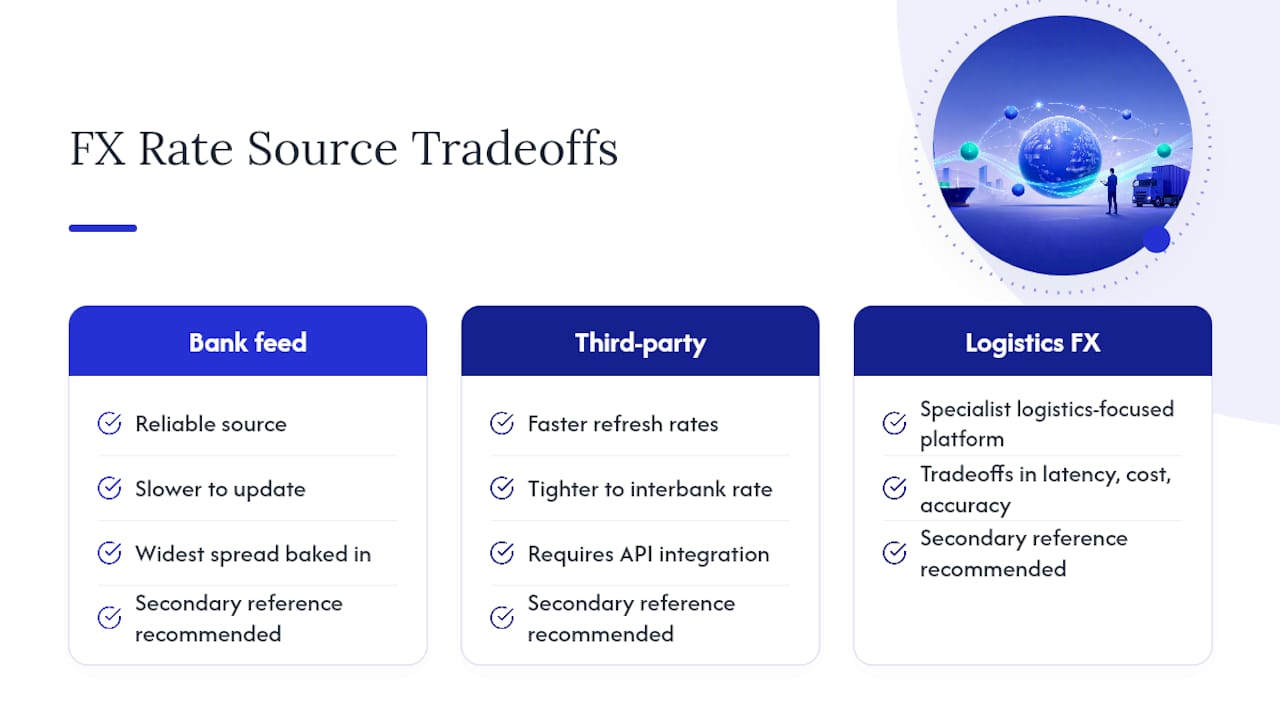
Bank feeds tend to be reliable but slower to update and often carry the widest spread baked in before you even see the number. Third-party data providers, the kind that serve trading desks, typically offer faster refresh rates and tighter accuracy to the interbank rate, but they require your TMS to have a genuine API integration rather than a manual export.
Accuracy also depends on how your system handles rate timestamps. A rate pulled at 2:00 p.m. and applied to an invoice generated at 2:47 p.m. introduces a small but real discrepancy, especially on volatile trading days. The strongest setups timestamp every rate at the moment it’s applied, not just at the moment it was fetched, so your audit trail shows exactly which rate governed which transaction.
One accuracy trap worth naming directly: relying on a single data source with no cross-check. If that feed goes down or lags during a volatile session, your entire quoting engine inherits the error silently. Forwarders with mature FX tracking software solutions typically build in a secondary reference rate, if only to flag when the primary feed drifts more than a small tolerance from a backup source.
Setting Alert Thresholds for Currency Movements
An alert system is only useful if it fires on movements that actually matter to your margin, not every tick of the market. Setting the threshold too tight buries your team in noise; setting it too loose means real risk slips through unflagged.
Most forwarders start by setting a percentage-based threshold, commonly somewhere in the range of half a percent to two percent movement within a trading session, depending on how volatile the specific currency pair tends to be. A pair like the euro to the US dollar might warrant a tighter threshold because even small moves are meaningful at scale, while a historically volatile pair might need a wider band to avoid constant false alarms.
The threshold should also vary by exposure size, not just percentage move. A half-percent swing on a $200,000 booking matters more in absolute dollars than a two-percent swing on a $5,000 shipment. Mature dynamic FX tracking setups weight alerts by dollar exposure, not just percentage change, so the team’s attention goes where the actual risk sits.
Who receives the alert matters just as much as when it fires. Route quote-stage alerts to sales, so a rep knows to re-confirm pricing before a client signs. Route settlement-stage alerts to treasury, so payments can be rescheduled or hedged if a currency has moved sharply since the booking was locked. Sending every alert to every team member trains people to ignore them within a week.
Case Studies in Dynamic FX Tracking
The clearest illustration of dynamic FX tracking’s value shows up in forwarders managing high-volume ocean freight lanes where the buy currency and sell currency rarely match. A forwarder booking Asia to North America freight, for example, might quote a US client in dollars while paying carrier invoices in a mix of Chinese yuan and euros for transshipment fees. Without rate-locking at the point of quote acceptance, every day between booking and final invoice introduces new exposure.
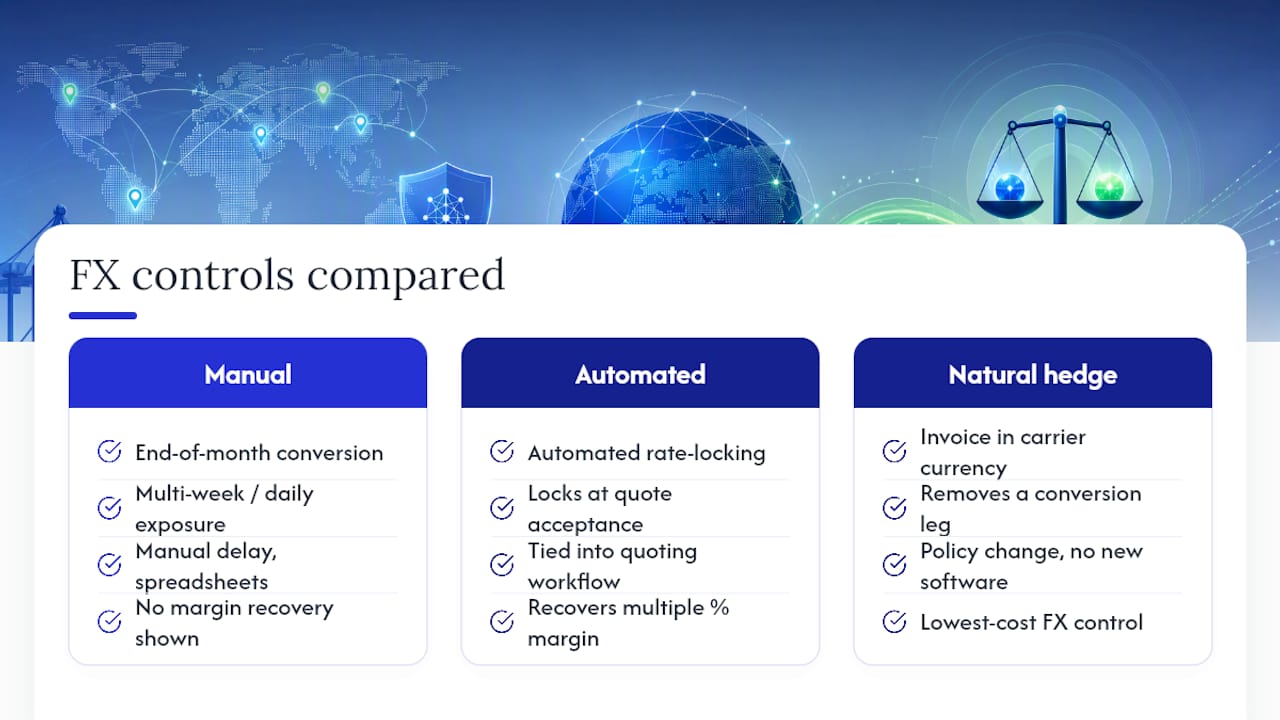
Industry reporting on automated FX hedging adoption shows forwarders recovering multiple percentage points of margin per shipment after shifting from manual, end-of-month currency conversion to automated rate-locking tied directly to the quoting workflow. The mechanism is straightforward: locking removes the multi-week gap where a currency could move against the forwarder, and automation removes the manual delay where someone forgets to convert funds until the invoice is already overdue.
A second pattern shows up around natural hedging. Forwarders that started invoicing certain clients in the same currency they use to pay carriers on that lane, rather than converting through dollars as an intermediary step, cut out an entire conversion leg. That’s one of the lowest-cost FX controls available, and it requires no new software, just a change in invoicing policy paired with a TMS that can actually bill in multiple currencies cleanly.
The common thread across these examples isn’t sophistication. It’s consistency: locking rates at a defined moment, tracking them automatically, and reconciling without a spreadsheet stitched together at month end.
How FreightSuite Handles Dynamic FX Tracking for You
Everything covered above, rate-locking at quotation, multi-currency ledgers, automated landed-cost revaluation, audit trails on every executed rate, can be built natively into rate management and finance modules. There’s no add-on module to buy and no third-party FX plugin to stitch together after the fact. That’s a common positioning claim among some newer TMS platforms: every feature ships out of the box, so finance teams are not waiting on vendor integrations to close the gap between quoted margin and realized margin.
Some finance tools connect rate management, air and ocean tracking, and multi-currency ledgers into a single workflow, so a rate locked at quotation flows straight through to invoicing without a manual reconciliation step. For forwarders running ocean lanes with heavy multi-currency exposure, the Ocean Freight TMS & Automation module ties directly into this same finance layer.
If your finance team is the one asking for better FX visibility, the finance team solutions page walks through how credit control, invoice recognition, and currency tracking work together inside one system. See how a real forwarder cut reconciliation time and margin leakage in the FreightSuite case study, then request a demo through the main FreightSuite platform to see dynamic FX tracking running against your own trade lanes.
Sources
- Architecting a Secure Multi-Currency Workflow For Freight Forwarder Booking - XTransfer
- FX Risk Management for Importers and Freight Forwarders: A Practical Guide | SeaRates Blog
- Automated FX Hedging for Freight Forwarders: Shielding Supply Chain Margins from Currency Swings | Onex Blog
- Supply chain risk and performance of freight forwarders in South Africa
FAQ
What Is Dynamic FX Tracking in a TMS?
Dynamic FX tracking is the real-time monitoring of currency rates paired with automatic landed-cost revaluation inside a transport management system. It keeps quoted margins accurate by updating cost calculations as rates move, rather than relying on a rate that was current only at the moment of quoting.
How Does Rate-Locking at Quotation Protect Margins?
Locking the conversion rate the moment a client accepts a quote fixes your margin at that number regardless of how the currency moves afterward. This creates mathematical certainty about profitability that a floating rate cannot offer.
What’s the Difference Between a Forward Contract and Natural Hedging?
A forward contract locks in a future exchange rate for a known payment date, acting as insurance against adverse currency moves. Natural hedging avoids the need for that insurance entirely by holding or invoicing in the same currency you’ll eventually pay out, which SeaRates identifies as one of the cheapest FX controls available to forwarders.
How Much Margin Can Automated FX Tracking Actually Recover?
Forwarders adopting automated rate-locking and hedging tools have reported recovering multiple percentage points of margin per shipment that would otherwise be lost to unhedged currency swings. The exact figure varies by trade lane volatility and shipment volume.
Does FreightSuite Include Dynamic FX Tracking Natively?
Yes, FreightSuite builds dynamic FX and cost tracking directly into its rate management and finance modules, alongside multi-currency ledgers and automated landed-cost recalculation. Current pricing and demo details are available directly on the FreightSuite website.
How Often Should FX Exception Reports Be Reviewed?
Exception reports for failed or delayed conversions should be reviewed weekly at minimum, with a summary rolled into monthly finance reviews. Assigning a specific owner, typically a treasury lead or controller, keeps these reports from being ignored between reviews.
F&O or Business Central? 6 Step Dynamics 365 TMS Decision Plan
Yes, Dynamics 365 supports transportation management, and the choice is not whether to integrate but how. Use the built-in Supply Chain Management TMS when your routing needs are simple and ERP-native. Choose a direct API or a managed connector like Azure Logic Apps or an AppSource gateway when you need multi-carrier rate shopping and real freight execution. Business Central users skip the built-in option entirely: there is none, so a third-party TMS is the only path forward.
TL;DR:
- Native supply chain management tools are suitable for simple routing needs, but complex freight operations require multi-carrier integration for real-time rate shopping and automation.
- A third-party TMS integration reduces manual data entry, improves freight audit accuracy, and enhances customer visibility through automatic synchronization with Dynamics 365.
- Options like direct API, middleware platforms, or productized connectors vary in deployment speed, flexibility, and maintenance, with each suited to different technical capacities and operation sizes.
- Proper project scoping, including lane selection and KPI setting, is essential to prevent delays and ensure smooth, staged go-lives with minimal rework.
- FreightSuite offers built-in, native integration features for Dynamics 365, streamlining a complex process and eliminating the need for extensive custom development.
Table of Contents
- What Does Dynamics 365 Transportation Management Cover?
- Why Integrate a Full TMS With Dynamics 365?
- Direct API, Middleware, or Native Connector: Which Fits?
- How Does Shipment Data Flow Between Dynamics and a TMS?
- What Does the Implementation Checklist Look Like?
- What Are the Biggest Integration Pitfalls?
- How Does FreightSuite Handle Dynamics 365 Integration?
- How Do You Optimize Performance After Integration?
- What Do Successful Dynamics 365 TMS Integrations Look Like?
- What Trends Will Shape Dynamics 365 TMS Integration Next?
- Ready to Connect Your TMS to Dynamics 365?
- Where to Read the Technical Documentation
- Sources
- FAQ
What Does Dynamics 365 Transportation Management Cover?
The Transportation Management module lives inside Dynamics 365 Supply Chain Management, formerly Finance & Operations. It handles route planning, load building, and shipment processing natively, according to Microsoft Learn’s transportation management documentation. If you are running Business Central, this module simply does not exist in your environment, full stop.
That distinction shapes every decision downstream. Supply Chain Management customers get a genuine choice between native tools and outside software. Business Central customers face a different question entirely: which third-party TMS or connector fits their volume and carrier mix, since Business Central has no built-in transportation module to fall back on, per the same Microsoft documentation.
The native module inside Supply Chain Management works well for straightforward internal logistics, but it has real ceilings:
- Rate tables are largely static and require manual updates as carrier pricing shifts.
- Carrier connectivity is limited compared to dedicated freight platforms built around live API feeds.
- Multi-modal freight forwarding (ocean, air, and road together) stretches the module past its original design intent.
If you move small volumes on a handful of contracted lanes, the native tools may cover you. If you broker freight across modes, manage dozens of carrier relationships, or need live rate shopping, you are looking at integration, not customization. Mid-market and enterprise freight forwarders almost always land in the second category, because their margin depends on carrier flexibility the native module was never built to provide.
Why Integrate a Full TMS With Dynamics 365?
The financial case for integration comes down to one word: friction. Every manual re-entry of a shipment record between your TMS and your ERP is a chance for a typo, a missed accessorial charge, or a delayed invoice. Third-party integrations eliminate that friction by writing shipment data, rate confirmations, and freight costs directly back into Dynamics 365, according to AlphaVima’s analysis of Dynamics 365 TMS integration.
Pro Tip: Track your freight audit exception rate before and after integration. A drop in flagged discrepancies is one of the clearest signals that your data sync is actually working, not just running.
The measurable benefits tend to fall into four buckets:
- Single source of truth. Order, warehouse, and finance teams stop reconciling three versions of the same shipment.
- Live rate shopping. Carrier selection happens against current rates instead of a table someone updated last quarter, which directly affects freight spend.
- Automated freight audit. Estimated and final carrier charges get compared automatically, and discrepancies above a set tolerance get flagged before a vendor payment goes out.
- Better customer visibility. Tracking milestones sync back into Dynamics dashboards, so customer service is not calling a carrier hotline to answer a basic “where is my shipment” question.
Freight forwarders running lean back offices feel this most acutely. A team of three people processing hundreds of shipments a month cannot afford to manually reconcile freight invoices against quotes. Integration turns that reconciliation into a background process instead of a full-time job.
Direct API, Middleware, or Native Connector: Which Fits?
Three architectural paths lead to a working Dynamics 365 TMS integration, and each one trades speed of deployment against long-term flexibility.
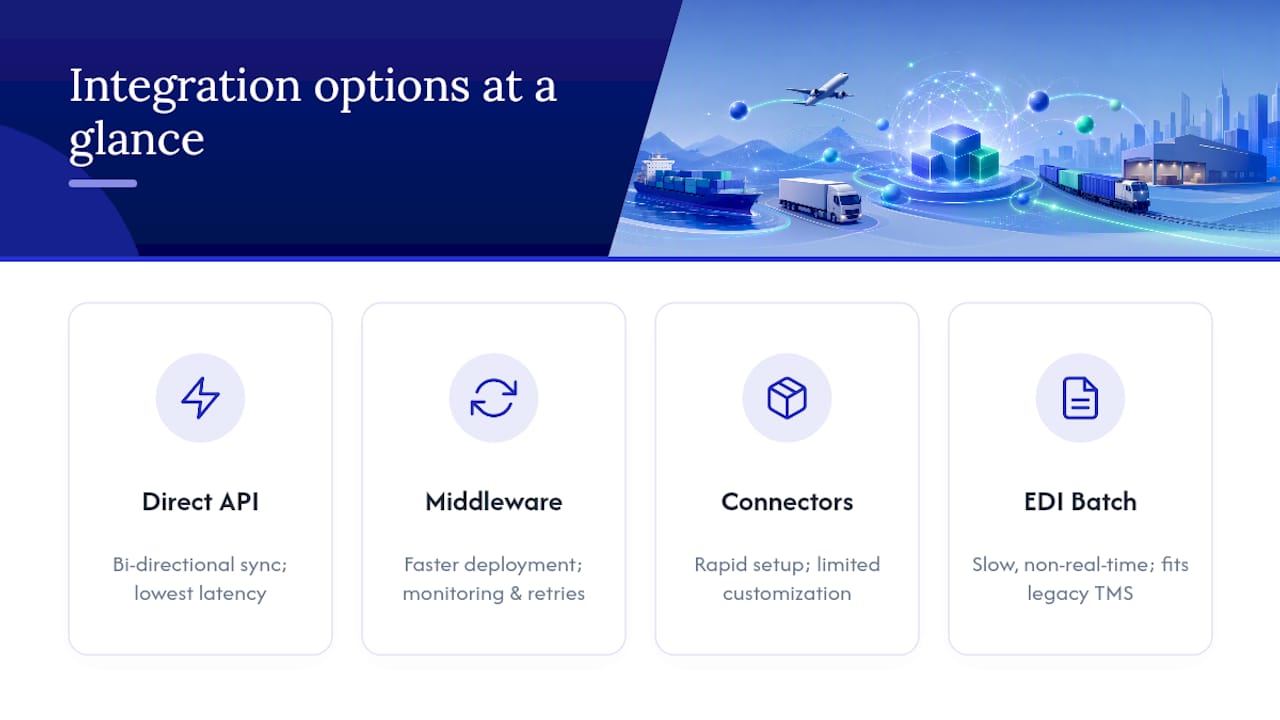
Direct API integration connects your TMS and Dynamics 365 point to point, with no middle layer translating data between them. This approach gives you tight bi-directional sync and lower latency, which matters if your operations team needs shipment status changes to appear in Dynamics within seconds, not minutes. Modern best-of-breed TMS platforms increasingly ship with direct, bi-directional APIs that reduce both implementation time and ongoing maintenance compared to heavier middleware setups, according to ACS Logco’s analysis of TMS benefits. The trade-off: you need engineering capacity to build and maintain that connection, including handling authentication tokens, retries, and schema changes on both sides.
Middleware and iPaaS platforms, most commonly Azure Logic Apps, sit between Dynamics 365 and your TMS and handle the translation work centrally. Logic Apps ships with prebuilt connectors for Dynamics 365 and native Azure Active Directory security, which is a major reason it has become the default recommendation for teams that want faster deployment without sacrificing monitoring or retry logic, per Microsoft Azure’s Logic Apps documentation. For many mid-market shippers, Logic Apps hits the best balance between deployment speed and long-term maintainability, largely because you are not building connector logic from scratch.
Productized connectors and gateways, like the NMB Gateway for TMS listed on Microsoft AppSource, centralize multi-modal transportation workflows and expose shipment events directly inside Dynamics. These gateways get you to a working state faster than a custom build, but they can limit how much you customize specific flows, particularly around advanced freight audit or customs brokerage logic.
EDI and batch transfers remain relevant for legacy on-premise TMS platforms that were never built with modern API layers. It is slower and less real-time than any of the three options above, but it still beats manual data entry for teams stuck on older infrastructure. Understanding how integration architecture connects ERP and logistics systems more broadly helps clarify where EDI still fits inside a modern stack.
How Does Shipment Data Flow Between Dynamics and a TMS?
Every Dynamics 365 TMS integration follows a similar sequence, whether you build it with a direct API, Azure Logic Apps, or a productized gateway. Understanding this flow before scoping the project prevents the single most common cause of rework: discovering halfway through implementation that a data object was never mapped.
- Order creation. A sales or purchase order gets created in Dynamics 365, triggering the need for a shipment.
- Shipment request. The order data (weight, dimensions, origin, destination, service level) passes to the TMS as a shipment request.
- Rate and carrier selection. The TMS shops rates across connected carriers and returns options, often including accessorial charges for fuel surcharges or liftgate service.
- Execution. Once a carrier is selected, the TMS generates labels, booking confirmations, and dispatch instructions.
- Tracking and proof of delivery. Milestone updates and proof-of-delivery documents flow back through the integration layer as the shipment moves.
- Cost sync and freight audit. Final carrier charges reconcile against the original quote, and the confirmed cost posts back into Dynamics finance records for accounts payable.
The objects moving through that sequence, sales and purchase order headers, shipment header and line records, carrier service codes, rate and accessorial data, tracking milestones, and invoice records, need a home somewhere in your architecture. Dataverse entities, OData or REST API endpoints, and F&O data entities are the three most common hosting points for these mappings. Multi-modal forwarders should keep carrier code and accessorial mapping tables centralized in the TMS or middleware layer rather than scattered across ERP customizations, since duplicating that logic in two places is a maintenance trap waiting to happen.
What Does the Implementation Checklist Look Like?
A Dynamics 365 TMS integration project succeeds or fails based on decisions made before a single line of code gets written. Rushing past pre-project alignment is the most common reason go-lives slip by months.
Start with scope. Define exactly which lanes, transportation modes, and carrier contracts the integration will cover in phase one, and set concrete KPIs (freight audit exception rate, on-time tracking update percentage, invoice cycle time) so you know whether the project actually worked once it is live.
Pro Tip: Resist the urge to integrate every carrier and mode on day one. Launch with your highest-volume lane, prove the data flow works end to end, then expand. A narrow, working integration beats a broad, half-tested one.
From there, the technical and testing work breaks down into four stages:
- Authentication setup. Choose OAuth through Azure Active Directory for identity management, and document token refresh and rotation procedures before go-live, not after.
- Field mapping documentation. Every carrier code, accessorial charge type, and status milestone needs a documented mapping to its Dynamics equivalent.
- Sandbox and lane testing. Run test shipments through sandbox carrier environments, then move to real test lanes with reconciliation scenarios that intentionally include discrepancies, to confirm your freight audit logic actually catches them.
- User acceptance testing. Operations, finance, and customer service teams need to sign off on the full end-to-end flow, not just the technical team.
Go-live should be staged, not a single cutover. Roll out one lane or carrier group at a time, run monitoring dashboards to catch failures early, and have a documented rollback plan and change control process before you flip the switch on lane two.
What Are the Biggest Integration Pitfalls?
Schema drift is the quiet killer of most Dynamics 365 TMS integrations. A carrier updates their API, a field that used to return a two-letter status code now returns three letters, and suddenly your freight audit job is flagging every shipment as an exception. Contract testing and versioned endpoints catch this before it hits production, according to Microsoft’s Logic Apps documentation on integration best practices.
The maintenance trade-off between approaches deserves honest attention before you commit. Custom point-to-point integrations give you full control but put the maintenance burden entirely on your team. Managed connectors and middleware shift some of that burden to the platform vendor, at the cost of some customization flexibility.
A few other risks show up often enough to plan for explicitly:
- PII exposure in shipment data. Names, addresses, and contact details flow through every shipment record, so token rotation and secure storage practices matter as much for a TMS integration as for any other customer-facing system.
- Carrier code mismatches. A carrier’s internal service code rarely matches the code your TMS or ERP expects out of the box, and mapping errors here cause silent misroutes.
- Accessorial handling gaps. Fuel surcharges, liftgate fees, and residential delivery charges often get missed in initial mapping, which shows up later as freight audit discrepancies nobody can explain.
- Data latency assumptions. Not every integration path delivers true real-time updates. Confirm what “real-time” actually means for your chosen architecture before promising customers live tracking.
How Does FreightSuite Handle Dynamics 365 Integration?
FreightSuite was built as an Agentic TMS from the ground up, which changes the integration conversation compared to older platforms. Rate management, air and ocean tracking, finance, operations, and workflow automation are native features, not add-ons layered onto a legacy core, and AI agent orchestration runs underneath all of it.
That native design matters directly for Dynamics 365 integration work. The touchpoints that typically cause the most friction, order sync, live rate shopping, tracking writeback, and freight cost sync to finance, are built into the platform rather than bolted on through custom development. Because FreightSuite’s ocean freight capabilities and air freight workflows share the same underlying data model, a forwarder running multi-modal freight is not maintaining three separate integration logics into Dynamics, just one.
Here is what that looks like in practice for a forwarder scoping this kind of project:
- Order and shipment data sync bi-directionally without a custom-built translation layer.
- Rate shopping pulls live carrier data instead of relying on static tables.
- Tracking milestones and proof-of-delivery documents write back automatically.
- Freight costs and audit reconciliation flow directly into finance records.
If you are researching how a TMS tracks air shipments and syncs milestones into an ERP, the same automation logic applies whether the shipment moves by air, ocean, or road.
How Do You Optimize Performance After Integration?
An integration that works on day one can slow to a crawl by month six if nobody watches the right signals. Performance problems in Dynamics 365 TMS integrations rarely announce themselves loudly. They show up as a report that takes twenty seconds longer to load, or a tracking update that arrives ten minutes late instead of instantly.
Batch processing intervals are the first lever worth checking. If your integration polls for tracking updates every five minutes when the business only needs updates hourly, you are burning API calls and processing overhead for no operational benefit. Match the polling frequency to the actual decision-making cadence of your team, not to what feels technically impressive.
Payload size matters more than most teams expect. Sending full shipment records with every update, instead of delta changes showing only what moved, multiplies data volume unnecessarily as shipment counts grow. Trimming payloads to changed fields only keeps sync times manageable as you scale from hundreds to thousands of monthly shipments.
Indexing on the Dynamics side deserves attention too. Custom fields added during mapping work sometimes get created without proper indexing, which turns a fast lookup into a slow table scan once shipment volume climbs. A quick database review during a quarterly health check catches this before it becomes a visible slowdown.
Finally, separate your monitoring from your transaction processing. A dashboard that queries live production tables for every refresh competes with the actual freight transactions for the same database resources. Route monitoring queries to a read replica or a cached reporting layer instead, and your core integration keeps running at full speed regardless of how often someone checks the dashboard.
What Do Successful Dynamics 365 TMS Integrations Look Like?
The pattern across successful projects is less about the technology chosen and more about the sequencing. Teams that phase their rollout by lane or carrier group, rather than attempting a full cutover, consistently report smoother go-lives.
A mid-sized freight forwarder moving from manual carrier booking to an integrated rate-shopping workflow typically sees the clearest early win in freight audit accuracy. Before integration, discrepancies between quoted and billed carrier charges often go unnoticed until month-end reconciliation, when finance discovers the gap and has to chase it down after the fact. After integration, automated reconciliation flags those discrepancies within a day or two of invoice receipt, while the shipment details are still fresh and easy to trace back to a cause.
Customs brokerage integrations follow a similar arc but with a longer initial mapping phase, since customs data requirements (harmonized tariff codes, country-of-origin documentation, entry filings) add complexity beyond standard domestic freight. Forwarders handling customs brokerage workflows alongside standard freight tend to scope that portion of the integration separately from core transportation execution, precisely because the compliance requirements move at a different pace than day-to-day shipment tracking.
The common thread across working integrations is restraint at launch. Projects that tried to connect every carrier, every mode, and every reporting dashboard simultaneously took the longest to stabilize. Projects that proved one lane worked end to end, then expanded methodically, reached full production stability faster and with fewer emergency fixes along the way.
What Trends Will Shape Dynamics 365 TMS Integration Next?
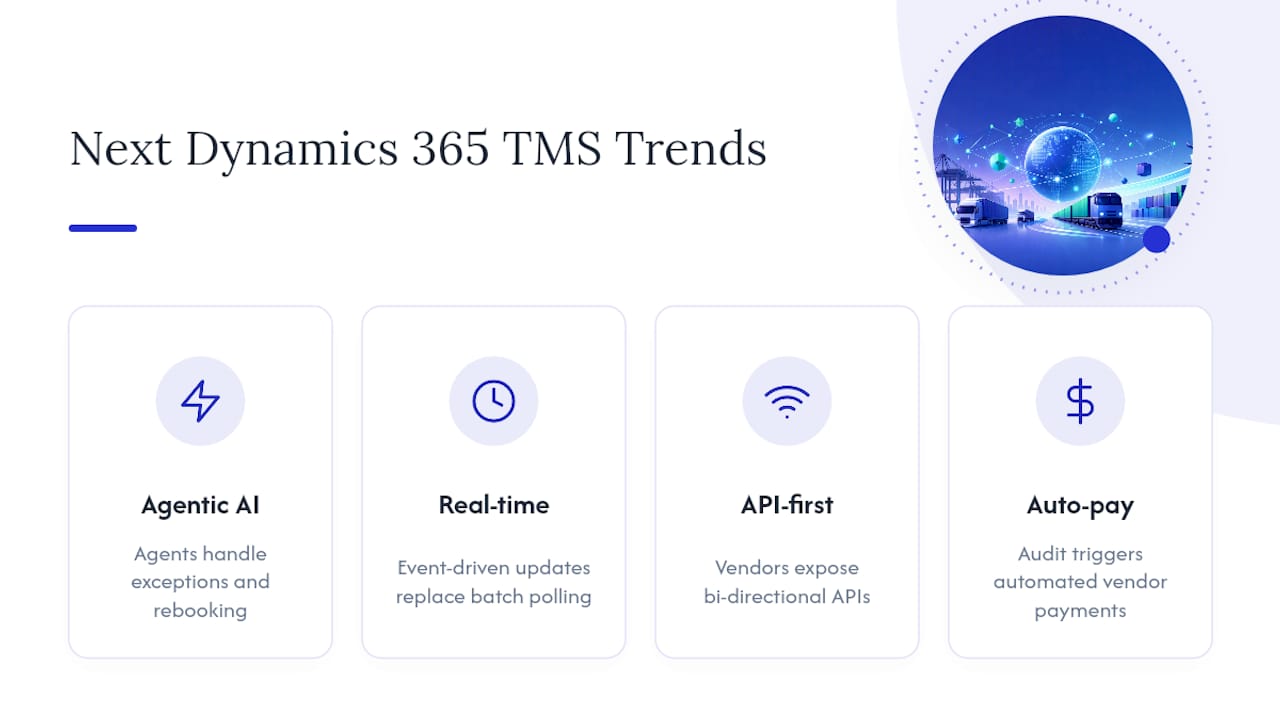
Agentic AI is moving from a buzzword to an actual architectural layer inside transportation management, and that shift changes what “integration” means. Instead of a static rule set deciding which carrier gets a shipment, AI agents are increasingly handling exception management, carrier selection, and even proactive rebooking when a carrier misses a pickup window, without a human triggering each step manually.
Real-time visibility expectations keep tightening. Customers who once accepted a tracking update once a day now expect near-instant status changes, which puts pressure on integration architectures to move away from batch polling toward event-driven updates wherever the carrier’s API supports it.
API-first design is becoming the default expectation rather than a nice-to-have feature. Vendors that once positioned middleware as the only sane path to integration are increasingly building direct, bi-directional APIs as a core product feature, which continues to shift the cost-benefit calculation away from heavy custom middleware for teams with moderate technical capacity.
Microsoft’s own roadmap for Supply Chain Management continues to expand native transportation capabilities incrementally, though the module remains focused on planning and load-building rather than full multi-carrier execution. That gap is exactly where third-party TMS integration keeps its relevance, and it is unlikely to close entirely given how differently Microsoft and dedicated freight platforms prioritize their development.
Watch for tighter integration between AI-driven freight audit and automated payment release, too. As reconciliation logic gets smarter about catching discrepancies, the next logical step is releasing approved vendor payments automatically once a shipment clears audit, cutting days out of the accounts payable cycle.
Ready to Connect Your TMS to Dynamics 365?
If you have read this far, you already know the honest trade-offs between direct API builds, middleware, and productized connectors. FreightSuite exists for forwarders who want the benefits of that integration work without carrying the full engineering burden themselves, since rate management, tracking, finance, and workflow automation are already built natively into the platform rather than requiring separate modules stitched together after the fact.
That native design is the practical difference for teams evaluating this project right now. Instead of scoping a custom API build or negotiating a middleware contract just to get order sync and freight cost reconciliation working, FreightSuite ships those flows built in from day one, with AI agent orchestration handling exception management in the background. Whether your operation runs ocean, air, road, or a mix of all three, the underlying integration logic into Dynamics 365 stays consistent instead of fragmenting into separate systems per mode.
If you are scoping a Dynamics 365 TMS integration project this quarter, the most useful next step is a direct look at how the platform handles your specific lanes and carrier mix. Visit FreightSuite to request a demo, or review the FreightSuite case study to see how a comparable forwarder structured their rollout before committing to an architecture.
Where to Read the Technical Documentation
Before you scope a project, read the architecture material first, then the API references, then the connector configuration guides. That order saves you from mapping fields against documentation that gets superseded by an architectural decision made later.
- Start with Microsoft Learn’s Transportation Management overview to understand what Supply Chain Management includes natively before you scope anything external.
- Review Azure Logic Apps documentation for connector patterns, retry logic, and Azure Active Directory security setup if middleware is your likely path.
- Check the NMB Gateway for TMS listing on AppSource for configuration details if a productized connector fits your standard flows.
- Read AlphaVima’s breakdown of third-party TMS integration for a practical view of what integrated rate shopping and freight audit look like in production.
Sources
- Transportation management overview - Supply Chain Management | Dynamics 365 | Microsoft Learn
- 11 reasons to use a transportation management system (ACS Logco blog)
FAQ
What Are TMS Integrations?
A TMS integration connects a transportation management system to your ERP, most commonly Dynamics 365, so shipment data, rates, and costs sync automatically instead of requiring manual re-entry. This typically covers order sync, carrier rate shopping, tracking updates, and freight cost reconciliation flowing back into finance.
What Is Replacing Microsoft Dynamics for Transportation Management?
Nothing is replacing Dynamics 365 itself. Freight forwarders instead pair Dynamics with a dedicated TMS, either through direct API connections, Azure Logic Apps, or a productized connector like the NMB Gateway for TMS, because Dynamics remains the financial and operational system of record while the TMS handles multi-carrier execution.
What Integration Tools Are Available for Microsoft Dynamics 365?
The main options are direct API integrations built by your team, middleware platforms like Azure Logic Apps, AppSource marketplace connectors, and EDI or batch transfers for legacy systems. Each trades deployment speed against long-term customization flexibility, and the right choice depends on your technical capacity and shipping complexity.
What Are the Three Most Common Custom Integration Types for Dynamics 365?
The three most common types are direct point-to-point API integrations, middleware-based integrations using platforms like Azure Logic Apps, and productized connector integrations through AppSource. Direct APIs favor teams with engineering capacity, middleware favors centralized monitoring and retry logic, and productized connectors favor faster deployment for standard flows.
How Does FreightSuite Approach Dynamics 365 Integration Differently?
FreightSuite is built as an Agentic TMS with rate management, tracking, finance, and workflow automation native to the platform rather than added through separate modules. That means order sync, rate shopping, tracking writeback, and freight cost sync to Dynamics finance records are supported as built-in touchpoints rather than custom development projects. Current pricing details are available directly on the FreightSuite site.
Preserve Load, Lane, and Carrier Detail in Xero for Forwarders
Connecting Xero to a transport management system removes manual rekeying and attaches shipment context to every financial record it creates. Finance teams, dispatch operators, and outside accountants all gain from it: fewer reconciliation exceptions, invoices that sync with payments automatically, and a general ledger that reflects what actually moved, not just what got typed in later.
TL;DR:
- Using API or middleware integration supports real-time syncing of invoices and payments, significantly reducing manual reconciliation and error-prone data entry.
- Proper setup requires validating tax codes, permission levels, and data quality, with phased testing to avoid duplicate invoices and incorrect postings.
- Integration success is verified by tracing individual transactions from load to invoice and maintaining daily reconciliation checklists during initial months.
- Major issues during setup include tax mismatches, permission errors, and currency inconsistencies, all solvable through documentation and careful testing prior to go-live.
- FreightSuite offers a native solution that embeds shipment context into financial records, speeding up reconciliation and reducing manual work compared to disconnected systems.
Table of Contents
- What Does Xero Logistics Integration Actually Fix?
- Direct API, Middleware, or Batch Export: Which Fits Your Operation?
- How Do You Set Up a Xero Logistics Integration Step by Step?
- What Goes Wrong During Setup, and How Do You Fix It?
- How Do You Verify the Integration Is Actually Working?
- FreightSuite: A TMS Built to Keep Xero in Sync
- Where to Find Deeper Technical Guidance
- Sources
- FAQ
What Does Xero Logistics Integration Actually Fix?
Freight forwarders that run Xero alongside a disconnected TMS end up rebuilding the same transaction twice: once when the load is booked, and again when someone in accounting keys the invoice into Xero from a PDF or a spreadsheet export. That second step is where errors creep in, and it’s where month-end reconciliation turns into a multi-day hunt for mismatched totals.
Integration closes that gap. Invoices, carrier bills, and payments post to Xero the moment they’re generated in the TMS, already coded to the right accounts and tax rates.
The business case comes down to four gains:
- Eliminating duplicate entry, which shrinks month-end close from days to hours for most mid-size forwarders
- Faster invoice generation and payment matching, which shortens the invoice-to-cash cycle
- Load-level detail (shipment, lane, carrier) staying attached to every posted transaction instead of getting lost in a generic ledger line
- Fewer bookkeeping errors for internal accountants and outside advisors, since the numbers in Xero trace directly back to the operational event that created them
A logistics case study on NetSuite and WMS/TMS integration found that a phased rollout with rigorous testing cut manual data entry by roughly 30 hours a week, dropped shipping errors by 78%, and improved inventory accuracy by 89%. Those numbers came from a different platform stack, but the pattern holds for Xero integrations too: the bigger the manual workload before go-live, the bigger the payoff after.
Direct API, Middleware, or Batch Export: Which Fits Your Operation?
Three architectures dominate how logistics companies connect their TMS to Xero, and the right one depends on transaction volume, technical resources, and how many entities you’re posting for.
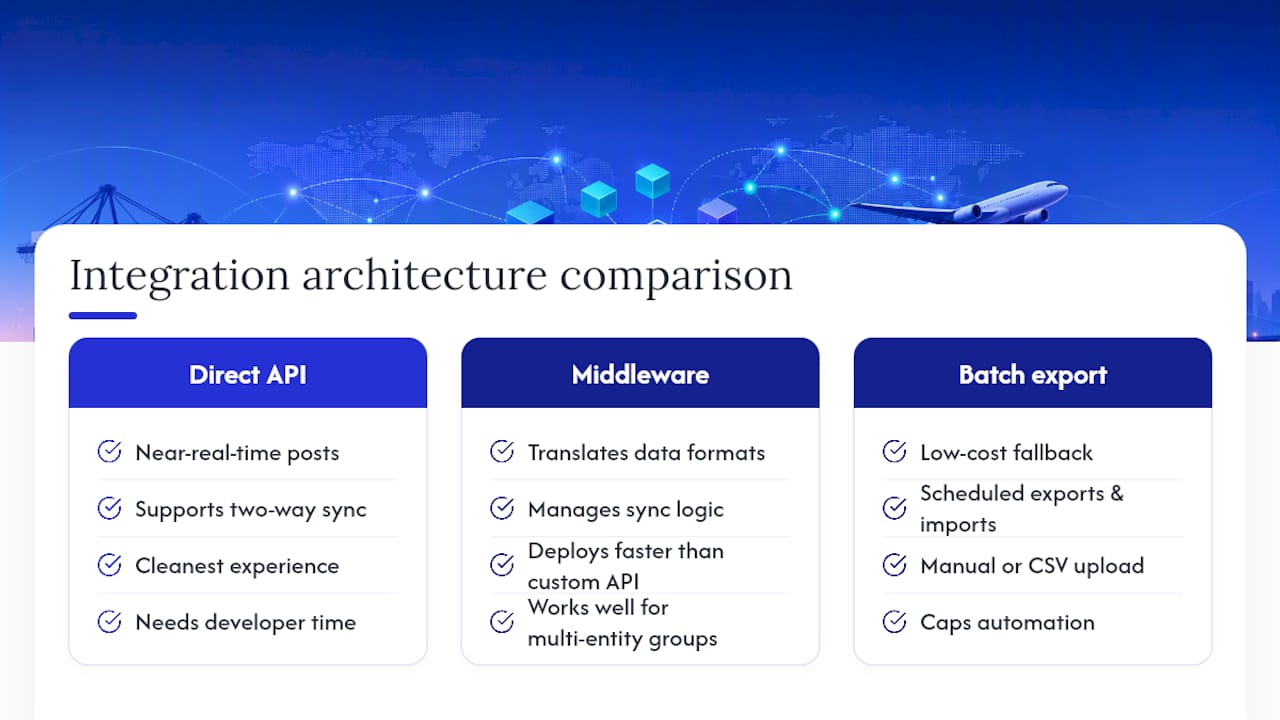
Direct API integration posts data in near real time and supports two-way sync, meaning payment status updates in Xero can flow back into the TMS automatically. It delivers the cleanest experience but usually needs developer time to build and maintain, particularly around error handling and retries.
Middleware or connector-based integration sits between the TMS and Xero, translating data formats and managing the sync logic for you. This route deploys faster than a custom API build and works well for forwarders running multiple entities or juggling more than one accounting system across a group structure.
Batch export and import is the low-cost fallback. Someone exports invoices from the TMS on a schedule and imports them into Xero manually or through a CSV upload. It costs almost nothing to set up, but it caps how much automation you actually get, and it leaves reconciliation heavier because nothing is validated in real time.
Each approach changes what records sync automatically and how much manual reconciliation you’re stuck doing afterward. Connecting transportation workflows to Xero means invoices arrive already tied to loads, lanes, and carriers rather than getting rebuilt from a spreadsheet at month-end, but only the API and middleware routes deliver that link without extra manual work.
How Do You Set Up a Xero Logistics Integration Step by Step?
A rushed integration is how forwarders end up with duplicate invoices and a chart of accounts nobody trusts. Work through these steps in order and you’ll avoid most of the pain.
- Precheck your foundation. Confirm your Xero subscription tier supports the API features you need, audit user roles, and clean up your chart of accounts before you map anything to it.
- Build the mapping table. Match TMS fields (shipment charges, carrier bills, fuel surcharges) to Xero nominal codes, tax codes, and analytic segments. This single document is the most valuable artifact you’ll produce during the entire project, according to integration guidance from NinjaTMS.
- Authorize the API connection. Qargo’s Xero integration documentation notes that only a Super Admin or an equivalent elevated role can authorize the connection, so confirm who holds that permission before you schedule the go-live date.
- Configure field mappings and idempotency keys. Set up how invoices, credit notes, carrier bills, and payments post, and assign unique transaction keys so retries or partial failures never create duplicate entries in Xero.
- Run sandbox tests. Push a small batch of sample transactions through and validate every journal entry in Xero manually, checking that the audit trail links back to the original load.
- Go live with a rollback plan. Set a controlled start date, monitor for failed posts daily during the first two weeks, and keep a documented rollback procedure ready in case something breaks.
Pro Tip: Run your sandbox test with real historical invoices, not made-up sample data. Fake test transactions rarely surface the tax code mismatches and rounding errors that show up with actual carrier bills.
What Goes Wrong During Setup, and How Do You Fix It?
Most integration headaches trace back to five recurring issues, and each has a straightforward fix if you catch it early.
- Tax code mismatches: keep a living mapping table and validate it against sample invoices before full rollout, not after.
- Duplicate or missing invoices: idempotency keys prevent duplicates on retry; a documented backfill procedure catches anything that failed to post the first time.
- Permission errors: write down exactly which Xero roles are required for each step, and confirm the right person holds Super Admin access before authorization day.
- Currency and multi-entity postings: test multi-currency flows separately from single-currency ones, and confirm intercompany rules before you post anything across entities.
- Data quality gaps: run a data-cleaning pass on open invoices and outstanding carrier bills, and limit your go-live window to a controlled date range rather than flipping the switch on everything at once.
None of these are exotic problems. They’re the same five issues that show up in nearly every accounting-to-operations integration, logistics or otherwise, and they’re all solvable with documentation and a slower rollout than you’d like.
How Do You Verify the Integration Is Actually Working?
Verification comes down to tracing one transaction end to end and checking that nothing dropped along the way. Pick a single load and follow it from quote to dispatch to invoice, then confirm it posted correctly in Xero and matched against the incoming payment.
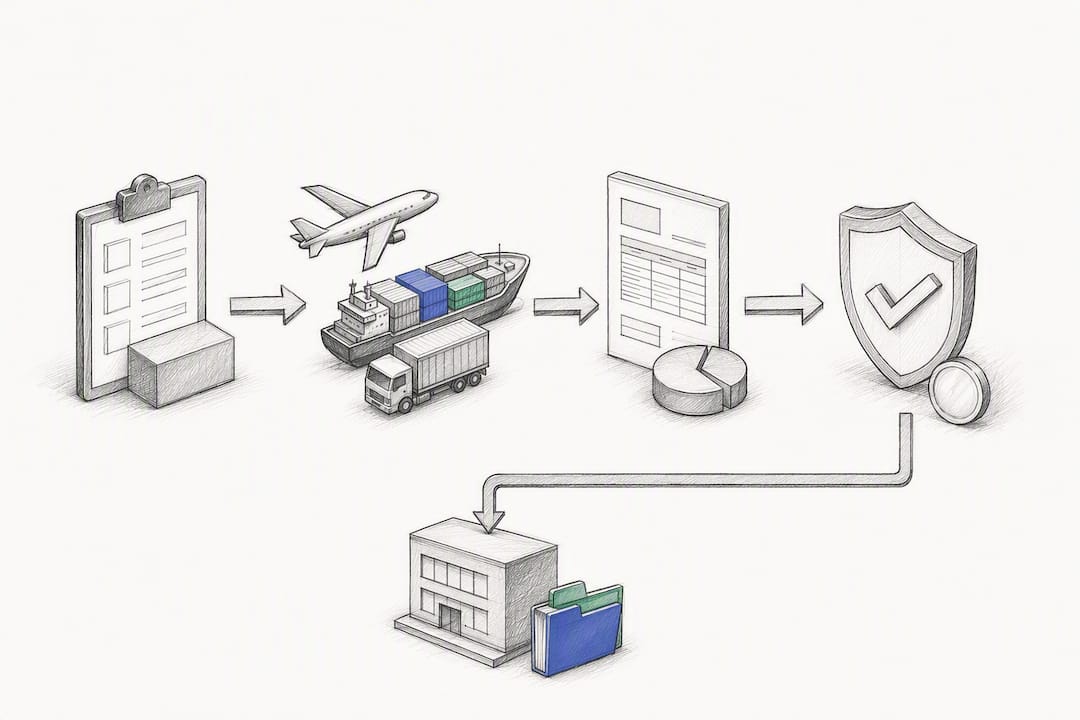
Build a daily reconciliation checklist for the first month, with automated alerts for any transaction that fails to post. That catches problems while they’re still small.
Four KPIs tell you whether the integration is paying off:
- Reduction in manual journal entries per week
- Time saved during month-end close
- Number of reconciliation exceptions per billing cycle
- Improvement in days sales outstanding (DSO)
Preserving the load as the source of truth lets finance run reports tied directly to the shipment that generated the revenue, rather than reconstructing profitability from exports after the fact. If exceptions climb instead of falling after 30 days, escalate to your accounting partner or the TMS vendor’s technical support before the backlog grows.
FreightSuite: A TMS Built to Keep Xero in Sync
Most integration headaches come from treating the TMS and the accounting system as two separate records of truth that need constant reconciliation. FreightSuite is the alternative to that setup: rate management, shipment-linked invoicing, and carrier pay all live inside one platform, so the financial postings that reach Xero already carry the load, lane, and carrier context finance actually needs.
Because that context is native to the platform rather than bolted on, accounting handoffs shrink and reconciliation moves faster. Freight forwarders juggling ocean, air, and road freight get the same benefit across every mode, whether they’re running ocean freight operations, managing air freight capabilities, or coordinating road freight transport. Forwarders weighing FreightSuite against legacy platforms can also review a direct comparison against CargoWise to see how the automation stacks up.
If your Xero reconciliation process still eats a week every month, the fix isn’t more spreadsheets. It’s a TMS that was built with accounting sync in mind from day one. Request a FreightSuite demo and see how a pilot Xero connection performs against your current invoice-to-cash timeline.
Where to Find Deeper Technical Guidance
For the exact field-mapping and authorization steps, Qargo’s Xero integration help article walks through invoice sync, credit notes, and the Super Admin requirement in detail. Xero’s own logistics page outlines the app ecosystem and accounting features built for freight operators. For architecture patterns beyond freight, the B2B wholesale portal pattern offers a useful comparison point on middleware design.
Sources
FAQ
What Does Xero Integrate With?
Xero connects with hundreds of third-party apps across payroll, inventory, payments, and industry-specific platforms, including transport management systems built for freight forwarders. Most TMS integrations sync invoices, credit notes, carrier bills, and payment status directly into Xero’s ledger, as Qargo’s integration documentation describes.
What Are the Downsides of Using Xero for Logistics Finance?
Xero itself doesn’t natively track shipment-level detail like loads, lanes, or carrier assignments, so without a connected TMS, financial records lose that operational context. Forwarders relying on manual entry or spreadsheet exports also face higher error rates and slower month-end closes than those running a direct or middleware integration.
Can Xero and NetSuite Both Connect to a TMS?
Yes. Xero and NetSuite are both common accounting targets for TMS integrations, and the underlying approach, direct API, middleware, or batch export, works similarly across either platform. A logistics case study using NetSuite showed measurable gains in processing speed and inventory accuracy after a phased integration, a pattern that applies to Xero-connected setups as well.
Does FreightSuite Support Xero Integration for Freight Forwarders?
FreightSuite is built to keep shipment-linked invoicing, carrier pay, and rate management connected to accounting workflows, reducing the manual handoffs that typically slow down Xero reconciliation. Current pricing and setup details are available directly on the FreightSuite site.
How Long Does a Typical Xero Logistics Integration Take?
Timelines depend on scope: a direct API build with custom field mapping generally takes longer than a middleware connector, which can deploy in days rather than weeks. Testing and sandbox validation should never be skipped regardless of architecture, since that stage is what catches tax code mismatches before they reach live invoices.
Resolve Logistics Disputes in Minutes: Audit Trails for Ops Teams
An audit trail in logistics is the complete, time-stamped record of who touched a shipment, order, or invoice, and when, why, and how it changed. It exists to give operations teams a defensible history and to make disputes, chargebacks, and inventory mismatches resolvable in minutes instead of days. Most of these logs live inside a TMS, WMS, or ERP, with platforms like FreightSuite built to keep that history centralized and hard to falsify.
TL;DR:
- Audit trails must link each log entry to a master record, such as a shipment or order, to ensure they are actionable during disputes or audits.
- Searchability and linkage to relevant identifiers are vital for quick retrieval of records during operational or legal reviews.
- Implementing append-only, signed, or blockchain-based records helps prevent tampering and ensures the integrity of audit histories.
- Building discipline around minimal event schemas, role-based permissions, and regular reconciliation enhances the reliability of audit logs.
- Centralized systems like FreightSuite automate data collection, linking events across platforms, and reduce manual entry errors that could compromise audit integrity.
Table of Contents
- What an Audit Trail Records: Mandatory Fields and Metadata
- Where Audit Trails Pay Off in Daily Operations
- How Audit Trails Work Inside a TMS, WMS, or ERP
- Best Practices for Reliable, Searchable Audit Logs
- Compliance, Retention, and Evidentiary Value
- How a Modern TMS Keeps Your Logs Audit Ready
- See Audit-Ready Records in Action With FreightSuite
- Sources
- FAQ
What an Audit Trail Records: Mandatory Fields and Metadata
A usable audit trail is only as good as the metadata behind each entry. Logistics glossaries define the concept as a secure, time-stamped record that captures who did what, when, where, and why across a supply chain event, and that framing translates directly into a checklist of required fields:
- User identity, role, and the device or IP address the action came from
- Exact timestamp, plus GPS or location data when the event happens in the field
- A plain description of the action and the before and after values it changed
- A reason or comment field for anything outside routine handling
- Linkage to the shipment ID, SKU, purchase order, or document ID it affects
- The source system that generated the entry (TMS, WMS, EDI feed, mobile scan)
That last point matters more than it seems. A log entry with no link to a master record is just noise. One tied to a shipment ID and stamped as append-only or cryptographically hashed becomes evidence a customs officer or auditor can actually use.
Where Audit Trails Pay Off in Daily Operations
Audit trails earn their keep in a handful of recurring situations, and logistics teams that build strong logging habits tend to resolve these faster and with less finger pointing.
- Dispute resolution for damaged or missing goods. Timeline reconstruction, including original photos and time-stamped document uploads, lets a team pin down exactly where responsibility shifted during transshipment rather than guessing.
- Inventory reconciliation and supplier chargebacks. When a warehouse count does not match the system, the audit trail shows who adjusted the quantity and what triggered it, turning a shouting match into a five-minute lookup.
- Fleet operations. Route edits, fuel card transactions, and driver activity logs need to tie back to a trip ID and driver ID to be useful for both dispatch and compliance.
- Finance and billing. Invoice verification and chargeback reviews move faster when every rate change and approval sits in an audit-ready billing history instead of scattered email threads.
Each of these scenarios shares a common thread: the value only shows up when the log is searchable and tied to a real record, not buried in a server file nobody opens.
How Audit Trails Work Inside a TMS, WMS, or ERP
Every audit trail starts as raw events coming from multiple directions at once. A modern logistics stack pulls entries from:
- Web dashboards and mobile apps used by warehouse and dispatch staff
- Telematics and GPS feeds from trucks and containers
- EDI messages and API calls between carriers, brokers, and customers
- Document uploads such as bills of lading, proof of delivery, and customs paperwork
Oracle’s transportation management documentation describes how these systems let administrators select which events get audited rather than logging everything indiscriminately, which keeps the trail focused on what actually matters operationally and legally.
Capturing the event is only step one. The system then has to record the before and after state, link it to the master shipment or order record, and index it so someone can search by date range, user, or reference number without combing through raw logs. Searchability is not optional. Logistics glossaries stress that a trail must let a team query by shipment identifier and time window, because a log nobody can retrieve quickly is functionally useless during a dispute.
Tamper resistance closes the loop. Append-only logs, signed records, and in some cases blockchain anchoring stop a bad actor, or a well-meaning employee trying to cover a mistake, from quietly editing history. A guide to shipment status automation shows how automating status updates reduces the number of manual touchpoints that create these risky edits in the first place.
Best Practices for Reliable, Searchable Audit Logs
Getting an audit trail right is less about buying the fanciest software and more about discipline in how you configure it. A few rules separate the logs that hold up under scrutiny from the ones that collapse the moment someone asks a hard question.
- Define a minimal event schema up front: decide exactly which actions must be logged and which metadata fields are mandatory, rather than logging everything by default and drowning the useful entries.
- Enforce role-based permissions and approval gates so high-risk edits, like rate overrides or inventory write-offs, require a second signature before they post.
- Make audit entries immutable once written. Corrections should appear as new entries, never as edits to the original.
- Set clear retention and archival policies, and document the reasoning behind them, especially for regulated goods with longer legal exposure windows.
- Automate alerts for high-risk changes, following the same logic industry checklists recommend: flag unusual edits in real time instead of catching them during a quarterly review.
- Reconcile logs across TMS, WMS, and ERP regularly so a shipment’s story matches across every system that touched it.
Pro Tip: Schedule a monthly fifteen-minute review of flagged high-risk edits with your operations lead. Catching a pattern of late-night rate overrides in month one is far cheaper than explaining it to an auditor in month twelve.
Compliance, Retention, and Evidentiary Value
An audit trail’s evidentiary strength rests on three things: precise timestamps, clear user attribution, and records nobody can quietly edit after the fact. Regulated goods, especially anything crossing customs, tend to demand longer retention windows than routine domestic freight, since customs and regulated-shipment guides point to before and after values and tamper-evidence as the features that hold up during a formal audit.
If your logs live in the cloud, ask providers about certifications like SOC 2 and ISO 27001, since cloud storage is broadly acceptable for audit records only when encryption and access controls back it up. Before an audit or customs review, export a clean, time-bounded report filtered to the relevant shipment IDs or SKUs rather than handing over raw system logs an official has to parse manually.
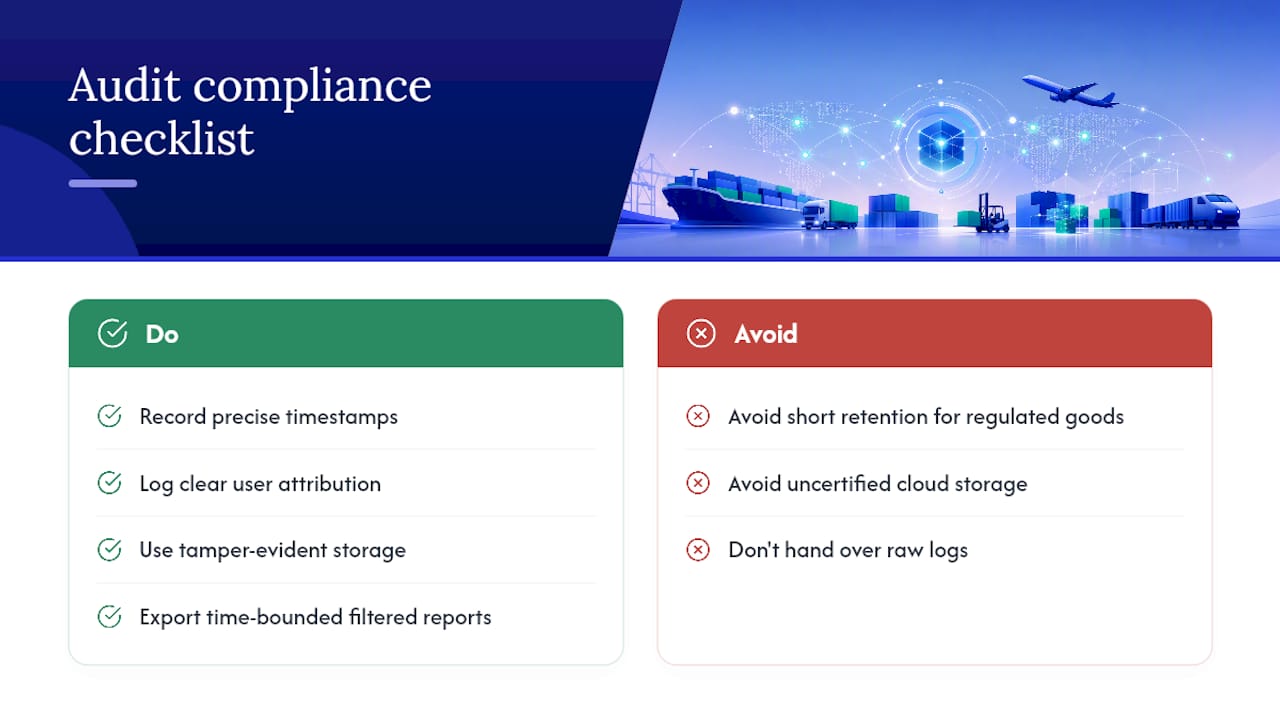
How a Modern TMS Keeps Your Logs Audit Ready
Most of the patterns above are easier to enforce inside a single platform than across five disconnected tools. A TMS that centralizes event histories, document timelines, and finance logs in one place removes the gaps where records go missing between systems. Native automation and AI agent orchestration cut down on manual data entry, which is where messy, contested log entries usually originate. Its guide to how a TMS tracks air shipments walks through how event linkage works in practice.
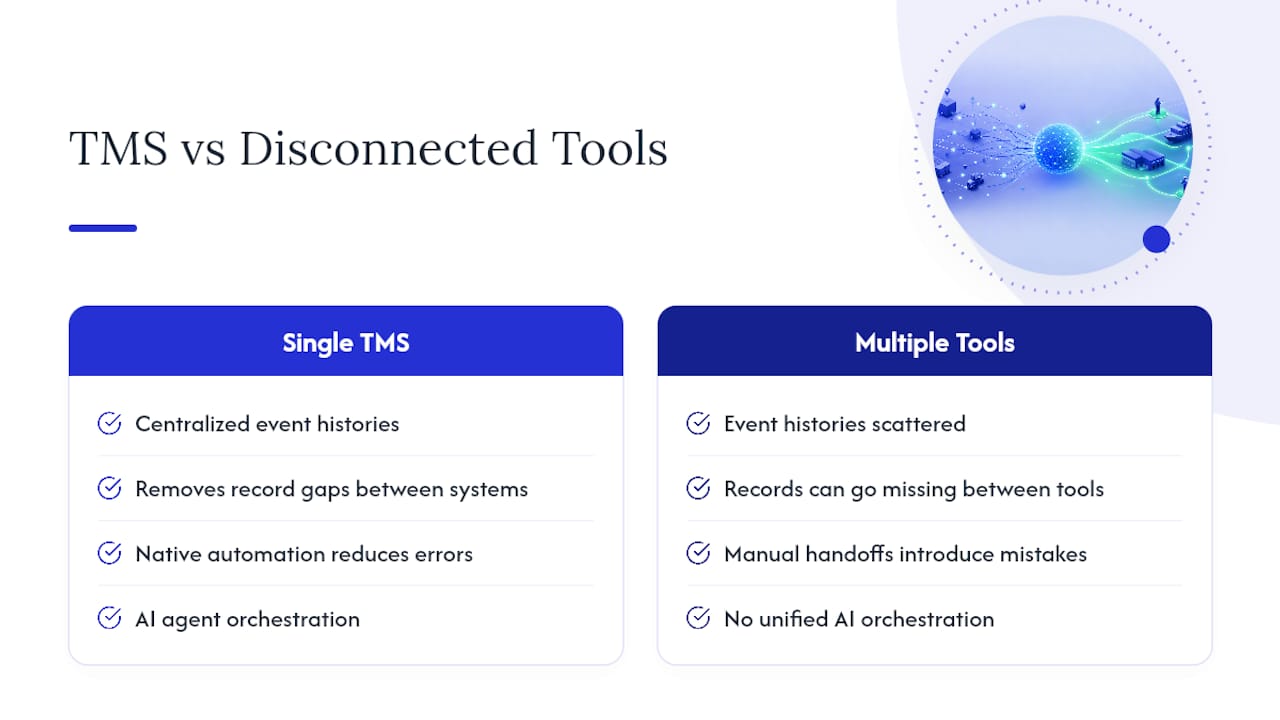
See Audit-Ready Records in Action With FreightSuite
This TMS platform offers an alternative to legacy systems for forwarders who need every shipment event, document, and finance record centralized in one searchable history instead of scattered across spreadsheets and email threads. Features such as rate management, air and ocean tracking, and invoice recognition can feed the same event log automatically, so teams spend less time reconstructing what happened and more time acting on it.
Fleet-side compliance adds another layer worth checking, and partners like OperatorCompliance focus specifically on driver and vehicle data capture if your audit needs to extend into that territory. For the freight forwarding side, FreightSuite’s finance team solutions show how invoice verification and audit-ready billing histories work when automation handles the manual entry that usually creates disputes in the first place. If you are evaluating a TMS built around traceability from day one, request a demo of FreightSuite and see how your own shipment data would look inside it.
Sources
- Oracle documentation — Audit in transportation
- Audit Trail for Logistics — WiseBI glossary
- Audit Trails — FleetX blog
- Audit Trail — DocShipper glossary and guide
FAQ
What Does an Audit Trail Check For?
An audit trail checks for who performed an action, what changed, when it happened, and whether the change matches expected approval steps. In logistics, that typically means verifying shipment status updates, inventory adjustments, and rate changes against the user and timestamp attached to each entry.
What Is an Example of an Audit Trail in Logistics?
A common example is a warehouse inventory adjustment: the system logs the user who made the change, the original and new quantity, the timestamp, and the reason code entered. Another is a rate override on a freight invoice, where the log preserves the original rate, the new rate, and the approver’s identity for later review.
What Is the Purpose of Audit Trails in Supply Chains?
The purpose is traceability, dispute resolution, and compliance. A solid trail lets teams reconstruct exactly what happened to a shipment or order, assign responsibility during transshipment disputes, and produce clean records for customs or financial audits.
What Is a System Audit Trail and How Does It Work?
A system audit trail is the automated log a platform like a TMS, WMS, or ERP generates every time a user or integration changes a record. It works by capturing the event, the before and after values, and linking that entry to the shipment, order, or document it affects, so the history stays searchable and, ideally, tamper-evident. FreightSuite builds this centralization into its core workflows rather than treating it as an add-on feature.
Fix TMS BI Reports with a Single Authoritative Data Map for Logistics
A correct TMS BI integration pushes real-time or near-real-time shipment, cost, and carrier data out of your transport management system and into a business intelligence platform where it becomes visible, comparable, and actionable. The immediate payoff is faster root-cause analysis, tighter cost control, and dispatch decisions made on current numbers instead of yesterday’s export. Platforms like FreightSuite and tools like Microsoft Power BI are the two ends of that pipeline, and the value shows up the moment a delayed shipment or a margin leak surfaces in a dashboard instead of a monthly spreadsheet.
TL;DR:
- Real-time TMS BI integration enables immediate visibility into shipment issues, allowing dispatchers and finance teams to respond before problems escalate.
- KPIs like on-time delivery, lane costs, dwell times, and claims should be prioritized and benchmarked against industry standards for effective dashboard design.
- Data ownership must be clearly defined among systems such as TMS, ERP, WMS, and OMS to prevent conflicting information and ensure reliable analytics.
- Hybrid integration methods combining APIs, EDI, and webhooks are common, with secure OAuth 2.0 service accounts recommended for authentication.
- Proper data mapping, governance, and validation are essential to prevent mismatches, facilitate reconciliation, and maintain trust in dashboards over time.
Table of Contents
- Why TMS BI Integration Matters for Logistics Teams
- Recommended Integration Architecture and Data Ownership Rules
- Integration Methods: APIs, EDI, Webhooks, and Connectors
- Data Mapping, Master Data, and Governance for Reliable Analytics
- BI Workflows and Dashboard Examples: KPIs, Modeling, and Refresh Cadence
- How to Implement a TMS BI Integration Step by Step
- Common Pitfalls and Warnings to Avoid
- FreightSuite: Built for TMS BI Integration From the Ground Up
- Authoritative Documentation and Integration Guides to Consult
- Sources
- FAQ
Why TMS BI Integration Matters for Logistics Teams
Freight forwarders running on spreadsheet exports find out about a problem weeks after it cost them money. A live TMS BI integration flips that timeline. Dispatchers see carrier performance drift before it becomes a pattern. Finance sees landed cost the day a shipment clears customs, not at month end.
The operational gains are concrete: better carrier selection based on actual on-time history, dispatch decisions informed by current dwell times, and fewer manual reconciliations between what the TMS says and what accounting books. On the financial side, integration shortens the invoice reconciliation cycle and gives finance teams a real-time view of freight spend instead of a lagging one.
The KPIs worth building a scorecard around include:
- On-time delivery (OTD) rate by carrier and lane
- Cost per shipment, broken out by mode and customer
- Average dwell time at origin and destination
- Chargeback and claims rate against total shipment volume
Pro Tip: Pick three KPIs your ops team already argues about in weekly meetings and build those first. A dashboard nobody asked for gets ignored no matter how well it’s built.
Government transportation data and industry benchmarking can help you decide what “good” looks like for each metric before you commit them to a dashboard, since a KPI without a benchmark just measures noise. The U.S. Department of Transportation’s research portal is a reasonable starting point for calibrating targets against broader freight performance trends.
Recommended Integration Architecture and Data Ownership Rules
Three architectural patterns dominate TMS BI integration, and each fits a different scale of operation. Direct connectors, point-to-point links between your TMS and a single BI tool, work well when you have one or two downstream systems and a small IT team. They’re fast to stand up and cheap to maintain until you add a third or fourth system, at which point the number of connections grows faster than your ability to manage them.
Middleware or iPaaS (integration platform as a service) sits between your systems and translates data once, then distributes it everywhere it’s needed. This is the pattern most mid-size and enterprise forwarders land on, because it centralizes mapping logic instead of scattering it across a dozen point-to-point links.
Orchestration layers go a step further, coordinating not just data movement but workflow logic, triggering actions in one system based on events in another. This matters more as AI agent orchestration becomes standard in modern TMS platforms.
Whichever pattern you choose, one rule matters more than the technology: a single system should be authoritative for each business entity. The TMS owns shipment status and carrier rates. The ERP owns the general ledger. The WMS owns inventory location. Agreeing this in advance, before connectors are built, prevents the conflicting-numbers problem that kills trust in a BI dashboard faster than anything else. Data typically flows from OMS (order creation) into the TMS (execution and tracking), which feeds the WMS for warehouse events and the ERP for financial posting, with BI pulling from all four to build a unified view.
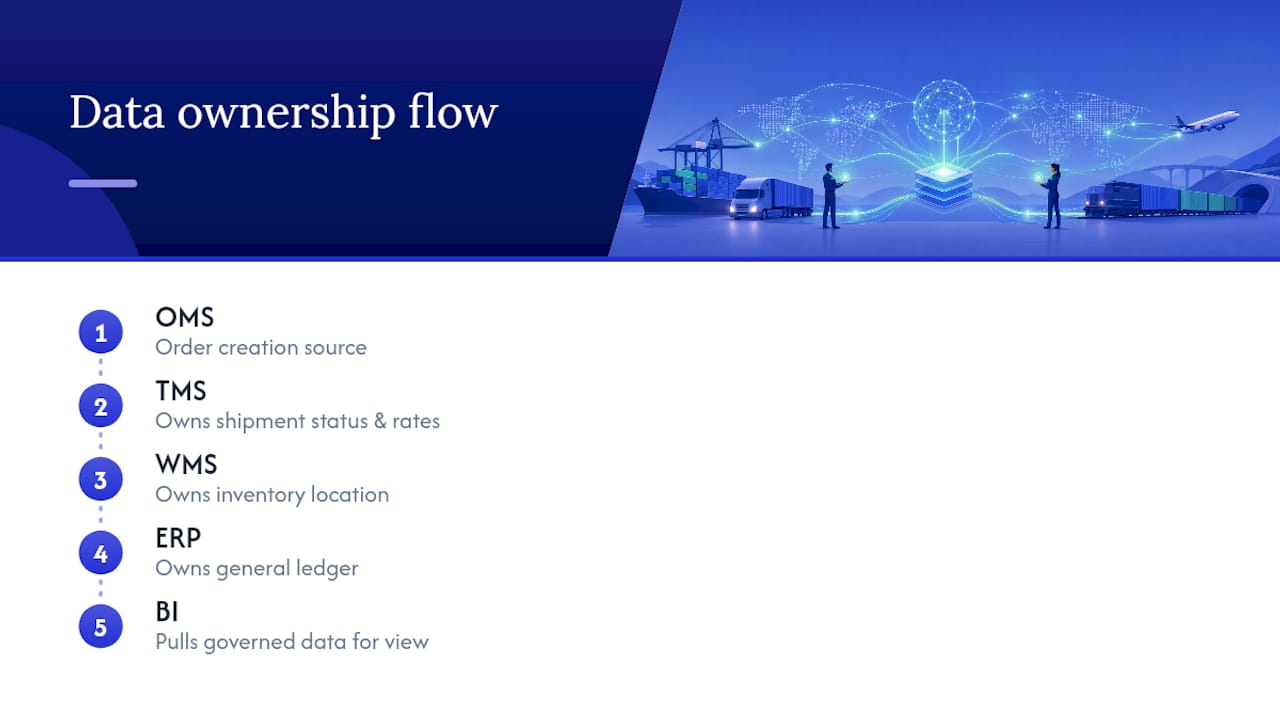
Integration Methods: APIs, EDI, Webhooks, and Connectors
Most TMS BI integration projects use some combination of four methods, and the right choice depends on how fast you need the data and how modern your trading partners are.
- REST APIs with OAuth 2.0 handle real-time sync for shipments, invoices, and documents. Modern TMS platforms organize their APIs around resources like customers, orders, and invoices, and OAuth 2.0 with service accounts is the standard way to authenticate without exposing user credentials.
- EDI and SFTP remain the backbone for legacy trading partners who haven’t modernized. Batch file transfers work fine for reconciliation runs where a few hours of latency doesn’t matter.
- Webhooks and event-driven patterns notify downstream systems the moment something changes, a shipment status update, a rate change, without polling an API on a schedule.
- iPaaS or middleware translators convert older EDI transaction sets like 850, 856, and 997 into JSON that modern REST endpoints can consume, which cuts maintenance overhead significantly once you have more than two or three trading partners on different formats.
Pro Tip: Don’t authenticate every integration with a personal user login. Set up a dedicated service account with OAuth 2.0 scoped to exactly the data it needs. When someone leaves the company, you won’t accidentally break three integrations along with their access.
The practical reality is most forwarders end up running a hybrid: APIs for real-time partners, EDI for the legacy ones, and webhooks layered on top for anything time-sensitive like exception alerts.
Data Mapping, Master Data, and Governance for Reliable Analytics
BI dashboards are only as trustworthy as the data map behind them. Before any connector goes live, you need a documented list of entities (shipments, invoices, carriers, customers), their canonical fields, and which system owns each one. Skip this step and you’ll spend more time debugging mismatched numbers than building reports.
The mismatches that trip up most integrations aren’t exotic. They’re mundane:
- Carrier IDs that differ between the TMS and the accounting system
- Cost center codes that got renamed in the ERP but not updated in the TMS
- Lane IDs formatted inconsistently across regional offices
Academic research on enterprise integration backs this up directly: technical connectors rarely fail on their own. Integrations succeed or stall based on whether organizational roles and data ownership got aligned before the technical work started, not after.
Reconciliation strategies that actually hold up include a crosswalk table mapping every external ID to an internal canonical ID, transformation rules documented at the field level (not buried in code comments), and a change-control process so a schema update in one system triggers a review of every downstream mapping that touches it. Field-level lineage, knowing exactly which system a number in a dashboard originated from, turns a “why doesn’t this match” argument into a five-minute lookup instead of a week-long investigation.
BI Workflows and Dashboard Examples: KPIs, Modeling, and Refresh Cadence
Once clean TMS data lands in a BI tool, four dashboards cover most of what operations and finance teams actually use day to day:
- Carrier performance (OTD rate, damage claims, response time)
- Lane cost trends over time, segmented by mode and customer
- On-time delivery broken down by origin, destination, and carrier
- Claims and exceptions, flagged for aging and dollar exposure
On the modeling side, a star schema built around a central shipments fact table, joined to dimension tables for carriers, customers, and dates, handles the volume and query speed most logistics BI use cases need. Date and time handling deserves special attention: time zones across origin and destination ports cause more dashboard errors than any other single modeling mistake.
For teams building on Power BI specifically, the practical choice is between a gateway (for on-premises data sources) and DirectQuery (for cloud sources that support live querying without importing). Incremental refresh, updating only new or changed records instead of reloading the whole dataset, keeps refresh times manageable once your shipment history grows past a few hundred thousand rows. Vendor examples in freight already show this pattern working: TMS-to-Power BI integrations are common precisely because they turn operational data into scorecards without a custom-built reporting layer. Power BI’s strength in blending TMS operational data with ERP financials also makes it a natural fit for landed-cost modeling, something finance teams building margin reports lean on heavily.
How to Implement a TMS BI Integration Step by Step
Treat implementation as four phases, not one big-bang project.
- Plan. Define your objectives and the specific KPIs you’re chasing. Name the authoritative system for each data entity. Build a RACI so everyone knows who owns mapping decisions, who approves schema changes, and who gets paged when something breaks.
- Build. Choose your integration method (API, EDI, webhook, or middleware) based on partner maturity and latency needs. Obtain API credentials and set up OAuth 2.0 service accounts. Build your field-level mapping document, then run everything through a sandbox before touching production data.
- Validate. Reconcile a sample period manually against the source system before trusting the pipeline. Test edge cases: canceled shipments, partial invoices, multi-leg moves with mixed carriers. Document SLAs for data freshness and write error handlers for the failures you can predict.
- Operate. Set up monitoring and alerts for pipeline failures. Schedule daily reconciliation checks comparing TMS totals against BI extract totals. Maintain a change-control log so nobody modifies a mapping without the team knowing.
Pro Tip: Automate a daily total comparison between your TMS and your BI extract, shipment counts, invoice totals, whatever matters most, and alert on any mismatch above a small threshold. Catching drift early is far cheaper than discovering it three months into a bad dashboard.
Teams that skip validation and jump straight to “operate” are the ones who end up firefighting a dashboard nobody trusts six months later.
Common Pitfalls and Warnings to Avoid
Most TMS BI integration failures trace back to a handful of repeated mistakes, and they’re almost always organizational, not technical.
- No authoritative data map. Without one, master data drifts silently until two reports disagree and nobody can say which is right.
- Weak authentication controls. Sharing a single admin login across five integrations, or skipping OAuth 2.0 entirely, exposes financial and customer records to anyone with that credential.
- Batch-only thinking. Relying solely on nightly exports when the business actually needs same-day visibility leaves dispatchers making decisions on stale data.
- No reconciliation or monitoring. Integrations that run silently with no alerting eventually fail silently too, and you find out when a customer complains, not when the pipeline breaks.
Every one of these is preventable with planning done before the first connector gets built, not after.
FreightSuite: Built for TMS BI Integration From the Ground Up
Most legacy TMS platforms treat BI integration as an afterthought, bolted-on exports, rigid reports, connectors that need a developer every time something changes. FreightSuite takes a different approach: rate management, air and ocean tracking, finance, operations, and AI agent orchestration are native to the platform, which means the data feeding your BI tool comes from one coherent system instead of three stitched-together modules.
That matters most in the scenarios that trip up legacy setups: reconciling landed cost across ocean freight and air freight shipments in a single dashboard, or feeding customs brokerage data into a finance team’s margin model without a manual export step in between. Because automation and reporting are built in rather than sold as add-ons, forwarders spend less time maintaining fragile connectors and more time acting on what the dashboard shows. Finance teams get a purpose-built path to landed cost and invoice reconciliation, while operations teams get the same real-time visibility into carrier performance and dwell time discussed earlier in this article.
If you’re currently exporting spreadsheets by hand to feed a BI tool, or fighting a legacy TMS’s rigid reporting module, it’s worth seeing how a freight forwarding TMS built with integration in mind changes that workflow. Request a demo and bring your current dashboard, FreightSuite’s team can walk through what a native, real-time feed into Power BI looks like for your specific lanes and carriers.
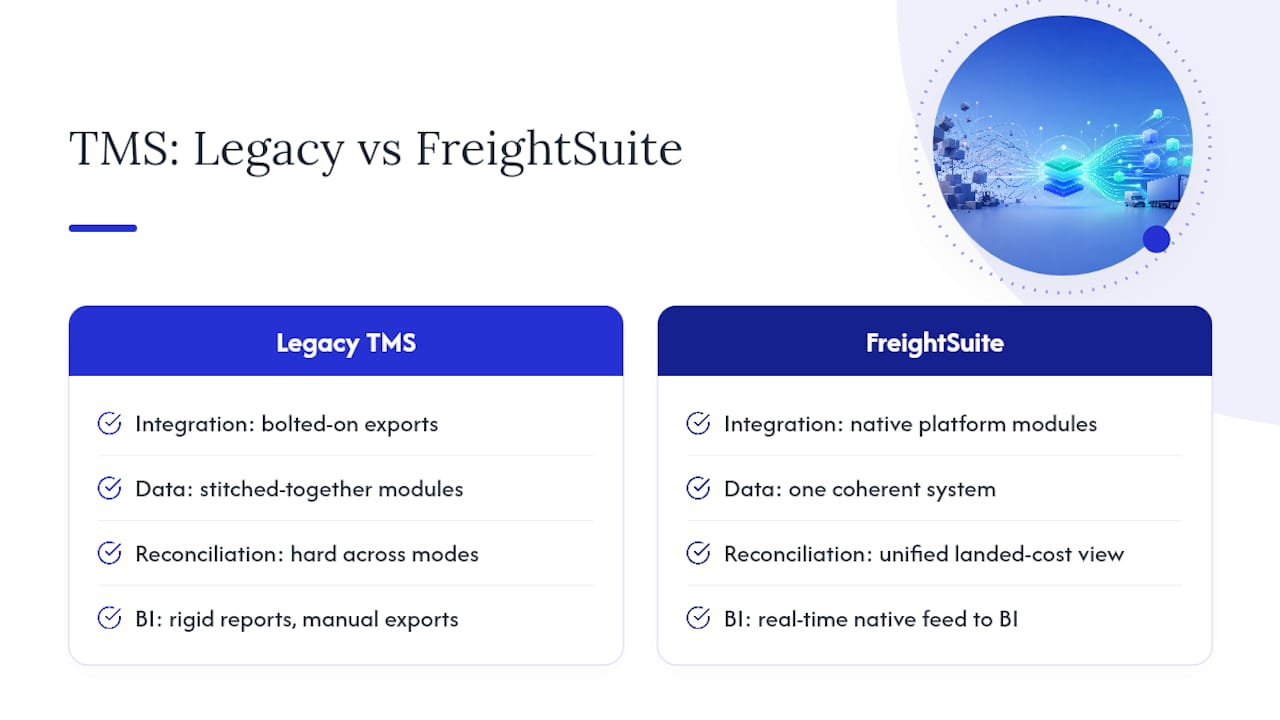
Authoritative Documentation and Integration Guides to Consult
Before you scope a project, a few references are worth bookmarking. Microsoft’s Power BI documentation covers data modeling, refresh strategies, and gateway configuration in more depth than any blog post can. For authentication and endpoint structure, TMS vendors typically publish REST API references detailing OAuth 2.0 flows and resource schemas. On architecture, integration-pattern guides covering middleware and iPaaS approaches help frame the ownership and translation decisions covered above, and the FreightSuite resource library carries additional technical breakdowns for teams planning their own rollout.
Sources
- Power BI documentation and product page
- REST API (TMS.ai) documentation
- TMS, WMS, ERP, and OMS API Integration Guide (2026)
FAQ
What Is TMS Integration?
TMS integration is the connection of a transport management system to other business platforms, ERP, WMS, accounting software, or BI tools, so shipment, cost, and carrier data flows automatically instead of requiring manual entry or export.
What Does TMS Stand for in SAP?
In SAP, TMS refers to Transportation Management System, the module that handles freight planning, carrier selection, and shipment execution, and it can integrate with SAP’s broader ERP and analytics tools the same way a standalone TMS connects to Power BI.
What Is TMS in FedEx?
For carriers like FedEx, TMS refers to the transportation management technology used to plan routes, assign carriers, and track shipments, which is a different system from the forwarder-facing TMS platforms like FreightSuite that manage bookings across multiple carriers.
What Is TMS Software Used For?
TMS software manages the operational side of freight movement, rate management, booking, tracking, documentation, and invoicing, and when integrated with a BI tool, that same data powers dashboards for carrier performance, cost trends, and on-time delivery.
How Much Does FreightSuite Cost?
Pricing for FreightSuite is available directly from the company; current details are listed on the FreightSuite website.
Operations Teams: 7 Signals to Replace Legacy TMS With a Phased Plan
If your dispatch team is running spreadsheets alongside your TMS, your carrier data does not match invoices, and your vendor has not shipped a meaningful feature in over a year, it is time to replace your legacy TMS. The right path is not a big bang cutover. It is a phased migration that starts with a scoped pilot, a Phase 0 data audit, and one narrow lane group before anything touches settlement or billing.
TL;DR:
- Manual workarounds and unreliable data integration indicate your legacy TMS no longer supports efficient operations and needs replacement.
- Paralleling systems during a phased migration allows validation of the new platform without disrupting ongoing freight workflows.
- Data cleanup, especially for rates and carrier information, must occur before migration to avoid failed implementations and ongoing operational issues.
- Replacing a TMS can take four to six weeks for a narrow rollout or 60 to 90 days for a full enterprise transition, depending on scope and data quality.
- Operations, not IT, should own the TMS replacement process to ensure the system aligns with actual freight workflows and staffing realities.
Table of Contents
- Why Replace Legacy TMS: 7 Signals It’s Time
- How Do You Migrate Off a Legacy TMS Without Disrupting Operations?
- What Data Should You Migrate First When Switching TMS Platforms?
- How Long Does a TMS Implementation Actually Take?
- Who Should Own a TMS Replacement Program?
- How FreightSuite Supports a Phased TMS Replacement
- Sources
- FAQ
Why Replace Legacy TMS: 7 Signals It’s Time
The ground shifts slowly under a TMS, and most teams don’t notice until the cracks show up in the P&L. Here are the operational signals that reliably predict rising cost and eroding service, in the order they tend to appear.
- Manual workarounds have become the actual workflow. If dispatchers keep a shadow spreadsheet because the system’s rate logic can’t be trusted, the software has already lost its job.
- Integration failures with your ERP or WMS are routine. Frequent EDI or API errors mean your team spends hours reconciling data that should move automatically.
- Carrier performance data doesn’t match market reality. Scorecards that show every carrier hitting 98% on-time delivery, while your customers complain about late freight, are a sign the data pipeline is broken, not that your carriers are excellent.
- The rate engine consistently underperforms. If your team overrides suggested routings more often than it accepts them, optimization has stopped optimizing.
- Vendor ownership is unstable. Consolidation across the TMS market has left some products deprioritized after acquisitions, and buyers now have to weigh roadmap continuity as seriously as feature checklists.
- New carrier onboarding takes weeks instead of days. When capacity is tight and you can’t add a vetted carrier fast enough to move a load, the system is costing you freight, not just efficiency.
- Maintenance costs keep climbing while releases keep slowing. Rising annual fees paired with a thinning feature roadmap is the clearest financial tell that a platform has entered its decline phase.
How Do You Migrate Off a Legacy TMS Without Disrupting Operations?
Rip-and-replace sounds efficient on paper and rarely survives contact with a live freight network. A phased approach, sequenced by decision domain rather than by system, lets you migrate dispatch and routing first while settlement stays on legacy, because the interface between them is a completed delivery record, not a live dependency. That single sequencing choice is what makes parallel running practical instead of chaotic.
- Run Phase 0 first. Audit your data, confirm which production connectors your target vendor already has for your carriers, baseline your current KPIs (on-time rate, cost per shipment, exception volume), and write down the business rules your legacy system enforces informally.
- Scope the first cutover narrowly. Pick one region and one decision domain, usually dispatch and routing, and leave settlement, billing, and finance on the legacy platform until the new system has proven itself.
- Run both systems in parallel on real volume. A sample of live loads, typically running for two to four weeks, with clear acceptance criteria (matching rate calculations, on-time performance, exception handling) tells you whether the new system is ready before you cut the old one off.
- Demand a scripted proof of concept. Insist any vendor you’re evaluating runs a demo using your actual lanes, your actual rate cards, and your actual carrier list, not generic sample data. Analysts consistently flag that demos built on clean sample data hide the functional gaps that surface only when your freight hits the system.
Pro Tip: Ask any vendor to load your worst carrier contract, the one with the confusing accessorial rules, into their rate engine during the demo. If they can’t handle it live, they can’t handle it in production either.
A pragmatic 90 day framework, built around data preparation, parallel running, and full cutover, works for most mid-size to enterprise shippers because it gives every decision domain its own timeline instead of forcing one deadline on the entire operation, a structure Nuvocargo’s replacement guide lays out in detail.

What Data Should You Migrate First When Switching TMS Platforms?
The transition is mostly a data problem wearing a technology costume. Dirty rate tables, incomplete carrier master records, and inconsistent address geocoding are the leading cause of failed go-lives, and cleanup has to happen before migration starts, not during it, according to Panorama Consulting’s analysis of failed TMS rollouts.
Prioritize five datasets, in this order:
- Contracted lane rates. These drive every quote and every margin calculation, so errors here compound immediately.
- Carrier master data. Names, MC numbers, insurance certificates, and service areas need to be current before you build EDI connections around them.
- Historical load data. A sample of past shipments lets you test the new system’s rate logic against known outcomes.
- EDI and API specifications. Document every connection your legacy system maintains so nothing silently drops during cutover.
- Address and geocoding data. Bad geocoding quietly breaks routing optimization long before anyone notices why delivery windows keep slipping.
Carriers generally need advance notice before you change tendering platforms, giving them time to update EDI connections and load-acceptance processes on their end. Skipping that notification window is one of the most preventable causes of early service disruption, a point Nuvocargo’s operational guide reinforces directly. Test every connector in a sandbox first, then validate it against a small batch of live loads running in parallel, and keep a documented fallback plan in case a specific carrier connection needs more time than the rest.
How Long Does a TMS Implementation Actually Take?
Timelines vary more by scope than by vendor. A narrow, single-region rollout can go live in four to six weeks. A full enterprise replacement, covering multiple regions and every decision domain, typically runs 60 to 90 days. Neither is universally right; the choice depends on how much of your operation you’re willing to run on two systems at once.
| Scenario | Typical Duration | What Makes It Possible |
|---|---|---|
| Narrow-scope pilot | four to six weeks | One region, pre-existing carrier connectors, clean data, parallel running |
| Phased enterprise rollout | 60 to 90 days | Multiple decision domains sequenced, data cleanup completed before kickoff |
| Full domain migration (dispatch through settlement) | 90+ days | Settlement and finance migrated last, after operational domains are proven |
A rapid four to six week go-live is only realistic when five preconditions hold: narrow scope, a single region, connectors that already exist for your carriers, data quality addressed before kickoff, and a genuine parallel-running window rather than a rushed cutover.
Before moving from parallel running to full cutover, confirm these exit criteria:
- Rate calculations match legacy output within an agreed tolerance across your sample load set.
- On-time performance tracking in the new system reconciles with your carrier scorecards.
- Exception handling (delays, damage claims, rebooking) has been tested against at least one real disruption.
- Your operations team can execute daily workflows without falling back on the legacy interface.
Once you cut over, commit to 30 days of dedicated monitoring with daily KPI reviews. Skipping that window is how small configuration issues turn into carrier disputes three weeks later. For a deeper breakdown of milestone sequencing, FreightSuite’s implementation timeline guide walks through how the phases stack against each other.
Who Should Own a TMS Replacement Program?
Operations should own the rollout, not IT. When IT leads a TMS replacement as a pure systems project, the resulting configuration tends to reflect data architecture logic rather than how dispatchers, carriers, and customer service actually work day to day, a gap that Supply Chain Desk’s implementation guide calls out as one of the most common causes of scope creep.
Your operating model should follow your staffing reality and volume pattern:
- In-house SaaS licensing fits teams with stable headcount and the bandwidth to run their own rollout and ongoing configuration.
- Managed transportation fits organizations without dedicated TMS staff, since it pairs software with an operating team and compresses time to value, though it trades some direct control for faster onboarding.
- A hybrid model works when volume is volatile and you want instant access to carrier capacity without building that network yourself, an approach worth exploring through a partner like Envio 3PL if internal staffing can’t flex fast enough.
Pro Tip: Assign one operations lead as the single point of accountability for the rollout, even if IT and finance both have seats at the table. Split ownership is how timelines quietly slip by a quarter.
How FreightSuite Supports a Phased TMS Replacement
FreightSuite was built for exactly the kind of operations-led migration this guide describes, not a forced weekend cutover. Rate management, air and ocean tracking, financial and credit control tools, customs brokerage capabilities, and AI agent orchestration all run natively inside one platform, which means you can migrate dispatch and routing first and leave settlement on your legacy system until you’re ready, without duct-taping two vendors together.
That native architecture is what makes Phase 0 practical. Our team can validate carrier connectors against your actual EDI and API specs before a single load moves, and we support parallel running with real acceptance criteria rather than asking you to trust a sales deck. If you’re evaluating road freight, ocean freight, or air freight workflows specifically, we’ll run the demo on your lanes and your rate cards, not generic sample data, because that’s the only version of a demo that tells you anything real. Finance teams evaluating the switch can also look at how FreightSuite handles invoice recognition and FX tracking before committing to a domain sequence.
Book a scripted proof of concept using your own lanes, review FreightSuite’s pricing plans to match the rollout to your budget, or start with our case study to see how a phased migration played out for another freight forwarder before you commit your own timeline.
Sources
- Legacy TMS Migration Playbook: Sequencing the Cutover
- How To Replace Your TMS Without Disrupting Operations (2026 Guide) | Nuvocargo
- TMS implementation guide — Supply Chain Desk
- Top reasons for TMS failure — Panorama Consulting
- Top TMS implementation mistakes to avoid — GetTransport blog
FAQ
How Do You Know It’s Time to Replace Your TMS?
If your team relies on manual spreadsheets to compensate for system gaps, your integrations fail regularly, and vendor feature releases have slowed or stopped, those signals together indicate it’s time to plan a replacement.
What Is a Phased TMS Migration?
A phased migration sequences the cutover by decision domain, moving dispatch and routing to the new system first while settlement and finance remain on the legacy platform until parallel running proves the new system out.
How Long Does Replacing a Legacy TMS Take?
A narrow-scope pilot can go live in four to six weeks under the right preconditions, while a full phased enterprise rollout typically takes 60 to 90 days.
How Much Notice Do Carriers Need Before a TMS Switch?
Carriers generally need 30 days’ notice before you change tendering platforms so they can update their EDI or API connections without service disruption.
Should Operations or IT Lead a TMS Replacement?
Operations should lead the rollout because the system needs to reflect actual daily freight workflows, while IT supports the technical integration work.
Carrier Contract Management for Negotiators: Make Rates Stick with AI
Carrier contract management is the discipline of negotiating, implementing, monitoring, and optimizing the agreements that govern freight rates, service levels, and liability with your transportation providers. The single most impactful first step is treating the contract as a living operating document, not a filed PDF: instrument it with KPI-based enforcement from day one. Done well, following practices consistent with FMCSA compliance standards and supported by modern freight management platforms, this discipline reduces spend leakage and forces carriers to honor the service they sold you.
TL;DR:
- Regularly review historical lane data, invoice accuracy, and market rates to negotiate better carrier terms and ensure qualification for volume-based discounts.
- Encode negotiated rates, surcharges, and SLAs into your TMS, and establish automated systems for real-time performance monitoring and invoice validation.
- Share KPI scorecards with carriers and enforce SLA breaches with predefined alerts and escalation paths to maintain service levels and strengthen relationships.
- Collect and analyze detailed shipment, invoice, and benchmark data continuously, not just before renewal, to support informed negotiation and proactive contract management.
- Use integrated TMS platforms like FreightSuite to automate contract enforcement, manage multi-modal terms, and eliminate manual reconciliation gaps.
Table of Contents
- What Is Carrier Contract Management and Why Does It Matter?
- How Do You Prepare and Negotiate Carrier Contracts?
- How Do You Operationalize a Carrier Contract After Signing?
- What KPIs Should You Track for Carrier Performance?
- How Do You Verify Carrier Invoices and Handle Disputes?
- When Should You Renew, Renegotiate, or Re-Tender a Contract?
- What Is the Business Case for Disciplined Contract Management?
- How Does FreightSuite Close the Execution Gap in Contract Management?
- What Legal Compliance Issues Should You Watch in Carrier Contracts?
- How Do You Manage Change and Communication During Contract Rollout?
- How Do You Manage Risk in Carrier Contracts?
- What Data Should You Collect to Support Contract Decisions?
- Get More Out of Every Carrier Agreement You Sign
- Sources
- FAQ
What Is Carrier Contract Management and Why Does It Matter?
Most freight forwarders and shippers sign a carrier agreement, forward it to accounting, and never open it again until renewal. That is where the money disappears. The execution gap between what a contract promises and what actually gets billed and delivered is where transportation spend quietly leaks, often through unnoticed surcharges, missed service levels, and rate cards that never made it into the booking system.
Carrier contract management closes that gap. It covers everything from the data you gather before you sit down at the negotiating table to the automated checks that flag an invoice charging the wrong fuel surcharge six months later. The core components are consistent regardless of mode: rate structures and surcharge rules, service level agreements with measurable KPIs, liability and insurance provisions, and renewal or termination clauses that give you leverage instead of taking it away.
Freight and supply chain teams that treat this as a compliance afterthought pay for it twice. Once in the rate they negotiated, and again in the rate they actually get billed. The teams that treat it as an operational system, with rate verification, scorecards, and audit trails built into their workflow, tend to catch the difference before it compounds across a full year of shipments.
How Do You Prepare and Negotiate Carrier Contracts?
Negotiating from a position of strength starts long before the first call with a carrier’s sales rep. It starts with your own data.
Pull twelve to twenty-four months of lane-level spend and shipment history before you schedule a single conversation. You want volume by lane, seasonality patterns, accessorial charge frequency, and your current on-time performance by carrier. Without this, you are negotiating on the carrier’s terms, using their assumptions about your business instead of your own evidence.
Pro Tip: Build a contract playbook and clause library before you ever open a carrier’s draft agreement. Experienced negotiators start from their own template rather than redlining the carrier’s paper, which preserves framing control and cuts weeks off the negotiation cycle.
The clauses that deserve the most attention during negotiation include rate and surcharge rules, SLA language tied to measurable KPIs, clear renewal and notice terms, liability and insurance provisions, and audit and dispute rights that allow access to review invoices against contracted rates.
Volume tiers deserve their own line of scrutiny. Carriers love multi-tier pricing because it looks generous on paper while rarely triggering in practice. Ask for the actual historical volume data that would have qualified you for each tier over the past year, not hypothetical projections.
Before you walk into negotiation, assemble a short checklist: your spend analysis, a benchmark rate comparison for competitive lanes, your SLA history with the incumbent carrier if renewing, and the specific people who need to be in the room. That typically means procurement, a transportation operations lead who understands the lanes day to day, and someone from finance who can speak to margin impact. Carriers negotiate differently when they see an operational stakeholder at the table, not just procurement chasing a lower rate.
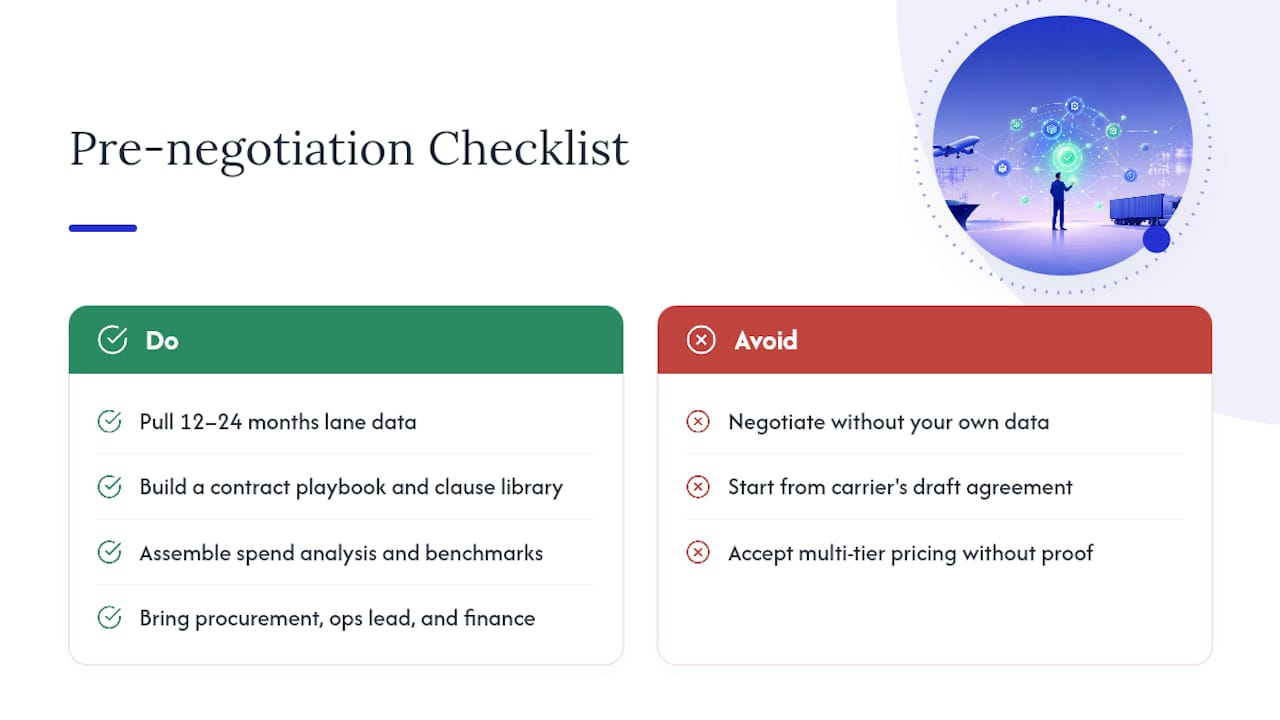
How Do You Operationalize a Carrier Contract After Signing?
A signed contract that never makes it into your booking system is just a legal document sitting in a shared drive. Turning it into enforced pricing and service requires a specific sequence of technical and organizational steps.
- Translate the rate card into system rules. Every negotiated rate, surcharge formula, and accessorial charge needs to be encoded into your TMS as routing guide logic, not left for a dispatcher to remember or look up manually.
- Set up EDI or API connections with the carrier. Confirm which transaction sets you need (204, 214, 210 in the motor carrier world, for example) and run test files before live volume flows through the connection.
- Run pilot shipments before full cutover. A small batch of test bookings surfaces rate mismatches, missing accessorial codes, and mapping errors while the stakes are low.
- Assemble the carrier onboarding packet. This includes the signed rate agreement, certificate of insurance, W9 or equivalent tax documentation, and the operational contacts for tracking and claims. The bill of lading format and data fields should be confirmed at this stage too, since mismatched BOL data is a common source of invoice disputes later.
- Assign clear owners for each handoff. Procurement negotiates and signs. Operations handles onboarding, routing guide updates, and day-to-day exceptions. Billing owns invoice matching and dispute filing. Without a documented handoff, contract terms tend to live only in the head of whoever negotiated them, and that knowledge walks out the door when they change roles.
Version control matters more than most teams expect here. Rate cards get amended, surcharges get updated quarterly, and if your TMS is running an outdated version of the routing guide, you are paying the old rate or, worse, the carrier’s default rate. A platform that automates shipment status updates tied to live contract terms removes a large share of this manual reconciliation risk.
What KPIs Should You Track for Carrier Performance?
The metrics you choose to track determine whether your carrier scorecard is a real management tool or a quarterly PDF nobody reads. Five KPIs cover the essentials for most carrier relationships:
- On-time delivery rate, measured against the appointment window written into the contract, not a loose estimate
- Damage and loss ratio, tracked as a percentage of total shipments to catch trends before they become claims disputes
- Tender acceptance rate, which reveals whether a carrier is actually honoring the committed capacity in your agreement
- Billing accuracy, the percentage of invoices that match contracted rates without manual correction
- Lane-level margin, which tells you whether a contract that looked good in aggregate is quietly losing money on specific routes
Carrier contract management execution gaps cost shippers a significant share of transportation spend annually when rate leakage and missed SLA enforcement go unchecked. That figure alone justifies building a scorecard discipline rather than reviewing performance only when a carrier relationship visibly deteriorates.
Carrier scorecards work best when they are shared, not stockpiled internally for a leverage play at renewal. Self-service carrier portals that give a carrier visibility into their own on-time percentage, revenue-to-date, and scorecard ranking tend to produce faster corrective action than a quarterly email nobody opens. Carriers respond to transparency because it removes the ambiguity of “we think you’re underperforming” and replaces it with a number they can see in real time.
When a carrier misses an SLA threshold, the enforcement path should already exist in the contract, not get improvised. Automated alerts should fire the moment a KPI crosses its breach threshold, triggering a documented notice to the carrier with a defined escalation path if the pattern continues. Reserve termination for repeated undocumented failures. A root-cause conversation, backed by scorecard evidence, usually resolves capacity or service issues faster than starting a new carrier search from zero, and it preserves a relationship that may still have value once the underlying problem gets fixed.
How Do You Verify Carrier Invoices and Handle Disputes?
Invoice verification is where contract terms either get enforced or quietly ignored. The reproducible process is a three-way match: compare the contracted rate on file, the original booking record, and the carrier’s actual invoice, line by line.
- Pull the contracted rate for the exact lane, service level, and equipment type at the time the shipment moved, not the current rate card if it has since changed.
- Compare against the booking record to confirm the accessorials, weight, and service level that were actually requested match what’s on the invoice.
- Flag discrepancies automatically where possible. The most common invoice errors are unauthorized surcharges, incorrect weight or dimensional measurements, and service substitutions where a carrier bills for expedited service on a shipment that moved standard.
- Log every dispute with a timestamp, dollar amount, assigned owner, and expected resolution date, so nothing sits unresolved past a carrier’s own dispute window.
- Track recovery as a running total, both in dollars recouped and in days-to-resolution, so patterns by carrier become visible over time.
A documented dispute log does double duty. It recovers cash in the short term, and it becomes evidence at renewal. A carrier with a rising invoice error rate has far less leverage to hold their rate flat when you can show the pattern in their own billing history.
When Should You Renew, Renegotiate, or Re-Tender a Contract?
Start the renewal process well before the notice period in your contract requires action, ideally several months out for most carrier agreements. Waiting until thirty days before auto-renewal locks you into whatever terms the carrier prefers, because you no longer have time to credibly threaten a re-tender.
Before that conversation starts, gather the evidence that actually shifts outcomes:
- Full SLA performance history, especially on-time delivery and tender acceptance trends over the contract term
- Invoice accuracy rate and total dollars recovered through disputes, which signals how tightly the carrier has been managing their own billing discipline
- Actual volume against the negotiated tier structure, so you know whether you qualified for better pricing you never received
- Benchmark rates from comparable lanes, either from other carriers or market rate indices
Set a proactive alert well ahead of any volume-tier threshold, since losing eligibility for a discount tier because nobody was watching the trend line is an entirely avoidable cost. Whether you renegotiate with the incumbent or run a formal re-tender depends on performance history: strong SLA compliance and accurate billing argue for renegotiation with updated tiers and incentive structures, while repeated service failures or a stagnant rate despite market softening argue for opening the lane to competitive bids. Either path, keep termination-for-convenience language and penalty clauses on the table as negotiable levers, not fixed boilerplate.
What Is the Business Case for Disciplined Contract Management?
The financial argument for investing in carrier contract management discipline is not abstract. It shows up in four measurable places: recovered invoice leakage, improved on-time delivery percentage, fewer open disputes at any given time, and less manual administrative hours spent chasing carrier billing questions.
For a business case memo or slide, four KPIs make the argument cleanly:
- Percent of freight spend actively audited against contracted rates, since unaudited spend is where leakage hides
- Recovery rate on identified overcharges, expressed as dollars recouped versus dollars disputed
- SLA compliance rate across your top carriers by spend, tracked quarter over quarter
- Average time to resolve a dispute, which shortens dramatically once a documented process replaces ad hoc email chains
Litigation and settlement outcomes in transportation disputes illustrate the far end of what happens when contract terms and documentation are not managed with rigor. Most carrier disputes never reach that scale, but the underlying lesson holds at any size: clear terms and an audit trail are cheaper than the alternative. A memo showing the trend over several recent quarters of these KPIs tends to make a stronger case for investment than any single incident ever will.
How Does FreightSuite Close the Execution Gap in Contract Management?
The gap between a signed contract and an enforced one is almost always a systems gap, not a negotiation failure. FreightSuite is built as an AI-native TMS specifically to close that gap across the full contract lifecycle.
On the implementation side, FreightSuite’s rate management module lets you encode negotiated rate cards, surcharge rules, and volume tiers directly into booking logic, so the rate quoted at negotiation is the rate applied at booking. Air and ocean tracking modules feed real-time shipment status into performance dashboards, which supports the KPI monitoring that makes scorecards meaningful rather than retrospective.
A few capabilities map directly onto the pain points covered above:
- AI agent orchestration can extract key terms from contract documents and flag upcoming renewal dates automatically, reducing the risk of missing a notice period
- Native workflows connect operations, billing, and procurement so contract updates propagate without a manual handoff
- Integrated customs brokerage and multi-modal support means complex contracts spanning air, ocean, and ground carriers stay managed in one system rather than fragmented across spreadsheets
Pro Tip: If your current process relies on someone manually checking invoices against a printed rate sheet, that is the exact workflow AI agents in freight operations are designed to replace, freeing your team to focus on negotiation strategy instead of line-item reconciliation.
What Legal Compliance Issues Should You Watch in Carrier Contracts?
Legal compliance in carrier contracts extends well beyond the boilerplate liability paragraph most teams skim past. If your shipments include hazardous materials, FMCSA’s regulations on hazardous materials carriage impose specific documentation, packaging, and driver certification requirements that your contract’s liability and indemnification clauses need to reference directly, not assume.
International shipments raise a separate layer of compliance risk. Contracts involving cross-border movement should account for trade control obligations, since the Bureau of Industry and Security publishes enforcement and penalty guidance that applies when restricted goods or destinations are involved, regardless of whether the carrier or the shipper initiated the shipment. Building a clause that assigns responsibility for export compliance screening avoids a costly ambiguity if a shipment gets flagged.
Delivery terms deserve equal scrutiny. Incoterms define exactly where risk and cost transfer between buyer and seller, and a contract that leaves this undefined, or references an outdated Incoterms version, creates real ambiguity about who bears the cost of a damaged or delayed shipment.
Insurance and cargo liability limits should be reviewed against your actual freight value, not accepted at whatever the carrier’s standard limitation of liability states. A contract that caps liability at $0.50 per pound is a very different risk exposure for high-value electronics than for bulk commodities, and your legal and risk teams should confirm the cap matches what you are actually shipping.
How Do You Manage Change and Communication During Contract Rollout?
A new carrier contract fails operationally more often from poor internal communication than from bad terms. The people executing bookings, tracking shipments, and processing invoices every day need to know what changed, when it changed, and why, before the new terms go live.
Start with a rollout memo that goes to every operational team touching the contract, not just the negotiators who signed it. Spell out the effective date, the specific rate or service changes, and exactly which shipments the new terms apply to. A contract that takes effect mid-month on some lanes but not others is a common source of confusion if the communication is vague about scope.
Run a short training session with the operations and billing teams before go-live, walking through how the new rate structure appears in the TMS and what a correctly matched invoice should look like. This is also the moment to update any internal documentation, routing guides, or standard operating procedures that reference the old terms.
Designate a single point of contact for questions during the first thirty to sixty days after rollout. New contract terms almost always surface edge cases nobody anticipated during negotiation, like an accessorial charge that wasn’t explicitly addressed or a lane that falls outside the negotiated scope. Having one person who can make a quick, consistent ruling on those edge cases prevents different teams from interpreting ambiguous terms in conflicting ways.
How Do You Manage Risk in Carrier Contracts?
Risk in carrier contracts falls into three practical categories: operational delays, force majeure events, and liability exposure, and each needs distinct contract language rather than a single generic risk clause.
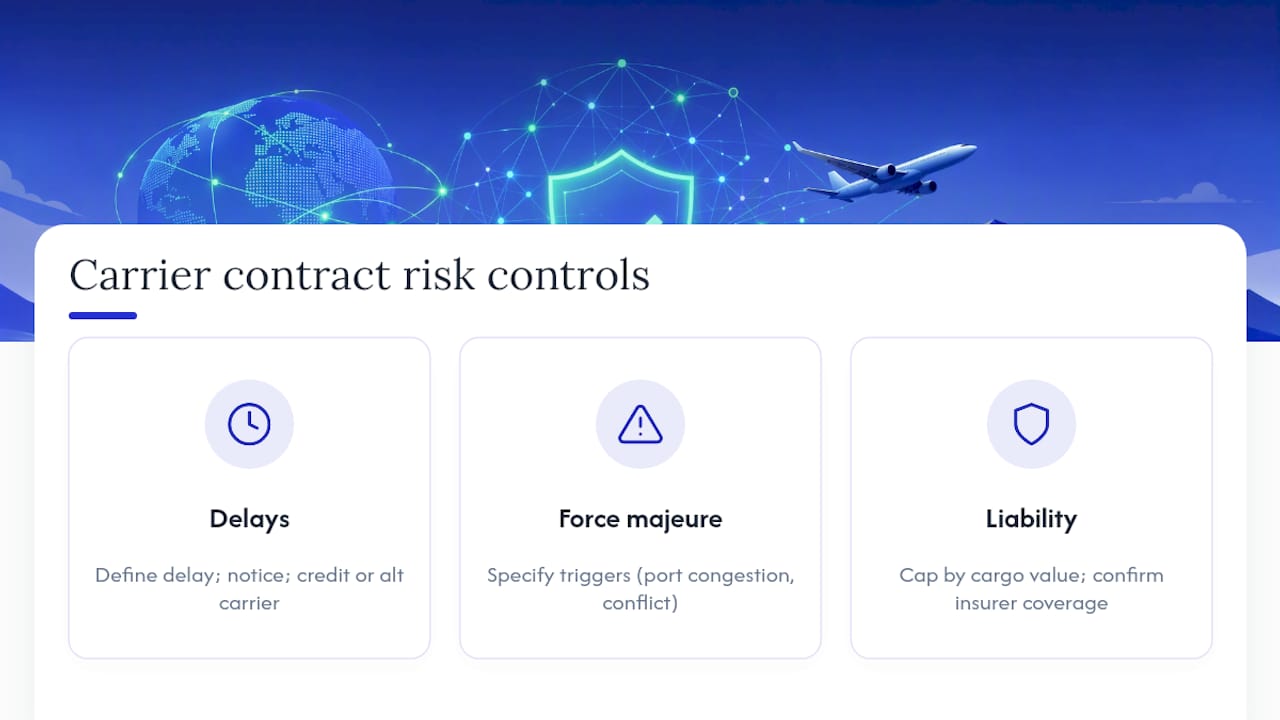
Delay risk should be addressed with specific, measurable consequences tied to the SLA language covered earlier, not vague language about “reasonable efforts.” Define what constitutes a delay, what notice the carrier owes you when one occurs, and what remedy applies, whether that’s a service credit, a right to use an alternate carrier without penalty, or another negotiated outcome.
Force majeure clauses need updating more often than most teams realize. A force majeure provision written years ago may not clearly address the kind of disruptions that have affected global freight in recent years, from port congestion to regional conflict affecting specific trade lanes. Push for language that defines specific triggering events rather than a broad, undefined “acts of God” clause that gives a carrier wide latitude to claim an exemption from performance.
Liability exposure should be reviewed against your actual cargo value and claims history, not the carrier’s default limitation of liability. If you regularly ship high-value goods, negotiate a liability cap that reflects that reality, and confirm the carrier’s insurance certificate actually covers the declared value range you need.
What Data Should You Collect to Support Contract Decisions?
The negotiators who consistently win better terms are the ones who show up with their own data instead of relying on the carrier’s version of the relationship. That starts with shipment-level detail: lane, weight, mode, service level, and actual transit time, captured consistently enough to spot patterns across a full year, including seasonal swings.
Invoice history matters just as much as shipment history. Tracking your own audit results, error rate by carrier, and dollars recovered through disputes gives you a documented performance record that exists independent of whatever the carrier reports about themselves.
Benchmark data closes the loop. Comparable rates from other lanes, other carriers, or market indices tell you whether a rate that looked competitive three years ago still is. A freight lifecycle management approach that treats data collection as continuous, rather than a scramble right before renewal, produces far more credible negotiating positions than a rushed analysis pulled together in the final weeks before a contract expires.
Get More Out of Every Carrier Agreement You Sign
Most of the practices covered here, rate verification, SLA scorecards, automated dispute logging, are only as good as the system enforcing them day to day. FreightSuite is built as an AI-native TMS specifically so contract terms don’t stay trapped in a PDF while your booking system runs on outdated rate cards.
Where legacy systems require manual rate lookups and separate spreadsheets to track carrier performance, FreightSuite brings rate management, air and ocean tracking, and AI agent orchestration into one workflow, so the terms you negotiated are the terms your team actually books and pays against. That matters most for teams managing agreements across multiple modes, where a road freight capabilities view and an ocean or air lane view need to reflect the same enforced rate logic without duplicate manual entry.
If your current process relies on someone manually cross-checking invoices against a rate sheet every month, that is the exact gap FreightSuite’s automated verification is designed to close. Check the FreightSuite pricing page to see which plan fits your carrier volume, or visit FreightSuite to schedule a product demo and see how contract terms flow from negotiation into live booking logic.
Sources
The regulatory and industry references below informed the compliance and operational guidance throughout this article.
- Sirion — Carrier contract management discussion and execution-gap analysis
- FMCSA — How to comply with federal hazardous materials regulations
- NMFTA — What is a bill of lading?
FAQ
What Is the Difference Between CLM and ERP?
Contract lifecycle management (CLM) software manages the negotiation, execution, and monitoring of specific agreements like carrier contracts, while enterprise resource planning (ERP) software manages broader business operations like accounting, inventory, and procurement. A modern TMS with CLM capabilities, such as FreightSuite, often integrates with a company’s existing accounting or ERP system rather than replacing it.
What Are Examples of CLM Tools?
Contract lifecycle management tools range from dedicated enterprise CLM platforms to transportation management systems with built-in contract features, like rate management, automated renewal alerts, and AI-based term extraction. In freight forwarding specifically, an AI-native TMS that combines rate management with contract monitoring, such as FreightSuite, functions as CLM built directly into the operational system.
What Does Carrier Management Mean?
Carrier management refers to the ongoing process of selecting, onboarding, monitoring, and evaluating the freight carriers a company works with, including performance tracking through KPIs like on-time delivery and tender acceptance. It works hand in hand with carrier contract management, since the contract sets the terms that performance monitoring then enforces.
What Does Contract Management Do?
Contract management oversees a formal agreement from drafting and negotiation through implementation, ongoing performance monitoring, and eventual renewal or termination. For carrier contracts specifically, it means translating negotiated rates and SLAs into system rules, auditing invoices against those terms, and using performance evidence to inform the next renewal or re-tender decision.
4 Checkpoints to Embed Restricted Party Screening in TMS for Logistics
Restricted party screening is the mandatory process of checking every party to a shipment, from shipper to vessel owner, against government watchlists before goods, payments, or documents move. Logistics teams that skip this step risk fines, seized cargo, and revoked export privileges. The fix isn’t complicated: screen at key checkpoints, log every check, and automate the process inside your transport management system so nothing slips through on a busy shipping day.
TL;DR:
- Screening vessel names using IMO numbers is essential, as ship reflags and name changes can hide violations if only name-based checks are used.
- Treat each government list distinctly, with OFAC SDN matches being absolute prohibitions, while BIS Entity List hits may require licensing depending on circumstances.
- Re-screen active accounts quarterly and immediately after any list update to prevent sanctioned parties from slipping through due to list changes.
- Automate screening within your transport management system at key milestones to avoid manual errors and ensure logs include list versions checked with timestamps.
- Conduct thorough ownership verification, especially under OFAC rules, to identify indirect sanctions exposure, and keep detailed records for compliance audits.
Table of Contents
- What Does Restricted Party Screening Cover in Logistics?
- Which Government Lists Should You Check?
- When Should You Screen a Shipment?
- How Do You Build Screening Into TMS and API Workflows?
- What Do You Do When Screening Returns a Hit?
- Operational Checklist for a Defensible Screening Program
- How FreightSuite Supports Screening Inside Your TMS
- Where to Find the Official Lists and Guidance
- Sources
- FAQ
What Does Restricted Party Screening Cover in Logistics?
Screening isn’t limited to your customer. It extends to every entity touching the transaction, because liability follows the shipment, not just the invoice. Restricted party screening guidance from the National Nuclear Security Site defines the practice as checking all entities in a transaction, and that list is longer than most operations teams assume.
At minimum, screen these parties on every shipment:
- The shipper and the consignee
- The end user, when different from the consignee
- The notify party and any intermediary consignees
- The freight forwarder handling the booking
- Financing banks tied to the letter of credit
- The carrier and the vessel owner
Vessel and carrier checks work differently than company checks. Vessel names and flags change, so name-only screening misses reflagged or renamed ships. Practitioner guides on freight forwarder onboarding recommend anchoring vessel checks to the IMO number, a permanent identifier that survives a repaint or a change of registry. An intermediary consignee buried three lines down on a bill of lading has triggered real enforcement exposure for forwarders who screened only the named buyer.
Which Government Lists Should You Check?
Three sources cover most of the ground, but each one does a different job. Knowing the distinction between them keeps your team from treating every hit the same way.
- OFAC’s Specially Designated Nationals list, which carries hard prohibitions on nearly all dealings with listed parties.
- BIS’s Entity List and Denied Persons List, which govern export-controlled items and technology.
- The Consolidated Screening List, an aggregated feed maintained by trade.gov.
The Consolidated Screening List pulls together 12 distinct government lists from agencies including BIS, OFAC, DDTC, and the Department of Defense into one searchable feed. That consolidation is useful for a quick lookup, but it changes nothing about the legal weight behind each entry.
The distinction that trips up new compliance programs: an OFAC SDN match or a BIS Denied Persons match is typically an absolute bar on the transaction. An Entity List match, by contrast, may still be licenseable depending on the item and end use. Treating every hit as an automatic kill switch wastes time; treating every hit as reviewable is worse.
A free lookup against the Consolidated Screening List also doesn’t adjudicate matches or apply ownership rules automatically. If your volume or risk profile is anything beyond occasional, that gap is the reason to move to a production screening tool rather than a manual search box.
When Should You Screen a Shipment?
A defensible program doesn’t screen once and call it done. It screens at fixed points in the shipment lifecycle and again whenever circumstances change.
- Account onboarding. Screen every new customer, supplier, and financing bank before the relationship goes live.
- Order acceptance or booking. Screen again when the actual shipment details, consignees, and notify parties are known.
- Pre-shipment. Confirm nothing has changed between booking and cargo release, including the vessel and carrier.
- Pre-payment. Screen the receiving bank and beneficiary before funds move.
Beyond those four checkpoints, run quarterly re-screens on active accounts at minimum. OFAC updates the SDN list multiple times per month, and a customer cleared in January can land on a list by March. Set immediate re-screen triggers on any list update rather than waiting for the next quarterly cycle. Automated re-screening closes the gap that a one-time onboarding check always leaves open.
How Do You Build Screening Into TMS and API Workflows?
Manual lookups don’t scale past a handful of shipments a week. The practical fix is embedding screening calls directly into the events your operations team already triggers, so screening happens without anyone stopping to open a separate tool.
- Fire a screening API call the moment a booking is created in your TMS, not after the fact.
- Attach the screening result, including a clean pass, to the shipment record permanently.
- Repeat the call automatically at pre-shipment and pre-payment milestones tied to the same shipment ID.
- Route any hit into a case queue instead of blocking the booking outright.
Name matching alone generates too much noise to be usable at volume. Combining fuzzy matching with hard identifiers, company registration numbers, dates of birth, IMO numbers, catches spelling variants and transliterations while cutting down false positives that would otherwise bury your compliance team. A TMS built to track air and ocean shipment events already has the booking, release, and payment triggers screening needs; the screening call just needs to sit on top of them.
Pro Tip: Timestamp every screening result with the exact list version checked, not just the date. If a match ever surfaces later on an updated list, you need proof of what the list actually said on the day you screened.

What Do You Do When Screening Returns a Hit?
Not every hit is a real match, and treating a common surname as a confirmed sanctioned party wastes hours and damages customer relationships. A consistent triage step separates genuine risk from noise.
- Exact match: Name, address, and identifier (tax ID, DOB, IMO number) all align with the listed entry. Stop the transaction and escalate immediately.
- Probable match: Name is close but one identifier doesn’t align. Pull secondary documents (registration filings, ownership records) before deciding.
- False positive: Common name, no identifier overlap. Document the comparison and clear the shipment.
Ownership checks matter as much as name matching. Under OFAC’s 50 percent rule, a company owned 50 percent or more, in aggregate, by one or more blocked parties is itself treated as blocked, even if it never appears on the SDN list by name. Combining sanctions screening with beneficial ownership checks catches this indirect exposure that a name-only screen will never surface. When ownership can’t be verified and the counterparty’s structure is opaque, halt the shipment until legal counsel weighs in.
Recordkeeping is what turns a good screening decision into a defensible one. Retain the screening result, the list version used, and the resolution notes for every check, including the clean passes. Regulators weigh documented process heavily when assessing penalties after the fact.
Operational Checklist for a Defensible Screening Program
Run this as a working checklist, not a one-time setup task:
- Capture full legal names, addresses, and available identifiers (tax ID, DOB, IMO number) before any screening call runs.
- Assign screening ownership: sales screens at lead intake, onboarding screens at account setup, operations screens at booking and pre-shipment, compliance owns hit resolution.
- Set an SLA of same-day resolution for probable matches and immediate escalation for exact matches.
- Store logs (list version, timestamp, resolution notes) in a system tied to the shipment record, not a separate spreadsheet.
- Keep evidence auditors actually ask for: who screened, when, against which list version, and why a hit was cleared or stopped.
A well-run logistics compliance program treats these five steps as routine, not exceptional, work baked into daily operations.
How FreightSuite Supports Screening Inside Your TMS
Screening only becomes reliable when it’s wired into the same system that already runs your bookings, tracking, and finance workflows, not bolted on as a side process someone remembers to run. A TMS that fires screening calls at booking creation, links results directly to the shipment file, and triggers automatic re-screens on list updates removes the single biggest failure point in most programs: the manual step nobody gets to.
A TMS built as an agentic system can run AI agent orchestration natively alongside rate management, tracking, and finance rather than as a separate compliance tool. That architecture maps cleanly to the checkpoints this article covers:
- Onboarding events can trigger an initial screening pass tied to the new account record.
- Booking creation can fire a screening call before the shipment moves to pre-shipment status.
- Cargo release and payment milestones can trigger a second and third pass automatically.
- Screening logs and case notes stay attached to the same shipment record used for finances and operations.
FreightSuite’s customs brokerage capabilities already centralize the kind of document handling that screening logs depend on, which is what makes automated, timestamped screening a natural extension of the platform rather than a bolted-on afterthought. If your team is still running screening as a separate manual step outside your booking system, FreightSuite’s ocean freight capabilities and air freight capabilities show what event-driven automation looks like when it’s built into the TMS from the start. You can see how the platform runs in practice by booking a demo or reviewing current pricing plans.
Where to Find the Official Lists and Guidance
Go to the primary source for each list rather than a secondhand summary. OFAC’s own SDN list and FAQ pages are the authoritative source for update frequency and screening guidance. BIS’s Denied Persons List guidance explains the legal weight behind Entity List and Denied Persons entries. The Export Administration Regulations on eCFR carry the binding regulatory text for license determinations. None of these substitute for legal counsel on a specific license question, but they’re where that counsel will start.
Sources
- Restricted party screening guidance (ANL / NNSS)
- OFAC FAQs on SDN updates and screening practices
- Sanctions
- Denied Persons List (DPL) guidance | BIS
FAQ
What Does Restricted Party Screening Mean?
It means checking every party to a shipment, including the shipper, consignee, end user, notify party, forwarder, banks, carrier, and vessel owner, against government watchlists before the transaction proceeds.
What Are Some Examples of ITAR-Controlled Items?
ITAR governs defense articles and services, including military hardware, certain firearms and ammunition, defense-related technical data, and components specifically designed for military end use; the Export Administration Regulations and DDTC guidance define the exact scope for a given item.
Do All Parties to a Transaction Have to Be Screened?
Yes. Best practice requires screening every entity in the transaction chain, not just the buyer, because liability extends to intermediary consignees, notify parties, banks, and carriers as much as it does to the named customer.
What Does Denied Party Screening Mean?
It’s another name for restricted party screening: checking transaction parties against lists like OFAC’s SDN list and BIS’s Denied Persons List to confirm none are prohibited from receiving the goods, services, or payment involved.
Map EDI 214 Tracking Into Your TMS in 3–10 Days for Logistics Teams
ANSI X12 214 is the Transportation Carrier Shipment Status Message, the standard feed carriers use to report shipment events back to shippers and logistics providers. It delivers timestamped pickup, transit, exception, and delivery milestones, plus proof-of-delivery data, directly into your operations. Done right, EDI 214 tracking turns a raw data stream from segments like AT7 into automated status updates your team and your customers can act on immediately.
TL;DR:
- Correct mapping of segments like B10, AT7, MS1/MS2, and L11 is essential to accurately interpret shipment status and link data to internal records.
- AT7 status, reason, and timestamp codes must be normalized into a few key categories for effective automation of exception handling and workflow triggers.
- Implementing EDI 214 requires establishing a clear internal event model, choosing suitable connection methods, and running thorough testing before onboarding carriers.
- Automating the integration of 214 data into workflows significantly reduces manual tasks by enabling real-time updates for dock scheduling, customer notifications, and invoice reconciliation.
- Embedding EDI 214 tracking into a TMS with native support streamlines data ingestion and dramatically cuts implementation time compared to custom or legacy solutions.
Table of Contents
- What Does an EDI 214 Message Actually Contain?
- What Do the AT7 Status Codes Actually Mean?
- How Do Logistics Teams Put 214 Data to Work?
- How Do You Implement EDI 214 Without It Becoming a Mess?
- How Does FreightSuite Turn 214 Events Into Automated Action?
- Get EDI 214 Tracking Built Into Your TMS, Not Bolted On
- Where to Verify EDI 214 Behavior
- Sources
- FAQ
What Does an EDI 214 Message Actually Contain?
The 214 is built from a handful of segments, and mapping each one correctly is the difference between a status feed that works and one your team has to babysit manually. The transaction set exists specifically so carriers can transmit “dates, times, locations, route and identifying numbers,” according to X12’s own specification. Here’s what you’re actually parsing when a 214 lands in your system.
- B10 (Beginning Segment for Transportation Carrier Shipment Status Message): This is the header. B1001 through B1003 carry the shipment reference number, the PRO or shipment ID, and the SCAC (Standard Carrier Alpha Code) identifying which carrier sent the message. Treat B1002, the PRO/shipment ID, as your primary reconciliation key against internal shipment records.
- AT7 (Shipment Status Details): This segment carries the status code, the status reason code, and a date/time stamp. A single 214 frequently contains multiple AT7 loops, one for each event since the last transmission, and they need to be processed in the order the timestamps dictate, not the order they arrive in the file.
- MS1/MS2 (Equipment, Tag Identification, and Location): MS1 reports the city, state, and country where the event happened. MS2 identifies equipment, such as trailer or container numbers, tying the status update to a physical asset.
- AT8 (Shipment Weight, Packaging Form, and Quantity Data): This carries delivered-quantity and weight data, which becomes critical for reconciling proof-of-delivery discrepancies and processing claims.
- L11 and NM1: L11 carries reference identifiers, purchase order numbers, bill of lading numbers, and other cross-references. NM1 identifies the parties involved, shipper, consignee, or carrier contact. Insist that trading partners populate L11 consistently; it’s what lets your system match a 214 event to the right order without a human checking PRO numbers by hand.
Get the segment-level field definitions locked down before you write a single line of mapping logic. Guessing at element positions is how teams end up with silent mapping failures that only surface when a customer calls asking where their freight is.
What Do the AT7 Status Codes Actually Mean?
The AT7 segment is where the operational payoff lives, and it’s also where most EDI 214 tracking implementations either succeed or quietly fail. The status code and reason code combination inside AT7 tells you not just what happened, but why, which is what makes automated exception handling possible.
Here’s the standard progression most 214 feeds follow, and what each should trigger downstream:
- Pickup / origin scan (X1 or similar): Confirms the carrier has the freight. This should close out your dock scheduling task and start your transit clock.
- Departed origin terminal: The shipment is in linehaul. Update customer-facing tracking with an estimated next milestone.
- Arrived at destination terminal: Freight has reached the last terminal before final delivery. This is the trigger point for scheduling a delivery appointment.
- Out for delivery: The shipment is on the final truck. Notify the receiving location now, not after the fact.
- Delivered (with AT8 quantity data): Closes the shipment loop and should kick off invoice reconciliation.
- Exception codes (delay, refused, damaged, missed appointment): These carry a reason code that needs mapping to an internal escalation workflow.
Carriers routinely extend the base code set with proprietary reason codes that aren’t in the published specification. Rather than treating each one as a special case, normalize them into a small number of canonical buckets, weather delay, mechanical, access issue, refused, so your workflow logic only has to branch a handful of ways instead of dozens.
Pro Tip: Map exception reason codes before you map anything else when onboarding a new carrier. Exception mapping is what lets your team escalate a missed pickup or a refused delivery before the delivery window closes, not after a customer asks why their freight never showed up.
How Do Logistics Teams Put 214 Data to Work?
A 214 feed only matters if the events inside it trigger something. The segments and codes covered above become genuinely useful the moment they’re wired into real workflows instead of sitting in a log file.
- Inbound dock scheduling. A pickup or estimated-arrival event from AT7 can automatically reserve a door appointment at the destination facility, cutting the lag between “carrier says it’s coming” and “warehouse knows to expect it.”
- Customer-facing tracking. Mapping AT7 milestones directly to plain-language status updates, “picked up,” “in transit,” “out for delivery,” is how shipment tracking dashboards stay current without a coordinator manually checking carrier portals all day.
- Automated invoice and payment flows. A delivered status paired with AT8 quantity data can trigger invoice matching automatically, flagging a short delivery for review before payment goes out instead of after.
- Carrier performance and OTIF measurement. Because every AT7 event carries a timestamp, you can calculate on-time-in-full rates and carrier scorecards directly from 214 history instead of relying on carrier-reported summaries.
The pattern across all four is the same: 214 data stops being a reporting artifact and starts functioning as a trigger. That shift is what separates teams still checking carrier websites from teams running on automated shipment status workflows.
How Do You Implement EDI 214 Without It Becoming a Mess?
Start with a canonical internal event model before you touch a single carrier mapping. Decide what “delivered” means in your system, what fields are mandatory, and how you’ll store multiple AT7 events per shipment, before you try to reconcile the first partner’s quirks against it. Teams that skip this step end up rebuilding their data model every time a new carrier’s 214 looks slightly different from the last one.
From there, the rollout generally follows a predictable sequence:
- Choose your connection method. AS2, a VAN, SFTP, or a direct API each work, but confirm which one your target carrier actually supports before committing engineering time.
- Run the partner certification checklist. Most trading partners require a set of test cases and 997 functional acknowledgements before they’ll move a connection to production.
- Map exceptions to workflows, not just fields. Every reason code needs an owner and an action, whether that’s a notification, a reschedule, or a claim initiation.
- Reconcile against the 204 and 210. A 214 status event should tie back to the original 204 tender and eventually the 210 freight bill, so your system can verify the full shipment lifecycle rather than trusting the 214 in isolation.
- Run data quality checks before go-live. Confirm PRO numbers, SCACs, and L11 references are populating consistently across a batch of real test transactions, not just the sample file the carrier sent you.
A realistic benchmark is 3 to 10 business days per partner connection, depending on how complex that carrier’s mapping and testing requirements turn out to be. Simple, high-volume carriers with clean EDI practices move fast; regional carriers with heavily customized 214s take longer, and you should budget accordingly rather than promising stakeholders a uniform rollout timeline.
Pro Tip: Don’t wait for a partner’s “final” test file before building your exception logic. Build it against the published X12 214 specification first, then adjust for carrier quirks during certification. It’s far faster than rebuilding your workflow engine after go-live.
How Does FreightSuite Turn 214 Events Into Automated Action?
Inside FreightSuite, incoming AT7 events map directly into a shipment’s timeline the moment they arrive, so a status change shows up on the operations dashboard and the customer-facing view at the same time, without a separate manual sync step.
A few ways that plays out in practice:
- An exception reason code, say, a missed appointment or a weather delay, can automatically trigger a reroute suggestion or a rescheduling notification to the receiving warehouse.
- Delivered-quantity data from AT8, combined with proof-of-delivery confirmation, feeds directly into claims and invoice automation, flagging short shipments before payment goes out.
- Because the AI agent orchestration sits natively inside the TMS, teams don’t need a separate integration layer just to turn a status code into an action.
That’s the practical goal of EDI 214 tracking: not a cleaner report, but fewer manual touches between an event happening on the road and your team, or your customer, knowing about it.
Get EDI 214 Tracking Built Into Your TMS, Not Bolted On
Most legacy TMS platforms treat EDI 214 tracking as a data feed you have to interpret yourself, with mapping logic, exception workflows, and dashboards built by a systems integrator on the side. The system handles that ingestion natively, so AT7 status events, AT8 delivered-quantity data, and MS1/MS2 location updates flow straight into shipment timelines and automated workflows without a separate middleware project.
That means fewer implementation hours spent on custom mapping and fewer manual steps between a carrier’s status update and your team’s response. Whether you’re tracking freight by road, air, or ocean, the same AI-native orchestration layer handles exception routing and customer notifications without requiring a separate integration tool bolted onto your existing stack. If your team is still reconciling 214 data by hand or waiting on a legacy vendor to build a custom mapping, request a FreightSuite demo and see how EDI events turn into workflows on day one instead of after a months-long implementation cycle.
Where to Verify EDI 214 Behavior
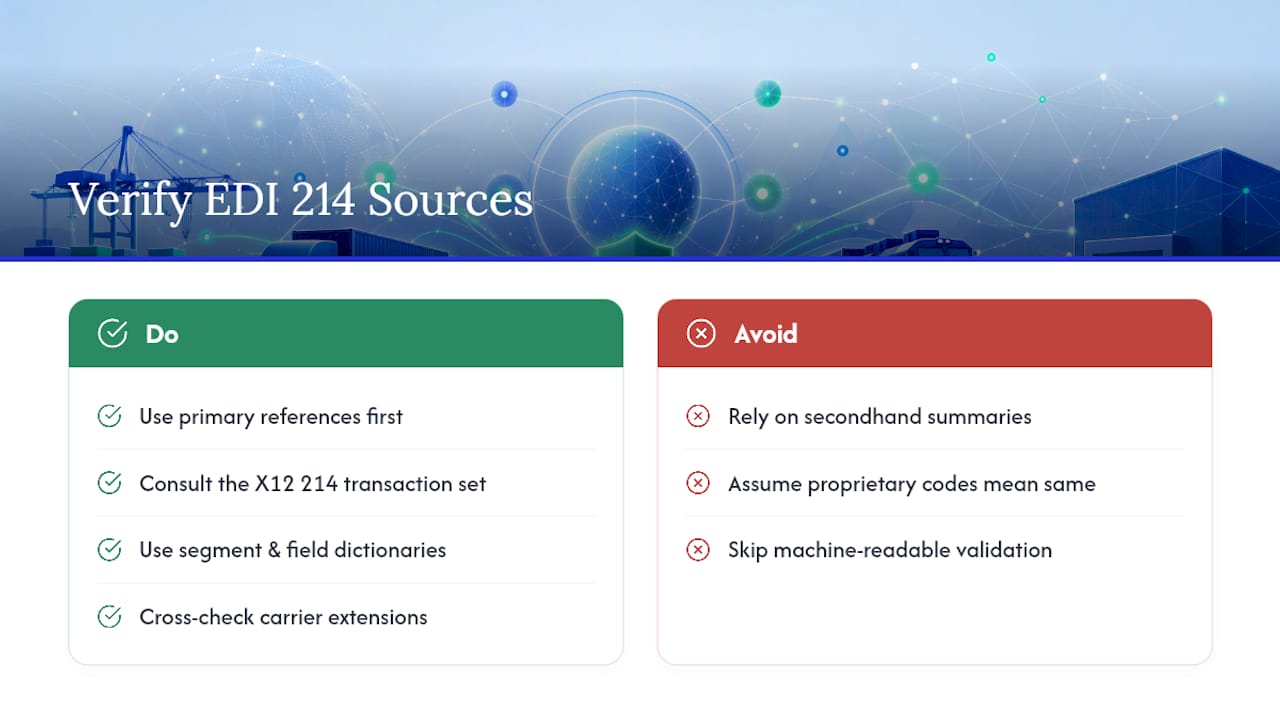
For anything mapping-critical, work from primary references rather than secondhand summaries. The X12 214 transaction set entry defines the standard itself, while segment and field-level dictionaries give you the machine-readable detail needed for validation rules. Cross-check any carrier’s proprietary extensions against these before assuming a code means what you think it does.
Sources
- 214 | X12
- EDI 214 - Transportation Carrier Shipment Status Message | Better EDI
- EDI 214: Transportation Carrier Shipment Status Message Transaction Set | 1 EDI Source
FAQ
What Does the EDI 214 Status Code Mean?
The status code inside the AT7 segment identifies a specific shipment event, pickup, departure, arrival, delivery, or exception, and it’s paired with a timestamp and a reason code that explains why the event happened, especially in delay or exception cases.
What Is the Difference Between EDI 210 and EDI 214?
EDI 214 reports shipment status events in near real time as they happen, while EDI 210 is the Motor Carrier Freight Details and Invoice, sent after delivery to bill for the shipment; teams typically reconcile 214 event history against the 210 to confirm the full shipment lifecycle.
What Is the Purpose of the EDI 214 Standard?
The 214 exists so carriers can transmit shipment dates, times, locations, route information, and identifying numbers back to shippers and logistics providers, giving them a standardized way to track freight without relying on manual status calls.
What Is the Difference Between EDI 204 and EDI 214?
EDI 204 is the Motor Carrier Load Tender, sent by a shipper to offer a load to a carrier, while EDI 214 is the carrier’s status response once that load is moving, reporting pickup, transit, and delivery events against the original tender.
How Do You Track Shipments Using EDI 214?
You track shipments by mapping incoming AT7 status events, along with MS1/MS2 location data and AT8 delivered-quantity fields, into your TMS or ERP’s shipment timeline, then triggering automated notifications or workflows off each event as it arrives, which is how native EDI 214 tracking is built to work.
Operations Dashboard for Logistics Teams: 5-15 KPIs and MOTA Rules
An operations dashboard in logistics is a live, single-screen view of the KPIs that drive daily shipping decisions, built on the MOTA framework so every metric is measurable, owned, timely, and actionable. Its value is simple: it turns scattered freight data into a view your dispatch and warehouse teams can act on the moment something breaks. Platforms like some transport management systems build this visibility directly into the transport management system, instead of bolting it on after the fact.
TL;DR:
- Most critical KPIs should be directly linked to decisions and include on-time pickup and delivery rates, throughput, cycle time, and exception counts to predict and address issues early.
- Dashboard data must match decision-making cadence, with real-time or 15-minute updates for shipment tracking, and hourly or daily refreshes for financial metrics, to support timely actions.
- Every metric needs an owner and must pass the MOTA test, ensuring it is measurable, actionable, timely, and owned to prevent stale data and loss of trust.
- Proper data hygiene involves consistent identifiers, timestamp alignment, and validation rules to avoid inaccuracies that can mislead operators or erode dashboard credibility.
- Incorporating AI and predictive models shifts dashboards from reactive tools to anticipatory systems, highlighting likely delays or issues hours before they impact operations.
Table of Contents
- Types of Logistics and Operations Dashboards
- What KPIs Belong on an Operations Dashboard?
- How Fresh Should Your Dashboard Data Be?
- Design and Ownership: Putting MOTA to Work
- How to Build an Operations Dashboard: A Practical Checklist
- FreightSuite’s Approach to Operations Dashboards
- Common Pitfalls in Logistics Dashboard Implementation
- Keeping Logistics Dashboard Data Accurate and Clean
- Predictive Analytics and AI in Operations Dashboards
- How FreightSuite Helps You Build the Dashboard Your Operation Needs
- Sources
- FAQ
Types of Logistics and Operations Dashboards
Not every team needs the same view. An inventory dashboard answers “what do we have and where,” tracking stock levels, aging, and reorder points across warehouses. A transportation dashboard answers “where is everything right now,” pulling in-transit shipments, idle trucks, and delivery windows onto a map. A warehouse dashboard tracks dock-to-stock time, pick accuracy, and labor allocation. An end-to-end operations view stitches all three together for leadership.
Common dashboard groupings across the supply chain include inventory, transportation, order management, demand planning, and risk management views, each built to answer a different question rather than duplicate the same one.
Most effective layouts follow a consistent pattern:
- A map or flow view showing physical movement in real time
- Headline KPIs sized for a three-second scan
- An attention queue listing exceptions that need a human decision
A trucking-focused version of this layout puts revenue, AR aging, idle trucks, and compliance status on one screen, refreshed continuously, so the morning briefing writes itself.
What KPIs Belong on an Operations Dashboard?
Pick too few metrics and you miss problems. Pick too many and nobody looks at the screen at all. The working rule among logistics teams is to keep KPIs per dashboard within a moderate range, with a majority being leading indicators (metrics that predict trouble) and the rest lagging indicators (metrics that confirm it already happened).
The highest-value metrics for daily operations tend to be:
- On-time pickup and delivery rate
- Throughput (orders or shipments processed per hour)
- Cycle time from booking to delivery
- Work-in-progress (WIP) and backlog aging
- Accounts receivable aging
- Exception count (missed pickups, tracking gaps, documentation holds)
- Cost per mile or cost per shipment
Dashboards should surface step-level flow metrics like throughput, cycle time, WIP, and backlog aging so teams can isolate constraints before they become systemic.
Thresholds matter more than raw numbers. A 92% on-time rate means nothing without a target and a color band that tells the dispatcher when to intervene. Set the target first, then build the visual around it, not the other way around.
How Fresh Should Your Dashboard Data Be?
A dashboard is not a report, and treating it like one is the most common design mistake logistics teams make. A report is backward-looking and analytical; a dashboard is forward-leaning and tactical, meant to trigger a decision in the next few minutes, not summarize last month.
Refresh cadence should match the decision it supports. Dispatch and live shipment tracking benefit from continuous updates or 15-minute intervals, since a delayed pickup needs a reroute now, not tomorrow. Warehouse throughput and labor views work fine at 15 to 60 minutes; dock activity does not swing wildly minute to minute. Financial summaries, like AR aging or margin by lane, are appropriately refreshed hourly or daily.
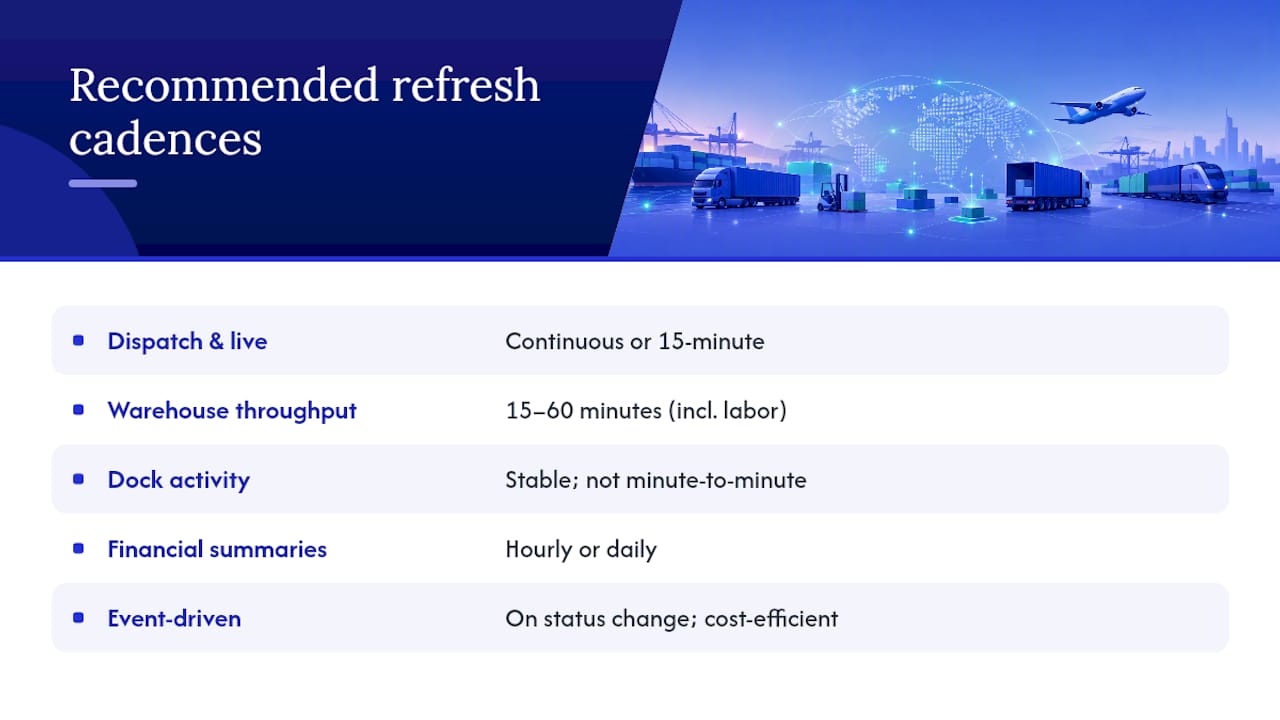
Faster is not automatically better. Continuous refresh costs more in integration complexity and infrastructure, so reserve it for KPIs where a 15-minute delay actually changes what someone does next. For everything else, event-driven updates (triggered when a status changes) balance freshness against cost more efficiently than polling every system on a fixed clock.
Design and Ownership: Putting MOTA to Work
The MOTA framework, Measurable, Owned, Timely, Actionable, is the filter that keeps a dashboard useful instead of decorative. Run every candidate metric through these four questions before it earns a spot on the screen:
- Is it measurable with data you actually have, not data you hope to have?
- Is it owned by one named person who is accountable for the number?
- Is it timely, updated on a cadence that matches the decision it informs?
- Is it actionable, meaning someone can change the outcome by acting on it?
Metrics without an assigned owner tend to go stale fast, because nobody feels responsible for questioning a number that looks wrong. Assign one owner and one clear decision to every KPI on the board.
Keep the whole dashboard scannable in a short time and limit the number of KPIs, use color thresholds instead of raw numbers, and give every metric a drill path so a supervisor can click from “on-time rate dropped” straight to the shipments causing it.
Pro Tip: Test your dashboard by handing it to someone outside the team for 60 seconds. If they can’t tell you what needs attention right now, the layout has too much noise.
How to Build an Operations Dashboard: A Practical Checklist
Standing up a working dashboard does not require a quarter-long project. It requires sequencing.
- Name an owner for each KPI before building anything
- Pick 5 to 15 KPIs and confirm each passes the MOTA test
- Map which system feeds each metric and confirm refresh cadence
- Build the attention queue first, then the headline KPIs around it
- Pilot with one team and review daily for two weeks
- Roll out role-based views for dispatcher, controller, warehouse, and finance
- Schedule a quarterly review to retire stale metrics and add new ones
Success in the pilot looks like fewer missed exceptions caught late and a shorter time between a status change and someone acting on it, not a longer list of charts.
FreightSuite’s Approach to Operations Dashboards
Some agentic TMS systems keep tracking, finance, and workflow data in one system rather than in three that need stitching together after the fact. That structure removes a lot of the integration lag that breaks dashboard accuracy elsewhere. Operations teams get air and ocean tracking, rate management, and financial reporting feeding the same view, with AI agents handling status updates so metric owners spend less time chasing data and more time acting on it.
Common Pitfalls in Logistics Dashboard Implementation
The most common failure is building the dashboard around available data instead of the decision it needs to support. Teams pull every field their TMS exposes, ship a screen with 40 metrics, and wonder why nobody opens it after week one. The fix is discipline at the KPI selection stage: if a metric does not change a decision, it does not belong on the board.
A close second is metric ownership drift. A KPI gets built, its owner changes jobs six months later, and nobody reassigns it. The number keeps updating, but nobody questions it when it looks wrong, and trust in the whole dashboard erodes even though only one metric actually failed.
Inconsistent status definitions across systems cause a quieter but equally damaging problem. If your WMS marks an order “complete” at pick and your TMS marks it “complete” at delivery, any dashboard blending both will show numbers that don’t reconcile with what either team experiences on the ground. Align these definitions before connecting a single data source.
Refresh mismatch is another frequent trap: teams either over-invest in continuous refresh for metrics that don’t need it, burning integration budget, or under-invest and use daily batch updates for dispatch decisions that need to happen in minutes. Match cadence to the decision, not to what’s technically easiest to build.
Finally, dashboards that never get revisited decay. KPIs that made sense during a peak season or a specific client ramp-up outlive their usefulness and clutter the screen long after they stopped driving decisions. A quarterly governance review, where owners defend why their metric still earns its spot, keeps the board lean and trusted.
Keeping Logistics Dashboard Data Accurate and Clean
Accuracy starts before the first chart gets built. Canonical identifiers, one shipment ID that means the same thing across your TMS, WMS, and carrier EDI feed, prevent the duplicate or orphaned records that quietly inflate exception counts and confuse root-cause analysis.
Timestamp alignment deserves equal attention. If your GPS feed reports in the vehicle’s local time zone and your TMS logs in UTC, a dashboard blending both will show cycle times that are wrong by hours, sometimes flipping which leg of a shipment actually caused a delay.
Validation rules catch errors before they reach the screen rather than after. Simple range checks (a shipment can’t have a negative transit time), required-field checks (a delivery can’t close without a timestamp), and duplicate detection on shipment IDs stop most bad data before it pollutes a KPI. Run these checks at the point of ingestion, not as a cleanup pass after the dashboard already shows the wrong number to a dispatcher making a real-time call.
Regular reconciliation between source systems and the dashboard layer catches drift that validation rules miss. A scheduled weekly comparison, pulling a sample of shipments and confirming the TMS, WMS, and dashboard all agree on status, surfaces integration bugs before they compound into a quarter of bad reporting.
Data hygiene is also a people problem, not just a technical one. If a warehouse team knows a “putaway complete” flag is unreliable, they’ll route around the dashboard entirely and go back to phone calls and spreadsheets. Fixing the underlying data source matters more than adding another chart on top of bad inputs. Assign the same owner accountable for a KPI’s accuracy as the one accountable for its target, so cleaning data and hitting numbers aren’t treated as separate jobs.
Predictive Analytics and AI in Operations Dashboards
The next layer beyond a live KPI screen is prediction. Instead of only showing that a shipment is delayed right now, predictive models flag which shipments are likely to miss their delivery window hours before it happens, based on patterns in transit time, carrier performance, and route history. That shift, from reactive to anticipatory, is where advanced logistics dashboards are heading.
AI agents are increasingly doing the work that used to require a person watching a screen. Instead of a dispatcher manually checking a tracking feed every 15 minutes, an agent can monitor the feed continuously, flag anomalies, and populate the attention queue automatically when a shipment falls outside its expected pattern. This matters because it changes what the dashboard is for: less a screen you check, more a system that checks itself and surfaces only what actually needs a human decision.
Other advanced features showing up in newer operations dashboards include automated exception routing (sending a missed-pickup alert to the right regional dispatcher instead of a general queue), dynamic threshold adjustment (tightening a KPI’s target automatically during peak season), and natural-language query layers that let a controller ask “which lanes had the worst on-time rate this week” instead of building a filter manually.
None of this replaces the fundamentals. A predictive model layered on top of bad timestamp data or unowned metrics just produces confident wrong answers faster. Get the KPI selection, ownership, and data hygiene right first, then layer prediction and automation on top.
How FreightSuite Helps You Build the Dashboard Your Operation Needs
Freight forwarders juggling separate tools for tracking, rates, and finance end up rebuilding the same dashboard logic three times, once per system, and reconciling the differences by hand. FreightSuite closes that gap by keeping rate management, tracking, and financial data inside one agentic TMS, so the KPIs on your screen come from a single source of truth instead of three exports stitched together overnight.
That structure matters most for AR aging and margin visibility, where finance teams need numbers that match what operations sees in real time. FreightSuite’s finance-focused tools pull directly from the same shipment data driving your operational KPIs, so a dispute over “which number is right” stops being a weekly occurrence.
If your team ships primarily by ocean, FreightSuite’s ocean freight tracking capabilities feed milestone data straight into your dashboard layer without a separate carrier integration project. For teams weighing fleet-side optimization alongside dashboard visibility, fleet optimization strategies for rental managers covers the operational side worth pairing with your tracking data.
The most direct next step is seeing it against your own shipment volume. Book a demo and bring your current KPI list. We’ll show you what it looks like running on a system built to keep the data behind it current, not reconciled after the fact.
Sources
An operations dashboard is only as good as the systems feeding it. The core sources most logistics teams connect are:
- Dashboard vs report: choosing the right BI tool for your data needs | Domo
- 7 Key supply chain dashboard examples | GoodData
- Operations dashboard for throughput and cycle time | Fusedash
- Trucking operations dashboard — Live KPI control room | Keelway
Integration usually happens through direct connectors, event streams, or scheduled ETL pipelines, with vendor tooling increasingly offering no-code connections between these systems and the dashboard layer. Whichever pattern you use, align timestamps and status definitions across sources first. A “delivered” flag in one system that means something different in another is the fastest way to make a dashboard lie to its users.
FAQ
What Is an Operations Dashboard?
An operations dashboard is a live, single-screen display of the metrics a team needs to make decisions right now, built to be forward-leaning and tactical rather than a backward-looking summary like a traditional report.
What Are the 5 P’s of Logistics?
The 5 P’s commonly cited in logistics are product, price, promotion, place, and people, a framework borrowed from marketing and adapted to describe the factors shaping supply chain strategy; definitions vary somewhat by source, so treat it as a general lens rather than a fixed standard.
How Do You Create a Logistics Dashboard?
Start by naming an owner for each KPI, select 5 to 15 metrics that pass the MOTA test, map each metric to its data source and refresh cadence, then pilot the layout with daily reviews before rolling it out to other teams.
How Do You Create a PMO Dashboard?
A project management office dashboard follows the same core logic as an operations dashboard: pick a small set of owned, measurable metrics tied to project status and risk, set a review cadence that matches decision speed, and build an attention queue for items needing escalation.
How Many KPIs Should an Operations Dashboard Show?
Most effective logistics dashboards hold between 5 and 15 KPIs, with roughly 60% leading indicators, since a dashboard with more than 15 metrics typically takes longer than three minutes to read and buries the signals that need action.
Tame Air Freight Tariffs: Cut 20–40% Hidden Charges for Logistics Teams Using TMS
Air freight tariffs are the airline base rates published under the TACT framework, plus mandatory surcharges and accessorial charges, all billed against chargeable weight rather than actual weight alone. Fuel and security surcharges swing with market conditions, and in 2026 those swings can move your per-kilo cost more than the base rate does. This article breaks down how billing actually works, what adds cost at every stage, and what you can do about it before the invoice lands.
TL;DR:
- Chargeable weight is calculated based on the higher of actual weight or volumetric weight, which can significantly impact costs on bulky shipments.
- Fuel surcharges fluctuate weekly with market fuel prices and can more than double the base rate cost in 2026 during peak price swings.
- Lane-specific rates vary widely, with Asia to North America reaching $5.70 to $7.00 per kilogram at peak times, much higher than the global average.
- Accessorial charges like terminal handling, documentation, and customs fees often make up 20 to 40 percent of total air freight costs, requiring careful negotiation and verification.
- Using a modern transportation management system helps prevent disputes by automating rate updates, volumetric calculations, and invoice reconciliation aligned with official tariffs.
Table of Contents
- What Air Freight Tariffs Actually Are (TACT and Airline Rules)
- How Air Freight Rates Get Calculated: Chargeable Weight and a Worked Example
- The Surcharges and Accessorial Charges That Inflate Your Quote
- What Air Cargo Actually Costs in 2026, Lane by Lane
- Cutting Your Air Freight Cost Without Cutting Corners
- Where a TMS Fits Into Tariff Management
- Quick Glossary: Terms You’ll See on Every Tariff and Invoice
- Where to Verify These Numbers Yourself
- Sources
- FAQ
What Air Freight Tariffs Actually Are (TACT and Airline Rules)
The base rate on any air shipment traces back to the Cargo Tariff, better known by its acronym TACT, the reference system airlines use to publish rate rules, commodity classifications, and special handling provisions. IATA describes TACT as the foundation of pricing transparency in the industry, the document that defines what an airline charges before a single surcharge gets added on top. When a rate looks wrong on an invoice, TACT and the carrier’s own published rules are usually where the dispute gets resolved, because they spell out exactly which commodity code and weight break applied at the time of booking.
A tariff document is not the same thing as the quote your forwarder emails you. It contains the underlying rules the quote was built from:
- Rate tables organized by weight break, so the per-kilo charge drops as shipment weight rises
- Commodity-specific charges for goods that carry handling risk, like dangerous goods or perishables
- Special rules covering minimums, rounding conventions, and exceptions by trade lane
- Currency and conversion provisions airlines apply when settling in different markets
Freight forwarders and airlines both refer back to these published rules when a rating dispute comes up, because a verbal quote carries no weight against a documented tariff. IATA’s own guidance recommends that shippers keep documentation precise enough to match against TACT rules at every step, since a mismatch between booked and actual cargo details is where most re-invoicing headaches start.
How Air Freight Rates Get Calculated: Chargeable Weight and a Worked Example
Airlines bill on chargeable weight, which is whichever is higher: the actual weight of your shipment or its volumetric weight. Volumetric weight uses a standard conversion of length times width times height in centimeters, divided by 6,000, the IATA volumetric factor that converts dimensions into an equivalent kilogram figure. A shipment that is light but bulky, think furniture, packaging inserts, or medical device casings, almost always gets billed on volume, not scale weight.
Here is how that math plays out for a real box:
- Measure the shipment: 100 cm x 80 cm x 60 cm, actual weight 150 kg
- Calculate volume: 100 x 80 x 60 = 480,000 cubic centimeters
- Divide by 6,000 to get volumetric weight: 80 kg
- Compare the two figures: actual weight (150 kg) exceeds volumetric weight (80 kg), so 150 kg is billed
Pro Tip: Run the volumetric calculation before you book, not after. A shipment that looks like a “weight” shipment on your warehouse scale can flip into a “volume” shipment the moment it’s repacked into a taller crate, and that flip changes your entire cost basis.
Rates also fall in bands, known as weight breakpoints, typically at 45 kg, 100 kg, 300 kg, and 500 kg. Crossing a breakpoint even by a few kilos can lower your per-kg rate enough to offset the extra weight entirely.
A worked example on a Shanghai to Los Angeles lane, 150 kg chargeable weight:
That works out to roughly $6.10 per kilo all-in, well above the $4.20 base rate. Industry breakdowns consistently show that indirect costs, accessorials and documentation, account for 20 to 40 percent of total air freight spend, and this example lands right in that range.
The Surcharges and Accessorial Charges That Inflate Your Quote
The base rate is rarely the number that determines whether your quote is competitive. Surcharges and accessorials do most of that work, and they shift for different reasons than the base rate does.
Fuel surcharge (FSC) moves with jet fuel indices and can change weekly on some carriers. It’s the single most volatile line item on an air waybill, and it’s the one most shippers fail to renegotiate even when fuel prices drop.
Security surcharge (SSC) covers mandated screening costs and tends to stay flatter than fuel, though it can spike on routes flagged for enhanced screening.
War risk and route risk surcharges apply on lanes crossing conflict zones or high-risk airspace, added on top of standard charges when carriers reroute around closed corridors.
Peak season and seasonal premiums appear around major shopping seasons and Lunar New Year, when capacity tightens and carriers price accordingly.
Beyond those, expect a cluster of accessorial charges on nearly every shipment:
- Terminal handling charge (THC) for moving cargo through the origin or destination warehouse
- Documentation fees for airway bill processing and paperwork
- Customs clearance and duty-related charges, separate from the transport tariff itself
- Storage and demurrage if cargo sits past free time at the terminal
- Special handling premiums for dangerous goods, cold chain, or oversized freight
Pro Tip: Ask your forwarder for a full accessorial schedule before booking, not just the headline rate. A quote that looks 15% cheaper on the base rate can lose that entire advantage once THC and documentation fees get added back in.
What Air Cargo Actually Costs in 2026, Lane by Lane
Global average spot rates in early 2026 have moved in a range of roughly $2.84 to $3.19 per kilogram, according to WorldACD’s weekly tracking, but that global figure hides enormous lane-specific variance. A quote near the global average on a congested Asia to North America lane during peak weeks would actually be a bargain.
| Lane | 2026 benchmark range (per kg) |
|---|---|
| Asia to North America | $5.70 to $7.00 |
| Asia to Europe | roughly $6.10 per kilo |
| Europe to United States | $2.50 to $8.00 (wide seasonal swing) |
| Intra-Asia | tends to be at the lower end of general benchmarks |
Lane benchmarks for Asia to Europe and Asia to North America reflect peak 2026 spot weeks, when capacity gets absorbed fastest. Broader benchmark data puts standard commercial air freight anywhere from $2.50 to $8.00 per kilogram depending on lane, service level, and season, a spread wide enough that a single “average” quote is close to meaningless without lane context attached.
Three forces drive most of that spread: available belly and freighter capacity, fuel price movement feeding the FSC, and geopolitical disruption forcing reroutes around closed airspace. Seasonality compounds all three, since capacity tightens fastest exactly when demand peaks. WorldACD’s own reporting stresses using lane-specific benchmarks rather than a single global number when you’re checking whether a quote is fair, because a rate that’s reasonable on one corridor can be well above market on another during the same week.
Spot rates and contract rates behave differently through all of this. Spot rates track the market in near real time and absorb volatility fastest, while a negotiated contract rate with volume commitments tends to lag the spot market, sometimes to your advantage when spot spikes, sometimes against you when spot rates fall and your contract floor doesn’t move.
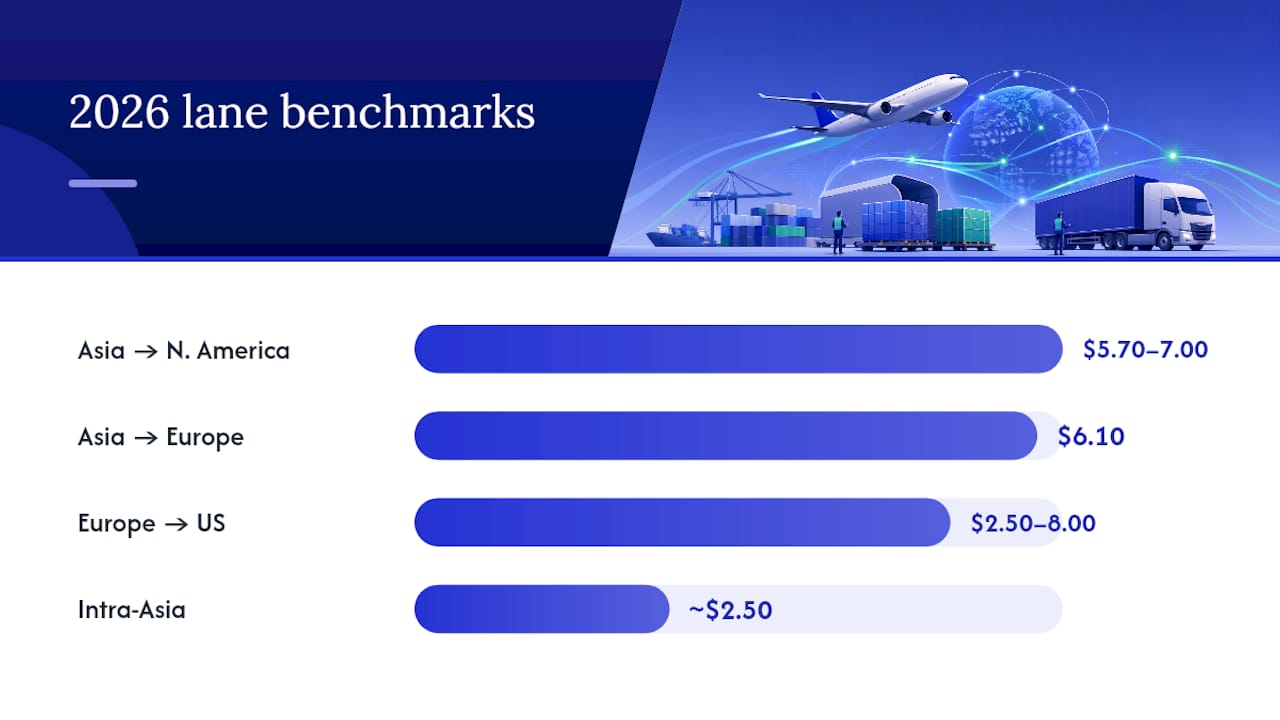
Cutting Your Air Freight Cost Without Cutting Corners
Cost control here is less about squeezing one big number and more about closing a dozen small leaks, most of them on the accessorial side where 20 to 40 percent of total spend actually lives.
- Optimize packaging before you quote. Repack to reduce volumetric weight, since dimensional charges routinely exceed actual weight charges on lighter cargo.
- Consolidate shipments where lanes and timing allow. Combining smaller loads into one booking often crosses a weight breakpoint that lowers your effective per-kg rate. Reviewing your warehouse receiving process can reveal consolidation windows you’re currently missing.
- Lock rates through contract negotiation, but negotiate the fuel clause specifically. A flat base rate means little if the FSC formula attached to it resets every week.
- Push for minimum volume discounts once your shipment history gives you leverage, typically after three to six months of consistent lane volume.
- Capture dimensions before booking, every time. IATA’s own guidance ties accurate documentation and dimensional data directly to fewer re-invoicing disputes after the fact.
- Reconcile the airway bill against the final invoice line by line, and escalate any mismatched charge immediately rather than accepting it as a rounding difference.
Pro Tip: Clarify who pays which accessorial charge before the shipment moves, not after. Incoterm selection determines this more than most shippers realize, and a misread Incoterm is one of the most common causes of a surprise bill landing on the wrong side of the transaction.
Where a TMS Fits Into Tariff Management
Manual rate management is where most tariff disputes are born, because a spreadsheet doesn’t update its fuel index automatically and it definitely doesn’t catch a volumetric miscalculation before booking. A modern TMS closes that gap directly.
A modern TMS centralizes rate management so your team works from one current rate table instead of scattered carrier PDFs, with fuel-index adjustments and lane benchmarking built into the same view. On the operational side, automated volumetric calculation removes the manual math error that turns a weight shipment into an unexpected volume charge, and automatic AWB-to-invoice reconciliation flags mismatches before they become disputed line items weeks later. Invoice recognition speeds up the audit step further, matching charges against the historical rate that was actually in effect at booking, which is exactly the evidence you need when a carrier’s invoice doesn’t match the quote.
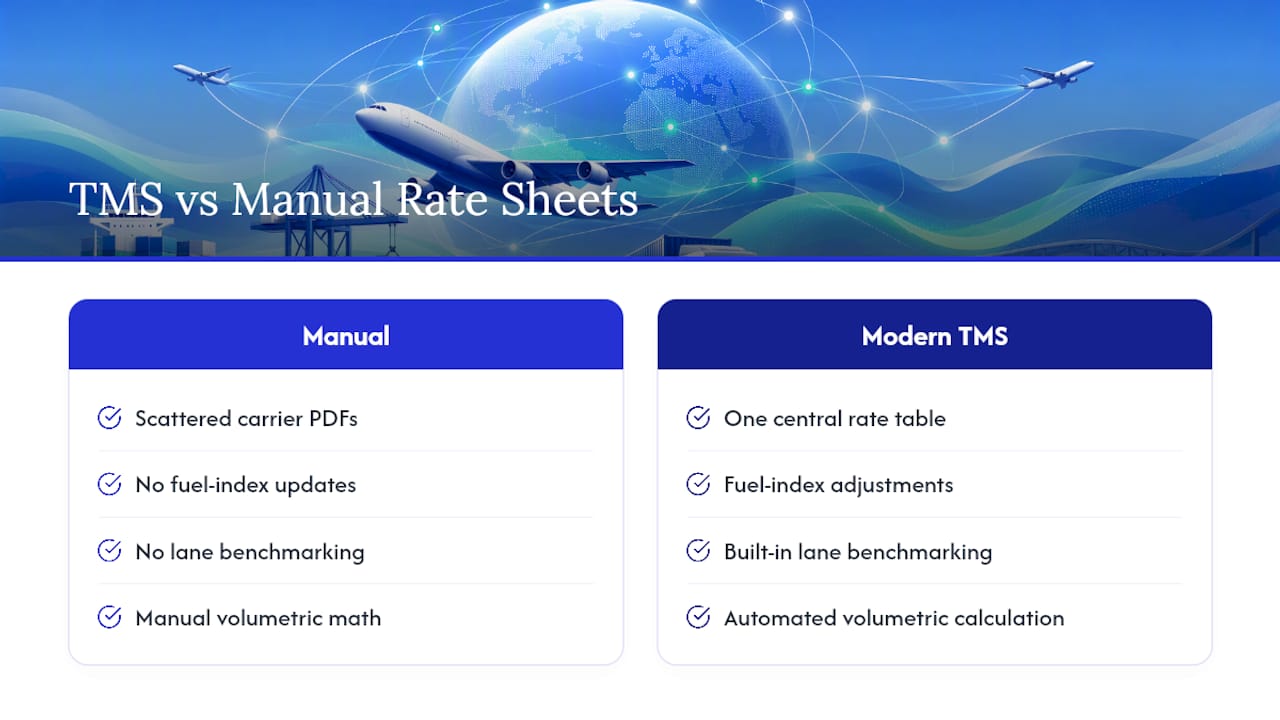
Freight teams looking to move off manual rate sheets can start with FreightSuite’s air freight capabilities to see how rate tables, tracking, and invoice audit work together in one workflow.
Quick Glossary: Terms You’ll See on Every Tariff and Invoice
- TACT: The Cargo Tariff reference system airlines use to publish base rates and rules
- AWB (Air Waybill): The shipment’s contract of carriage, showing weight, rate, and charges applied
- FSC (Fuel Surcharge): An index-linked surcharge that moves with jet fuel prices
- THC (Terminal Handling Charge): A flat fee for moving cargo through origin or destination warehouses
- Chargeable weight: The higher of actual weight or volumetric weight, the figure airlines actually bill against
Check the AWB’s rate box and the attached invoice’s surcharge lines to see each of these in practice on your next shipment.
Where to Verify These Numbers Yourself
For ongoing benchmarking, consult IATA’s tariff guidance directly, track WorldACD’s weekly indices for lane trends, and cross-check quotes against operational cost breakdowns from established freight guides.
Sources
- Air Cargo Tariffs and Rules: What You Need to Know — IATA
- WorldACD weekly air cargo trends — WorldACD
- Air Freight Costs Explained (2026): Full Breakdown, Fees & Cost-Saving Tips — BSI Global Logistics
FAQ
What Are Air Freight Tariffs?
Air freight tariffs are the base airline rates published under the TACT framework, combined with mandatory surcharges like fuel and security, and accessorial charges such as terminal handling and documentation. They’re billed against chargeable weight, whichever is higher between actual and volumetric weight.
Will Freight Rates Increase in 2026?
Rates have already shown lane-specific volatility through 2026, with global averages around $2.84 to $3.19 per kilogram but sharp spikes on congested lanes like Asia to North America, where peak weeks have reached $5.70 to $7.00 per kilogram. Capacity, fuel prices, and geopolitical disruption remain the main swing factors.
Is Freight Subject to Tariffs?
Yes, but freight tariffs (transport charges from the airline) are separate from customs duties and import tariffs applied by commodity code and origin. Air imports generally follow the same duty rules as ocean imports, though certain fees like the Harbor Maintenance Fee don’t apply to air shipments, according to customs clearance guidance.
What Are the Current IATA Freight Rates?
IATA doesn’t publish a single universal rate. It maintains the TACT framework that airlines use to publish their own base rates, rate tables, and commodity rules, which is why checking a carrier’s published tariff or a current market index matters more than looking for one fixed IATA number.
6 TMS Controls That Secure eBL Management for Forwarders
EBL management is the set of TMS processes that issue, endorse, track, and surrender an electronic bill of lading in place of a paper original. The legal groundwork for this has largely been settled across major trading jurisdictions. What still trips up forwarders is interoperability: whether your TMS can actually issue an eBL, maintain a clean audit trail, recover a lost identity credential, and pass that document to a carrier or bank rail that speaks a different standard.
TL;DR:
- EBL interoperability remains a challenge, requiring TMS compatibility with issuing, tracking, and passing control of digital titles across different standards.
- Legal recognition of electronic bills is advancing, but operational hurdles like carrier participation and platform approval still slow widespread adoption.
- Implementing eBL workflows demands careful planning, including carrier mapping, identity verification, reissue procedures, and stakeholder sign-offs before going live.
- Risks include lost credentials, amendment disputes, and vendor lock-in, so robust recovery processes and open data standards are essential.
- Industry adoption offers significant benefits, including reducing greenhouse gas emissions, cutting costs by billions annually, and speeding up cargo release times.
Table of Contents
- What eBL and eFBL Mean for Your TMS Workflows
- Standards and Legal Status You Need to Check Before You Adopt
- How Do You Integrate EBL Management Into a TMS?
- Why Do Forwarders Still Deal With Paper Bills of Lading?
- What Are the Main Risks in EBL Management?
- What’s the Business Case for Switching to EBLs?
- How FreightSuite Fits Your EBL Rollout
- Get Your TMS EBL-Ready
- Sources
- FAQ
What eBL and eFBL Mean for Your TMS Workflows
A bill of lading does three jobs at once, and any TMS handling one has to replicate all three or the document is worthless in a dispute. It is a receipt for cargo received, evidence of a contract of carriage, and a document of title, meaning whoever holds it legitimately can claim the goods. That third function is the hard one. Paper solves title through physical possession. An electronic version has to solve it through exclusive control, which means your system needs an unbroken, verifiable chain showing who held title at every point in the shipment’s life, not just a status field that says “transferred.”
This is exactly the gap FIATA’s electronic FIATA Multimodal Bill of Lading was built to close. The eFBL is designed for legal equivalence with paper bills while preserving the forwarder’s traditional role as issuer, and FIATA has partnered with TMS providers to distribute it directly into existing platforms. For a freight forwarder, that matters because you are not just tracking a document, you are the party legally issuing it.
A TMS built for this needs to handle:
- Immutable audit logs tied to each transfer event, not just a timestamp
- Digital identity verification for every party in the endorsement chain
- Multimodal document generation that maps to air, ocean, and road legs without manual reformatting
Standards and Legal Status You Need to Check Before You Adopt
The law caught up faster than most forwarders expected. Model legislation aligned with the Model Law on Electronic Transferable Records, along with UCP 600 and UNCITRAL references baked into instruments like the eFBL, gives electronic title transfers the same legal footing as an endorsed paper original in a growing list of jurisdictions. That is genuinely good news, and it is also not the part that will slow your rollout.
Industry analysis is fairly blunt on this point: the major legal obstacles have been addressed in many jurisdictions, and what remains is operational, meaning interoperability and change management inside individual companies. Before you commit budget to an eBL rollout, verify these three things:
- Whether your target trade lanes fall under MLETR-aligned legislation or still require paper fallback
- Whether the eBL rail you are evaluating participates in the interoperability work led by FIATA, DCSA, ICC, BIMCO, and SWIFT under the FIT Alliance
- Whether the platform carries IG Club or P&I insurer approval, since that acceptance materially reduces insurance friction for both carriers and forwarders on covered lanes
Skip that last check and you may find an insurer treating your “digital” shipment as an uninsured paper gap.
How Do You Integrate EBL Management Into a TMS?
Treat this as an infrastructure project with a change management layer, not a feature you switch on. Here is the sequence that keeps forwarders from getting burned on their first live shipment.
- Map carrier interfaces first. List every carrier and eBL rail your top lanes touch, then confirm which ones your TMS has an existing adapter for versus which need custom API work.
- Define issuance rules. Lock down who has authority to issue, amend, and endorse inside your organization, and write the amendment policy before your first live document, not after a dispute.
- Build identity and key controls. Multi-factor authentication, key management, and a full audit trail are non-negotiable for any party touching the title chain.
- Document a reissue-to-paper procedure. Some counterparties and customs regimes will still demand an original. You need a tested process that extinguishes the electronic record cleanly when that happens.
- Get commercial sign-off from all three gatekeepers. That means carrier agreements, a bank acceptance check on the financing side, and confirmation your insurer or P&I club recognizes the platform.
- Run an end-to-end paper-free trial. Pick one lane, one bank, one carrier, and reconcile the results against your existing paper process before scaling.
Pro Tip: Require documented recovery procedures for lost private keys before you go live, not after. A tested reissue-to-paper process that involves the carrier and has a clear legal basis should be part of your first-release acceptance criteria, the same way you would never ship a payment feature without a refund path.
Why Do Forwarders Still Deal With Paper Bills of Lading?
Even forwarders with a fully capable eBL-ready TMS run hybrid workflows, because one counterparty in the chain has not caught up. A bank that has not onboarded to your eBL rail may reject financing against it. A receiving customs office in a jurisdiction without MLETR alignment may demand a physical original. A buyer’s contract terms may simply specify paper, full stop.
This gap has a name in the industry: the coexistence tax. This term denotes the operational cost of running parallel paper and digital processes at the same time, and it shows up as duplicated document handling, courier costs you thought you had eliminated, and staff time spent reconciling two systems that should be one. DCSA’s cross-platform transfer work under PINT is closing this gap at the standards level, but that milestone changes long-term capability, not this quarter’s operational reality.
Three patterns reduce the friction:
- Run lane pilots instead of a company-wide switch, so you isolate which counterparties are the actual blockers
- Make eBL participation a mandatory onboarding condition for new carrier and bank partners
- Subscribe to more than one eBL rail rather than betting on a single platform, since your counterparties will not all standardize on the same one
Track your paper-free completion rate lane by lane.
What Are the Main Risks in EBL Management?
The risks are not exotic. They are the same categories you already manage for any financial document, applied to a newer format.
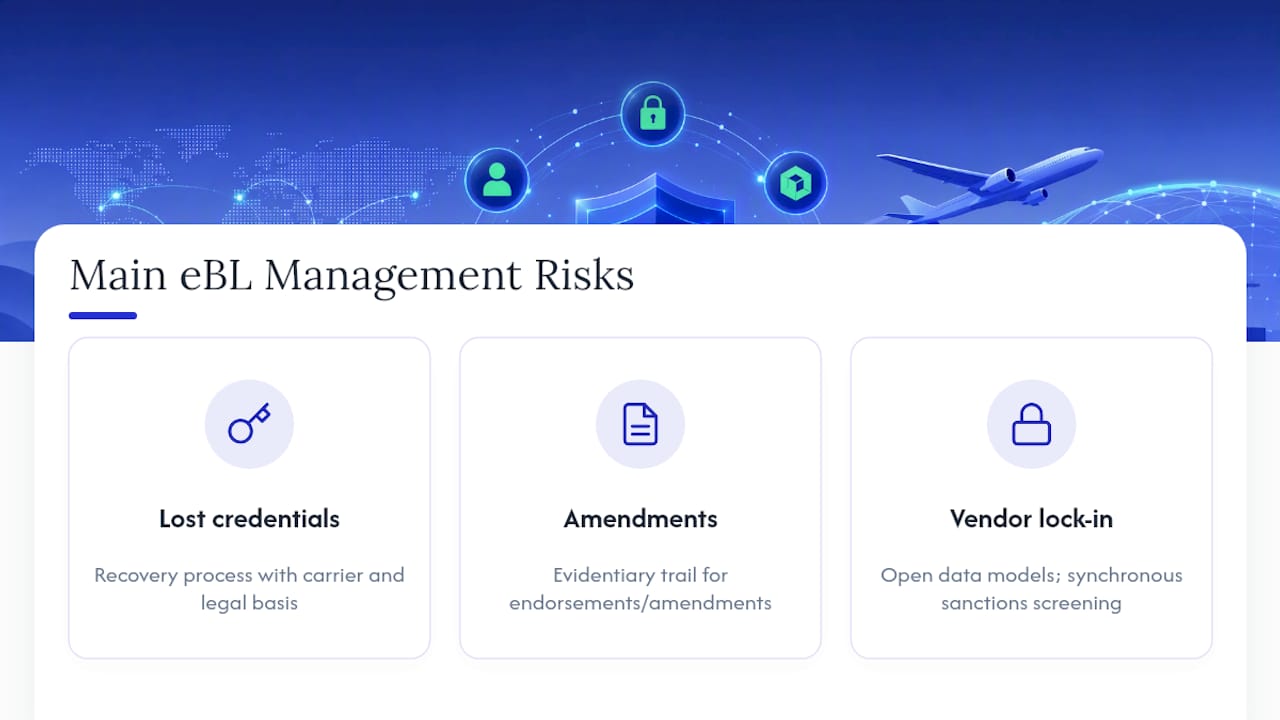
Lost credentials top the list. If a private key controlling title is lost or compromised, you need a recovery process that involves the carrier and rests on a clear legal basis, not a support ticket. Build this before your first shipment, because reconstructing it under pressure during an active dispute is how forwarders end up in arbitration.
Amendment disputes are the second risk. Every endorsement and amendment needs an evidentiary trail robust enough to hold up if a counterparty challenges it later.
Vendor lock-in is the third, and it is bigger than most teams initially treat it. Industry white papers warn that platform-exclusive eBLs fail long-term because banks, carriers, and customs authorities will never all converge on one proprietary system. Insist on open data models in any vendor contract, and confirm synchronous sanctions screening runs on every transfer, not as a batch job after the fact.
Pro Tip: Price eBL integrations per carrier or per rail in your vendor contracts rather than accepting a flat platform fee. It keeps the cost honest as your carrier list grows and protects you if one rail’s API changes require rework.
What’s the Business Case for Switching to EBLs?
The numbers make a straightforward argument. Every electronic bill of lading issued in place of a paper original saves an estimated 27.9 kilograms of greenhouse gas emissions, and industry-wide adoption is projected to save stakeholders roughly $6.5 billion in direct costs annually across courier fees, processing delays, claims handling, and the working capital tied up while paper originals travel by mail.
Build your own payback model at the lane level. Track courier costs eliminated, days shaved off document release lead times, and claims avoided from lost or delayed originals. Most forwarders find the working capital release, cargo released days earlier because a bank accepted a digital document instead of waiting on a courier, is the line item that convinces finance. The GHG figure works well in customer-facing ESG reporting, since shippers increasingly ask for per-shipment emissions data you can now actually calculate.
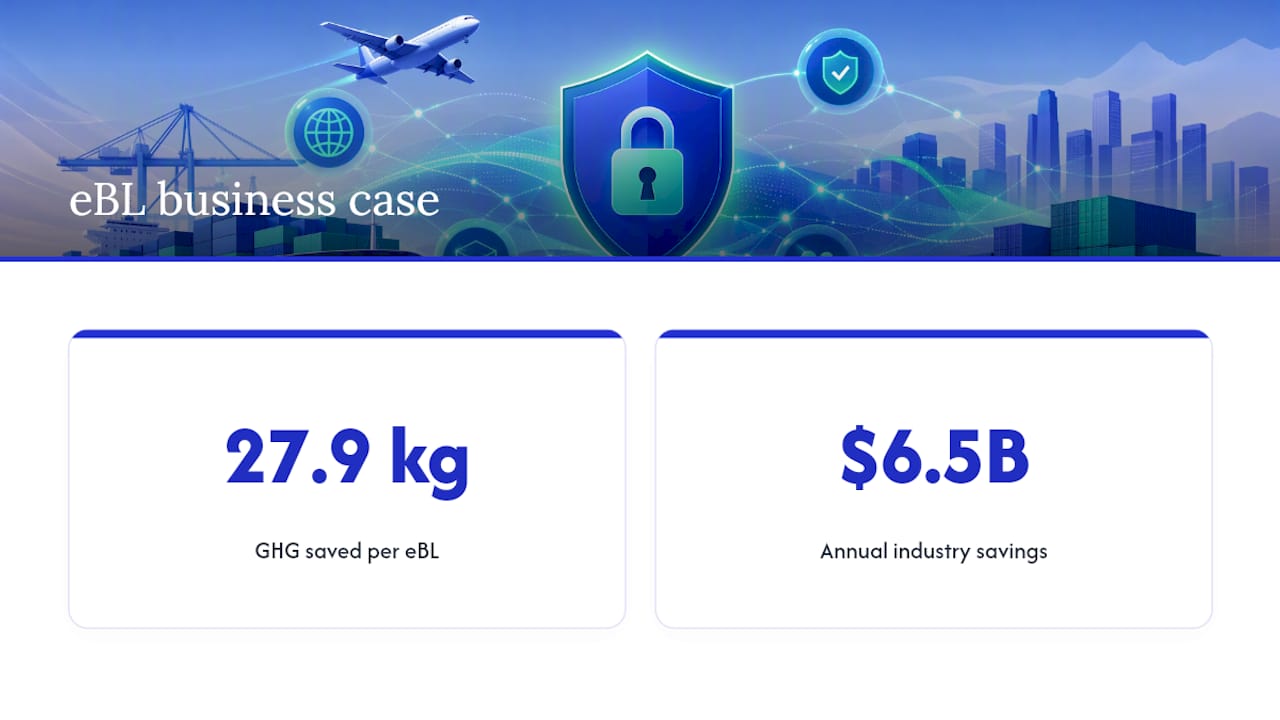
How FreightSuite Fits Your EBL Rollout
Everything on the checklist above needs to live somewhere, and for most forwarders that “somewhere” is the TMS they already run daily. FreightSuite is built with the document management, audit logging, and identity controls this kind of workflow demands natively, rather than bolted on as a side integration.
Here is how the pieces map:
- Ocean freight capabilities handle the carrier interfaces and tracking data that eBL issuance depends on
- Air freight capabilities extend the same document logic across multimodal legs without manual reformatting
- Native workflow automation and audit trails give you the endorsement history a title dispute would require
If you are planning a pilot, the sequence is simple: pick one lane, onboard the carrier and bank on that lane, run digital and paper documents side by side for a full cycle, then reconcile. FreightSuite’s freight lifecycle guide is a useful reference for how the eBL step fits into the broader shipment lifecycle you are already automating.
Get Your TMS EBL-Ready
Most forwarders discover their eBL gap the hard way, mid-shipment, when a bank rejects a document their platform generated because it lacks the audit trail the bank’s compliance team needs. FreightSuite avoids that by building document management, audit logging, and identity verification into the same platform that already runs your rate management, tracking, and finances, so eBL issuance is not a bolt-on feature fighting the rest of your stack.
That matters most for forwarders juggling ocean and air lanes simultaneously, where a document standard that works for one mode but not the other just recreates the coexistence tax inside your own operation. FreightSuite’s ocean freight and air freight modules share the same underlying workflow engine, so an eBL issued on one mode carries the same audit standard on the other.
If you are ready to see how this fits your actual carrier list and lane mix, the fastest path is a direct look at the platform. Book a demo and bring your current eBL pain point, whether that is a bank rejection, a carrier onboarding backlog, or a reissue-to-paper process nobody has documented yet. You can also check current plans if you are further along and ready to scope a rollout.
Sources
- Electronic bills of lading can revolutionize international trade (ITC/Intracen)
- FIATA digital bill of lading / eFBL
- How the electronic bill of lading (eBL) is transforming digital trade (ICC Academy)
FAQ
What Is EBL Management in a TMS Context?
EBL management covers the TMS functions that issue, endorse, transfer, track, and surrender an electronic bill of lading, replicating the receipt, contract of carriage, and title functions a paper original performs.
Is an Electronic Bill of Lading Legally Recognized?
Yes, in a growing list of jurisdictions aligned with the Model Law on Electronic Transferable Records, and standards like FIATA’s eFBL are built for legal equivalence with paper originals under UCP 600 and UNCITRAL references.
What Is the Biggest Barrier to EBL Adoption Right Now?
Interoperability and operational integration, not law. Major legal obstacles have been addressed in many jurisdictions, but forwarders still face the coexistence tax of running paper and digital processes in parallel.
How Do I Recover a Lost EBL Credential?
You need a documented recovery procedure that involves the carrier directly and rests on a clear legal basis, established before your first live shipment rather than improvised during a dispute.
Does FreightSuite Support EBL Workflows?
The platform’s document management, audit logging, and identity controls are built natively into ocean and air freight modules, giving forwarders the audit trail and multimodal consistency an eBL rollout requires.
What’s the Cost Savings Case for EBLs?
Every electronic bill of lading saves an estimated 27.9 kilograms of greenhouse gas emissions versus paper, and industry-wide adoption could save stakeholders roughly $6.5 billion annually in direct costs.
Automate Lane Level Carrier Scorecards in 7 Steps for Logistics Teams
Carrier performance scoring is the discipline of grading carriers against a short, documented set of business-tied metrics, pulled from systems of record rather than self-reported summaries. The single most important action to start is narrow: pick 3 to 4 KPIs like OTIF and tender acceptance, write the exact formula for each, and connect data feeds to your TMS or EDI instead of carrier PDFs. That approach, backed by practical scorecard build guidance, turns a spreadsheet exercise into something that survives past one quarter.
TL;DR:
- Accurate scorecards should focus on 3 to 4 high-impact KPIs like OTIF, tender acceptance, claims ratio, and billing accuracy, all mapped to system records.
- Data verification should rely on system records such as TMS execution logs, POD timestamps, and claims logs, not carrier self-reported figures.
- Building and automating the scorecard within a modern TMS ensures data consistency, reduces manual work, and supports continuous improvement cycles.
- Lane-level scoring exposes variations hidden by overall carrier averages, enabling targeted improvements for specific routes or modes.
- Regular review cadences, from weekly alerts to annual assessments, sustain carrier performance improvements and inform procurement or routing decisions.
Table of Contents
- What KPIs Belong on a Carrier Scorecard?
- How Do You Build a Carrier Scorecard Step by Step?
- Where Should Scorecard Data Actually Come From?
- How Do You Set Weights and Scoring Bands?
- Why Lane Level Scoring Beats a Single Carrier Average
- Setting a Review Cadence That Actually Drives Decisions
- The Mistakes That Quietly Kill a Scorecard
- How a Modern TMS Turns This Into a Production System
- How Carrier Scorecards Fit Into Continuous Improvement
- Why Qualitative Feedback From Shippers and Receivers Still Matters
- Building Dashboards That Make Scores Usable
- Cleaning Up Data Discrepancies Before They Corrupt the Score
- Ready to Move Off Spreadsheets and Into a Real Scorecard?
- Sources
- FAQ
What KPIs Belong on a Carrier Scorecard?
A scorecard earns its keep when every metric on it maps to a business decision. Too many logistics teams build a 15 line dashboard nobody reviews, then quietly abandon it by month three. Keeping the list to 3 or 4 high impact metrics is what makes monthly review sustainable.
On time in full (OTIF) is the anchor metric for most freight operations. You have two legitimate ways to calculate it: count based (loads delivered on time and complete divided by total loads) or event based (matching appointment windows to actual POD timestamps). Pick one method and document it in writing, because switching definitions mid-year makes trend data useless.
Tender acceptance rate measures how often a carrier accepts tenders you offer them, and it needs to be tracked by lane, not just network wide. A carrier that accepts 95% of tenders on a strong lane but 60% on a thin one will hide that gap in a blended average.
Damage and claims ratio can run as an incident count (claims per 1,000 shipments) or a dollar exposure figure (claims value divided by freight spend). Larger shippers often want both, since a low incident count can still mask a handful of expensive losses.
Billing accuracy compares each invoice line against the rate card stored in your TMS, flagging discrepancies in fuel surcharges, accessorials, and base rates before they hit accounts payable.
| Metric | Formula | Typical Data Source |
|---|---|---|
| OTIF | On time, complete deliveries ÷ total deliveries | TMS execution records, POD timestamps, |
| Tender acceptance | Tenders accepted ÷ tenders offered (by lane) | TMS/EDI responses |
| Damage/claims ratio | Claims (count or $) ÷ total shipments or freight spend | Claims log, insurance records |
| Billing accuracy | Invoice lines matching rate card ÷ total invoice lines | TMS rate card, AP system |
Optional add ons like dwell time, communication responsiveness, or capacity commitment fill rate belong on the scorecard only once the core four are running cleanly and reviewed monthly.
How Do You Build a Carrier Scorecard Step by Step?
Building a working scorecard is a sequencing problem before it is a metrics problem. Get the order wrong and you end up automating a bad formula.
- Confirm data readiness. Pull 6 to 12 months of shipment level history and check that you have at least 10 to 15 loads per carrier per lane before scoring, since smaller samples produce noisy, misleading grades.
- Select 3 to 4 metrics and lock the formulas. Write down the exact calculation for each, including how partial deliveries or disputed claims get treated.
- Set minimum load thresholds. Carriers below the threshold get flagged as “insufficient data” rather than scored, so one bad load doesn’t tank a thin lane’s average.
- Map each metric to a specific field in your TMS or EDI feed. OTIF pulls from POD timestamps, not a carrier’s self-reported delivery log.
- Set weights, bands, and lane level rules. Decide whether scoring happens at the carrier level, the lane level, or both.
- Automate the pull. Connect the scorecard to your TMS or EDI feed directly and skip manual carrier submitted reports entirely.
- Share the results and tie them to tenders. A scorecard that never reaches a carrier or a procurement decision is just a report nobody acts on.
Pro Tip: Run your first scoring cycle in parallel with your old process for one full quarter before retiring anything. It catches formula errors before they influence a real tender award.
Where Should Scorecard Data Actually Come From?
The fastest way to kill a scorecard’s credibility is to score carriers on numbers they submitted themselves. Automated scorecards that pull continuously from systems of record eliminate that conflict of interest and cut the manual reconciliation work your ops team would otherwise absorb every month.
Three sources should carry the real weight:
- TMS execution records for tender status, pickup and delivery events, and exception codes.
- POD timestamps captured at delivery, not carrier reported ETAs, for OTIF accuracy.
- Claims logs maintained by your risk or insurance team, cross-referenced against shipment IDs for the damage ratio.
Billing accuracy needs its own reconciliation step: match each invoice line item against the rate card your TMS already holds for that carrier and lane, flagging any variance before payment, not after. Parcel volume in the United States remains substantial enough that manual invoice checking at scale is simply not viable for any shipper moving meaningful freight.
Your automation checklist should cover four things: connectors into your TMS and EDI feeds, field level mapping so “delivered” means the same thing across every carrier, reconciliation rules for when two systems disagree, and a named owner responsible for fixing broken feeds. A connector strategy for consolidating multi-carrier tracking data removes the PDF bottleneck entirely, which is where most manual scorecards eventually break down.
How Do You Set Weights and Scoring Bands?
Weights should reflect what actually costs you money. A common starting template runs OTIF at 35 to 40%, damage and claims at 20 to 25%, billing accuracy at 15 to 20%, and tender acceptance at 15%, though these weights need adjustment based on your freight profile. A cold chain shipper weights claims heavier; a high volume parcel program leans harder on OTIF.
Bands turn a number into a decision. A workable structure:
- Preferred: eligible for volume increases and first look on new lanes.
- Approved: standard routing guide inclusion, no special conditions.
- Probationary: corrective action plan required, volume capped.
- Inactive: removed from the routing guide pending remediation.
| Tier | Score Range | Typical Action |
|---|---|---|
| Preferred | above 85 | Volume growth, first look on new lanes |
| Approved | 75 to 85 | Standard routing, no restrictions |
| Probationary | 60 to 74 | Corrective plan, capped volume |
| Inactive | Below 60 | Removed from routing guide |
Why Lane Level Scoring Beats a Single Carrier Average
A carrier can post a strong network average while quietly failing on the exact lane you route the most volume through. Averaging hides that. Scoring per lane rather than only per carrier surfaces the variation that actually affects your service levels.
Ocean and rail modes make this even more visible. Global schedule reliability dropped month over month in mid 2026, and that kind of swing rarely hits every trade lane evenly.
- Score at the lane and mode level wherever volume supports it, and roll up to a carrier average only for executive reporting.
- Apply the same 10 to 15 load minimum per lane before displaying a score, flagging thin lanes as unscored rather than guessing.
- Show lane level breakdowns in dashboards and quarterly business reviews so procurement sees exactly where a carrier is strong or weak, not just a blended number.
Setting a Review Cadence That Actually Drives Decisions
A scorecard nobody reviews on a schedule is a spreadsheet with good intentions. Build the cadence around who needs to act, not just who wants to see the number.
- Weekly: automated exception alerts for missed OTIF or unmatched invoices, routed to ops.
- Monthly: operational check ins between your team and each strategic carrier.
- Quarterly: formal QBRs with evidence, corrective action plans, and follow-up metrics.
- Annual: scores feed directly into procurement and routing guide decisions.
Assign a clear scorecard owner (usually ops or procurement), with finance owning billing accuracy inputs. Pro Tip: Bring three things to every QBR: the lane level breakdown, the trend line over the last two quarters, and one specific corrective action with a deadline attached.
The Mistakes That Quietly Kill a Scorecard
Most scorecard failures trace back to a handful of repeatable errors, not bad intentions.
- Trusting carrier-submitted OTIF without cross-checking your own TMS. A carrier grading its own homework is not a scorecard, it’s marketing.
- Tracking too many metrics. Beyond 3 to 4 KPIs, monthly review time collapses and the scorecard stops getting used.
- Skipping minimum load thresholds. One bad delivery on a five load lane shouldn’t swing a carrier’s entire grade.
- Leaving data pulls manual with no named owner. Automation without accountability degrades within two quarters as feeds break silently.
How a Modern TMS Turns This Into a Production System
Everything above assumes you can actually get clean, automated data out of your systems, and that’s exactly where most legacy setups fall apart. Some modern TMS systems are built with execution records, invoice reconciliation, and rate management natively connected, so the scorecard isn’t a side project bolted onto a spreadsheet.
- Execution records capture tender responses and delivery events automatically, feeding OTIF and acceptance rate without manual entry.
- Invoice reconciliation matches billing lines against the stored rate card in real time, catching accuracy issues before payment.
- Rate management keeps the baseline every carrier is measured against current and auditable.
- AI agent orchestration flags exceptions and anomalies as they happen instead of surfacing them a month later in a QBR.
| Scorecard Requirement | FreightSuite Capability |
|---|---|
| Automated OTIF tracking | Execution records with POD timestamps |
| Billing accuracy | Native invoice-to-rate-card reconciliation |
| Lane-level visibility | Operations dashboards by lane and mode |
| Exception alerting | AI-assisted anomaly flagging |
Embedding the scorecard inside the same system that runs your operations shortens the loop between a missed delivery and a routing decision, which is the entire point of scoring carriers in the first place.
How Carrier Scorecards Fit Into Continuous Improvement
A scorecard that only produces a monthly PDF is a report, not a program. The shift happens when scores become an input to a recurring improvement cycle rather than a static grade.
That means treating each quarterly review as a checkpoint in a longer loop: identify the lowest scoring lane or metric, assign a specific corrective action with an owner and deadline, track it at the next review, and only then adjust volume or routing. Carriers on probation should have a documented improvement plan with two or three measurable checkpoints, not a vague warning to “do better.”
The insight that matters here: scorecards work best when the output feeds directly into procurement events and tender awards, not just an internal ops report that never leaves your inbox. If a carrier’s billing accuracy stays below your threshold for two straight quarters, that should trigger a real conversation about a payment hold or contract renegotiation, not just another flagged line on a dashboard.
Tie improvement targets to the same weights you use for scoring. If OTIF carries 35% of the score, a carrier’s improvement plan should lead with OTIF specific fixes, whether that’s dispatch timing, driver availability, or appointment scheduling on your side. Continuous improvement only works when the metric that triggered the concern is the same metric you’re tracking to confirm it’s fixed.
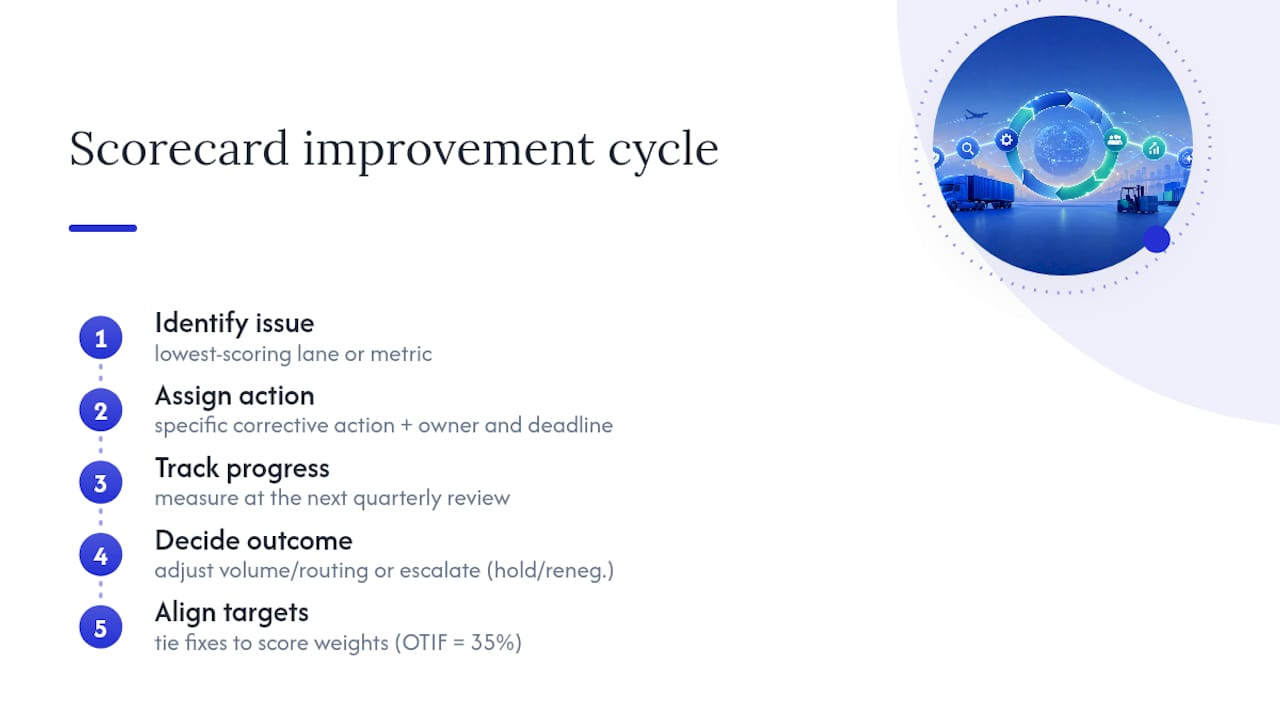
Why Qualitative Feedback From Shippers and Receivers Still Matters
Numbers tell you what happened. They don’t always tell you why, or how it felt to the people managing the shipment on the ground. Dock receivers, warehouse teams, and shipping coordinators catch issues that never make it into a claims log, like a driver who consistently shows up without proper paperwork or one who communicates delays before they become missed appointments.
Build a lightweight feedback channel, a short monthly form or a standing agenda item in ops meetings, where receivers flag carrier issues in their own words. This qualitative layer catches two things scores miss: near misses that didn’t become claims, and communication quality that never shows up in a formula.
Weight this feedback carefully. It shouldn’t override your documented KPIs, but it should influence the probationary tier conversation. A carrier sitting right at the line between approved and probationary, with three separate receiver complaints about communication in the same quarter, deserves a harder look than the score alone suggests. Log this feedback in the same system as your quantitative data so it shows up in the QBR discussion, not as a side conversation that gets forgotten.
Building Dashboards That Make Scores Usable
A scorecard that lives in a quarterly PDF gets reviewed four times a year. A dashboard that updates automatically gets checked constantly, and that difference in visibility is what actually changes carrier behavior.
Effective dashboards separate views by audience. Ops needs a real-time exception view: which carriers missed OTIF this week, which invoices are flagged for mismatch. Procurement needs a trend view: score movement over the last four quarters, lane level breakdowns, and tier changes. Finance needs a billing accuracy view tied directly to payment holds and dispute status.
Resist the urge to cram every metric onto one screen. A dashboard with 20 charts gets ignored the same way a 20 line spreadsheet does. Build three focused views instead of one crowded one, and make sure lane level detail is one click away from the carrier level summary, not buried three menus deep.
Color coding matters more than it seems. Consistent use of the green, amber, red bands from your scoring tiers, applied identically across every dashboard view, means anyone glancing at the screen understands carrier status without reading a single number.
Cleaning Up Data Discrepancies Before They Corrupt the Score
Every scorecard eventually runs into a data fight: the carrier’s delivery timestamp doesn’t match your TMS record, or a claim got logged against the wrong shipment ID. How you resolve these disagreements determines whether your team trusts the score at all.
Set a reconciliation rule before you need one. A common approach: your TMS’s POD timestamp is the system of record for OTIF, full stop, and a carrier dispute gets a 5 business day window to submit documentation before the score locks for that period. Document this rule and share it with carriers up front, so disputes don’t become ad hoc negotiations every month.
Bad shipment ID matching is the most common source of claims ratio errors. If your claims log and TMS use different ID formats, build a mapping table rather than relying on someone manually cross-referencing spreadsheets. It’s tedious to set up once and saves hours of monthly cleanup afterward.
Finally, audit your data quarterly, not just your scores. Pull a random sample of 20 to 30 shipments and manually verify that the automated feed captured the right OTIF outcome, the right invoice match, and the right claims linkage. Small mapping errors compound quietly, and a quarterly spot check catches them before they’ve skewed six months of trend data.
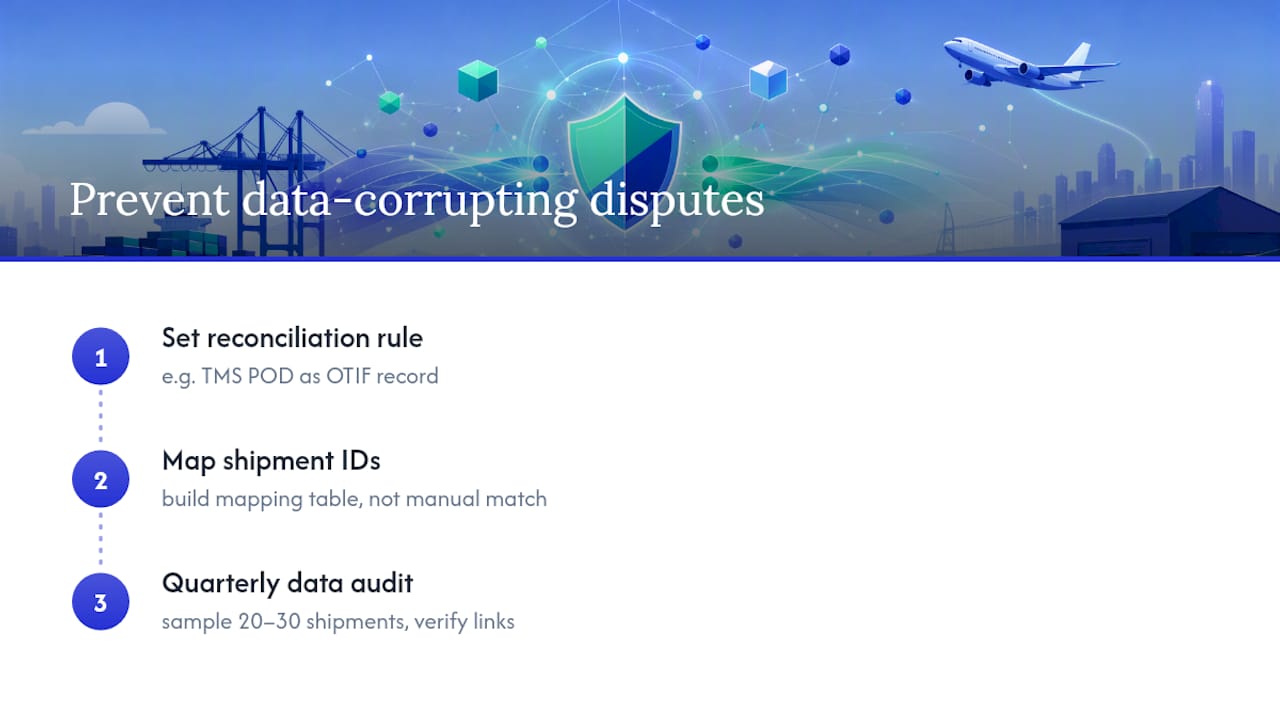
Ready to Move Off Spreadsheets and Into a Real Scorecard?
Everything covered here, the formulas, the automated feeds, the lane level scoring, the reconciliation rules, is genuinely hard to sustain in a spreadsheet no matter how disciplined your team is. There are TMS solutions designed as alternatives to running scorecards on manual exports and carrier PDFs: execution records, invoice reconciliation, and rate management can live natively inside the same TMS, so the data feeding your scorecard is the same data running your operations, not a separate export someone has to remember to pull.
That matters most at renewal time, when procurement needs a defensible, automated record of carrier performance instead of a hastily assembled quarterly report. Freight forwarders using FreightSuite get scorecard-ready data on road freight, air freight, and ocean freight lanes without building a parallel reporting layer. Check the FreightSuite pricing page and request a demo to see how your own carrier data would look inside a live scorecard before your next tender cycle.
Sources
- How to build a carrier scorecard in 7 steps
- Parcel shipping volume in the United States
- Sea-Intelligence GLP press release
- Automated Carrier Performance Scorecards | FourKites
- Carrier scorecards give transportation teams a cleaner way to review performance
FAQ
What Is Carrier Performance Scoring?
Carrier performance scoring is the practice of grading carriers on a documented set of KPIs, typically OTIF, tender acceptance, claims ratio, and billing accuracy, pulled from TMS or EDI data rather than carrier self-reports.
How Many KPIs Should a Carrier Scorecard Have?
Most effective scorecards use 3 to 4 high-impact KPIs, since larger metric sets tend to get abandoned within a few review cycles due to review overload.
What Is a Good Minimum Load Threshold for Scoring?
A common guideline is 10 to 15 loads per carrier per lane per review period; carriers below that threshold should be flagged as insufficient data rather than scored.
How Often Should Carrier Scorecards Be Reviewed?
Use a tiered cadence: weekly exception alerts, monthly operational check-ins, quarterly formal business reviews, and annual procurement decisions tied to routing guide changes.
Can a TMS Like FreightSuite Automate Carrier Scorecards?
Yes. FreightSuite pulls execution records, POD timestamps, and invoice reconciliation data natively, which removes the manual PDF collection step that causes most scorecards to fail.
Should Carrier Scores Be Calculated by Carrier or by Lane?
Score by lane wherever volume allows it, then roll lane scores up into a carrier average for executive reporting, since carrier-level averages can hide serious lane-specific problems.
TMS First: Launch Air Waybill Tracking in 12–16 Weeks for Forwarders
Air waybill tracking, done right, is not a lookup box. It’s a TMS feature that aggregates AWB and e-AWB status events across your entire book of business, automates the notifications your team currently sends by hand, and posts those events straight into billing and operations. It cuts manual rekeying, speeds up exception response, and closes the gap between what happened on a shipment and what your invoice reflects. If you’re ready to build it, the implementation checklist below is where to start.
TL;DR:
- E-AWB adoption above 75% enables automated tracking across carriers, supported by Cargo-XML messaging for modern, scalable operations.
- Implementing AWB tracking can take 12 to 16 weeks for a focused release or up to a year for a comprehensive, multi-carrier platform.
- A TMS must support native Cargo-XML ingestion, carrier API connections, and accurate data modeling for effective shipment status aggregation.
- Automating workflows around critical events improves efficiency by triggering documentation, customer updates, customs, and invoicing processes automatically.
- FreightSuite’s agentic platform integrates AWB tracking directly into operations and finance systems, enabling faster pilot launches and real-time margin updates.
Table of Contents
- What Is Air Waybill Tracking in a TMS?
- Key TMS Features You Should Require for AWB Tracking
- How Do You Implement AWB Tracking Step by Step?
- What Workflows Should You Automate Around AWB Events?
- How Do You Measure ROI on AWB Tracking?
- FreightSuite: How an Agentic TMS Handles AWB Tracking
- Sources
- FAQ
What Is Air Waybill Tracking in a TMS?
Air waybill tracking, in the context that matters to a freight forwarder, has nothing to do with a customer punching one AWB number into a carrier’s website. It’s an operational capability: your TMS pulls status events for every AWB and house AWB across every carrier you use, normalizes them into one timeline, and pushes updates into the systems your team already works in.
This only works at scale because of e-AWB. IATA made the electronic air waybill the default contract of carriage in 2019, and adoption exceeded 75% by May 2021. That shift matters because paper AWBs can’t feed a tracking system automatically. E-AWB can.
The messaging layer underneath it is Cargo-XML, which IATA now recommends over the older Cargo-IMP format. Cargo-XML handles unlimited data lines and meets modern customs and security requirements, which is why a TMS built for 2026 volumes should be built around it, not around a legacy format airlines are quietly retiring.
Key TMS Features You Should Require for AWB Tracking
Not every “AWB tracking” module does the same job. Before you sign a contract or greenlight a build, hold the platform to a specific feature list. Loose requirements here are how forwarders end up with a dashboard that looks good in a demo and falls apart at 200 shipments a week.
Message ingestion is the foundation. Your system needs to accept Cargo-XML natively, fall back to EDI where a carrier hasn’t modernized, and support API connections for carriers or ground handlers that offer them. Some forwarders also rely on web intermediary services as a stopgap for carriers with no direct feed, a strategy that complements RFID tool tracking for aviation maintenance teams to enhance operational visibility. A TMS that tracks air shipments well usually blends all three rather than betting on one channel.
The data model matters just as much as the plumbing. Look for:
- Native MAWB to HAWB linkage, so a consol’s status rolls up correctly instead of living in a spreadsheet on the side
- Chargeable weight fields tied to the actual AWB record, not a manually entered duplicate
- ULD-level event tracking where relevant, especially for consolidators running regular gateway routings
- A full event timeline per shipment with an archive that doesn’t purge after 90 days
- Configurable automation rules that trigger on specific status codes, not just a generic “shipment updated” flag
- Notification templates and integration points into your existing operations and accounting tools
Pro Tip: Don’t evaluate a vendor’s tracking module on how clean the live demo looks. Ask them to show you a shipment with a missed connection or a short shipment discrepancy. That’s where a real system either surfaces the exception clearly or buries it in a status field nobody checks.
Off-the-shelf modules exist and can support AWB and HAWB creation, status queries, and archives, often priced per document or per volume. That works for smaller operations. Larger forwarders tend to outgrow per-document pricing fast, which is where a platform TMS earns its keep instead of a bolt-on plugin.
How Do You Implement AWB Tracking Step by Step?
Rolling out AWB tracking is a sequencing problem more than a technology problem. Skip a step and you’ll spend months debugging data that was never mapped correctly in the first place.
- Audit carrier readiness. Pull your top carriers by volume and check which support Cargo-XML, which are EDI only, and which have no automated feed at all. This determines your connectivity mix before you write a line of integration code.
- Secure partner signoff. Confirm your IATA Multilateral e-AWB Agreement status or the bilateral equivalents you need. No live e-AWB exchange should start without this in place.
- Map data fields and status codes. Align your internal milestone names to each carrier’s FSU (Freight Status Update) codes so a “flight departed” event means the same thing regardless of source.
- Build and test in a sandbox. Run sample messages through your mapping logic before touching production data. This is where mismatched field lengths and truncated AWB numbers get caught.
- Pilot on a single lane. Start with one trade lane and your highest-transaction carrier on that lane. That’s usually where early ROI shows up fastest, since volume there justifies the engineering effort first.
- Tune exception rules and scale. Once the pilot lane is stable, widen the rollout carrier by carrier, lane by lane, rather than flipping every route on at once.
Pro Tip: Resist the urge to launch on your busiest lane first. A pilot lane with moderate volume and a cooperative carrier gives you cleaner signal on what’s actually broken in your mapping before you scale it onto a lane you can’t afford to disrupt.
Timelines vary by build scope. A focused first release typically runs $60,000 to $130,000 and ships in 12 to 16 weeks; a full platform with broader carrier coverage runs $150,000 to $400,000 and takes six to twelve months. Know which one you’re actually buying before you sign.
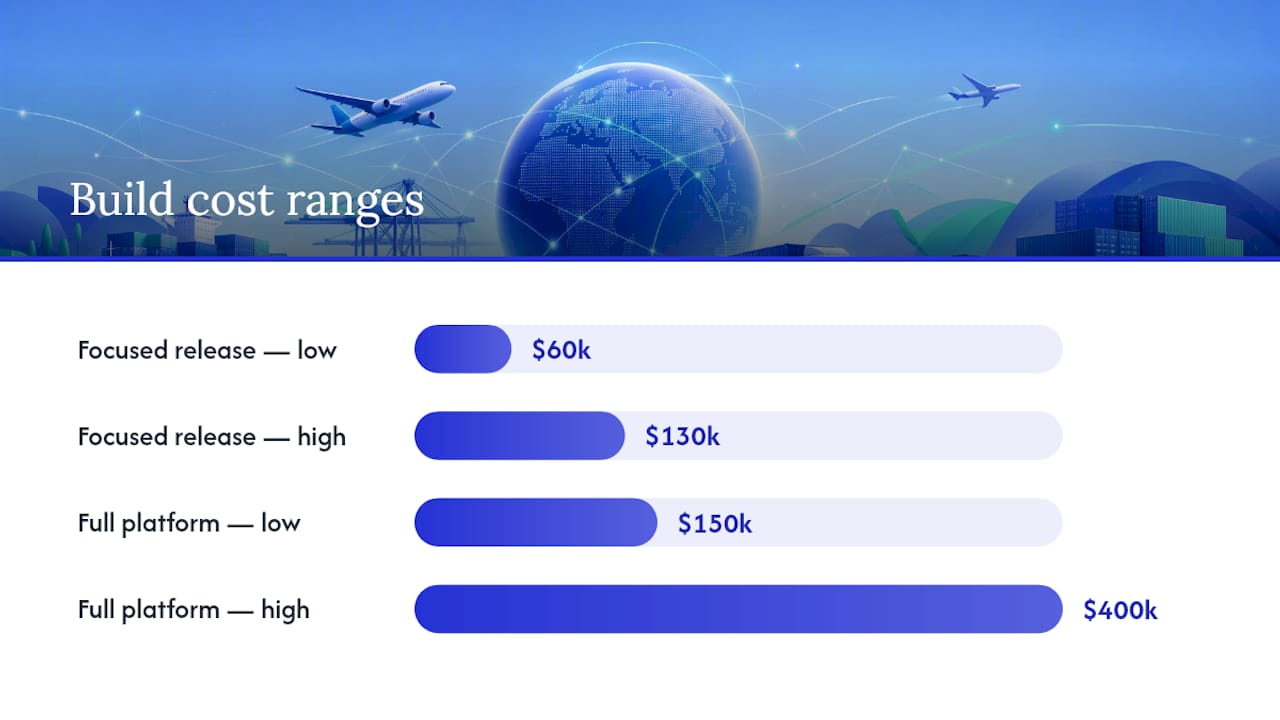
What Workflows Should You Automate Around AWB Events?
Once status events flow reliably, the real payoff is what your team stops doing by hand. AWB tracking, integrated properly into freight management systems, connects shipment milestones directly to booking records, documentation, billing, customs clearance, and customer-facing updates.
Map your common events to specific actions rather than leaving them as passive status changes:
- Booked and manifested triggers document generation and pre-alerts to consignees
- Departed origin triggers an automated update to the customer dashboard rather than a manual email
- Missed connection or delay code triggers an internal escalation to the ops desk, not just a log entry
- Arrived destination triggers customs clearance workflows and warehouse notification
- Delivered triggers invoice release, closing the loop between operations and billing
The smarter approach is exception-first notification. Broadcasting every single milestone to every customer creates noise nobody reads. Better to trigger alerts only on the events customers actually care about, reserving routine updates for the dashboard and reserving direct alerts for delays, damage codes, or documentation holds.
This is also where billing integration pays for itself. A missed connection or short shipment shouldn’t just sit in a tracking feed. It should place a billing hold automatically, flag a potential rebook cost, and alert whoever owns that customer’s SLA. Forwarders who skip this step end up invoicing customers for service levels they didn’t actually hit, which is a slower and more expensive way to find the same problem. Our guide on freight exception management covers this mapping in more depth, and our shipment status automation guide breaks down notification design further.
How Do You Measure ROI on AWB Tracking?
Track a small set of KPIs from the pilot lane onward, not a dashboard full of vanity metrics. The ones that actually tell you whether the system is working: time to exception detection, percent of status updates handled without human touch, rekeying FTE hours saved per week, and billing discrepancy rate between what was tracked and what was invoiced.
Run data quality checks weekly during the pilot. Reconcile a sample of AWBs against the carrier’s own portal to catch mapping errors before they compound across hundreds of shipments.
On automation gains specifically, real builds have reached 80% to 92% auto-accept rates on extracted document fields after tuning, which is a reasonable benchmark for what “working well” looks like a few months in. The deeper win shows up when event data feeds your consol and P&L model directly, so margins update in near real time at the house and consol level instead of at month end when it’s too late to fix anything.
FreightSuite: How an Agentic TMS Handles AWB Tracking
Some agentic TMS platforms are built to close the exact gap this guide walks through: AWB events that arrive automatically, get mapped correctly, and land in billing without a single rekeyed field. Where legacy platforms treat tracking as a bolt on module, these TMSs run AWB and e-AWB status ingestion natively alongside rate management, operations, and finance, so an exception on a shipment doesn’t just show up as a status flag. It triggers the workflow, holds the invoice if needed, and notifies the right person.
That native connection is the practical difference for a forwarder evaluating a switch. Instead of stitching together a tracking plugin, a separate notification tool, and a finance system that reconciles everything a week later, an agentic TMS architecture can handle message ingestion, exception routing, and billing updates inside one system of record. Pilots can start lane by lane, exactly as outlined above, with engineering support that maps your top carriers first.
If you’re evaluating a TMS for AWB tracking, take a look at FreightSuite’s air freight capabilities or, if your billing team is the one feeling the most pain right now, see how the platform handles finance and invoicing workflows tied to tracking events. Request a demo and bring your carrier list. That’s the fastest way to know whether a pilot lane could go live in weeks rather than months.
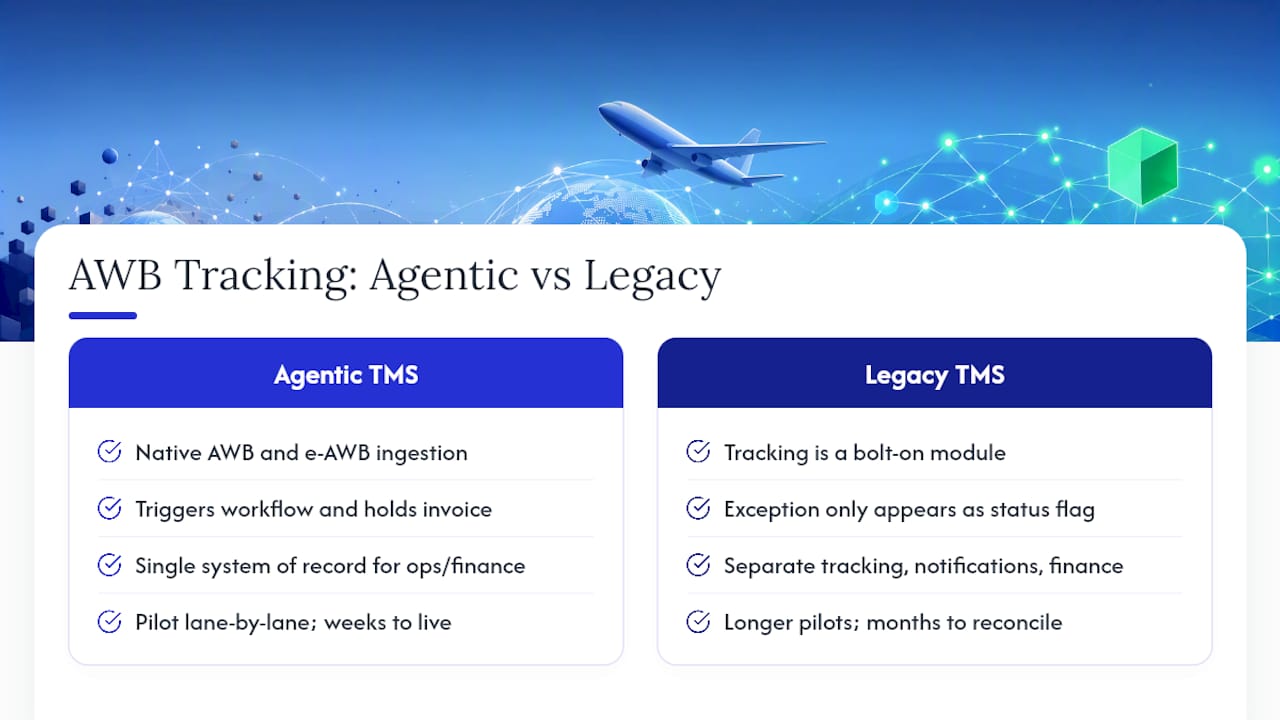
Sources
For deeper technical detail on e-AWB standards, the guide to integrating e-AWB for a freight forwarder covers IATA adoption figures and multilateral agreement requirements. AltexSoft’s breakdown of Cargo-XML versus Cargo-IMP is useful for technical teams mapping message formats. For build cost and timeline benchmarks, see Digital Heroes’ analysis of air cargo software economics. On the operational side, Gorilla Overview’s piece on AWB integration covers how tracking connects to customs and warehouse functions. For product specifics, visit FreightSuite’s air freight capabilities page.
- Guide of How to Integrate e-AWB for a Freight Forwarder
- Air cargo software that kills the AWB spreadsheet
FAQ
What Does AWB Tracking Mean Inside a TMS?
It means the system automatically ingests and aggregates status events for every air waybill and house air waybill across all your carriers, rather than requiring a manual lookup per shipment.
What Are AWB Status Codes?
They’re standardized event codes, typically delivered as FSU (Freight Status Update) messages, that mark milestones like booking, departure, arrival, and delivery, and a TMS should map these to internal workflow triggers automatically.
How Is E-AWB Different From a Paper AWB for Tracking Purposes?
E-AWB is the electronic contract of carriage that enables automated status messaging; paper AWBs can’t feed a tracking system directly, which is why e-AWB adoption above 75% has made TMS-level tracking practical at scale.
How Long Does It Take to Implement AWB Tracking?
A focused first release generally takes 12 to 16 weeks, while a fuller platform rollout across many carriers and lanes can take six to twelve months.
Can FreightSuite Handle AWB Tracking and Billing Together?
Yes. FreightSuite runs AWB and e-AWB tracking natively alongside operations and finance, so exception events can trigger billing holds or invoice releases automatically rather than through a separate reconciliation step.
Is Airline-Provided Tracking Enough for a Freight Forwarder?
Airline portals only cover that carrier’s own shipments and require manual lookups, while a TMS aggregates events across every carrier you use and automates the notifications and billing actions that follow.
One Quarter Wins: AI in Freight Forwarding Inside Your TMS
AI in freight forwarding speeds quoting, cuts manual data entry, sharpens ETA accuracy, and shrinks the volume of costly exceptions that eat into margin. Forwarders who deploy it well see faster quote turnaround, fewer re-priced shipments, and less detention and demurrage. The gains come from four practical capabilities working together: reading documents, optimizing rates and routes, predicting disruptions, and executing routine tasks under human supervision.
TL;DR:
- AI’s most impactful benefits arise from structured quoting and carrier ranking models that feed off clean, standardized data for faster, more accurate responses.
- Predictive ETA models use multiple data sources to improve accuracy and enable management by exception, reducing manual tracking and late discovery of delays.
- Automation of shipping documents efficiently extracts essential details for customs pre-alerts but still requires human review for ambiguous or low-quality files.
- Integrating AI within a TMS architecture is crucial, with a focus on data quality, pilot testing, and controlled scaling rather than using AI as a standalone add-on.
- Early AI pilots on high-volume, standardized lanes can demonstrate measurable improvements within three months, guiding broader deployment decisions.
Table of Contents
- What Does AI in Freight Forwarding Actually Do?
- How Does AI Improve Costing, Quoting, and Carrier Selection?
- Can AI Predict ETAs and Improve Shipment Visibility?
- What Can Document Automation and Customs Pre-Alerts Handle?
- How Should You Sequence AI Inside Your TMS?
- What Are the Risks of Agentic AI in Freight Forwarding?
- What ROI Should You Expect From an AI Pilot?
- How FreightSuite Puts AI to Work Inside Your TMS
- Sources
- FAQ
What Does AI in Freight Forwarding Actually Do?
Most of the confusion around AI in freight forwarding comes from treating it as one thing. It isn’t. A useful way to think about it, drawn from industry guidance on intermodal AI applications, is four distinct roles that map directly onto freight tasks.
The Interpreter reads. It parses inbound emails, RFQs, booking confirmations, and shipping documents, pulling structured data out of unstructured messages so your team stops retyping information that already exists somewhere in an inbox.
The Optimizer calculates. It runs rate comparisons, matches carriers to shipments, and adjusts routing and allocation based on cost, capacity, and service level.
The Sentinel predicts. It forecasts ETAs and flags disruptions before they become customer service problems, combining tracking feeds with historical performance data.
The Conductor, often built as a supervised agent, acts. It executes routine workflow steps like sending status updates or triggering a document request, with a human approving anything that touches money or compliance.
Computer vision adds a fifth layer at the physical edge: reading container numbers at yard gates, capturing damage photos for claims, and indexing containers without a human walking the yard with a clipboard. Together, these five capabilities cover the bulk of what forwarders mean when they talk about machine learning in the supply chain.
- Interpreter: document and email parsing, RFQ ingestion
- Optimizer: rate calculation, carrier matching, allocation optimization
- Sentinel: predictive ETA and disruption forecasting
- Conductor: supervised task automation and workflow execution
- Computer vision: gate reads, damage capture, container indexing
How Does AI Improve Costing, Quoting, and Carrier Selection?
Quoting is where AI freight optimization earns its keep fastest, because the inputs are structured and the decision logic is repeatable. Models ingest contract rates, spot market data, and fuel surcharges, then apply your margin rules automatically instead of routing every request through a rater’s inbox.
Carrier selection works the same way. Instead of defaulting to habit, the system ranks carriers on win rate, price stability over the past quarter, and transit reliability on that specific lane. That ranking updates as new performance data comes in, which matters more on volatile trade lanes than on stable ones.
Metrics worth tracking during rollout: average quote turnaround time, the percentage of quotes handled without a human touch, and win-rate change on lanes where AI-assisted pricing replaced manual quoting.
Forwarders that watch these three numbers get an early, honest read on whether the tool is actually working, rather than relying on anecdote from the sales floor.
- Track quote-to-response time before and after rollout
- Measure the share of quotes that need zero manual correction
- Compare win rates on AI-assisted lanes against a control group of manual lanes
Can AI Predict ETAs and Improve Shipment Visibility?
Yes, and this is one of the most measurable wins available today. Predictive ETA models combine carrier status messages, AIS and satellite vessel tracking, port congestion data, and weather feeds into a single forecast that updates as conditions change, rather than a static transit time pulled from a rate sheet.
Siemens Digital Logistics has described how stitching together more than 200 data sources for ocean visibility produces materially better ETA accuracy than any single carrier feed alone, and cuts the manual status-chasing that eats a planner’s day.
The practical shift: planners stop checking every shipment and start managing only the ones flagged as exceptions. That is the entire logic of “management by exception,” and it is what frees experienced staff for negotiation and problem-solving instead of status calls.
The downstream benefits show up in the numbers that matter to finance, not just operations:
- Fewer expedited or air-freight rescues triggered by late discovery of delays
- Lower detention and demurrage exposure because customs and drayage teams get earlier warning
- Reduced customer-service load, since automated milestone updates replace manual check-in emails
What Can Document Automation and Customs Pre-Alerts Handle?
Document parsing reliably extracts the fields that show up in nearly identical positions across most shipping paperwork: bill of lading and air waybill numbers, HS codes, weights and dimensions, shipper and consignee details, and container numbers. Feeding those fields directly into customs pre-alert systems shaves real time off clearance, since brokers aren’t retyping data that arrived electronically an hour earlier.
Automation reduces entry errors and the follow-up calls that come from a mistyped HS code or a mismatched weight, a pattern explored in more detail in FreightSuite’s guide on why automation reduces freight errors.
- Extracts B/L and AWB numbers, HS codes, weights, and party details
- Feeds customs pre-alert systems ahead of arrival
- Flags mismatches between commercial invoice and packing list for review
Where it still needs a human: ambiguous product descriptions, tariff classification calls with legal exposure, and any document that arrives as a low-quality scan or a photo taken sideways. DHL’s own freight forwarding education content makes a similar point: automation handles volume, people handle judgment calls.
How Should You Sequence AI Inside Your TMS?
The single biggest architectural mistake is treating AI as a bolt-on tool that sits beside your TMS instead of inside it. The pattern that actually works, described in C.H. Robinson’s own approach to Lean AI engineering, keeps the TMS as the system of record and layers AI on top as an orchestration engine that reads from it rather than replacing it.
Before anything else, assess data quality. A rate table with inconsistent lane codes or duplicate carrier entries will teach a model the wrong lesson faster than it will teach a person, and the failure shows up weeks later as a mispriced quote nobody can trace back to its source.
- Fix data quality first. Clean carrier records, standardize lane codes, and reconcile duplicate contracts before any model touches them.
- Pilot with read-and-recommend tools. Start with document parsing and quote drafting, where a human still approves the output.
- Move to supervised agents gradually. Let the system execute low-risk, repetitive steps once accuracy holds steady over multiple cycles.
- Build governance loops. Set approval thresholds, monitor output against a sample of manual reviews, and retrain on flagged errors monthly, not annually.
Pro Tip: Run your first AI pilot on your highest-volume, most standardized lane, not your most complex one. Complexity hides errors; volume exposes them fast enough to fix.
This sequencing mirrors how AI agents are already handling freight tasks at forwarders further along the adoption curve: narrow scope first, broader authority later, never the reverse.
What Are the Risks of Agentic AI in Freight Forwarding?
Agentic AI creates transactional risk the moment it touches money or a customs filing without a checkpoint. Keep high-impact decisions, rate approvals, and compliance submissions supervised until the system has a track record you can point to.
Bad data cascades fast. A single incorrect weight field on one shipment can misprice a quote, understate a customs declaration, and complicate a cargo claim, all from one uncorrected record.
Broad, unscoped agent projects also carry higher cancellation risk than narrow ones. Analysis of intermodal AI rollouts notes that Gartner-style estimates point to a high failure rate for agent projects that lack human checkpoints, compared with tightly scoped pilots that keep a person in the loop.
- Keep rate approvals and customs filings supervised early on
- Audit source data before scaling any model that touches billing
- Choose narrow, single-task agents over broad multi-function ones
What ROI Should You Expect From an AI Pilot?
Three pilots consistently produce measurable results within a single quarter: automated quoting on one high-volume lane, document parsing for a defined set of import shipments, and predictive ETA tracking on your busiest ocean lane.
Track quote handling time, the percentage of quotes fully automated, the drop in manual status updates, and dollars saved on detention and demurrage. BCG’s research on logistics AI adoption notes that demonstrable progress shapes market confidence, meaning early, visible wins matter for internal buy-in as much as for the balance sheet.
- Pick one lane, not your whole network, for the first quoting pilot
- Run document parsing on a fixed import volume for 60 days and compare error rates against your manual baseline
- Scale only the pilot that shows a clear time or dollar reduction, then expand lane by lane
Forwarders already tracking operational inefficiencies tend to know exactly where the pilot dollars will show up first.
How FreightSuite Puts AI to Work Inside Your TMS
FreightSuite is built as an AI-native TMS from the ground up, not a legacy platform with AI features bolted on after the fact, which means the sequencing described above (data quality, read-and-recommend pilots, supervised agents) is already how the system is architected to work.
The platform keeps your operational data as the system of record while its AI agent orchestration handles quoting, document parsing, and rate management as native functions instead of add-on modules. For forwarders running ocean or air lanes, that means ocean freight and air freight rate logic sits inside the same system driving your tracking, finance, and customs workflows, so there’s no separate tool to reconcile against your books. Customs teams get document automation and pre-alert support built into the same customs brokerage capabilities that handle entry filing.
McKinsey’s research on freight logistics argues that durable competitive advantage comes from combining AI with proprietary operational data and customer relationships, not from AI alone. An AI-native TMS is how that combination actually gets built day to day, rather than staying a slide in a strategy deck.
If you’re ready to see how a single quoting or document-parsing pilot could run inside your own operation, check FreightSuite’s pricing plans and request a demo to walk through your highest-volume lane together.
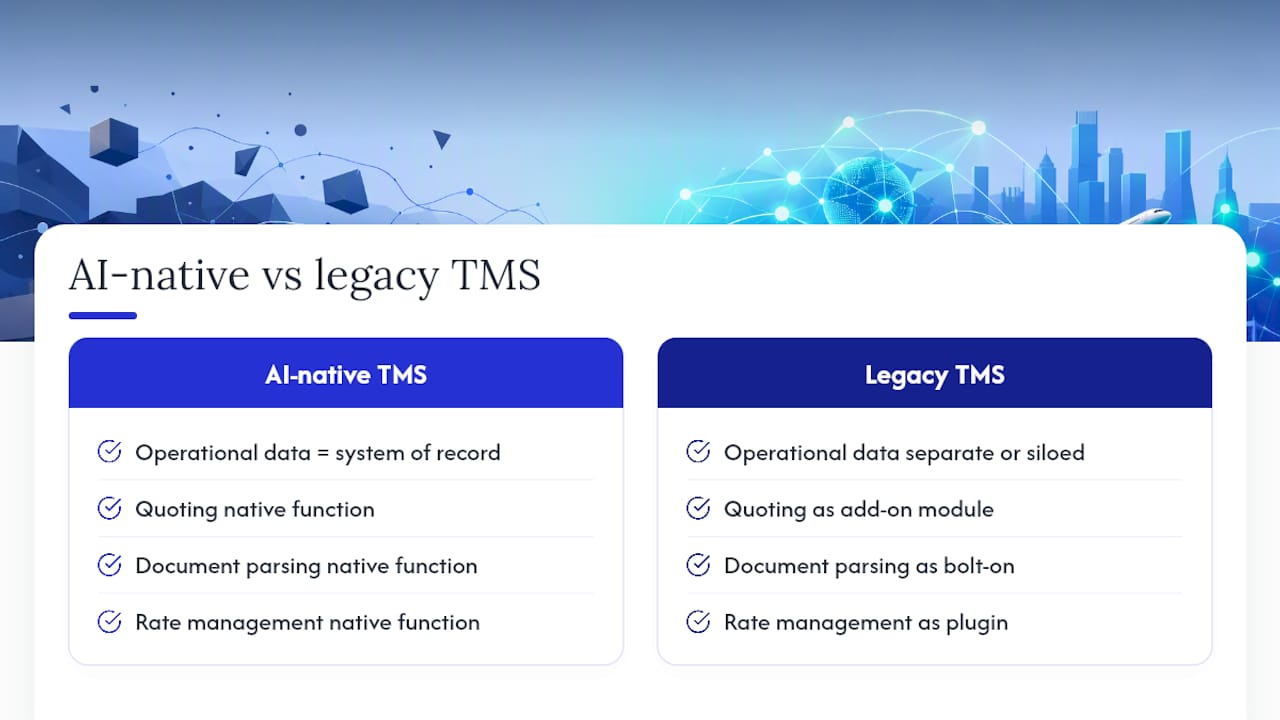
Sources
For readers who want to go deeper, MIT Sloan’s overview of AI’s shifting role in logistics covers the broader supply chain context, while McKinsey’s freight-specific analysis and BCG’s industry adoption research offer the strategic framing behind the tactics covered here.
- How artificial intelligence is transforming logistics — MIT Sloan
- Code and cargo: How AI could change freight logistics — McKinsey
- AI is already moving the logistics industry forward — BCG
- How AI can help improve intermodal operations — The Conveyor
- When sea freight gets smarter — Siemens Digital Logistics
FAQ
What Is the 30% Rule in AI?
There’s no single, universally recognized “30% rule” specific to AI in freight forwarding; the phrase gets used loosely across different contexts, so treat any claim tied to it with caution and check the original source before repeating it.
What Is AI-Based Freight Forwarding Software?
It’s software, typically built into or alongside a TMS, that uses machine learning to automate tasks like document parsing, rate quoting, carrier matching, and ETA prediction rather than relying purely on manual data entry and static rate sheets.
Is AI Replacing Logistics Jobs?
Not entirely. AI is automating repetitive tasks like data entry and status updates, but carrier negotiation, exception handling, and customer relationships still depend on experienced staff, especially since durable competitive advantage still requires human relationships and proprietary data.
Is Maersk Using AI?
Major ocean carriers and forwarders across the industry, including large players like Maersk, have publicly discussed AI initiatives for forecasting and operations, reflecting the broader industry trend covered in DHL’s freight forwarding education resources on predictive analytics use cases.
How Long Does an AI Pilot Take to Show Results?
Most quoting or document-parsing pilots on a single lane show measurable results, in quote time and error rate, within a few months, provided the underlying data was cleaned before the pilot started.
Save 15 Hours Weekly: Logistics API Integration for Developers
Logistics API integration means connecting your transport management system, carriers, and partners through direct, machine-readable data exchanges instead of manual entry or file transfers. The best-practice approach for most freight forwarders and logistics teams is API-first for anything event-driven (tracking, booking, rating) while keeping EDI at the boundary only where a trading partner mandates it. That hybrid model delivers real-time visibility and automation without forcing a rip-and-replace of compliant EDI pipelines.
TL;DR:
- API integrations offer real-time updates for tracking, booking, and rate checks, reducing manual work and improving decision speed.
- Hybrid systems use EDI at the boundary for compliance and APIs internally for automation, with API onboarding typically much faster than EDI.
- Implementation involves choosing authentication, designing JSON payloads, handling webhooks, and building retry logic, with thorough testing before launch.
- Monitoring focuses on error rates, latency, and webhook success, supported by structured logs and classification of failure types for quick diagnostics.
- Security best practices include scoped credentials, token rotation, TLS encryption, role-based access, and retention of audit logs for compliance.
Table of Contents
- What Are the Top Logistics API Use Cases?
- EDI vs API: When Should You Use Each?
- How Do You Implement a Logistics API Integration?
- What Endpoints and Responses Should You Expect?
- What Does an Integration Rollout Actually Cost and Take?
- How Do You Test and Monitor Integrations for Reliability?
- What Security and Governance Controls Do You Need?
- How Do You Measure the ROI of API Integration?
- How FreightSuite Handles API and EDI Integration
- See How FreightSuite Handles Your API Integrations
- Sources
- FAQ
What Are the Top Logistics API Use Cases?
Not every integration deserves equal priority. The ones that pay off fastest are the ones tied to a decision someone is making right now, whether that’s a rate quote, a booking confirmation, or a carrier tender.
Rating and quoting APIs pull live carrier rates plus accessorial charges (fuel surcharges, liftgate fees, residential delivery) so your team quotes accurately without calling a rep. Capacity checks and tendering APIs let a system query available capacity and accept or reject a load in near real time, which matters when spot rates shift by the hour. Booking APIs generate confirmations and trigger bill of lading (BOL) creation automatically, cutting a step that used to require a fax or an email attachment.
Tracking and status-event APIs push milestone updates (picked up, in transit, out for delivery, delivered) along with proof of delivery (POD) retrieval, which is the single most requested feature from shippers who used to call for updates. Address validation and route optimization round out the list, catching bad addresses before a shipment leaves the dock and cutting miles on multi-stop routes.
Here’s how these map to business outcomes:
- Rating/quoting: faster quotes, fewer pricing errors
- Capacity and tendering: quicker carrier decisions, less spot-market scrambling
- Booking and BOL generation: less manual document handling
- Tracking and POD retrieval: fewer “where’s my shipment” calls
- Address validation and routing: fewer failed deliveries, shorter routes
EDI vs API: When Should You Use Each?
EDI and API solve the same underlying problem, moving structured data between trading partners, but they differ in almost every practical way. EDI relies on fixed batch formats (X12, EDIFACT) and works well for high-volume, standardized documents like invoices and purchase orders. APIs exchange JSON in real time and fit event-driven workflows: a status change, a rate lookup, a dock appointment confirmation.
The timing gap explains most of the cost difference. EDI partner mapping and testing often takes months per trading relationship, while REST API integrations are frequently built and tested in days to weeks, which changes both your onboarding math and your maintenance burden.
Statistic callout: Teams comparing integration timelines consistently find EDI onboarding takes noticeably longer per partner than API onboarding, which can often be completed in a shorter timeframe, a gap wide enough to reshape which integrations get built first.
Most mature logistics operations don’t choose one or the other. They run a hybrid boundary pattern: EDI stays at the edge for compliance-mandated documents, while APIs handle everything internal and real-time. Prioritize API migration for:
- Status and tracking events
- Dock appointment scheduling
- Rate checks and quote requests
How Do You Implement a Logistics API Integration?
Developers implementing a logistics API integration should follow a consistent sequence: authenticate, design the payload, handle events, then validate with an end-to-end flow.
- Choose your authentication pattern. API keys work for simple server-to-server calls with a single trading partner. For anything involving delegated access or multiple systems, OAuth 2.0 is the standard authorization framework, and JWTs are commonly used as the bearer token format within that flow. Rotate keys and tokens on a schedule, not just after an incident.
- Design your payloads around JSON. JSON is the de facto format for REST API payloads, and logistics endpoints typically follow standard CRUD mapping: POST to create a booking, GET to retrieve tracking status, PATCH to update a shipment record. Define required fields (shipment ID, weight, dimensions, origin/destination codes) before you write a line of integration code.
- Decide between webhooks and polling. Webhooks push data to you the moment an event happens, which cuts latency compared to polling on a fixed interval. Use webhooks for status and tracking events; reserve polling for endpoints where the partner doesn’t support push notifications.
- Build retry and idempotency logic. Every webhook consumer needs to handle duplicate deliveries gracefully. Use idempotency keys so a retried event doesn’t create a second booking, and route failed events to a dead-letter queue for manual review instead of silently dropping them.
- Test the full flow. A typical sample flow looks like: authenticate, request a rate, book the shipment, receive a booking confirmation with a BOL reference, then subscribe to status webhooks until delivery and POD retrieval.
Pro Tip: Build your dead-letter handling before you go live, not after your first missed delivery notification. Retrofitting error handling under pressure is how teams end up debugging production at 2 a.m.
What Endpoints and Responses Should You Expect?
Most carrier and TMS APIs cluster around a predictable set of endpoints, even when the field names differ slightly between providers.
Rating and serviceability endpoints typically return a rate, transit time, and a service-level code, plus a boolean for whether the destination zip or postal code is even serviceable. Booking endpoints return a shipment ID and a BOL number, both of which you’ll need for every downstream call, from tracking lookups to invoice reconciliation.
Tracking and event endpoints return a status code, a timestamp, and a location, usually as a running array of milestone events rather than a single current-status field. Document APIs return the BOL and POD as either a PDF binary or a link to one, depending on the provider, so check that detail early since it affects how you store and display documents downstream.
- Rating: rate amount, transit days, service code, serviceability flag
- Booking: shipment ID, BOL number, carrier confirmation code
- Tracking: status code, timestamp, location, milestone array
- Documents: BOL/POD as PDF binary or retrievable link
What Does an Integration Rollout Actually Cost and Take?
A realistic rollout follows a phased structure rather than a single cutover date.
- Verify partner readiness and set up sandbox access. Confirm the carrier or partner has a working sandbox environment with realistic test data before you write production code.
- Run a dual-run pilot. Operating the new API alongside your existing EDI feed for a defined test period, often about a quarter, lets you compare error rates and manual touch time before fully cutting over.
- Budget for the real cost drivers. Engineering hours dominate the bill, followed by middleware or integration-platform fees and, in some cases, per-call charges from the carrier or data provider.
- Set cutover criteria upfront. Define the error-rate threshold and manual-exception rate that must be met before you retire the EDI fallback, rather than deciding on the fly.
How Do You Test and Monitor Integrations for Reliability?
Reliable integrations get tested before launch and watched continuously after. Shared sandboxes with contract testing catch schema mismatches before they hit production, and they should be part of every partner onboarding step, not an afterthought.
Once live, track error rate, response latency, and webhook delivery success as your core monitoring signals. Classify errors by type (timeout, validation failure, authentication failure) so your retry logic can respond appropriately instead of retrying every failure the same way.
Statistic callout: API adoption tends to reduce specialist dependency because standard web development skills and real-time error visibility replace the niche expertise EDI mapping requires, which shortens the time it takes a new engineer to debug a failed integration.
- Shared sandbox and contract testing before go-live
- Error rate, latency, and webhook success rate as core dashboards
- Error classification by type, not a single generic retry rule
- Structured logging for every request and response, retained for audit
What Security and Governance Controls Do You Need?
Every logistics API integration touches shipment data, pricing, and sometimes payment details, which makes governance non-negotiable rather than optional.
Use least-privilege, scoped credentials for every integration, never a single all-access key shared across systems. Rotate tokens on a fixed schedule and revoke them immediately when a partner relationship ends. Encrypt data in transit with TLS, and apply role-based access control so internal users only see the shipment data relevant to their function.
Audit logging matters as much for finance teams as for security teams; retain request and response logs long enough to satisfy your finance department’s reconciliation and dispute windows. When negotiating partner contracts, push for explicit SLA language covering uptime, response time, and breach notification timelines.
- Scoped, least-privilege API credentials per integration
- Scheduled token rotation, immediate revocation on offboarding
- TLS encryption and role-based access control
- Audit logs retained to match finance and compliance retention needs
How Do You Measure the ROI of API Integration?
Track leading indicators first: automation rate (percentage of transactions completed without manual touch), average API response latency, and the drop in shipment exceptions after go-live. These move before the bigger business outcomes do.
The business outcomes that matter to leadership are reduced manual processing hours, improved on-time delivery rates, and faster billing cycles once invoicing pulls directly from automated financial reporting workflows.
- Automation rate and exception rate as leading signals
- Manual hours saved per week as a direct cost offset
- On-time delivery improvement as a customer-facing outcome
A quick payback check: if an integration saves 15 hours of manual data entry a week at a fully loaded rate of $35 an hour, that’s over $27,000 a year in recovered labor, against an integration build cost you can compare directly using your own engineering hour estimate.
How FreightSuite Handles API and EDI Integration
FreightSuite is built as an Agentic TMS with AI agent orchestration, rate management, and air and ocean tracking natively connected through API-driven workflows rather than bolted-on add-ons. That native architecture is why FreightSuite supports the hybrid pattern this guide recommends: EDI stays available at the partner boundary where it’s mandated, while internal operations, from shipment status automation to freight lifecycle tracking, run on real-time API events.
For teams that want to see how a modern TMS handles air shipment tracking or want a broader view of where automation fits into the logistics stack, FreightSuite’s blog covers the operational detail behind each capability.
See How FreightSuite Handles Your API Integrations
If you’re weighing whether to build custom EDI-to-API middleware or buy a platform that already handles the boundary pattern, FreightSuite skips the build entirely: rate management, tracking, finances, and workflow automation are already wired together through the same event-driven architecture this guide describes, so you’re not stitching together five vendor APIs yourself.
Whether you’re moving freight by road or air, FreightSuite’s native API layer replaces the manual status calls and spreadsheet reconciliation that slow most freight forwarders down. Check the pricing plans to see which tier fits your shipment volume, or request a demo to watch your own rate and tracking data flow through the system live.
Sources
- EDI vs API: Why both still matter in a modern supply chain - OpenText Blogs
- The OAuth 2.0 Authorization Framework (RFC 6749)
- JSON (JavaScript Object Notation)
- EDI vs API for Freight Integration - FreightDoc
FAQ
What Is API Integration in Logistics?
It’s the practice of connecting a transport management system, carriers, and partners through real-time, machine-readable data exchanges instead of manual entry, EDI batch files, or phone calls, covering functions like rating, booking, tracking, and document retrieval.
What Are the Stages of Building an API Integration?
A typical rollout moves through partner readiness checks, sandbox authentication setup, payload and schema design, a dual-run pilot alongside existing systems, and a final cutover once error rates meet defined thresholds.
What Are the 5 P’s of Logistics?
Definitions vary across sources, but the concept generally refers to product, price, promotion, place, and people as they apply to supply chain and logistics planning; it’s a marketing-adjacent framework rather than a technical API standard.
What Are Examples of API Integrations in Logistics?
Common examples include carrier rating and quoting, capacity and tender management, booking and BOL generation, shipment tracking and status-event webhooks, and address validation or route optimization, with platforms like FreightSuite handling several of these natively within one TMS.
Should You Use EDI or API for a New Integration?
Use API for anything event-driven, like tracking or rate checks, and keep EDI only where a trading partner contractually requires it. Most logistics teams now run both in a hybrid boundary pattern rather than choosing one exclusively.
Forwarders: Freight Forwarding Software Definitions Mapped by Module
Freight forwarding software is a purpose-built system that manages rate quoting, booking, documentation, shipment tracking, and billing for forwarders operating across ocean, air, and road modes. It replaces the spreadsheet-and-email chaos most forwarders inherit, consolidating what would otherwise sit in five disconnected tools into one workflow, as Freightos notes in its own breakdown of forwarder platforms. Modern platforms like FreightSuite extend that core with AI agent orchestration on top of the standard modules.
TL;DR:
- Accurate multi-leg and multi-currency pricing are essential features for complex operations with cross-border shipments.
- Integration with carrier APIs and customs systems is crucial for seamless data flow and avoiding manual re-entry.
- Discrepancies in invoice matching can silently erode margins if the software cannot automate reconciliation effectively.
- Purpose-built freight forwarding systems like FreightSuite incorporate customs, multi-entity finance, and AI-driven automation, unlike generic TMS or ERP platforms.
- Starting with a phased rollout and clear success metrics helps mitigate implementation risks in adopting new freight software.
Table of Contents
- What Does Freight Forwarding Software Actually Do?
- The Core Modules: What Each One Actually Does
- How Is Freight Forwarding Software Different From a TMS or ERP?
- Freight Software Terms and Acronyms You’ll Actually Use
- How Do These Modules Work Together in a Real Shipment?
- What Should You Check Before Buying Freight Forwarding Software?
- Where FreightSuite Fits Into These Definitions
- See What a Modern Freight Forwarding TMS Looks Like
- Sources
- FAQ
What Does Freight Forwarding Software Actually Do?
Every forwarder juggles the same handful of jobs: price a shipment, book it, document it, track it, and get paid for it. Freight forwarding software exists because doing those five jobs across email threads, Excel rate sheets, and a carrier portal for every mode wastes hours and money nobody notices leaking away until the quarter-end reconciliation goes sideways.

Rate and tariff management is the foundation. A forwarder holds contract rates from ocean carriers, air lines, and truckers, plus spot rates that shift weekly. Good software keeps a rate library that separates buy rates from sell rates, applies margin rules automatically, and flags when a contract rate has expired before a quote goes out the door with stale pricing.
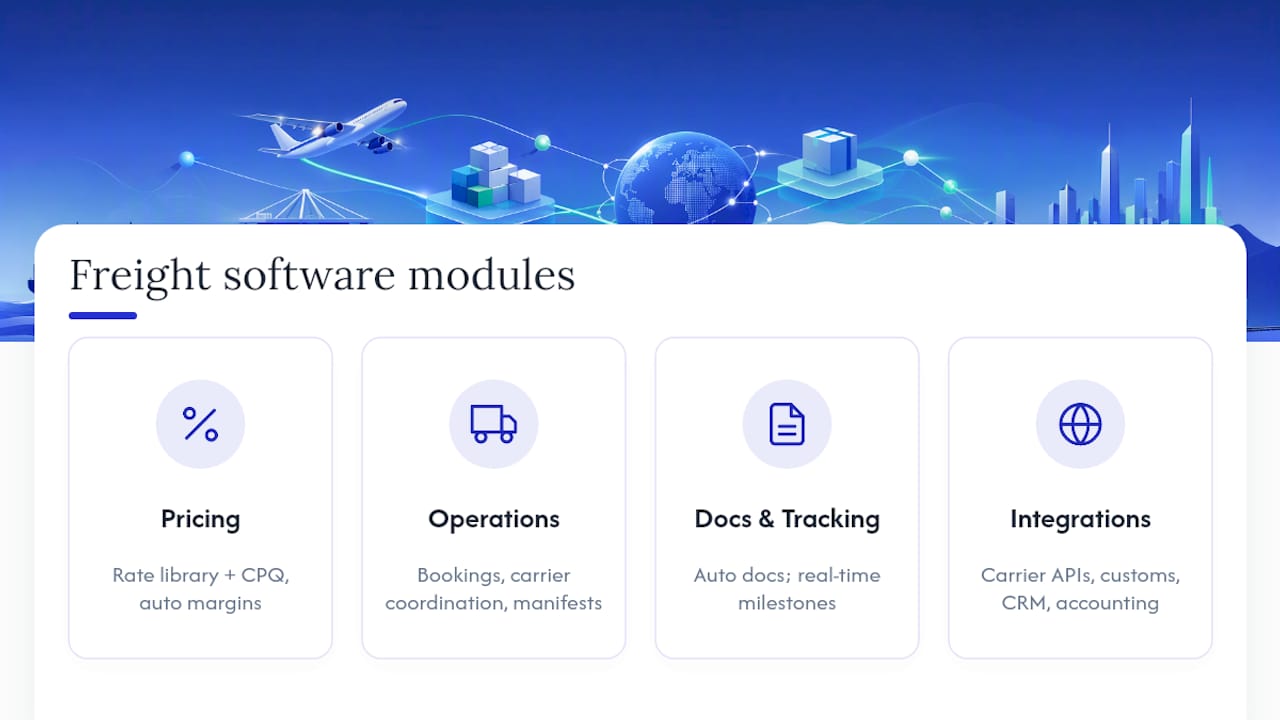
Quoting and CPQ (configure, price, quote) flows turn that rate data into a customer-facing number fast. Speed matters here because a shipper requesting quotes from three forwarders usually books with whoever responds first with an accurate number, not the one who eventually replies with the best price. CPQ tools in freight software also make quotes re-priceable when routing or fuel surcharges change mid-negotiation, something Experion’s overview of forwarder platforms identifies as a core differentiator from generic quoting tools.
Booking and carrier coordination covers the handoff once a shipper accepts a quote: generating carrier bookings, confirming space and schedules, and building manifests that match what was actually sold. Read more in this guide to freight quote management.
Document automation handles the paperwork that used to eat an operator’s whole morning: bills of lading, forwarder’s cargo receipts, commercial invoices, and packing lists generated from booking data instead of retyped by hand.
Real-time tracking gives both the forwarder and the customer visibility into milestones, port arrivals, and exceptions, usually through a shared dashboard rather than a string of status-check emails.
Finance functionality matches carrier invoices against booked rates, catches billing discrepancies before they become disputes, and rolls shipment-level costs into a usable profit and loss view.
Integrations tie all of it to carrier APIs, customs filing systems, CRM platforms, and accounting software, so data entered once in the booking stage doesn’t get retyped four more times downstream.
Pro Tip: Ask any vendor demo to show you a rate change flowing through to an already-issued quote in real time. If the quote doesn’t update or flag for review automatically, that’s a manual reconciliation step waiting to bite you during a rate spike.
The Core Modules: What Each One Actually Does
Freight forwarding software is best understood module by module, because that’s how the software is built and how forwarders actually use it day to day. Experion’s system-of-record framing captures this well: a forwarding platform is the operational record for the business, not a single tool with one job.
-
Shipment management tracks a job through its full lifecycle, from booking confirmation to delivery, flagging exceptions like a missed vessel connection or a customs hold before they become a customer service fire drill. This is the module operators live in for most of the workday.
-
Rate and quote engine stores tariff structures by carrier, lane, and mode, applies markup rules automatically, and manages contract rates separately from spot pricing. Multi-leg shipments, where a container moves by ocean then rail then truck, need pricing logic that stitches those legs into one number without an operator manually adding line items together.
-
Documentation module generates the paper trail: bills of lading, house and master bills of lading (HBL/MBL) for consolidated shipments, commercial invoices, and cargo manifests. Because this data pulls from the booking record instead of a blank template, a shipper name typo made once doesn’t propagate across five documents.
-
Customs and compliance handles tariff classification, electronic data interchange (EDI) filings with customs authorities, and the compliance checks that keep a shipment from getting stuck at a border. This module is where forwarder-specific software earns its keep against generic logistics tools, which rarely build customs filing into the core product.
-
Finance module matches incoming carrier invoices against what was quoted and booked, posts costs across multiple currencies, and produces a profit and loss statement at the shipment level rather than just a company-wide summary. Calsoft’s analysis of forwarder platforms points to this as a place where margin quietly leaks when the software can’t automate invoice matching, since a $40 discrepancy on one shipment is invisible until it’s multiplied across a thousand shipments a quarter.
-
Network and agent management governs how branches, overseas agents, and partner offices bill each other for shared shipments. A forwarder with agents in six countries needs intercompany billing that doesn’t require a finance team to manually reconcile who owes whom after every job closes.
Each module maps to a job function: operators live in shipment management, sales lives in the quote engine, compliance staff live in customs, and finance lives in the invoice-matching and P&L reporting.
How Is Freight Forwarding Software Different From a TMS or ERP?
The terms get used loosely, but they’re not interchangeable, and picking the wrong category of software costs forwarders real integration headaches later.
A transport management system (TMS) in its generic form handles shipment routing, carrier selection, and load tracking, largely built around trucking and domestic logistics use cases. A freight forwarding system (FMS) does everything a TMS does but adds the layers unique to international freight forwarding: consolidations, customs processing, multi-currency finance, and agent network billing. Calsoft makes this distinction explicit, noting that generic TMS and ERP platforms often can’t handle these forwarder-specific workflows natively. A glossary from Loop similarly describes TMS platforms as strong on routing and carrier analytics but built without the customs and documentation depth forwarders need.
An ERP (enterprise resource planning) system, meanwhile, is built for general business operations: accounting, inventory, HR. Some large forwarders bolt freight modules onto an ERP, but that usually means paying for custom development to replicate what a purpose-built FMS already does out of the box.
Deployment choice matters just as much as category:
- Cloud-native SaaS platforms update automatically, scale with shipment volume, and typically integrate faster with carrier APIs since the vendor maintains those connections centrally.
- On-premise systems give a forwarder full control over data residency, which matters for some regulatory environments, but shift the maintenance and update burden onto internal IT.
- Hybrid setups keep sensitive finance data on-premise while running operational modules in the cloud, a compromise some larger, older forwarders still prefer during a slow migration.
- Digital freight forwarder platforms and self-service shipper portals sit adjacent to this category. They’re customer-facing booking tools rather than back-office operating systems, and forwarders often run one alongside their internal FMS rather than instead of it.
A small forwarder moving a few hundred shipments a month can often get by on a lean cloud platform. A multi-branch operation with agents overseas usually needs the deeper customs and intercompany billing that only a purpose-built forwarding system provides.
Freight Software Terms and Acronyms You’ll Actually Use
Freight forwarding software comes loaded with acronyms that show up on carrier documents, in vendor demos, and in customs filings. Here’s what the ones you’ll hit most often actually mean.
- FCR (Forwarder’s Cargo Receipt): A document a forwarder issues confirming they’ve taken custody of goods for shipment, used often in consolidated cargo where a full bill of lading isn’t yet available.
- BL (Bill of Lading): The core shipping document that serves as a receipt, a contract of carriage, and often a title document for the goods. Whoever holds the original BL typically controls the cargo.
- HBL/MBL (House/Master Bill of Lading): In consolidated shipments, the forwarder issues an HBL to the individual shipper while the ocean carrier issues an MBL to the forwarder covering the whole container.
- OBL (Original Bill of Lading): A physical, signed BL required at destination to release cargo, as opposed to a telex release or seaway bill.
- AWB (Air Waybill): The air freight equivalent of a bill of lading, though unlike an ocean BL it’s not a document of title.
- CPQ (Configure, Price, Quote): The workflow and software logic for generating fast, accurate freight quotes, covered earlier in the rate and quote module. Quotiss’s guide to logistics acronyms lists CPQ among the terms forwarders encounter most when evaluating quoting tools.
- TMS (Transport Management System) and FMS (Freight Forwarding/Management System): Covered above, the routing-focused generic tool versus the forwarder-specific platform.
- ERP (Enterprise Resource Planning): General business software for accounting, HR, and inventory, occasionally extended with freight modules.
- NVOCC (Non-Vessel Operating Common Carrier): A forwarder that issues its own bills of lading and consolidates cargo without owning ships.
- LCL (Less than Container Load): Cargo consolidated with other shippers’ goods to fill a shared container, versus FCL (Full Container Load).
- EDI vs API: EDI (Electronic Data Interchange) is the older, structured messaging standard many customs authorities and carriers still require for filings. API (Application Programming Interface) connections are faster to build and more flexible, and most modern forwarding software uses API where the counterpart supports it, falling back to EDI where regulation demands it.
How Do These Modules Work Together in a Real Shipment?
Definitions only click once you see them run through an actual job. Here’s a shipment moving from first quote to final invoice.
-
Quoting to booking: A shipper requests a quote for an LCL shipment from Shanghai to Los Angeles. The rate engine pulls the current contract rate, applies the margin rule, and the CPQ tool returns a quote in minutes. The shipper accepts, and that quote data flows directly into a booking record, no retyping required.
-
Booking to manifest and carrier confirmation: The booking module generates a carrier booking request, confirms container space, and the shipment gets added to a consolidated manifest alongside other LCL cargo heading the same route. This is the stage where ForwarderOne’s breakdown of the freight booking process is worth a read if you’re mapping this workflow for a team new to consolidation logistics.
-
Customs clearance and document exchange: Once the vessel departs, the documentation module generates the HBL and commercial invoice, while the customs module files the classification and entry data through EDI or API with the destination customs authority ahead of arrival.
-
Billing and invoice reconciliation: After delivery, the carrier invoice arrives and the finance module matches it against the original booked rate. A discrepancy, say the carrier billed a demurrage fee that wasn’t quoted, gets flagged for review instead of silently eating into margin.
Pro Tip: Walk one real shipment through a vendor’s demo end to end, quote through final invoice reconciliation, rather than watching separate module demos. That’s the only way to see where data actually breaks between steps.
What Should You Check Before Buying Freight Forwarding Software?
Picking a platform is easier when you treat it as a checklist rather than a gut call based on a slick demo.
- Functional must-haves: Confirm the rate engine handles multi-leg and multi-currency pricing, the finance module supports multi-entity accounting if you operate more than one branch, and document generation covers HBL, MBL, and commercial invoices without manual template editing.
- Integration and data migration: Ask exactly which carrier APIs and customs systems the platform connects to natively, and get a straight answer on how historical shipment and customer data migrates from your current system, since a bad migration is the single most common reason forwarders regret a switch.
- Rollout and training: Set a realistic adoption timeline. Most teams need four to eight weeks to get comfortable with a new booking workflow, and rushing that window is how forwarders end up running the old spreadsheet alongside the new software for months.
- Pilot scope and success metrics: Start with one branch or one trade lane rather than a company-wide cutover, and define what success looks like before you begin. Faster quote turnaround, fewer invoice discrepancies, or reduced document errors are all measurable within the first quarter.
Where FreightSuite Fits Into These Definitions
FreightSuite is built around the exact module structure covered above: rate management, air and ocean tracking, finance, operations automation, and configurable workflows, with AI agent orchestration layered natively on top rather than bolted on. That last piece matters because it’s what separates an agentic TMS from a legacy system: AI agents handle repetitive matching and document tasks that used to require manual operator review.

Written by Annabel Eve. See the author bio for background on freight technology reporting.
See What a Modern Freight Forwarding TMS Looks Like
FreightSuite was built to replace legacy TMS platforms like Cargowise, Magaya, Descartes, Multifreight, Logi-Sys, and Logitude with an agentic system where rate management, tracking, finance, and AI orchestration run natively together instead of through bolted-on add-ons. If the module breakdowns in this guide sound like gaps in your current setup, from invoice matching to multi-currency finance to customs documentation, it’s worth seeing how those pieces work in practice. Check FreightSuite’s pricing plans or book a demo to walk through a real shipment end to end.
Sources
- Freight Forwarding Software: Automate End-To-End Shipment | Experion
- Freight Forwarding Software Explained for Global Trade | Calsoft
FAQ
What Is Freight Forwarding Software?
Freight forwarding software is a system that manages rate quoting, booking, documentation, tracking, and billing for forwarders handling ocean, air, and road shipments, replacing spreadsheets and disconnected tools with one operating record.
What Are the Top Freight Forwarding Software Options?
The category includes purpose-built forwarding platforms ranging from legacy on-premise systems to modern cloud-native, agentic platforms like FreightSuite that add AI orchestration on top of standard rate, tracking, and finance modules.
What Is the Best Freight Forwarding Software?
The best choice depends on your operation’s scale and complexity. Forwarders running multi-branch, multi-currency operations generally need a purpose-built system with deep customs and finance modules rather than a generic TMS or ERP add-on.
What Is FCR and BL?
An FCR (Forwarder’s Cargo Receipt) is a document a forwarder issues confirming custody of goods before a full bill of lading is available. A BL (Bill of Lading) is the core shipping document that acts as a receipt, contract of carriage, and often a title document controlling release of the cargo.
TMS User Roles: A Practical Admin Guide to Access and Permissions
TMS user roles are role-based access templates that determine which screens, modules, and actions each person in your system can use. The fastest path to a secure setup is a four-level access model, Admin, Full Access, Read-Only, and No Access, applied through role groups rather than individual accounts. Before rolling any change out company-wide, create a test user for each role and confirm what they can actually see and touch.
TL;DR:
- Most companies should start with a four-level access model—Admin, Full Access, Read-Only, and No Access—applied through role groups rather than individual accounts.
- It is essential to create and test a dedicated user for each new role to verify permissions before full deployment, avoiding inheritance errors that can cause security issues.
- Permissions should be set top-down in a parent-child hierarchy, with careful attention to how No Access on parent modules automatically restricts all sub-screens.
- Regular quarterly reviews of role permissions and a formal onboarding and offboarding process are vital to prevent permission drift and ensure security compliance.
- FreightSuite integrates role-based access controls directly into its platform, supporting scalable and secure TMS deployment from the start.
Table of Contents
- What Are TMS User Roles, and Why Do They Matter?
- What Do the Four Permission Levels Actually Control?
- Which Permissions Should Each Role Actually Get?
- How Do You Set Up and Test a New Role?
- What Governance Habits Keep Permissions From Drifting?
- Where FreightSuite Fits Into Your Role Strategy
- Your Next Steps for Rolling Out TMS Roles
- Sources
- FAQ
What Are TMS User Roles, and Why Do They Matter?
Every transport management system runs on the same basic logic: a person’s job function determines what they’re allowed to do inside the software. TMS user roles are the mechanism that enforces that logic. Instead of granting permissions one screen at a time to every new hire, you build a role, such as Dispatcher or Finance Manager, load it with the right permissions once, and assign people to that role as they join or change positions.
Get this wrong and the consequences aren’t abstract. A driver coordinator with edit rights to invoicing can accidentally alter a customer’s bill. A sales rep with full financial access can see margin data that should stay with accounting. Poor role design is also one of the fastest ways to fail a security audit, since auditors specifically look for who can touch money, contracts, and customer data.
The five roles below cover most freight and trucking operations, though your company size and structure will shape the specifics.
- Administrator: Manages system configuration, integrations, and user accounts. Should be the smallest group in your organization, often just one or two people.
- Dispatcher: Edits routes, assigns drivers, and manages live tracking, but rarely needs invoicing access.
- Finance/Accounting: Handles billing, invoicing, and cost reports, with no route-editing rights.
- Sales: Creates orders and adjusts pricing, but shouldn’t see full financial reporting.
- Super user: A power user with broad operational access but not full system configuration rights, often used for regional managers who need visibility across teams without touching integrations or security settings.
Default templates work fine for most companies starting out. Build a custom role only when a job function genuinely straddles two categories, like a dispatch supervisor who also approves carrier invoices. Super users differ from administrators in one key way: administrators can change how the system works, while super users work within it at a higher visibility tier than standard staff.
What Do the Four Permission Levels Actually Control?
Nearly every modern TMS, including FreightSuite, organizes permissions around four access levels. Understanding these before you touch a single toggle will save you hours of troubleshooting later.
- Admin: Full control over a module, including the ability to change settings, delete records, and manage other users’ access to that same area. Example: an IT administrator who can reconfigure the customs brokerage workflow.
- Full Access: Complete ability to view, create, and edit records within a screen, but without configuration rights. Example: a dispatcher who can edit route status and reassign drivers all day but can’t change how the routing module itself functions.
- Read-Only: View records without editing them. Example: a sales rep who can see shipment status to update a customer but can’t alter the route.
- No Access: The screen or module is invisible to that user entirely. Example: a guest partner account with no visibility into internal cost data.
Here’s the part that trips up most administrators: these levels don’t operate in isolation. TMS platforms enforce parent-child inheritance rules, meaning if a parent module is set to No Access, every child screen underneath it is automatically forced to No Access too, regardless of what you set at the child level. According to Accruent’s TMS permissions documentation, this binding relationship is a common source of configuration errors precisely because it’s not always visible until you check.
In the interface, expect a tree view listing modules and sub-screens, with Admin/Full/Read-Only/No Access buttons next to each. A Permissions Summary view shows the net effect of your settings across the whole tree, and a Reset All function lets you return a group to Full Access if you need to start over. Always build your tree top-down, setting parent permissions before diving into individual screens, or you’ll spend time debugging why a permission you set never took effect.
Which Permissions Should Each Role Actually Get?
Role templates only work if the permissions inside them match real job responsibilities. Here’s how the five common roles typically break down across modules.
- Admin: Full or Admin-level access to system configuration, user management, security settings, and audit logs. This is the only role that should touch integrations or billing rule changes.
- Operations/Dispatcher: Full Access to route editing, stop management, and driver assignment. Route permissions are often split into distinct view and edit rights, things like viewing driver paths, adding stops to a route, assigning drivers, and editing route status, which lets you grant visibility to one team without handing them edit control.
- Finance/Accounting: Full Access to billing, invoicing, cost tracking, and financial reports. No route-edit rights at all, since finance staff editing live routes creates operational confusion, not oversight.
- Sales: Full Access to order creation and pricing updates, but Read-Only or No Access on deeper financial controls like margin reports or credit terms.
- Guest/Read-Only: View-only access to a narrow slice of reporting, commonly used for external partners or customers checking shipment status without touching internal data.
That view/edit split matters more than it looks. Splitting route permissions this way lets operations share visibility with a customer-facing team without exposing edit rights to people outside dispatch, a pattern that shows up repeatedly in TMS permission structures.
Pro Tip: Build a simple role matrix before you touch the software, a spreadsheet with job functions as rows and modules as columns. It becomes your audit artifact later, and it forces you to catch overlap between roles before you’ve assigned a single account.

How Do You Set Up and Test a New Role?
Configuring TMS user roles isn’t complicated, but skipping the testing step is where most administrators get burned. Follow this sequence for every new role you create.
- Create the role and name it clearly (avoid vague labels like “Team 2”).
- Assign the role to the correct user group so permissions apply consistently across everyone in that function.
- Open the permission tree and set module and screen-level access, working top-down to respect parent-child dependencies.
- Save the configuration and immediately open the Permissions Summary to confirm the net result matches your intent.
- Create a dedicated test user account for the role rather than testing on a live employee login.
Once your test account exists, run through it methodically:
- Log in as the test user and check the landing screen, it should show only what that role needs.
- Attempt to edit a record that should be Read-Only. It should fail.
- Attempt to view a sensitive financial screen that should carry No Access. It should be invisible, not just locked.
- Check that route or dispatch functions behave as expected if testing an operations role.
Experts widely recommend this test-user step specifically because it catches inheritance mistakes that a permissions summary alone can miss. If something’s wrong, use Reset All to return the group to Full Access and rebuild from a clean baseline rather than chasing individual toggles. And if you’re rolling out a new invite-based workflow, most platforms handle this through a straightforward manage users flow, invite by email, assign the role, and send the invitation, with the same panel letting you edit roles or deactivate accounts later.
What Governance Habits Keep Permissions From Drifting?

Role setup is a one-time project. Keeping it accurate is an ongoing discipline, and it’s the part most companies neglect until an audit forces the issue.
Adopt least-privilege as your default assumption: grant the minimum access a role needs to function, and expand only when a documented business reason exists. Schedule a permissions review every quarter, not just when something breaks. Build a formal onboarding checklist that ties new hires to existing role templates, and just as important, a deprovisioning workflow that deactivates access the same day someone leaves. Permissions left active for departed employees are a routine finding in security reviews.
- Use Permissions Summary reports and activity logs as your primary audit tools, not manual spot-checks.
- Keep a small number of sample test accounts, one per role, ready for quarterly verification.
- Require documented approval, not a quick verbal okay, before granting any Admin-level access.
- Log every permission change with the date, the approver, and the reason.
| Governance habit | Why it matters | Suggested frequency |
|---|---|---|
| Least-privilege review | Prevents permission creep across roles | Quarterly |
| Onboarding checklist | Ensures new hires match approved templates | Per new hire |
| Deprovisioning workflow | Closes access gaps from departing staff | Same day as offboarding |
| Admin-grant approval | Limits highest-risk access changes | Per request |
Changing a role’s permissions while people are mid-transaction can interrupt active workflows, a dispatcher losing edit rights mid-route update, for instance, so schedule permission changes during low-activity windows and warn affected users beforehand.
Where FreightSuite Fits Into Your Role Strategy
FreightSuite builds role-based access, group permissions, and audit visibility directly into its platform, so the four-level model and testing workflow described above aren’t a workaround, they’re how the system is designed to run from day one. Rather than bolting security onto legacy screens, FreightSuite treats permission structure as core to rate management, financial controls, and operations tracking alike.
If you’re evaluating a TMS switch or setting up a new deployment, a demo is the right place to pressure-test this. Ask specifically about role templates for dispatch and finance, migration support for existing user structures, financial controls like credit limits and invoice approval chains, and permissions scoped for customs brokerage teams if that applies to your operation. FreightSuite’s road freight capabilities page and finance team solutions page both detail how role controls apply to specific functions. If your fleet also handles varied vehicle types, understanding delivery vehicle categories can help you decide how granular your dispatcher permissions need to be. Book a demo through FreightSuite to see the permission tree and role templates in action before you commit.
Your Next Steps for Rolling Out TMS Roles
Getting your role structure right doesn’t require a massive project, just a disciplined first pass.
- Pick one pilot role, likely Dispatcher or Finance, and build its template first.
- Create a dedicated test user and verify every permission before wider rollout.
- Run the read/edit and sensitive-screen checks outlined above.
- Schedule your first quarterly permissions review now, not after an incident forces it.
- Browse FreightSuite’s resource library for deeper configuration walkthroughs, or reach out for support if you’re mid-migration.
Sources
- Permissions — Accruent TMS help
- Understanding Permissions in TMS — Mover Systems Help Center
- How To Manage User Roles In Shipper TMS — Super Dispatch
FAQ
What Is the Difference Between Admin and Full Access?
Admin includes configuration rights and the ability to manage other users’ permissions within a module, while Full Access lets a person view, create, and edit records without changing how the system itself is configured.
How Many TMS User Roles Should a Small Company Create?
Most small freight operations run comfortably with four to five roles, Admin, Dispatcher, Finance, Sales, and a Read-Only guest tier, expanding only when a job function clearly doesn’t fit an existing template.
Why Does Setting a Parent Permission to No Access Affect Child Screens?
TMS platforms enforce binding parent-child inheritance rules, so a parent module set to No Access automatically forces every screen beneath it to No Access as well, regardless of individual settings.
How Do I Test a New Role Before Rolling It Out?
Create a dedicated test user account, log in as that user, and verify that read versus edit behavior, sensitive financial screens, and the login landing page all match what the role should see.
Does FreightSuite Support Role-Based Access Controls?
Yes, FreightSuite builds group permissions and role templates natively into rate management, operations, and finance modules, following the same four-level access model described throughout this guide.
Enterprise TMS Migration: A Phased Cutover Framework
The right model for enterprise TMS migration is a phased migration with a parallel run, executed through lane-by-lane cutover rather than a single flip-the-switch weekend. Commission a diagnostic now, and freeze your external platform contract and API contract shapes before you sign anything new. Legacy vendor lock-in gets worse the longer integration surfaces stay undocumented.
The evidence for this approach is consistent across the industry:
- Enterprise migrations typically run parallel operations for as long as it takes to prove the new platform out lane by lane.
- Safe cutovers never migrate in-flight shipments; new bookings move to the new system on a hard date while legacy freight rides out to completion.
- FreightSuite’s rate management, tracking, and finance modules are built to receive a phased handoff without forcing a disruptive all-at-once switch.
Key Takeaways
Enterprise TMS migration succeeds when a phased, parallel-run cutover protects in-flight shipments while an ownership registry and daily reconciliation catch problems before they compound.
| Point | Details |
|---|---|
| Use a phased model | Move through assessment, planning, deployment, and optimization, each ending in a reviewable artifact. |
| Never migrate active shipments | Cut new bookings over on a hard date; let in-transit freight finish on the legacy system. |
| Build an ownership registry | Tag every shipment by system owner so your routing layer forwards webhooks correctly. |
| Reconcile daily during cutover | Weekly checks let errors compound; daily reconciliation catches them within 24 hours. |
| Budget realistic timelines | Enterprise migrations typically run several months, sometimes longer with complex integrations. |
| FreightSuite fits this framework | Its rate management, tracking, and AI orchestration modules are built to receive phased, lane-by-lane migration. |
Table of Contents
- What Is the Phased Framework for Enterprise TMS Migration?
- What Should You Assess Before You Migrate?
- How Do You Migrate Data and Integrations Without Losing Shipments?
- How Should You Build the Cutover Playbook?
- How Do You Test and Validate an Enterprise TMS Migration?
- Who Should Govern the Migration and Manage Risk?
- How Long Does an Enterprise TMS Migration Take?
- How Does FreightSuite Support This Migration Model?
- Ready to Plan Your Migration?
- Sources
- FAQ
What Is the Phased Framework for Enterprise TMS Migration?
Four phases carry the weight of a serious enterprise TMS migration: assessment, planning, deployment, and optimization. Each phase produces a specific artifact your steering committee can review before releasing budget for the next one, which is what separates a controlled migration from a scramble.
Assessment ends with a diagnostic report: an inventory of every integration, data feed, and workflow currently running through your legacy TMS, tagged by business criticality. Planning ends with a cutover plan, the document that names who owns each carrier relationship, which lanes go first, and what the rollback trigger looks like if something breaks. Deployment ends with pilot results, real transaction data from a limited set of lanes running on the new platform. Optimization ends with a KPI baseline, the numbers that prove the new system is performing at or above the old one.
Sequencing the work this way lowers risk because you are never betting the whole freight desk on one migration event. A four-phase playbook built around assessment, planning, deployment, and optimization also creates early wins. A single pilot lane running cleanly on the new TMS after 30 days does more to build internal confidence than any slide deck.
Choosing the right migration model matters just as much as the phase structure:
- Lift-and-shift moves existing workflows onto new infrastructure with minimal redesign. Fastest option, but it carries legacy inefficiencies forward.
- Replatform keeps your core processes but rebuilds the technical foundation, often the right call when the old TMS can’t support modern APIs.
- Rearchitect redesigns workflows around the new platform’s native strengths, including AI agent orchestration. This takes longer but captures the most long-term value.
- Replace retires the legacy system entirely and rebuilds from scratch, appropriate when the old TMS is so brittle that partial migration risks more than a clean break.
Strategic functions (customer-facing quoting, rate negotiation, exception handling) usually justify rearchitecting. Operational functions (basic tracking, document storage) often tolerate a straight lift-and-shift.
What Should You Assess Before You Migrate?
Scope gets defined in the assessment phase, and getting it wrong here is the single most expensive mistake in enterprise TMS migration. Start by separating strategic functions, the ones that touch revenue and customer experience, from operational functions that just need to keep running.
Your assessment checklist should cover:
- Every strategic function currently living in the legacy TMS (rate management, credit control, customer dashboards) versus operational functions that could tolerate downtime.
- Mandatory data exports: customer master records, carrier profiles, open loads, accounts receivable balances, and every associated document (BOLs, PODs, commercial invoices).
- The full integration surface: EDI connections, REST APIs, webhook subscriptions, ERP links, and accounting software connections that currently depend on your legacy platform.
- Which migration model (lift-and-shift, replatform, rearchitect, replace) fits each function, based on how much value that function creates versus how much risk touching it introduces.
Export formats matter more than most teams expect. Structured data (customers, rates, carrier records) should move as CSV or database dumps you can validate row by row. Document-heavy records like bills of lading and proofs of delivery should move as original PDFs, not re-rendered images, so nothing gets lost in translation. Data readiness is the biggest driver of migration speed; clean exports move faster than clean code.
Pro Tip: Run your data export as a dry run 60 days before your planned cutover date. You will find broken customer records and stale carrier contacts you didn’t know existed, and it’s far cheaper to fix them now than during a live cutover window.
How Do You Migrate Data and Integrations Without Losing Shipments?
Data migration in freight forwarding software is unusually hard because the data is high-cardinality and time-sensitive. A single shipment touches customer records, carrier bookings, rate tables, customs documents, and accounting entries, all of which need to land correctly in the new system or reconciliation becomes a nightmare.
Your essential data sets and formats:
- Customer and carrier master records as structured CSV exports, validated against your CRM or accounting system before import.
- Open loads and in-transit shipments exported with full status history, not just current state.
- A/R balances exported with invoice-level detail, matched against your accounting software connection.
- Original PDF documents for every BOL and POD, indexed by shipment ID so they attach correctly on the new platform.
Build a golden-record strategy before you touch a single API. Decide which system is the source of truth for customer data, which is the source of truth for rates, and which is the source of truth for carrier profiles, then map every field accordingly. Guessing at mappings mid-migration is how duplicate customer records and orphaned rate entries end up in production.
A routing layer, sometimes called a shim, sits between your carriers and both systems during the transition. Rather than asking every carrier to update webhook URLs on your cutover date, the routing layer receives all webhook traffic and forwards it based on shipment ownership. This is a low-risk architectural pattern precisely because it avoids coordinating URL changes across dozens or hundreds of carrier relationships at once.

Reconciliation cadence during this window should be daily, not weekly. Daily reconciliation during cutover and stabilization catches a mismatched invoice or a dropped webhook within 24 hours instead of letting it compound for a week. Assign a named owner for reconciliation, typically someone from finance operations working alongside the migration lead, and give them daily standing time on the calendar for the entire parallel run.
EDI connections deserve special attention here. Carriers running EDI 204/990/214 transaction sets need advance notice before any endpoint changes, and the Worldwide Express guide to EDI tracking is a useful reference for what adoption and testing benchmarks look like across carrier partners.
How Should You Build the Cutover Playbook?
The cutover itself is where enterprise TMS migration projects succeed or fail, and the operating principle is simple to state and hard to execute: you do not migrate in-flight shipments. New bookings move to the new system on a hard date. Everything already in motion rides out on the old system until it reaches terminal state, meaning delivered, invoiced, and closed.
This works because it eliminates the single riskiest failure mode in any migration: a shipment caught mid-transit with half its data on one system and half on another.
Building the playbook takes four concrete steps:
- Build an ownership registry. Every shipment, active or historical, gets tagged with which system owns it: legacy or new. This registry becomes the single source of truth that your routing layer references for every incoming webhook or API call.
- Populate historical ownership. Before cutover day, backfill the registry with every open shipment currently in the legacy system, so nothing arrives on cutover morning without an owner assigned.
- Implement the shipment router. Configure the routing layer to check the ownership registry on every inbound event and forward it to the correct system, logging a correlation ID on each transaction so support teams can trace any discrepancy back to its source.
- Hard-error the old booking API. On cutover date, any new booking request submitted to the legacy system’s API should return an error rather than silently processing, forcing all new demand onto the new platform immediately.
| Cutover Element | Rule |
|---|---|
| In-flight shipments | Remain on legacy system until delivered, invoiced, and closed |
| New bookings | Route exclusively to new system starting on the hard cutover date |
| Webhook traffic | Routed by ownership registry, not by carrier-side URL changes |
| Long-tail shipments | Force-closed under a defined policy once past a set threshold |
Decommissioning the legacy platform depends on how you handle the long tail: the handful of shipments that refuse to close cleanly because of a disputed invoice or a lost document. A force-close policy, for example writing off shipments 90 days past expected delivery under defined finance sign-off, prevents your legacy system from running indefinitely just to service a shrinking handful of stragglers. Without that policy, teams end up paying for two systems far longer than the migration plan ever intended.
How Do You Test and Validate an Enterprise TMS Migration?
Pilot design determines whether your first cutover builds confidence or destroys it. Pick two or three lanes that are representative of your volume and complexity but not your highest-stakes accounts, enough transaction volume to surface real issues, not so much that a failure becomes a crisis.
Core test cases to run before any lane goes live:
- Booking creation and confirmation across your top carrier connections.
- Tender acceptance and rejection workflows, including exception handling when a carrier declines.
- Webhook delivery and correct routing through the ownership registry.
- Invoice generation and matching against carrier rate confirmations.
- POD ingestion, confirming documents attach to the correct shipment record.
- EDI transaction set exchange and, where relevant, ELD integration for real-time location data.
Pro Tip: Keep a dedicated Slack or Teams channel open for the first 30 days post-cutover, staffed by someone from ops and someone from IT at all times. Most stabilization issues get caught in the first two weeks, and a fast escalation path beats a ticket queue every time.
The 30-90 day phased framework that many managed replacements follow builds this stabilization window in by design rather than treating it as an afterthought.
Who Should Govern the Migration and Manage Risk?
Program governance needs a steering committee with real authority: typically the COO or head of operations, the CTO or IT lead, and a finance representative who signs off on cutover dates and budget releases. Below that sits a migration lead who owns the RACI for day-to-day execution, and a dedicated reconciliation owner from finance operations.
Risk controls that matter most:
- Take an archival snapshot of the legacy system’s full database before cutover, giving you a rollback point if something goes wrong in the first 72 hours.
- Run quiet-period webhook checks, brief windows where you verify no traffic is silently failing before declaring a lane fully migrated.
- Define a rollback trigger in advance (a specific reconciliation failure rate, for instance) rather than deciding in the moment under pressure.
- Track KPIs daily during migration: reconciliation match rate, invoice accuracy, on-time tender rate, and open exception count, each owned by a named person.
Migration failures are usually operational, not technical: carrier communication breakdowns, mismatched rate data, and dropped exception handoffs cause more damage than any API bug. Staff accordingly, and bring in external migration specialists when your internal team lacks bandwidth for the parallel-run period specifically, not for the whole project.
How Long Does an Enterprise TMS Migration Take?
Timeline expectations separate realistic programs from ones that blow their budget. A mid-market freight forwarder switching TMS platforms can often complete the process in a few months. Enterprise programs with deep integration surfaces and multiple regions typically run 9 to 18 months, and complex enterprise migrations factoring in multiple integrations and regional regulations can extend to two or three years.
Budget planning should account for three components:
- Internal labor: your migration lead, IT integration staff, and the reconciliation owner, typically the largest line item across a multi-month program.
- Vendor fees: implementation support, data migration services, and any managed migration partner you bring in for the parallel-run window.
- Parallel-run operating cost: running two systems simultaneously means paying for both, sometimes for months, which needs its own budget line rather than getting absorbed as a surprise.
Engage a managed migration partner when your internal IT team is already stretched thin on day-to-day operations, or when the number of carrier integrations exceeds what your team has bandwidth to test individually within your target window.
How Does FreightSuite Support This Migration Model?
FreightSuite is built to receive exactly the kind of phased, parallel-run migration this framework describes, rather than forcing an all-or-nothing switch. Rate management and dynamic FX tracking map directly to the golden-record strategy your data migration needs. Air and ocean tracking modules support lane-by-lane pilot rollouts without disrupting shipments still active on your legacy platform, and customs brokerage workflows carry forward the compliance detail enterprise forwarders can’t afford to lose mid-transit.
AI agent orchestration, built natively rather than bolted on, is where the optimization phase pays off: once your pilot lanes are stable, agentic workflows start automating exception handling and document processing that used to require manual intervention.
Ready reference points for planning conversations:
- Road freight capabilities for teams migrating truckload and LTL operations.
- Ocean freight capabilities for container tracking and long-tail shipment handling during cutover.
- Case studies and internal performance benchmarks specific to your fleet size and lane mix are available on request during a diagnostic call.
Ready to Plan Your Migration?
A migration built around parallel runs and lane-by-lane cutover only works if the platform on the receiving end can actually absorb that complexity without forcing you to redesign your operations from scratch. That is the specific gap FreightSuite is built to close: rate management, financial controls, and AI agent orchestration that plug into the phased framework above instead of demanding you rebuild your workflows around someone else’s assumptions.
A discovery and pilot engagement with FreightSuite typically starts with a short diagnostic call to map your current integration surface, followed by a scoped pilot on two or three lanes so your team can see reconciliation rates and KPI performance before committing to a full cutover date. Finance leaders evaluating the switch can review how FreightSuite supports finance teams during credit control and A/R migration specifically. Case study results from prior enterprise migrations are available on the FreightSuite case study page.
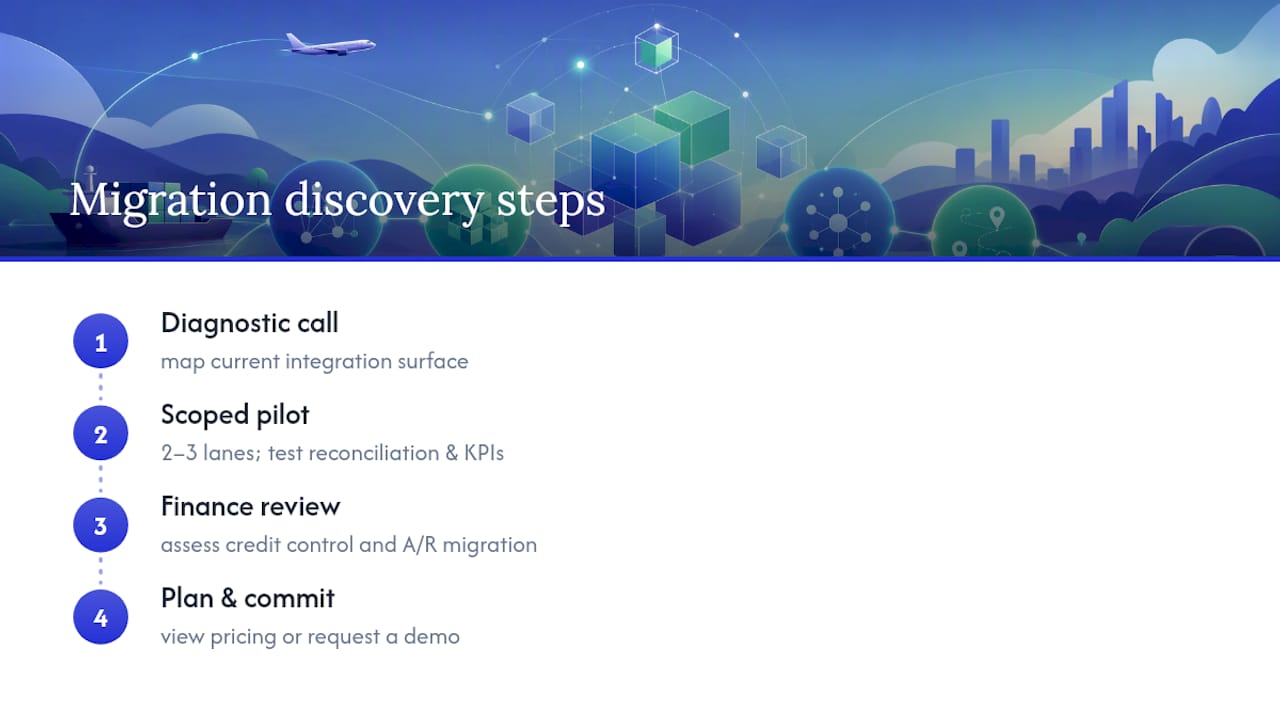
If you are ready to see costs and plan structures, check the FreightSuite pricing page for current plans, or start with a demo request through the FreightSuite homepage to walk through your specific lane mix and integration surface with a migration specialist.
Sources
- TMS Cutover Playbook: Switch Without Losing Shipments
- A CTO’s Guide to Migrating from a Legacy TMS to a Cloud-Native Architecture | VGD Technologies
- How to Replace Your TMS Without Disrupting Operations (2026 Guide) | Nuvocargo
FAQ
What Is the Best TMS Software for Shippers?
The best choice depends on shipment volume and complexity, but shippers running high-volume, multi-mode freight generally need a platform with native rate management, real-time tracking, and financial controls rather than a point solution. FreightSuite is built specifically for freight forwarders and logistics companies managing exactly this complexity.
What Does TMS Mean for Shipping?
TMS stands for transportation management system, software that handles rate management, carrier booking, shipment tracking, and financial reconciliation for freight moving by truck, ocean, or air.
What Are the Top TMS Systems?
Rankings vary by publication and shift as platforms add features, but enterprise forwarders should evaluate systems on integration depth, AI-native automation, multi-mode support, and total cost of ownership rather than relying on a generic top-ten list.
What Is TMS in FedEx?
FedEx and other large carriers use internal transportation management systems to plan routes, manage fleet capacity, and track shipments across their networks, a different use case from the multi-carrier TMS platforms freight forwarders use to manage bookings across many carriers.
How Long Does TMS Onboarding Typically Take?
Onboarding timelines depend on integration complexity, but enterprise TMS migration programs typically span 9 to 18 months, while a mid-market forwarder switching platforms can often complete onboarding in a few months using a phased, parallel-run approach.
How Long Does a TMS Implementation Really Take?
Most focused cloud TMS rollouts finish within a few months. Mid-market projects commonly take several months. Enterprise, multi-ERP programs typically run half a year or longer. Where your project lands depends on one thing more than any other: how clean your data is and how many systems you need to connect to it.
The TMS implementation guide from SupplyChainDesk puts it plainly: user adoption and data readiness drive implementation speed far more than the software you pick. A vendor demo looks the same whether your rate tables are a mess or immaculate. Your calendar will not.
The single biggest safeguard against a rocky go-live:
- Run a parallel operation, 2 to 4 weeks minimum, processing every load in both the old and new system with weekly invoice reconciliation before you cut over completely.
Key Takeaways
A TMS implementation timeline is determined primarily by data readiness and integration count, not by company size alone, and a 2 to 4 week parallel run is the most reliable safeguard against a failed cutover.
| Point | Details |
|---|---|
| Cloud rollouts move fastest | Focused cloud TMS projects typically finish in 6 to 12 weeks with dedicated daily users. |
| Data cleanup starts before kickoff | Audit rate tables and customer records ahead of discovery to avoid migration delays. |
| Parallel run is non-optional | Run 2 to 4 weeks minimum with weekly invoice reconciliation before full cutover. |
| Staffing beats headcount | A part-time sponsor plus a committed PM and daily users move faster than a large, disengaged team. |
| Track KPIs through day 90 | Monitor invoice accuracy, tender acceptance, and loads per dispatcher through formal sign-off. |
| FreightSuite follows this structure | FreightSuite’s onboarding uses pilot lanes, parallel-run reconciliation, and staffed hypercare through day 90. |
Table of Contents
- TMS Implementation Timeline by Company Size
- What Are the Phases of a TMS Implementation?
- What Does an 8-Week Cloud TMS Rollout Look Like?
- What Slows Down or Speeds Up a TMS Rollout?
- Who Do You Need on a TMS Implementation Team?
- What Happens After Go-Live?
- How FreightSuite Applies This Playbook
- Ready to Scope Your Own Rollout Timeline?
- Sources
- FAQ
TMS Implementation Timeline by Company Size
Your budget conversation and your calendar conversation are really the same conversation. A freight brokerage running one core lane structure through a cloud platform is not comparable to a multi-entity forwarder juggling five ERPs and a dozen carrier EDI connections, and pretending otherwise is how projects blow past their target date.
Small shippers can sometimes go live in about two months with hands-on onboarding, according to BrokerPro TMS’s timeline guide, while larger organizations often need three to six months depending on integrations and customization.
A single cutover weekend works fine for a small operation with one core workflow. Once you’re touching multiple business units, currencies, or carrier networks, phase your rollout by lane or region instead. Complexities like multiple ERP systems, cross-border operations, and custom exception workflows can extend timelines.
What Are the Phases of a TMS Implementation?
Every credible rollout follows the same skeleton, even when the calendar length varies wildly. Understanding the phases matters because each one has a specific owner and a specific exit criteria, not because the phases are novel.
- Discovery and scoping (1 to 4 weeks). You and the vendor define goals, baseline KPIs like tender acceptance rate and invoice accuracy, and lock scope and contract milestones. Owner: project sponsor and vendor account lead. Exit criteria: signed scope document and baseline metrics captured.
- Data migration (1 to 6+ weeks). Extraction, cleanup, mapping, and test loads happen here, and this phase eats more schedule than any other when historical data is messy. Owner: IT plus vendor data team. Exit criteria: test load reconciles cleanly against source records.
- Configuration and build. Workflow setup, rule books, and rate tables get built to match your actual operation, not a generic template. Owner: operations lead with vendor configuration specialist. Exit criteria: configuration matches signed-off requirements document.
- Integration. Prioritize by business impact: ERP and accounting connections first, then carrier EDI/API feeds, then visibility tools. Owner: IT and vendor integration team. Exit criteria: each connection passes a defined test script.
- Testing and UAT. Scripted tests plus real load scenarios run by actual dispatchers and ops staff, not just IT. Exit criteria: documented acceptance sign-off from operations.
- Pilot and parallel run. Cloud rollouts need 2 to 4 weeks; enterprise programs need 4 or more, per the BestCarrierTMS implementation checklist. Reconcile invoices and settlements weekly during this window.
- Cutover and hypercare. A documented go/no-go checklist precedes the cutover weekend, followed by a hypercare period with escalation paths and daily metrics review.
Pro Tip: Freeze non-critical changes to your legacy system the moment parallel run starts. A moving target on the old side makes reconciliation nearly impossible on the new one.
What Does an 8-Week Cloud TMS Rollout Look Like?
A cloud implementation compresses the same phases into a tighter window because the platform requires less custom infrastructure. Here’s a schedule you can hand to a project sponsor as a working draft.
Week 0 (pre-kickoff): Export sample data sets, designate your daily users, and agree on baseline KPIs, tender acceptance, invoice accuracy, and loads handled per dispatcher, with the vendor.
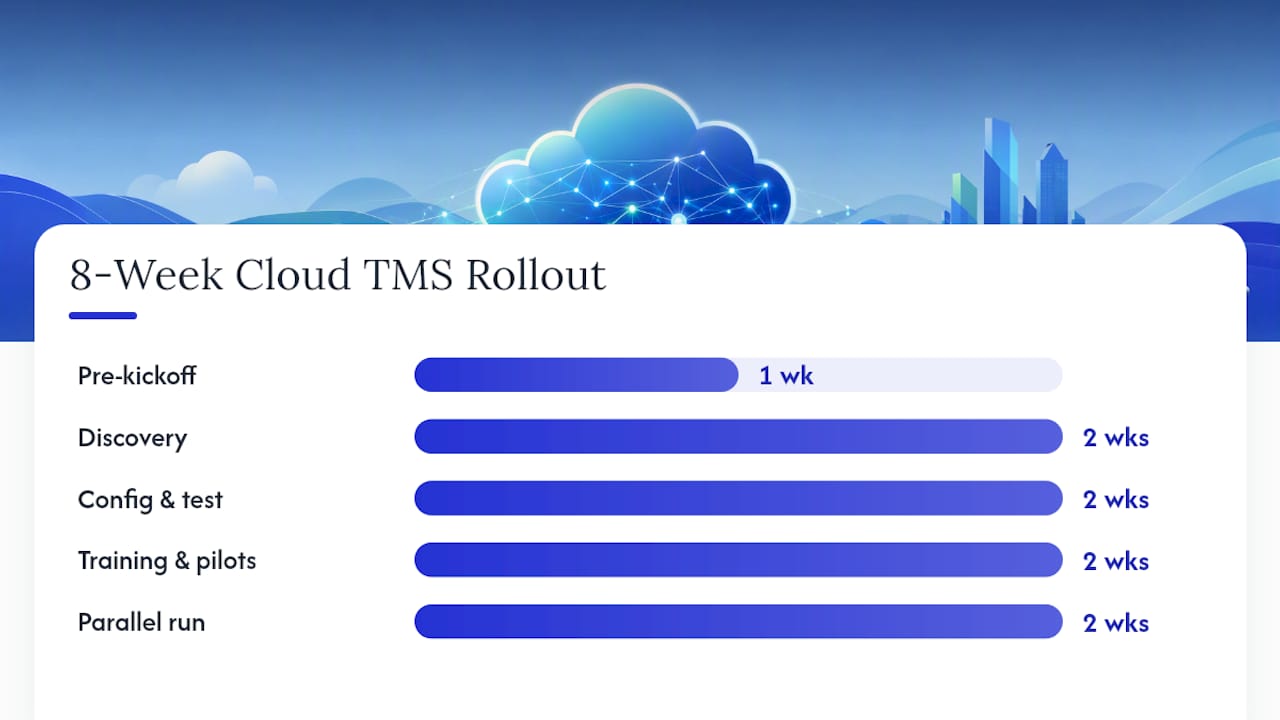
Weeks 1 to 2: Discovery sessions, full data export, field mapping, and initial configuration begin in parallel rather than sequentially.
Weeks 3 to 4: Configuration reaches completion, historical data loads into the system, and initial integration tests run against your accounting and carrier connections.
Weeks 5 to 6: Training for daily users happens alongside pilot lanes running real loads. Configuration gets refined based on what those pilot lanes reveal.
Weeks 7 to 8: Full parallel run with weekly reconciliation, a formal go/no-go meeting once the run proves stable, then cutover.
A few things separate teams that hit week 8 from teams that slip to week 12:
- Users designated in Week 0 actually show up for training in Weeks 5 and 6
- Data cleanup starts before the kickoff call, not during Week 1
- Pilot lanes get chosen for representative complexity, not just convenience
What Slows Down or Speeds Up a TMS Rollout?
Two projects with the same vendor and the same contract value can finish months apart. The gap almost always traces back to a handful of variables you can audit before you sign anything.
Data readiness tops the list. Run a quick audit of your rate tables, customer records, and carrier files before discovery even starts. If more than a small fraction of records need manual cleanup, budget extra weeks in the migration phase now rather than discovering it mid-project.
Integration complexity compounds fast. A single accounting API connection adds days. A carrier EDI network with dozens of trading partners, plus real-time visibility feeds, adds months. API connections generally move faster than legacy EDI setups because there’s less back-and-forth mapping required.
Other variables worth scoring honestly:
- Custom exception-handling workflows built around edge cases your team has never documented
- How many daily users can actually attend training sessions without disrupting operations
- Whether your cutover window lands during a seasonal peak
Analyst frameworks from firms like Gartner offer structured ways to score vendor integration support during discovery, which helps you catch complexity before it becomes a schedule surprise.
Who Do You Need on a TMS Implementation Team?
Staffing this wrong is the fastest way to turn an 8-week plan into a 14-week scramble. You don’t need a massive team. You need the right people committing real hours, not just attending kickoff calls.
- Project sponsor: Owns budget and priority decisions, roughly 10% time commitment throughout.
- Project manager: Runs the day-to-day schedule and vendor communication, 50 to 100% depending on project size.
- IT/integration lead: Owns data mapping and connection testing, heaviest load during migration and integration phases.
- Operations stakeholders: Daily users who test workflows and flag exceptions, need protected time during UAT and pilot phases, not just a calendar invite.
- Finance representative: Validates invoice accuracy and rate logic during parallel run, critical but often overlooked.
Insist your vendor provides a written integration playbook, dedicated parallel-run support, and staffed hypercare coverage, not just a support ticket queue. Cadence matters as much as headcount: daily triage stand-ups for the first 14 days after go-live, weekly status meetings throughout, and a hard go/no-go checkpoint before every cutover.
What Happens After Go-Live?
Hypercare is where projects either stabilize or quietly unravel. The first 30 days set the tone for the rest of the relationship with your new system.
Run daily issue triage for at least the first two weeks, then shift to weekly retrospectives once ticket volume drops. Track these KPIs from day one:
- Invoice accuracy rate against your pre-implementation baseline
- Tender acceptance rate
- Loads handled per dispatcher per day
- Billing cycle time from shipment completion to invoice sent
- Dispute rate on customer or carrier invoices
Structure sign-off in three checkpoints. Day 30: a health check comparing actual KPIs against baseline targets. Day 60: adjustments to configuration or workflows based on real operational patterns. Day 90: formal sign-off that closes the implementation project and transitions to standard support.
Pro Tip: Document your day-30 KPI snapshot even if numbers look rough. It becomes your negotiating leverage with the vendor if hypercare support needs to extend past the contracted window.
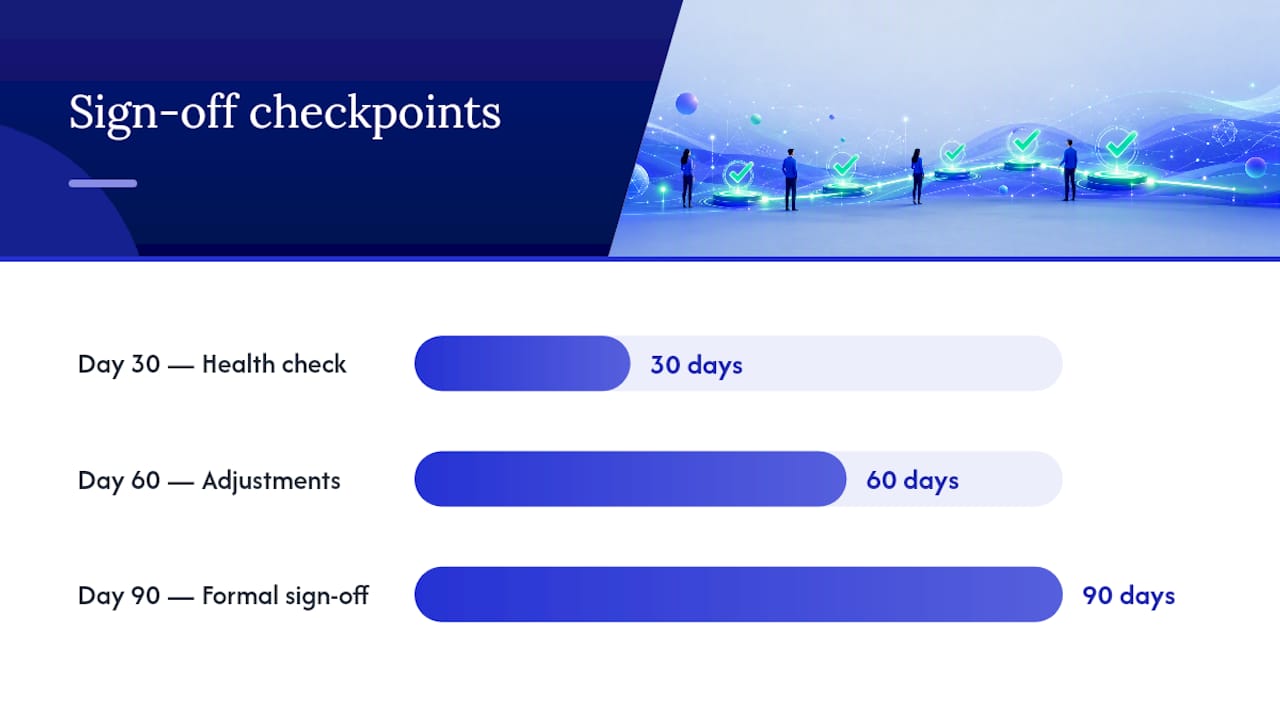
How FreightSuite Applies This Playbook
FreightSuite built its onboarding process around the same phased structure this article walks through, because forwarders and logistics companies asking about implementation timelines are really asking whether their operation will survive the transition intact.
- Pilot lanes get configured with representative complexity, not the easiest lane in the network, so early KPI data actually predicts full rollout performance.
- Parallel run support includes weekly reconciliation reviews between FreightSuite’s team and your finance staff, aligned with the invoice recognition and credit control features built into the platform.
- Hypercare escalation paths stay staffed through the day-90 sign-off window rather than dropping to a generic ticket queue after week two.
FreightSuite’s rate management and AI agent orchestration were built for the exact configuration and exception-handling challenges that stretch enterprise timelines. Forwarders managing cross-border freight can review how the platform handles ocean and air freight data fields before discovery even begins, which shortens the mapping phase considerably.
Ready to Scope Your Own Rollout Timeline?
FreightSuite runs on the same phased approach this article outlines, cloud-speed onboarding with pilot lanes, a real parallel run, and staffed hypercare, built specifically for freight forwarders and logistics companies who cannot afford a chaotic cutover.
If your rollout involves multiple carrier networks or complex rate structures, tools like Haullytics cover carrier-side readiness worth reviewing before you finalize scope. For your own project, three things are worth asking any vendor during a demo: how they handle pilot lanes, whether they provide a written integration playbook, and what parallel-run support looks like in practice.
FreightSuite’s pricing plans are structured around company size and integration count, matching the same variables that drive your timeline. Forwarders running road freight operations can also check road freight capabilities against their current workflow before scoping a project. The fastest way to get a real answer for your specific situation is to book a demo and ask for a pilot lane proposal built around your actual lanes and data.
Sources
- TMS implementation checklist (2026) · BestCarrierTMS
FAQ
What Is a TMS Implementation?
A TMS implementation is the structured process of configuring, migrating data into, integrating, and rolling out a transport management system, typically covering discovery, data migration, configuration, testing, pilot run, and cutover.
What Is the Timeline for a TMS Implementation?
Cloud rollouts typically take a few months, mid-market projects last several months, and enterprise or multi-ERP programs commonly take half a year or longer depending on data readiness and integration count.
Is SAP an ERP or a TMS?
SAP is primarily an ERP (enterprise resource planning) platform; some SAP modules offer transportation functionality, but purpose-built TMS platforms like FreightSuite handle freight-specific workflows such as rate management and carrier tendering more directly.
Who Owns TMS Logistics Decisions?
TMS ownership typically sits with logistics or supply chain operations leadership, with IT and finance as key stakeholders during implementation and a project sponsor accountable for budget and scope decisions.
How Long Should a Parallel Run Last?
Run your parallel period for 2 to 4 weeks at minimum, processing every load in both systems with weekly invoice and settlement reconciliation before committing to full cutover.
The Role of TMS in Risk Management for Logistics Teams
A Transport Management System is the operational control center that detects, quantifies, and reduces transportation risk. It does this by combining real-time visibility, dynamic cost inputs, and predictive analytics into the routing and finance decisions your team makes every hour of the day.
That is the whole answer. The rest of this article is about what separates a TMS that actually does this from one that just displays data on a dashboard.
Three signals tell you whether a TMS is built for risk or just built for reporting:
- Live cost inputs. Fuel, surcharges, and tariffs now move faster than most legacy systems refresh, which is why cost volatility has replaced tariffs as the primary operational threat for freight forwarders running on quarterly rate updates.
- Predictive rather than reactive analytics. Systems that model disruption before it hits a shipment produce a measurable positive return once you count both direct savings and avoided downstream cost.
- Visibility tied to action, not just tracking. Executives rank end-to-end visibility as a top strategic priority because it is the foundation for fast exception handling, not because it looks good on a screen.
FreightSuite was built around this exact premise: an agentic TMS that treats volatility as the baseline condition rather than an exception to patch around later. Rate management, live tracking, and finance data all sit inside one architecture so a risk signal can trigger a financial or routing action without a human relaying it between four disconnected tools.
Pro Tip: Before you evaluate any TMS on features, ask how often its cost data refreshes. Daily or real-time refresh is the line between a system that manages risk and one that just archives it.
Key Takeaways
A TMS reduces risk only when it connects live cost and compliance signals directly to routing and finance actions, not when it simply displays data faster than a spreadsheet.
| Point | Details |
|---|---|
| Treat volatility as baseline | Choose architecture that refreshes rates and surcharges in real time, not on a fixed cycle. |
| Test with a real scenario | Run a proof of concept using a tariff or surcharge change and review the invoice reconciliation output. |
| Map features to risk categories | Use a capability checklist covering operational, commercial, shipment, compliance, and financial risk. |
| Measure ROI with real KPIs | Track invoice reconciliation rate, exception resolution time, and customs hold frequency for 6 to 12 months. |
| FreightSuite as the agentic option | FreightSuite combines rate management, tracking, finance, and AI agent orchestration in one platform built for real-time cost inputs. |
Table of Contents
- What Risks Should a TMS Actually Manage?
- Which TMS Capabilities Actually Reduce Risk?
- How Do You Evaluate a TMS for Risk Management?
- What Does Implementation Cost and How Fast Does It Pay Off?
- Which Scenarios Show the Biggest Risk Reduction?
- Is Your Current TMS Managing Risk or Just Displaying It?
- How FreightSuite Handles Risk Inside a Single Platform
- Sources
- FAQ
What Risks Should a TMS Actually Manage?
A TMS worth paying for handles five distinct risk categories, and most buyers only think about two of them before they sign a contract.
- Operational risk: delays, capacity shortages, and equipment shifts that throw off a planned route or booking.
- Commercial risk: rate volatility, surcharge spikes, and contract terms that erode margin between quote and invoice.
- Shipment risk: damage, misrouting, and loss that surface mid-transit with no early warning.
- Compliance risk: customs documentation errors, missing permits, and regulatory changes that stall cargo at the border.
- Financial risk: invoice variance, FX exposure, and credit exposure that show up weeks after the shipment moved.
Each category compounds the others. A fuel surcharge spike (commercial) that isn’t reflected in your quote turns into an invoice discrepancy (financial) that your finance team discovers a month later, long after the customer relationship has already absorbed the friction. A customs document error (compliance) becomes a capacity problem (operational) when a container sits at the port instead of moving.
Transportation management systems address a meaningful share of this exposure through improved visibility and compliance support, and industry data shows a significant majority of supply chain executives now list end-to-end visibility as a strategic priority. That statistic matters because visibility is the precondition for everything else on this list. You cannot manage a risk category you cannot see moving in real time.

FreightSuite’s customs brokerage capabilities exist specifically to close the compliance gap, centralizing forms and validations so a documentation error doesn’t become a five-day port delay.
Which TMS Capabilities Actually Reduce Risk?
The capabilities that matter are the ones that connect a live signal to an automated or semi-automated action, not the ones that just generate a report after the fact.
Nine capabilities do the real work: real-time visibility, a dynamic rate and surcharge engine, live optimization and routing, scenario planning, exception management with automated alerts, customs and brokerage automation, invoice reconciliation tied to finance, audit trails with access controls, and AI-driven predictive analytics. Ask a vendor to demonstrate each one live, not describe it in a slide.
Run this checklist during any vendor demo:
- Does the rate engine update from live carrier and fuel data, or from a static rate sheet uploaded weekly?
- Can the system reroute a shipment automatically when a capacity or customs exception fires, or does it just flag it for a human?
- Does the platform model a what-if scenario (a tariff change, a surcharge spike) in minutes rather than days?
- Is there a documented audit trail for every automated decision, tied to ISO 31000 risk management principles?
- Does invoice reconciliation happen inside the platform, or does it require exporting to a separate finance tool?
| Capability | Risk category it mitigates |
|---|---|
| Real-time visibility and tracking | Operational, shipment |
| Dynamic rate and surcharge engine | Commercial, financial |
| Live routing and carrier optimization | Operational, shipment |
| Scenario planning and what-if modeling | Commercial, compliance |
| Exception management and automated alerts | Operational, shipment |
| Customs and brokerage automation | Compliance |
| Invoice reconciliation and finance integration | Financial, commercial |
| Audit trails and access controls | Compliance, financial |
| AI-driven predictive analytics | Operational, commercial, financial |
Pro Tip: Predictive analytics is only as reliable as the transaction history feeding it. If your current system has gaps in shipment or invoice data from the last two years, budget time to clean that history before expecting accurate risk scoring.
Watch for one architectural trap: some legacy platforms bolt AI features onto a database that still refreshes cost data on a fixed schedule. That combination gives you a smart-looking dashboard sitting on top of stale numbers, which is worse than no prediction at all because it creates false confidence.
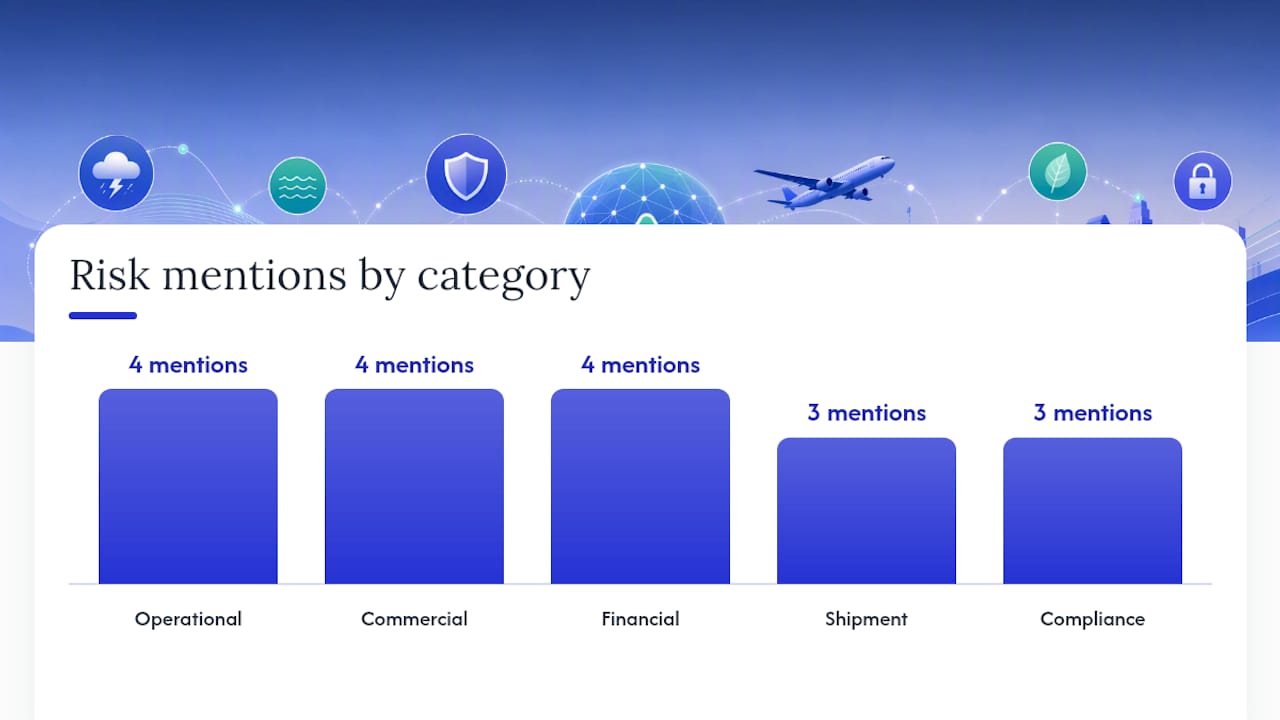
How Do You Evaluate a TMS for Risk Management?
A demo or proof of concept needs to prove one thing above all else: that the system treats a live cost or compliance change as a trigger for action, not a line item to review next quarter.
Structure your evaluation around four buckets:
- Architecture. Does the platform ingest live data feeds for fuel, FX, and carrier rates, or does someone manually update spreadsheets that feed the system?
- Data. Can the vendor show you a real audit trail from signal detection to resolved action, with timestamps?
- Finance integration. Does invoice reconciliation happen automatically against the original quote, flagging variance without a manual match?
- Operations. Can the system reroute or reprice a shipment in response to a live disruption without a support ticket?
Red flags worth walking away from:
- The vendor describes “AI” features but cannot show a live example of a signal triggering an automated action.
- Rate updates require a manual upload rather than an API or live feed.
- There is no clear audit trail for compliance-related decisions.
- Customs and brokerage functions live in a separate, unconnected tool.
Request a proof of concept that specifically tests: live data connectivity to at least one carrier or rate source, a simulated tariff or surcharge change scenario run end to end, and a sample batch of invoice reconciliation against historical quotes. A vendor that can run all three within a 30 to 90 day window is treating volatility as a baseline. A vendor that needs longer just to configure the test usually built the platform around a static world.
What Does Implementation Cost and How Fast Does It Pay Off?
Most mid-size freight forwarders should plan for 8 to 16 weeks from contract signing to full operational use, with the largest cost driver being data integration, not software licensing.
| Phase | Typical duration | Key roles involved |
|---|---|---|
| Data mapping and integration | 2 to 4 weeks | IT lead, operations manager |
| Configuration and workflow setup | 3 to 6 weeks | Operations, finance |
| User training and change management | 2 to 4 weeks | All frontline staff, team leads |
| Parallel run and go-live | 1 to 2 weeks | Full team, vendor support |
Budget for these cost factors beyond the subscription fee itself:
- Integration work connecting your WMS or ERP to the TMS.
- Onboarding time for staff who have only used spreadsheet-based rate sheets.
- Change management, since resistance to a new workflow is often the largest hidden delay.
- Custom rules for surcharge logic or customs document handling specific to your lane mix.
To measure ROI on risk reduction, track a simple formula: (avoided surcharge leakage + avoided invoice variance + reduced demurrage from faster customs clearance) divided by total implementation and subscription cost over 12 months. Predictive analytics deployments in transportation typically show positive ROI once indirect benefits like faster recovery from disruption are counted alongside direct savings.
Track these KPIs in the first 6 to 12 months: percentage of invoices reconciled without manual review, average time from exception detection to resolution, number of customs holds per 100 shipments, and margin variance between quoted and final cost.
Which Scenarios Show the Biggest Risk Reduction?
The scenarios that produce the clearest before-and-after value are the ones where cost or regulatory conditions change faster than a manual process can react.
| Scenario | Before (manual process) | After (real-time TMS) |
|---|---|---|
| Tariff change on a trade lane | Rates updated weeks later, margin erodes silently | Rate engine reflects change same day, quotes adjust automatically |
| Fuel surcharge spike | Surcharge applied inconsistently across shipments | Surcharge engine applies updated rate uniformly and reconciles at invoicing |
| Port congestion or carrier failure | Team discovers delay from a customer complaint | Exception alert fires, alternate routing suggested immediately |
| Customs documentation error | Shipment held for days, no visibility into cause | Automated validation catches the error before submission |
In the tariff scenario, a forwarder running static rate sheets typically absorbs the margin hit for the length of a full billing cycle before anyone notices. A system with live rate inputs closes that gap to the same day the tariff takes effect.
Pro Tip: When designing a scenario for a proof of concept, force it to touch both operations and finance at once, like a surcharge spike that also triggers an invoice mismatch. A vendor that only solves half the scenario is showing you half a system.
Is Your Current TMS Managing Risk or Just Displaying It?
If your platform cannot answer a live cost change or compliance exception without a manual workaround, it is a spreadsheet with a user interface, not a risk management system.
Run this three-question test on what you have today:
- When a fuel surcharge or tariff changes, does your system update quotes automatically, or does someone have to edit a rate table by hand?
- When a shipment exception fires, does the platform suggest or execute a next step, or does it just send an email?
- Can you produce an audit trail showing exactly when a risk signal was detected and what happened next?
If you answered no to any of these, your options are limited to two paths. Either invest in configuring the manual workarounds your team already uses into something closer to automated, or start a structured vendor evaluation using the checklist above. There is little value in a partial fix when the underlying architecture was never built to treat volatility as normal.
How FreightSuite Handles Risk Inside a Single Platform
FreightSuite is an agentic TMS built specifically for the volatility this article has described, combining rate management, live tracking, finance, and AI agent orchestration into one architecture rather than a patchwork of connected tools.
The feature set maps directly to the capability checklist covered earlier: a live rate and surcharge engine, real-time air and ocean tracking, customs brokerage built into the shipment lifecycle, automated invoice reconciliation for finance teams, and AI agents that can act on a risk signal instead of just flagging it. Teams handling road freight lanes get the same live-input logic through the road freight capabilities built into the platform.
For proof of what this looks like in practice, the FreightSuite case study walks through real operational results. If you want to see how the platform handles finance-side risk specifically, the solutions for finance teams page covers invoice reconciliation and credit control in more depth, and the pricing page lays out plan structure for teams ready to move past evaluation.
The best next step is the same one described in the proof of concept template above: request a demo that tests live data connectivity, runs a simulated tariff or surcharge scenario, and reviews a sample of invoice reconciliation against real quotes.
Sources
- The Volatility Isn’t the Tariffs. It’s Your TMS - Global Trade Magazine
- Transportation Management Systems in Supply Chain Risk Mitigation
- Predictive analytics implementation benefits in transportation management - Al-Kindi Publishers
- How TMS Enhances Risk Management in Large Enterprises
FAQ
What is the primary role of a TMS in risk management?
A TMS reduces risk by combining real-time visibility, dynamic cost data, and predictive analytics so that a disruption signal triggers an immediate routing or financial action instead of a delayed manual review.
What risks does a TMS actually cover?
A capable TMS addresses five categories: operational delays, commercial rate volatility, shipment damage or misrouting, compliance and customs issues, and financial exposure from invoice variance or FX shifts.
How long does TMS implementation typically take?
Most freight forwarders should plan for 8 to 16 weeks from signing to full operational use, with data integration and change management as the largest time drivers.
How is ROI measured for TMS-driven risk reduction?
ROI is typically calculated by dividing avoided surcharge leakage, avoided invoice variance, and reduced demurrage costs by the total implementation and subscription cost over 12 months.
How does FreightSuite differ from a legacy TMS on risk management?
FreightSuite combines rate management, live air and ocean tracking, customs brokerage, and finance integration inside one agentic architecture, so risk signals can trigger automated actions instead of routing back to a human at every step.
U.S. Export Licenses: What You Need to Know
About 95% of items exported from the United States do not require a specific export license. That statement from the U.S. Department of Commerce should reassure most exporters, but it does not mean the decision is automatic. A minority of transactions carry real legal exposure, and the exporter, not the freight forwarder or the buyer, bears full responsibility for getting it right.
Your immediate next steps are straightforward:
Pro Tip: If you are unsure which agency has jurisdiction over your item, register for SNAP-R at no cost through the Bureau of Industry and Security (BIS) and submit a commodity classification request before booking the shipment. It is far easier to resolve jurisdiction questions before the cargo is at the port.
Key Takeaways
Most U.S. exporters do not need a formal export license, but every transaction requires classification, party screening, and accurate AES filing to confirm that conclusion legally.
PointDetailsClassify before bookingFind your ECCN on the Commerce Control List or confirm EAR99 status before committing to a shipment date.Screen every partyRun buyers, end users, and intermediaries against the CSL and OFAC SDN list on every transaction, not just the first.Match documents to AESLicense numbers, ECCNs, and exception codes must appear identically on the invoice, shipping papers, and AES EEI.Know your agencyBIS handles EAR items via SNAP-R; DDTC handles ITAR items via D-Trade; OFAC governs sanctions-based restrictions separately.Keep records five yearsThe EAR requires exporters to retain all export-related documents for five years from the date of export.
Authoritative agency resources
For exporters who need third-party support coordinating AES filings and licensed shipments with carriers, USI’s customs clearance services offer licensed brokerage support across U.S. ports of export.
This article is general information, not a substitute for advice from a qualified lawyer. Consult a qualified legal professional about your own circumstances before acting on anything here.
Table of Contents
Do you need an export license for your transaction?
Whether a license is required depends on three variables: the product, the buyer, and the destination. Work through each axis in sequence, and you will arrive at a clear answer for most transactions.
Item classification is the starting point. Every product subject to U.S. export control law falls into one of three categories: it carries an ECCN under the Export Administration Regulations (EAR), it is listed on the U.S. Munitions List (USML) and controlled under the International Traffic in Arms Regulations (ITAR), or it is EAR99, meaning it is not specifically listed on either control list. The classification determines which agency has jurisdiction and which license requirements apply.
Destination is the second axis. Under 15 CFR § 738.4, you must combine your ECCN’s License Requirements section with the Commerce Country Chart to determine whether a license is required for a given country. A dual-use item classified as 3A001 (integrated circuits) may export freely to Germany but require a license to a country subject to regional stability controls.

End use and end user are where most exporters make mistakes. A product can be EAR99 and still require a license if the buyer is on a denied-parties list, the transaction involves a prohibited end use such as weapons of mass destruction development, or OFAC sanctions apply to the destination country or the party receiving the goods.
Three scenarios illustrate the decision path clearly:
When classification is genuinely ambiguous, stop and request a formal commodity classification from BIS or a commodity jurisdiction (CJ) determination from DDTC before filing anything. Misrouting an application to the wrong agency creates immediate processing failures and can delay shipments by weeks.
How to find your ECCN or confirm EAR99 status
Classification is a technical exercise, but it follows a repeatable process. Work through these steps before touching any application portal:
EAR99 is not a safe harbor. The same item can become license-controlled depending on who is buying it, what they plan to do with it, and where it is going. Due diligence and screening are mandatory for every transaction, regardless of classification.
When do license exceptions let you skip the application?
License exceptions under Part 740 of the EAR allow exporters to ship certain controlled items without a formal license application, provided specific conditions are met and documentation is maintained. Using the wrong exception, or assuming an exception applies without verifying eligibility, is a compliance failure.
The most commonly used exceptions include:
When you use a license exception, the commercial invoice and shipping documents must state the applicable ECCN and the exception symbol (for example, “EAR99” or “ECCN 5A002, License Exception ENC”). In AES, you enter the exception code rather than a license number. For items that are EAR99 with no license required, the standard AES entry uses “NLR” as the license code. Keep all supporting documentation for a minimum of five years from the date of export, as BIS audits routinely request it.
Pro Tip: Before claiming an exception, read the specific ECCN entry’s license exception eligibility column. Not every exception in Part 740 applies to every ECCN, and the eligibility rules are item-specific.
Which agency issues your export license?
Getting jurisdiction right before you file is the single most consequential decision in the export licensing process. Three federal agencies handle the vast majority of U.S. export licenses, and each operates a separate portal with distinct requirements.
AgencyWhat it controlsGoverning regulationApplication portalBureau of Industry and Security (BIS)Dual-use goods, commercial items, some military items not on USMLExport Administration Regulations (EAR)SNAP-RDirectorate of Defense Trade Controls (DDTC)Defense articles, defense services, technical data on the USMLInternational Traffic in Arms Regulations (ITAR)D-TradeOffice of Foreign Assets Control (OFAC)Sanctions-based controls by country, entity, or transaction typeOFAC sanctions programsOFAC Online / specific license petition
Three additional agencies control specific commodity categories:
To determine jurisdiction, ask two questions in sequence. First, is the item on the USML? If yes, DDTC controls it under ITAR, and you register and apply through D-Trade. If no, check whether the item has an ECCN on the CCL; if it does, BIS has jurisdiction under the EAR, and SNAP-R is your portal. Then, regardless of which agency controls the item, run the transaction through OFAC’s sanctions screening. Sanctions can block a shipment even when BIS has issued a license.
DDTC registration is mandatory for any U.S. company that manufactures, exports, or brokers defense articles or services, even before a specific license application is filed. Registration fees apply and must be renewed annually.
How to apply for a license through SNAP-R, DDTC, and OFAC
Applying through SNAP-R for BIS licenses
BIS administers the EAR and SNAP-R is the electronic system for submitting license applications and commodity classification requests; SNAP-R registration is free. The application process follows these steps:
DDTC filings for ITAR-controlled items
ITAR-regulated exporters must register with DDTC before filing any license application. Applications are submitted through D-Trade, DDTC’s electronic portal. The most common license type is a DSP-5 (permanent export of unclassified defense articles). Technical Assistance Agreements (TAAs) and Manufacturing License Agreements (MLAs) cover the transfer of technical data and manufacturing rights. DDTC processing times vary by complexity, but routine DSP-5 applications typically take 30 to 60 days when documentation is complete.
OFAC licenses for sanctioned transactions
OFAC licenses are specific authorizations to engage in transactions that would otherwise be prohibited under a sanctions program. They are not filed through SNAP-R or D-Trade; instead, you submit a specific license application through OFAC Online or by written petition, depending on the sanctions program. OFAC evaluates applications on a case-by-case basis and may take several months to respond. General licenses, by contrast, are pre-authorized categories of transactions published in OFAC’s regulations that do not require individual applications.
Pro Tip: Before submitting any application, run a final check of all parties against the Consolidated Screening List. A sanctions hit discovered after submission will halt the application and may trigger a voluntary self-disclosure obligation.
What do processing times and fees actually look like?
SNAP-R registration carries no fee, and BIS does not charge a fee to submit a license application or commodity classification request. DDTC registration fees are assessed annually based on the number of registrants and the company’s export activity tier. OFAC does not charge application fees for specific license petitions.
Processing time is where expectations often diverge from reality. BIS targets a 90-day review period for most license applications under the EAR, though applications involving sensitive technologies, multiple agencies, or end users in high-risk destinations routinely exceed that window. Commodity classification requests typically resolve in 30 to 90 days for straightforward items. DDTC’s DSP-5 processing averages 30 to 60 days for complete applications. OFAC specific license decisions can take several months, particularly for complex sanctions programs.
The most common causes of delay are predictable and preventable:
If your application is denied, BIS will issue a written denial with a reason code. You may request reconsideration by submitting additional information that addresses the stated basis for denial. A formal appeal to the Export Administration Review Board is available for BIS decisions. For DDTC denials, a written appeal to the Assistant Secretary of State for Political-Military Affairs is the standard path.
Common mistakes exporters make and how to avoid them
The most persistent compliance failure is treating product classification as the end of the analysis. Classification tells you which agency has jurisdiction and which license requirements apply, but it says nothing about whether the specific buyer, end use, or destination triggers additional controls. End-user and end-use due diligence is the step most exporters skip, and it is precisely where enforcement actions originate.
A practical due-diligence checklist for every export transaction:
Most U.S. export transactions do not require a license, but that statistic does not reduce the exporter’s due-diligence obligation. The responsibility for screening, classification, and recordkeeping sits with the U.S. principal party in interest, regardless of whether a license is ultimately required.
Freight forwarding inefficiencies caused by missing or incorrect license data are among the most costly and avoidable operational problems in international logistics. Errors discovered at the port of export trigger holds, fines, and potential loss of export privileges.
What goes on your export documents and AES filing?
CBP requires all export information to be filed through the Automated Export System, and enforces export regulations on behalf of licensing agencies. AES filing is mandatory for most shipments valued above $2,500 per Schedule B number and for all shipments requiring an export license, regardless of value.
The Electronic Export Information (EEI) filed in AES must include the ECCN or EAR99 designation, the license number or exception code, and the license value when a license applies. BIS guidance confirms that classification and license numbers must appear on export documentation and in AES when required. Specifically:
For freight forwarders and customs brokers, the practical obligation is to verify that the carrier’s AES entries match the commercial invoice, packing list, and any license documentation. Discrepancies between the invoice description and the AES filing are a red flag for CBP and can result in shipment holds. Reconcile all documents before the cargo reaches the port of export, not after.
Section 758.1 of the EAR specifies which transactions require AES filing and what information must be included. Exporters who use licensed customs clearance services to manage AES filings should confirm that the broker has the correct license number and ECCN before submission, since the exporter remains legally responsible for the accuracy of the EEI.
How export licensing fits into your freight operations
Export licensing is not a standalone compliance task. It is a workflow that runs parallel to carrier booking, document preparation, and AES filing, and when it is disconnected from those operational steps, delays are almost inevitable. The operational sequence looks like this:
Classify the item and confirm jurisdiction, then screen all parties against the CSL and OFAC lists, then apply for a license or confirm the applicable exception, then attach the license number or exception code to the shipment record and all export documents, then file AES and obtain the ITN, then release the shipment to the carrier.
Each of those steps generates data that must flow accurately into the next. A transport management system that handles this workflow natively, rather than through disconnected spreadsheets and email threads, reduces the risk of a mismatch between the license application and the AES filing.
The automation benefits that matter most to logistics teams are:
FreightSuite’s air freight management capabilities and ocean freight platform are built to support exactly this kind of integrated compliance workflow, connecting shipment records, documentation, and AES filing in a single system rather than across separate tools. For teams managing high volumes of international shipments, logistics automation at the classification and screening stage is where the operational leverage is greatest.
Logistics teams that want to see how FreightSuite handles export documentation, AES reconciliation, and compliance screening in a live environment can book a demo or review FreightSuite’s pricing plans to find the right fit for their operation.
Sources
FAQ
What is an export license?
An export license is a government-issued authorization that permits the export of specific goods, software, or technology to a particular destination or buyer. Under U.S. law, BIS, DDTC, and OFAC are the primary issuing authorities, depending on what is being exported and to whom.
How much does a U.S. export license cost?
BIS does not charge a fee to apply for an export license or commodity classification through SNAP-R, and SNAP-R registration itself is free. DDTC charges annual registration fees for companies that manufacture, export, or broker defense articles; OFAC does not charge application fees for specific license petitions.
What goods require an export license?
Items with an ECCN on the Commerce Control List that trigger a license requirement based on destination, end use, or end user require a license. Defense articles on the USML always require DDTC authorization. EAR99 items generally do not require a license, but can if the buyer is on a restricted list or the destination is subject to sanctions.
What are the basic steps to export legally from the United States?
Classify your item (ECCN or EAR99), screen all parties against the CSL and OFAC lists, determine whether a license or exception applies, obtain any required license before shipment, prepare export documents with the correct ECCN and license information, and file the AES EEI to obtain an ITN before the cargo departs.
What happens if my export license application is denied?
BIS issues a written denial with a reason code; you may submit additional information to request reconsideration or file a formal appeal with the Export Administration Review Board. For DDTC denials, a written appeal to the Assistant Secretary of State for Political-Military Affairs is the standard path. OFAC denials can be appealed through OFAC’s administrative reconsideration process.
Logistics Process Digitization: A Practical Guide for Supply Chain Teams
Logistics process digitization is the systematic replacement of manual, paper-based workflows with interconnected, automated, and data-driven operations spanning rate management, real-time tracking, document handling, and financial reconciliation. The immediate outcome is faster, cheaper, and more reliable freight operations, from quote-to-book through to finance close. Platforms like FreightSuite, built as agentic transportation management systems (TMS), represent the current frontier of this shift, where automation and AI agents handle decisions that once required manual intervention at every step. As NetSuite defines it, the scope runs end-to-end: quoting, shipment tracking, customs documentation, invoice matching, and financial settlement, all connected through a single digital thread.
Table of Contents
-
Why digitizing logistics processes matters to your bottom line
-
What are the core components of a digitized logistics stack?
-
How do the three levels of digitization differ from each other?
-
What are the real implementation challenges, and how do you mitigate them?
-
How do you measure success: KPIs, ROI, and realistic timelines?
-
What kinds of tools and vendor categories should you evaluate?
-
What do analysts and practitioners say about the state of logistics digitization?
Why digitizing logistics processes matters to your bottom line
The business case for logistics digitization is not abstract. It shows up in cost-to-serve, delivery performance, and cash flow, three metrics that operations, finance, and commercial teams all own simultaneously.
Primary benefits logistics leaders consistently report include:
-
Operational efficiency: Automated workflows eliminate manual data entry, reducing processing time for bookings, documentation, and invoices significantly.
-
Cost reduction: Fewer manual touchpoints mean lower headcount costs per shipment and fewer errors that generate costly rework or chargebacks.
-
End-to-end visibility: Real-time tracking of air and ocean shipments gives operations teams the data to act before exceptions become delays.
-
Customer experience: Proactive status updates and accurate ETAs reduce inbound customer queries and build the kind of trust that drives contract renewals.
-
Resilience: Digital data models allow faster replanning when disruptions hit, because the information needed to reroute or reprioritize is already structured and accessible.
Industry scale signal: Industry forecasts cited in market summaries project significant growth in the digital logistics market over the coming years, reflecting the scale of investment flowing into this space across U.S. and global operations.
The finance dimension deserves particular attention. Automated invoice reconciliation directly reduces Days Sales Outstanding (DSO), because matched invoices move to approval faster and disputes are flagged immediately rather than discovered weeks later. For a freight forwarder processing hundreds of shipments per week, shaving even two days off DSO has a measurable impact on working capital. Operations teams benefit from faster quote-to-book cycles. Sales teams close more business when they can respond to rate requests in minutes rather than hours. The gains are not siloed to one department.
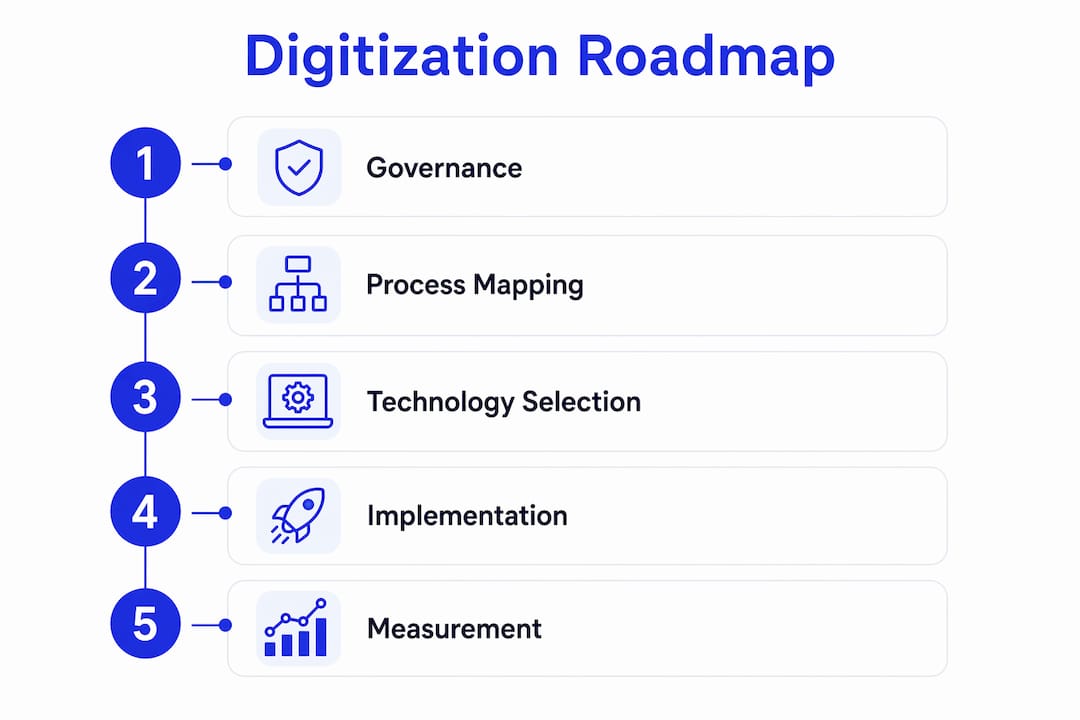
What are the core components of a digitized logistics stack?
Logistics digitization is not a single technology. It is a layered stack of interconnected systems, and understanding what each layer does helps you make smarter investment decisions.

Transportation Management System (TMS) The TMS is the operational core. It manages rate procurement, booking, shipment execution, carrier communication, and financial settlement. Modern cloud TMS platforms like FreightSuite extend this further with native AI agent orchestration, meaning specific workflows (rate management, exception handling, invoice recognition) run autonomously rather than requiring human triggers. McKinsey’s analysis confirms that WMS and TMS are now foundational, and that companies skipping this layer before pursuing advanced analytics consistently see limited ROI.
Warehouse Management System (WMS) The WMS governs inbound and outbound inventory flows, pick-and-pack operations, and dock scheduling. It feeds the TMS with fulfillment status data, creating the shipment-ready trigger that initiates carrier booking.
Telematics and IoT sensorsIoT-enabled fleet compliance monitoring and telematics devices provide real-time location, temperature, and condition data for in-transit shipments. This data feeds visibility dashboards and triggers automated alerts when a shipment deviates from its planned route or schedule.
APIs and EDI Application Programming Interfaces (APIs) and Electronic Data Interchange (EDI) are the connective tissue. They allow the TMS, WMS, carrier systems, customs platforms, and accounting software to exchange data without manual re-keying. Without clean API or EDI integration, every system boundary becomes a manual handoff.
OCR and document automation Optical Character Recognition (OCR) extracts structured data from bills of lading, commercial invoices, packing lists, and customs declarations. Combined with document automation workflows, OCR eliminates the manual data entry that historically consumed hours of operations staff time per shipment.
RPA (Robotic Process Automation) RPA handles high-volume, rule-based tasks: status updates, carrier confirmations, data transfers between systems that lack native API connections. It is a practical bridge technology for organizations with legacy infrastructure that cannot be replaced immediately.
AI and machine learning analytics AI moves logistics from reactive to predictive. Rate optimization models, demand forecasting, anomaly detection in invoices, and dynamic routing all depend on ML models trained on historical operational data. The shift from dashboard reporting to embedded intelligence, where AI agents act within the TMS rather than sitting alongside it, is what separates modern agentic platforms from legacy systems.
Cloud infrastructure Cloud deployment enables multi-tenant access, real-time data synchronization across offices and time zones, and the elastic compute capacity that AI workloads require. It also eliminates the on-premise hardware maintenance burden that slows legacy TMS upgrades.
A practical example of how these components chain together: an inbound ocean shipment is booked via the TMS, tracked in real time via IoT vessel data, documents are captured and extracted via OCR on arrival, and the invoice is automatically matched and routed for approval, all without a single manual data entry step. That is what logistics payment automation looks like when the stack is properly integrated.
How do the three levels of digitization differ from each other?
Vendor messaging in this space is notoriously imprecise. Understanding three distinct maturity levels helps you cut through the noise and set realistic internal expectations.
Level 1: Digitization (paper to digital) This is the conversion of paper records into digital files. Scanning a bill of lading and storing it in a shared drive is digitization. The process itself has not changed; it is just no longer paper. Many logistics companies believe they have “gone digital” when they have only reached this level.
Level 2: Digitalization (process automation) Digitalization redesigns the process itself using digital tools. Automated invoice matching, electronic booking confirmations, and rule-based shipment status updates are all examples. The human is still in the loop for exceptions, but the routine steps run without manual intervention. This is where most mid-market freight forwarders are targeting their next investment.
Level 3: Digital transformation (embedded intelligence and operating model change) This is the deepest level, where AI-driven rate optimization, agentic decision-making, and predictive analytics change not just how tasks are done but who (or what) does them. The operating model itself shifts. Staff move from data entry to exception management and strategic oversight. This is the level that BCG’s research identifies as the frontier, where only about 13% of logistics service providers have embedded AI into core operations at scale.
Which level should you target first? For most U.S. freight forwarders and logistics companies, the right starting point is Level 2. Automating high-friction, high-value processes like freight quoting, invoice reconciliation, and shipment status updates delivers measurable ROI without requiring the organizational transformation that Level 3 demands. Smaller operations with limited IT resources should consolidate on a single cloud TMS before pursuing advanced AI features. Larger enterprises with existing TMS infrastructure can move faster toward Level 3 by layering agentic capabilities onto a clean data foundation.
What does a step-by-step digitization roadmap look like?
The most common reason digitization projects stall is not technology. It is the absence of a structured rollout sequence. Here is a phased approach that works.
-
Assess your current state. Map every logistics process end-to-end: quoting, booking, tracking, documentation, invoicing, and financial reporting. Identify where manual steps, paper records, and data re-entry create the most friction and cost.
-
Define your use cases. Prioritize two or three high-friction, high-value processes for the pilot. Freight quoting automation, invoice reconciliation, and real-time shipment tracking are the most common first targets because they show measurable results quickly.
-
Evaluate data readiness. Before deploying any automation, audit your master data: carrier rates, customer records, cost codes, and financial references. Automating on dirty data accelerates existing errors rather than eliminating them.
-
Select your pilot platform. Choose a cloud TMS or automation tool that covers your pilot use cases natively, with open APIs for your accounting software and carrier connections. Avoid platforms that require bespoke middleware for basic integrations.
-
Run the pilot (3–6 months). Deploy in a controlled environment with a defined scope, a named internal sponsor, and baseline KPIs locked in before go-live. Measure weekly, not quarterly.
-
Iterate based on results. Use pilot data to refine workflows, address data quality gaps, and build the internal case for scaling. Document what changed in headcount time, error rates, and cycle times.
-
Scale across the organization (6–18 months). Expand the digitized workflows to additional lanes, offices, or business units. Integrate additional systems (WMS, customs platforms, accounting software) as the data foundation matures.
Timeline and cost considerations:
-
Pilot phase typically runs 3–6 months, with initial results visible within the first 60–90 days for process-level metrics.
-
Scale phase runs 6–18 months depending on integration complexity and organizational change readiness.
-
Cost structure splits between one-time implementation (data migration, integration setup, training) and recurring SaaS subscription fees. The integration tax, meaning the engineering effort to connect legacy systems, is consistently underestimated. Budget for it explicitly.
-
Data-cleaning effort is non-negotiable before advanced automation. Allocate dedicated sprint time before go-live, not after.
Governance matters from day one. Assign a named executive sponsor who owns the business outcome, not just the technology deployment. Establish a cross-functional steering group that includes operations, finance, IT, and commercial leadership. Lock in KPI baselines before the pilot starts so you can demonstrate ROI with data rather than anecdote.
What are the real implementation challenges, and how do you mitigate them?
Every digitization project encounters friction. The teams that succeed are the ones who anticipate it.
Common challenges:
-
Legacy system integration: Most U.S. freight forwarders run accounting software, carrier portals, and customs platforms that were not designed to connect. Each integration point carries an “integration tax,” meaning engineering time and ongoing maintenance cost.
-
Poor data quality: Rate tables with inconsistencies, customer records with duplicate entries, and cost codes that vary by office all create downstream automation failures. The data problem is usually larger than teams expect.
-
Cultural resistance: Staff who have built careers around manual processes often perceive automation as a threat rather than a tool. Without deliberate change management, adoption stalls even when the technology works.
-
Unclear ROI: Projects without pre-defined KPI baselines cannot demonstrate value, making it difficult to secure continued investment for the scale phase.
-
Vendor sprawl: Deploying multiple point solutions without an integration strategy creates new data silos that replicate the manual handoffs you were trying to eliminate.
Practical mitigation tactics:
-
Run phased pilots on contained, high-value processes before committing to enterprise-wide rollout.
-
Dedicate a data-cleaning sprint before go-live. Assign ownership of master data to a named individual, not a committee.
-
Redesign roles explicitly: shift staff from data entry to exception management and customer advisory. This reframing reduces resistance and creates genuine career development opportunities.
-
Build a training program that covers both the technology and the redesigned process. Tool training without process training produces low adoption.
-
Prefer platforms with native accounting connectors and built-in document automation over those requiring custom middleware. The reporting automation capabilities of a modern TMS should be evaluable during the demo, not promised in the roadmap.
Change-management checklist (modeled on adoption best practices):
-
Named executive sponsor with visible commitment
-
Clear communication of the “why” to all affected teams before go-live
-
Role-specific training delivered before, not after, deployment
-
A feedback channel for frontline staff to surface friction points
-
Weekly measurement against baseline KPIs in the first 90 days
-
Recognition of early adopters and quick wins to build momentum
Pro Tip: Before selecting any platform, map your current process in detail. If the process is broken, automating it will only make it break faster. Redesign the workflow first, then apply technology to the redesigned version.
How do you measure success: KPIs, ROI, and realistic timelines?
Measurement is where digitization projects either earn continued investment or lose it. The discipline is straightforward: define baselines before you start, track weekly in the pilot phase, and report against targets monthly during scale.
| KPI | Baseline guidance | Target range | Owner |
|---|---|---|---|
| Order-to-ship time | Measure current average in hours | Target significant reduction within 12 months | Operations |
| Invoice cycle time | Days from shipment close to invoice approval | Target meaningful reduction | Finance |
| Cost per shipment | Total ops cost divided by shipment volume | Target notable short-term cost reduction | Finance / Operations |
| On-time delivery rate | Current OTD percentage by lane | Aim for measurable improvement | Operations |
| Days Sales Outstanding (DSO) | Current average DSO in days | Target reduction in DSO | Finance |
McKinsey’s research on digital logistics investments reports short-term operational improvements of 10–20%, with larger gains of 20–40% achievable in some areas over two to four years when digital tools are integrated into operating models rather than deployed as standalone solutions.
A simple ROI calculation outline:
-
Cost savings from automation: Estimate hours saved per shipment multiplied by fully loaded labor cost, then multiply by annual shipment volume.
-
Reduced DSO value: Calculate the working capital benefit of reducing DSO by your target number of days, using your average accounts receivable balance.
-
Increased throughput: Estimate the revenue value of additional shipments your team can handle with the same headcount after automation.
-
Implementation cost: Sum one-time setup, data migration, integration engineering, and training costs plus first-year SaaS fees.
-
Time to payback: Divide total implementation cost by annualized savings. Most well-scoped pilots targeting invoice automation and tracking reach payback within 12–18 months.
Pro Tip: Use your finance team’s metrics as the primary ROI anchor. Finance-owned KPIs like DSO and invoice cycle time are harder to dispute than operational estimates and carry more weight in executive investment decisions.
Measurement cadence matters as much as the metrics themselves. Assign a single owner to each KPI, review operational metrics weekly during the pilot, and present a consolidated dashboard to the steering group monthly. Quarterly reviews without weekly data create blind spots that allow problems to compound before anyone notices.
What kinds of tools and vendor categories should you evaluate?
The vendor landscape for logistics digitization spans several distinct categories, each with a different scope, integration posture, and best-use case.
Entry-level field apps and point solutions These tools solve one specific problem: a standalone track-and-trace app, a document scanning tool, or a single-carrier booking portal. They are fast to deploy and low-cost, but they create data silos and require manual handoffs at every boundary. Appropriate for very small operations or as a temporary bridge, not as a foundation.
Modern cloud TMS platforms A cloud TMS covers the full freight forwarding workflow: rate management, booking, tracking, documentation, invoicing, and financial reporting in a single data model. The best platforms include native accounting connectors, automated document recognition, and agentic AI capabilities built into the core system rather than bolted on as add-ons. This is the foundational investment for most mid-market freight forwarders.
Specialist automation vendors RPA tools, OCR platforms, and standalone AI analytics products can augment an existing TMS but require integration work to connect to operational data. They are most valuable when a core TMS is already in place and specific high-volume processes need additional automation depth.
Freight marketplaces and carrier connectivity platforms These platforms focus on rate discovery and carrier booking rather than end-to-end operations management. They are useful for rate benchmarking and spot procurement but typically do not cover the financial and documentation workflows that drive operational efficiency.
Selection criteria checklist:
-
Native API connections to major accounting software (no custom middleware required)
-
Built-in OCR and automated invoice recognition
-
Agentic or workflow automation capabilities within the core platform
-
Open data model that allows export and integration without vendor lock-in
-
Demonstrated SLAs for uptime and support response times
-
Transparent pricing with no hidden integration fees
-
Vendor roadmap evidence of continued AI and automation investment
Integration posture is the most underweighted criterion in most RFPs. A platform that requires bespoke middleware to connect to your accounting software will cost more in year one and every year after than a platform with native connectors. During demos, ask vendors to show a live integration with your specific accounting software, not a slide deck about their API capabilities. The ocean freight and air freight workflows of a modern TMS should be demonstrable end-to-end in a single session.
What do analysts and practitioners say about the state of logistics digitization?
The ground is shifting beneath this industry, and the data is unambiguous about both the opportunity and the gap.
“Scaling AI across operational systems, especially transport management systems, warehouse management systems, and control towers, is more important than simply building standalone capabilities. Real value comes from embedding AI directly into systems where work happens. This requires redesigning workflows around AI, not bolting it onto unchanged processes.” — BCG, AI Is Already Moving the Logistics Industry Forward, 2026
BCG’s 2026 survey of logistics service providers found that only about 13% of providers have embedded AI into core operations at scale, while roughly 40% report deploying AI beyond pilots. The competitive gap between those two groups is already widening. Transport planning and execution leads AI adoption among logistics service providers, followed by tracking and visibility at notable levels.
The concept of an agentic TMS sits at the center of this shift. Rather than a dashboard that surfaces information for a human to act on, an agentic TMS assigns AI agents to specific operational workflows: rate management, exception handling, invoice reconciliation, shipment status updates. These agents make or recommend decisions autonomously within defined parameters, moving automation from the reporting layer into the operational core. FreightSuite is built on this architecture, with AI agent orchestration native to the platform rather than layered on top of a legacy data model.
MDPI research using multi-criteria analysis confirms that digital transformation impacts business performance through organizational capability and technological innovation together. Technology investment without organizational readiness consistently produces limited measured benefits. This is the practitioner warning that experienced implementation teams repeat most often: the technology is rarely the bottleneck.
The Wiley analysis of logistics digitization across infrastructure categories found that in road freight, 35–40% of companies have implemented TMS and related optimization technologies, while just half of customers are satisfied with their 3PL partners’ IT capabilities. That satisfaction gap is a commercial opportunity for logistics providers who move decisively.
The A1 Digital analysis of logistics digitalization reinforces a consistent practitioner finding: siloed point solutions without end-to-end networking create data exchange stalls and operational friction that can exceed the friction of the manual processes they replaced. The integration architecture decision made at the start of a digitization program determines whether the program delivers compounding returns or compounding maintenance costs.
Key Takeaways
Logistics process digitization delivers measurable gains in cost, speed, and cash flow only when digital tools are embedded into redesigned operational workflows, not layered onto broken manual processes.
| Point | Details |
|---|---|
| Start with high-friction processes | Target freight quoting, invoice reconciliation, and shipment tracking first for the fastest measurable ROI. |
| Foundation before advanced AI | Deploy a cloud TMS with native integrations before pursuing agentic or predictive analytics features. |
| Data quality is non-negotiable | Clean and standardize operational and financial data before go-live to avoid automating existing errors. |
| Change management drives adoption | Assign an executive sponsor, redesign roles explicitly, and measure KPI baselines before deployment starts. |
| Short-term gains are real | McKinsey reports 10–20% short-term operational improvements, with 20–40% achievable over two to four years. |
For implementation detail, the roadmap and KPI sections above give you the sequence and measurement framework to take this from planning to execution.
Useful sources and further reading
These are the primary sources that back the claims in this guide, along with a note on what each one supports.
-
McKinsey: Digital logistics Technology race gathers momentum — Supports the 10–20% short-term and 20–40% medium-term performance improvement ranges, and the case for foundational TMS/WMS investment before advanced analytics.
-
BCG: AI Is Already Moving the Logistics Industry Forward Source for the 13% embedded AI adoption figure, the 64% transport planning adoption rate, and the strategic case for embedding AI into operational systems rather than building standalone capabilities.
-
NetSuite: What Is Supply Chain Digitization? Supports the core definition of logistics process digitization and the role of OCR and RPA as high-value early automation targets.
-
MDPI: The Impact of Digital Transformation on the Business Performance of Logistics Enterprises Backs the organizational capability argument: technology investment without readiness consistently limits measured outcomes.
-
Wiley Online Library: The Digital Transformation of Logistics Source for the 35–40% TMS adoption rate in road freight and the 3PL customer satisfaction data.
-
A1 Digital: Digitalization of logistics Supports the integration architecture argument and the role of cloud, IoT, and digital platforms in a connected logistics stack.
-
Lengreo: Digital Transformation in Logistics Source for the digital logistics market growth forecast and the shift from proof-of-concept to embedded intelligence.
-
FreightSuite: AI-Native Freight Forwarding TMS For logistics teams ready to evaluate an agentic TMS with native rate management, air and ocean tracking, document automation, and AI agent orchestration, FreightSuite is built for exactly this transition.
-
Book a demo with FreightSuite If you are mapping your digitization roadmap and want to see how an agentic TMS fits your current stack, a product demo is the fastest way to pressure-test the architecture against your specific workflows.
Logistics Financial Reporting: A Practical Guide for Finance Teams
Logistics financial reporting is the process of consolidating trip-, lane-, and contract-level operational data into auditable financial statements and management reports that show precisely where freight dollars are earned and lost. For finance and operations teams, this discipline does three things immediately: it surfaces revenue leakage from unbilled accessorials, enables recovery of overbilled carrier invoices, and reconciles route-level profitability against budget. None of that is possible when your TMS and ERP operate in separate silos. Standards like ASC 606 govern when service revenue is recognized, and platforms like FreightSuite are built to enforce that discipline at the transaction level, not after the fact in a spreadsheet.
- Detect revenue leakage from accessorials that never made it onto a customer invoice
- Recover overbilled amounts by matching carrier invoices against contracted rates before payment
- Reconcile route-level profitability so finance knows which lanes earn margin and which destroy it
Table of Contents
- What is logistics financial reporting, and what does it actually include?
- Where does the data come from, and how should you structure it?
- Which KPIs do finance and operations actually need?
- How does logistics financial reporting differ from Business Intelligence?
- What are the most common pitfalls in logistics financial reporting?
- How do you move from spreadsheets to auditable reporting?
- Implementation checklist for US logistics teams
- How FreightSuite supports logistics financial reporting
- What does a logistics financial report actually look like?
- Key Takeaways
What is logistics financial reporting, and what does it actually include?
The core components of a logistics financial report go well beyond a freight-cost line in the general ledger. Trip-level expense grouping rather than generic GL aggregation is what separates a report that drives decisions from one that merely satisfies an audit request.
- Purchased transportation (freight costs): The base carrier charge, broken down by mode, lane, and contract type.
- Accessorials: Fuel surcharges, detention, liftgate, residential delivery, and any charge outside the base rate. These are the most common source of invoice disputes and revenue leakage.
- Duties and customs fees: Tariff classifications, import duties, and customs broker fees that must be allocated to the correct shipment and cost center.
- Claims and credits: Cargo damage, shortage claims, and carrier credits that reduce net freight cost and affect COGS.
- Accruals: Costs incurred but not yet invoiced, critical for period-end accuracy and ASC 606 compliance.
- Revenue (contracted vs. spot): Service revenue recognized over time as delivery milestones are completed, per ASC 606 requirements.
- Lease and asset entries: Right-of-use assets and lease liabilities under IFRS 16 where applicable, or operating lease expense under US GAAP.
- FX adjustments: Multi-currency transactions translated to the functional currency at the transaction-date rate, with revaluation entries at period end.
Each of these maps to a specific ledger account and a specific decision owner. Accessorials belong to the freight cost variance report, owned by operations. Claims belong to the carrier performance report, owned by carrier management. Revenue accruals belong to the revenue recognition schedule, owned by finance. Grouping at the trip or contract level, rather than rolling everything into a single “freight expense” GL account, is what makes those ownership lines visible.
Where does the data come from, and how should you structure it?
Reliable logistics financial reporting depends on pulling data from the right sources and joining it correctly. Your TMS holds contracted rates and shipment records. Your ERP holds posted costs and GL entries. Your WMS captures storage time and handling charges. Carrier EDI and API feeds deliver invoices and tracking events. Customs filings carry duty and tariff data. Telematics and fleet systems add fuel and mileage. Banks and AP systems close the loop on what was actually paid.

A unified data architecture that connects these sources through an integration layer, a staging and ETL process, a semantic layer that enforces one definition per KPI, and an analytical data warehouse is the minimum viable foundation for audited financial reporting. The semantic layer is the piece most teams skip, and it is the reason two people in the same meeting quote different freight cost numbers.
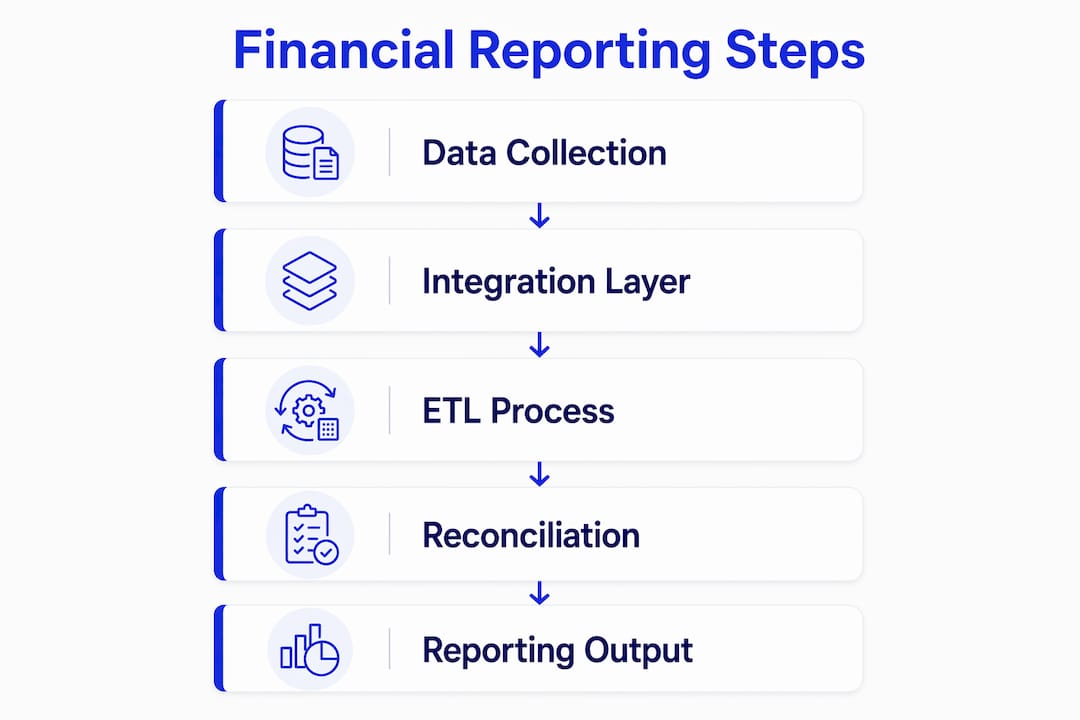
The joins that matter most are TMS contracted rates matched against carrier-invoiced amounts, then reconciled to GL posted costs. When those three figures diverge, you have either a billing error, a rate dispute, or an accrual gap. Any of those three can materially misstate your cost of goods sold.
Pro Tip: Build your integration layer so that every financial transaction carries the originating shipment ID. Without that key, you cannot trace a GL entry back to the trip that generated it, and your audit trail breaks at the first question from a controller or external auditor.
Which KPIs do finance and operations actually need?
Dashboards built around decision intent outperform dashboards built around available data fields. The goal is 5–8 KPIs per role, each tied to a specific corrective action.
| Metric | Why It Matters | How to Act |
|---|---|---|
| Freight cost per shipment/unit | Tracks true cost-to-serve at the transaction level | Renegotiate lanes where cost exceeds contracted rate |
| Spend by lane | Identifies structural cost pressure across routes or modes | Re-tender high-cost lanes or consolidate volumes |
| Margin by route/contract | Shows which contracts are profitable after all-in costs | Reprice or exit loss-making contracts at renewal |
| Accessorial recovery rate | Measures how much of billed accessorials is collected from customers | Fix billing rules in TMS to auto-apply accessorial charges |
| Variance vs. budget | Flags overspend before it compounds across the period | Trigger a mid-period review when variance exceeds threshold |
| Freight audit savings | Quantifies overbilling recovered through invoice audit | Expand automated audit rules to cover more carrier codes |
| OTIF by carrier/lane | Links operational reliability to financial risk (claims, penalties) | Place underperforming carriers on probation or re-allocate volume |
| Capacity utilization/empty miles | Reveals cost inefficiency in fleet or contracted capacity | Adjust load planning or renegotiate minimum-volume commitments |
Finance teams need the first five. Operations teams need the last three, plus freight cost per shipment as a shared anchor metric. When both functions work from the same grain of data, the conversation shifts from reconciling numbers to deciding what to do about them.
How does logistics financial reporting differ from Business Intelligence?
The distinction is methodological, not just cosmetic. Financial reporting produces static, audited, historical records aligned to GL periods. Business Intelligence produces real-time, drill-down views designed for immediate operational decisions. Confusing the two leads to either untrusted reports or compliance gaps.
Use financial reporting when you need to: dispute an overbilled invoice with a carrier and need a GL-reconciled audit trail; close the books for a period and recognize revenue per ASC 606; file a customs duty reconciliation; or present freight cost variance to the CFO.
Use BI when you need to: alert an operations dispatcher that a lane’s cost spiked 20% this week; re-tender a shipment in real time because a carrier missed an SLA; or monitor OTIF across carriers on a live control tower.
A quick checklist to decide which output to build:
- Controller or CFO audience? Build a financial report with GL alignment, audit trail, and period-end reconciliation.
- Operations dispatcher or carrier manager? Build a BI dashboard with real-time refresh, drill-down by lane, and alert thresholds.
- Both in the same meeting? Build a BI layer on top of the financial data store, so operational views trace back to audited numbers.
What are the most common pitfalls in logistics financial reporting?
The most damaging mistake is mistaking volume for value. A dashboard that exposes every field in your TMS is not a reporting asset; it is noise. Effective reporting targets a defined set of KPIs per role, each tied to a decision.
Manual consolidation in Excel is the second major failure point. Spreadsheets introduce formula errors, version conflicts, and reconciliation cycles that consume finance team hours every month. Automating consolidation and integrating TMS with ERP eliminates most of that friction and improves audit transparency.
Missing accessorials are a silent margin killer. If your TMS does not automatically apply accessorial charges to customer invoices at the time of shipment booking, those charges either get absorbed as cost or billed late, both of which distort your period-end financials.
Inconsistent metric definitions create organizational dysfunction. When finance calculates freight cost per unit differently than operations does, every cross-functional meeting becomes a debate about the numbers rather than a discussion of what to do. A semantic layer that enforces one definition per KPI solves this structurally.
Pro Tip: Design dashboards from the decision down, not the data up. For each role, ask: “What is the one decision this person needs to make?” Then build the KPI that enables that decision. Governance means no new metric gets added to a dashboard without a named owner and a defined corrective action.
How do you move from spreadsheets to auditable reporting?
The path from ad hoc Excel files to auditable, role-based logistics financial reporting follows a clear sequence. Automating financial reporting and consolidations while ensuring real-time data access is the foundation that makes everything else possible.
- Days 1–30: Quick wins. Automate invoice audit against contracted rates. Centralize currency rates in one system. Enforce one KPI definition per metric in a semantic layer. Expected outcome: immediate recovery of overbilled freight charges and elimination of rate-dispute delays.
- Days 31–90: Data integration. Connect TMS, ERP, and carrier EDI feeds through an API/EDI integration layer. Build staging and ETL pipelines. Map shipment IDs to GL entries. Expected outcome: a single source of truth for freight cost per shipment, accessible to both finance and operations.
- Days 91–180: Reconciliation rules and dashboards. Build automated reconciliation rules (TMS rate vs. carrier invoice vs. GL posting). Deploy role-based dashboards for finance (reconciliations, audit trails) and operations (lane cost trends, carrier SLAs). Expected outcome: reduced days sales outstanding and faster period-end close.
- Days 181–360: Governance and training. Establish metric ownership, dashboard governance, and a change-management process for new KPIs. Train finance and operations teams on drill-down workflows. Expected outcome: cross-functional alignment on a single version of freight financial performance.
Freight operations reporting automation at each stage reduces reconciliation cycles and builds the audit trail that compliance requires.
Implementation checklist for US logistics teams
This checklist assigns owners and milestones so you can start immediately.
- Assign a TMS data owner (operations) to validate shipment records, rate tables, and accessorial codes weekly.
- Assign a reconciliation owner (finance) to run TMS-to-ERP invoice matching at least twice per month and resolve variances within five business days.
- Assign an audit owner (internal audit or compliance) to review the freight payment audit trail quarterly and confirm ASC 606 revenue recognition entries are supported by delivery milestones.
- Assign a carrier management owner (operations) to review OTIF and chargeback recovery monthly and escalate underperforming carriers.
- Establish required data feeds: TMS shipment and rate data, ERP GL and AP data, carrier EDI invoices, customs filings, and bank payment confirmations.
- Define reconciliation rules: contracted rate vs. invoiced amount, invoiced amount vs. GL posting, accrued cost vs. actual invoice.
- Automate AP/AR workflows to reduce manual invoice entry and shorten the order-to-cash cycle. Payment automation that links TMS events to financial postings is the fastest path to a clean audit trail.
- Build an audit trail that ties every GL entry to a shipment ID, carrier invoice number, and proof-of-delivery timestamp. For US operations, this supports both internal audit and carrier dispute resolution. Proper freight documentation practices are foundational to this step.
- Handle FX and multi-entity consolidation by locking transaction-date exchange rates in the integration layer and automating intercompany eliminations for multi-entity US operations.
How FreightSuite supports logistics financial reporting
FreightSuite illustrates what vendor-grade capabilities look like in practice. Its rate management module holds contracted rates by lane, mode, and carrier, so the TMS can flag invoice variances automatically rather than waiting for a finance analyst to spot them in a spreadsheet. The quote-to-shipment-to-invoice workflow enforces a clean audit trail: a quote accepted by a customer becomes a shipment record, proof of delivery triggers invoice generation, and the system posts to the GL with the shipment ID attached.
The finance team capabilities built into FreightSuite include multi-entity consolidation, freight audit automation, and role-based dashboards that give controllers a reconciliation view and operations managers a lane-performance view, both drawing from the same underlying data store. That architectural choice, one data store with role-differentiated views, is what prevents the “two versions of the truth” problem that plagues teams running separate finance and ops reporting stacks.
For real-time logistics tracking, FreightSuite links POD events to invoice triggers, which improves order-to-cash timing and ensures revenue is recognized only when the service delivery milestone is met, consistent with ASC 606.
- Rate management enforces contracted rates at booking, not at invoice review
- Automated freight audit compares carrier invoices against TMS rates before payment
- GL posting carries the shipment ID, making every entry traceable to its originating event
- Role-based dashboards serve finance and operations from one audited data source
- Multi-entity and multi-currency consolidation handles FX revaluation automatically
What does a logistics financial report actually look like?
A route-level profitability report is the most useful starting point for most finance and operations teams. The schema below covers the fields needed to trace an invoice dispute from the GL back to the trip.
| Field | Purpose |
|---|---|
| shipment_id | Primary key linking TMS, ERP, and carrier invoice |
| origin / destination | Lane identification for spend-by-lane analysis |
| billed_amount | Revenue billed to customer |
| carrier_cost | Purchased transportation cost from carrier invoice |
| accessorials | Itemized accessorial charges (fuel, detention, etc.) |
| claims | Cargo claims and credits reducing net cost |
| margin | billed_amount minus carrier_cost minus accessorials plus claims |
| GL_codes | Posted ledger accounts for cost and revenue entries |
| currency | Transaction currency with FX rate applied |
| recognition_status | ASC 606 status: recognized, deferred, or accrued |
Finance users filter by GL_codes and recognition_status to run period-end reconciliations and confirm that every accrued cost has a matching invoice. Operations users filter by lane and carrier to identify where margin is eroding. When an invoice dispute arises, the workflow is direct: locate the shipment_id on the disputed invoice, pull the TMS contracted rate for that lane, compare it against the carrier-invoiced amount in the carrier_cost field, and post a corrective credit memo to the GL with the same shipment_id as the reference. The audit trail is complete because every entry shares the originating shipment key.
Supply chain dashboards that integrate TMS, WMS, and ERP data into this kind of schema give both functions a shared analytical foundation, which is what moves teams from reactive firefighting to proactive margin management.
Key Takeaways
Logistics financial reporting works when trip-level data, a semantic layer, and role-based dashboards are built on a single audited data store that connects TMS, ERP, and carrier systems.
| Point | Details |
|---|---|
| Group costs at trip level | Generic GL aggregation hides accessorial leakage; route-level grouping exposes true margin. |
| Enforce one KPI definition | A semantic layer prevents finance and operations from quoting different freight cost numbers. |
| Automate invoice audit | Matching carrier invoices against TMS contracted rates before payment recovers overbilled charges. |
| Build role-based dashboards | Controllers need GL-reconciled audit trails; operations managers need lane cost trends and carrier SLAs. |
| Start a 90-day integration sprint | Connect TMS, ERP, and carrier EDI first; dashboards and governance follow once the data foundation is clean. |
The next practical step is to map your current data sources against the schema above and identify where the shipment ID breaks the chain. If you want to see how FreightSuite handles that workflow end to end, explore the platform or review pricing options to evaluate fit for your team.
Freight Exception Management: What Logistics Pros Must Know
Freight exception management is the real-time process of detecting, diagnosing, and resolving any deviation from a shipment’s planned execution before it escalates into a costly disruption. It covers far more than late deliveries. Any event that changes a shipment’s expected arrival time, route, or condition qualifies: a lost container, port congestion, a failed EDI transmission, damaged goods, or an incorrect bill of lading. The goal is to transform raw tracking data into decisions that prevent escalation and protect both cost and service levels.
What separates exception management from simple shipment tracking is accountability. Every exception must be assigned to a responsible stakeholder, whether that is a carrier, warehouse, customs broker, or internal operations team, and that assignment must happen fast. Not every exception results in a delay, but every exception demands a decision: intervene, escalate, or stand down. The window for corrective action is almost always shorter than it looks.
The three core categories of exceptions are:
- Operational: missed pickups, detention events, failed delivery attempts, damaged cargo
- Environmental: weather disruptions, port congestion, transit lane closures, natural disasters
- Administrative: documentation errors, failed EDI transmissions, incorrect customs paperwork, labeling failures
Table of Contents
- Why exception management is the backbone of supply chain operations
- What types of freight exceptions actually occur, and what causes them
- Reactive versus proactive: the approach that defines your operation
- What happens when freight exceptions go unmanaged
- How to manage and resolve freight exceptions effectively
- Visibility versus exception management: understanding the real difference
- Metrics and KPIs that tell you how well you are managing exceptions
- What successful freight exception management looks like in practice
- Key Takeaways
Why exception management is the backbone of supply chain operations
Shipment tracking tells you where a load is. Exception management tells you when something has gone wrong, what it means, and what to do about it. That distinction defines the gap between a logistics operation that reacts to problems and one that controls them.
Exception management functions as a critical operational layer on top of visibility tools. It converts status data into structured workflows, assigns ownership, and drives resolution. Without it, even the best tracking technology produces nothing more than a dashboard of problems with no path to fixing them.
The financial stakes are real. Detention, accessorial charges, and freight claims frequently originate from exceptions that were either missed or addressed too late. A missed pickup window that triggers a detention charge, a documentation error that holds a container at customs, a temperature deviation that generates a cargo claim: each of these is manageable when caught early and expensive when it is not.
Exception management also supports supply chain resilience by ensuring that disruptions in one leg do not cascade uncontrolled into the next. In complex, multi-modal supply chains, a single unresolved exception at origin can ripple through ocean transit, port clearance, and final-mile delivery. Structured exception handling contains that ripple.
- Reduces detention and accessorial costs through early intervention
- Protects customer relationships by maintaining delivery commitments
- Assigns clear accountability, reducing finger-pointing between stakeholders
- Improves shipment reliability across carriers, lanes, and modes
- Generates exception data that drives continuous process improvement
What types of freight exceptions actually occur, and what causes them
Logistics exceptions fall into three broad categories: operational, environmental, and administrative. Each originates at a different point in the shipment lifecycle and demands a different response.

Operational exceptions are the most frequent. A carrier misses a pickup window. A consignee is unavailable at delivery. A driver arrives at a facility without an appointment, triggering a detention clock. Cargo is damaged in transit. A reefer unit loses temperature mid-haul. These events are largely within the control of the logistics network, which is precisely why they are the highest-priority targets for proactive management.
Environmental exceptions are less predictable but equally disruptive. A winter storm closes I-70. Port congestion at a major gateway delays an intermodal container by days. A labor action at a terminal holds dozens of shipments simultaneously. The response here is less about prevention and more about speed: how quickly can you reroute, replan, or communicate the impact to downstream stakeholders?
Administrative exceptions are often underestimated. A failed EDI transmission means a carrier never receives pickup instructions. An incorrect commodity description on a bill of lading triggers a customs hold. A missing proof of delivery creates a billing dispute that drags on for weeks. These exceptions are almost entirely preventable with better data discipline at shipment creation.
| Exception Category | Common Examples | Typical Impact |
|---|---|---|
| Operational | Missed pickup, detention, failed delivery, cargo damage | Delays, accessorial charges, cargo claims |
| Environmental | Weather delays, port congestion, transit lane closures | Transit time extensions, rerouting costs |
| Administrative | EDI failures, documentation errors, labeling issues | Customs holds, billing disputes, compliance risk |
Recognizing which category an exception belongs to determines how fast you can respond and who needs to own the resolution.
Reactive versus proactive: the approach that defines your operation
Most logistics teams operate reactively by default. An exception surfaces, someone notices it, and the team scrambles to contain the damage. That model is not just inefficient; it is expensive. Reactive exception management detects problems late, by which point the window for low-cost corrective action has often already closed.

Proactive exception management works differently. It captures service requirements, facility rules, and appointment windows before a load ever departs. It assigns accountability at shipment creation, not after something goes wrong. When a milestone is missed, the system triggers an exception automatically and routes it to the responsible party with context already attached.
The operational difference is significant. A proactive system does not wait for a carrier to report a problem; it detects the absence of an expected status update and escalates accordingly. That shift from waiting to detecting changes the entire cost profile of exception handling.
- Reactive characteristics: late detection, manual discovery, blame-shifting, high escalation costs, inconsistent resolution timelines
- Proactive characteristics: milestone-based triggers, pre-assigned accountability, structured workflows, early intervention, lower cost per exception resolved
The transition from reactive to proactive is not primarily a technology question. It is an operational philosophy question. Technology enables it, but the foundation is a commitment to capturing the right information at the right time and building workflows that act on it without waiting for a human to notice.
What happens when freight exceptions go unmanaged
Unmanaged exceptions do not stay contained. They compound. A missed pickup becomes a detention charge. A detention charge becomes a dispute. A dispute becomes a delayed payment. Meanwhile, the customer is waiting for a delivery that is now two days late with no explanation.
The financial exposure from poor exception management accumulates across several categories:
- Detention and demurrage: carriers charge waiting time when drivers or containers sit beyond free time at facilities
- Accessorial charges: liftgate fees, redelivery charges, inside delivery costs that were not anticipated or captured at booking
- Cargo claims: damaged or lost freight generates claims that require documentation, negotiation, and often legal review
- Customer attrition: repeated service failures erode trust faster than any other factor in logistics relationships
Beyond the direct costs, unresolved exceptions create cascading effects in complex supply chains. A container held at port affects the warehouse receiving schedule. A delayed inbound shipment disrupts production planning. A missed delivery window at a retailer triggers a chargeback. Timely handling of exceptions is not just an operational discipline; it is a direct input to customer satisfaction and retention.
The claims process itself is a significant cost center. Disputes over detention, accessorials, and cargo damage require documentation, carrier communication, and often weeks of back-and-forth. When exceptions are managed well from the start, with clear milestone records and audit-ready communication logs, that process compresses dramatically.
How to manage and resolve freight exceptions effectively
Effective exception management is a structured process, not a set of ad hoc responses. It runs from detection through resolution and feeds back into prevention. The teams that execute it well share a few consistent practices.
Capturing service requirements before load departure is the single highest-leverage intervention available. Facility hours, appointment requirements, liftgate needs, hazmat restrictions, and consignee contact details should all be recorded at shipment creation. Exceptions that originate from missing this information are entirely preventable.
Real-time tracking integration is the detection layer. When a TMS or freight management platform receives continuous status updates from carriers and GPS sources, it can identify a missed milestone the moment it occurs rather than hours later when a human checks a report. That speed is what makes early intervention possible.
Prioritization matters as much as detection. Not every exception carries the same urgency. A shipment of time-sensitive pharmaceuticals with a missed pickup requires a different response than a standard LTL pallet with a minor transit delay. AI-based prioritization tools can rank exceptions by financial exposure, customer impact, and time sensitivity, directing attention where it creates the most value.
- Capture all shipment-specific service and facility requirements at booking
- Integrate real-time carrier status feeds to detect missed milestones automatically
- Use AI-based prioritization to rank exceptions by urgency and financial impact
- Assign accountability explicitly at shipment creation, not after an exception occurs
- Standardize resolution workflows so every exception type has a defined response path
- Document all exception activity for dispute resolution and pattern analysis
- Review exception data regularly to identify recurring causes and eliminate them upstream
Connecting shipment activity, communication, documentation, and financial review in a single platform reduces the time from exception detection to resolution and creates the audit trail needed for dispute management.
Visibility versus exception management: understanding the real difference
These two concepts are frequently conflated, and that confusion costs operations real money. Visibility answers “What is happening?” Exception management answers “What are we doing about it, and who is accountable?” They are related but fundamentally different functions.
A tracking portal that shows a shipment is delayed gives you information. Exception management gives you a workflow: who owns this, what is the resolution path, what is the deadline, and what happens if it is not resolved in time. Email alerts without structured workflows do not constitute exception management, regardless of how real-time the underlying data is.
The operational philosophy behind true exception management treats shipment milestones as digital contracts. When a carrier confirms pickup, that confirmation transfers execution accountability. When a delivery appointment is missed, the system does not wait for a phone call; it triggers an exception and routes it to the responsible party automatically. Accountability shifts between warehouses, carriers, and brokers at defined points in the lifecycle, and every shift is recorded.
- Visibility: real-time location and status data for active shipments
- Exception management: structured workflows triggered by deviations from planned milestones
- The gap between them: who owns the problem, what the resolution path is, and when escalation occurs
Shared, audit-ready milestones eliminate the finger-pointing that consumes so much time in exception resolution. When every stakeholder can see the same milestone record, disputes about who knew what and when collapse quickly.
Pro Tip: Build your exception management workflows around milestone contracts, not carrier check-ins. Define the exact moment accountability transfers between parties, document it in your TMS, and let the system trigger exceptions automatically when a milestone is missed. That architecture alone eliminates most of the firefighting that consumes operations teams.
Metrics and KPIs that tell you how well you are managing exceptions
You cannot improve what you do not measure. Exception management performance shows up in a specific set of operational and financial metrics, and tracking them consistently is what separates teams that improve from teams that stay stuck in the same patterns.
Exception rate is the foundational metric: the percentage of shipments that generate at least one exception. A high exception rate signals systemic issues in carrier performance, documentation processes, or facility coordination. Tracking it by lane, carrier, and exception type reveals where the problems concentrate.
Mean time to detect (MTTD) measures how quickly your operation identifies an exception after it occurs. A low MTTD indicates strong tracking integration and milestone monitoring. A high MTTD means exceptions are surfacing late, after the window for low-cost intervention has closed.
Mean time to resolve (MTTR) captures the average time from exception detection to full resolution. This metric reflects the effectiveness of your resolution workflows and the clarity of your accountability assignments. Long MTTR values often indicate unclear ownership or insufficient carrier communication protocols.
Cost per exception aggregates the direct financial impact: detention charges, accessorials, rerouting costs, and claims. Tracking this by exception category shows where investment in prevention delivers the highest return.
On-time delivery rate is the lagging indicator that exception management ultimately protects. Sustained improvement in exception handling should show up as a measurable improvement in delivery performance over time.
Claim rate and claim recovery rate round out the financial picture. A high claim rate with low recovery suggests documentation gaps in the exception management process. Strong recovery rates indicate that milestone records and communication logs are audit-ready when disputes arise.
What successful freight exception management looks like in practice
The operational gap between teams that manage exceptions well and those that do not is visible in how they handle the same disruption. Consider a winter storm closing a major interstate corridor. A reactive operation learns about affected shipments when carriers call in, scrambles to identify which loads are at risk, and spends the next 48 hours in damage-control mode. A proactive operation has already identified at-risk shipments by lane, contacted carriers for status, and begun rerouting options before the storm peaks.

That difference is not accidental. It comes from having exception triggers built into the TMS at the lane and carrier level, with escalation paths defined before the disruption occurs. When the system detects that a carrier has not confirmed pickup on a shipment moving through the affected corridor, it routes the exception to the operations team with the shipment details, the carrier contact, and the alternative routing options already surfaced.
In the administrative exception category, the contrast is equally stark. A freight forwarder that captures all customs documentation requirements at booking, validates them against carrier and regulatory requirements before departure, and flags discrepancies as exceptions before the shipment reaches the border eliminates the majority of customs hold events. The ones that do occur are resolved faster because the documentation trail is complete and accessible.
FreightSuite’s case studies illustrate how an AI-native TMS with natively integrated exception workflows, real-time air and ocean tracking, and automated milestone monitoring changes the operational profile of freight exception handling. The platform’s agentic AI layer does not just surface exceptions; it prioritizes them, routes them, and tracks resolution, reducing the manual workload that consumes operations teams in legacy systems.
For teams managing road freight operations, the integration of exception management directly into the TMS means that detention events, missed pickups, and delivery failures are captured, assigned, and tracked within the same system that manages the shipment from booking to invoice. That consolidation is where the real efficiency gains appear.
Key Takeaways
Freight exception management is the structured process that converts shipment deviations into assigned, tracked, and resolved actions, protecting cost, service levels, and supply chain resilience across every mode and lane.
| Point | Details |
|---|---|
| Definition and scope | Exception management covers operational, environmental, and administrative deviations, not just late deliveries. |
| Proactive beats reactive | Capturing service requirements at booking and assigning accountability at shipment creation prevents most costly exceptions. |
| Visibility is not enough | Tracking data without structured resolution workflows and assigned ownership does not constitute exception management. |
| Measure what matters | Exception rate, MTTD, MTTR, and cost per exception are the KPIs that reveal where your process needs improvement. |
| Integration drives results | Connecting tracking, communication, documentation, and financial review in one platform compresses resolution time and strengthens dispute recovery. |
Why Automation Reduces Freight Errors: A 2026 Guide
Automation reduces freight errors because it removes the single most unpredictable variable in any logistics operation: human judgment applied to repetitive, rule-based tasks. When a system executes the same validation sequence on every bill of lading, every rate confirmation, and every customs document, the error rate drops not because people are trying harder but because the conditions that produce errors no longer exist. AI-driven automation removes human variability, creating systemic predictability and turning invisible failures into visible, actionable exceptions.
The mechanism is straightforward. Automated workflows enforce pre-flight validation checks before any data moves downstream, catching typos, mismatched container numbers, and missing HS codes at the point of entry rather than at the point of consequence. Every action is logged with a timestamp and full context, so when something does go wrong, the audit trail makes it traceable in seconds rather than hours. Exception routing means anomalies escalate immediately to the right person, with the right context, before they compound into customs delays or freight claims.
Pro Tip: Set validation and confidence thresholds deliberately. A threshold calibrated too conservatively generates more review tasks than it eliminates; set too loosely, financially significant exceptions reach customers without a human check. The right calibration is a judgment call with a direct financial consequence in both directions.
Table of Contents
- Why automation reduces freight errors across your operations
- What automation actually does inside a freight forwarding workflow
- How automation cuts costs by reducing errors and speeding up processing
- How to implement automation in your freight operations
- How FreightSuite’s AI-native TMS reduces freight errors
- Key Takeaways
- FreightSuite gives freight forwarders a faster path to error-free operations
Why automation reduces freight errors across your operations
The core value of automation in freight forwarding goes well beyond catching the occasional typo. When you replace manual workflows with rule-governed systems, the benefits compound across every function your team touches.
- Accuracy and consistency. Automated systems apply the same rules to every transaction, every time. There is no variation by shift, fatigue level, or workload pressure.
- Time savings. AI document automation scans, validates, and routes freight data at speeds no manual team can match, cutting document throughput times dramatically.
- Reduced operational costs. Fewer errors mean less rework, fewer penalties, and fewer freight claims eating into margins.
- Compliance confidence. Automated validation against contracted rates, HS codes, and regulatory requirements catches compliance gaps before shipments depart, not after customs flags them.
- Staff productivity. AI automation reduces cognitive load by 80–90% on routine tasks, freeing your team to focus on exceptions and strategic decisions rather than data entry.
- Customer satisfaction. Fewer shipment errors and faster processing translate directly into fewer customer escalations and stronger retention.
The ground is shifting beneath this industry. Shippers expect response times measured in minutes, and forwarders who can deliver that speed without sacrificing accuracy are the ones capturing market share.
What automation actually does inside a freight forwarding workflow
Understanding the specific technologies at work clarifies why the error reduction is so consistent and why legacy manual processes cannot replicate it.
- AI-driven document scanning. OCR, NLP, and machine learning work together to extract and classify data from bills of lading, commercial invoices, proofs of delivery, and cargo manifests. The system reads both typed and handwritten text, adapts to different carrier document formats, and improves its own accuracy over time through continuous learning.
- Automated validation against master data. Once data is extracted, the system cross-checks it against your TMS and ERP master records. A mismatch in container weight, a vessel name typo, or an unauthorized accessorial charge gets flagged immediately, before it propagates downstream.
- Rule-based workflows. Booking confirmations, rate calculations, invoice auditing, and compliance checks all run against encoded business rules. AI agents enforce these procedures every single time, with no informal variation and no undocumented edge-case handling.
- Real-time exception routing. When an anomaly is detected, it routes to the right team member in seconds, with full context already assembled. The right person receives the right information at the right moment, not the next time someone opens a queue.
- System integration. Connecting your TMS, ERP, and carrier portals eliminates the manual rekeying that happens between fragmented systems. Data moves directly from source documents into downstream systems without a human transcription layer.
- Adaptive algorithms. Machine learning models train on your specific document formats and business rules, so exception rates drop over time as the system recognizes patterns your team has seen for years.
Pro Tip: Prioritize automating the highest-volume, most repetitive document types first. Bills of lading and carrier invoices typically represent the largest share of processing volume and the highest error rates, so they deliver the fastest measurable return.
How automation cuts costs by reducing errors and speeding up processing

The financial case for automation in freight forwarding is built on two parallel tracks: direct error cost elimination and processing speed gains. Both matter, and both show up quickly.

Manual freight invoice audits generate discrepancy rates of 5–10% on average across shipper populations, yet most operations teams catch fewer than half before payment. Automated three-way matching, aligning the purchase order, rate confirmation, and carrier invoice, closes that gap by applying every contracted rule to every invoice consistently. Teams that automate this workflow typically recover 3–8% of audited freight spend by catching overbilling that would otherwise slip through.
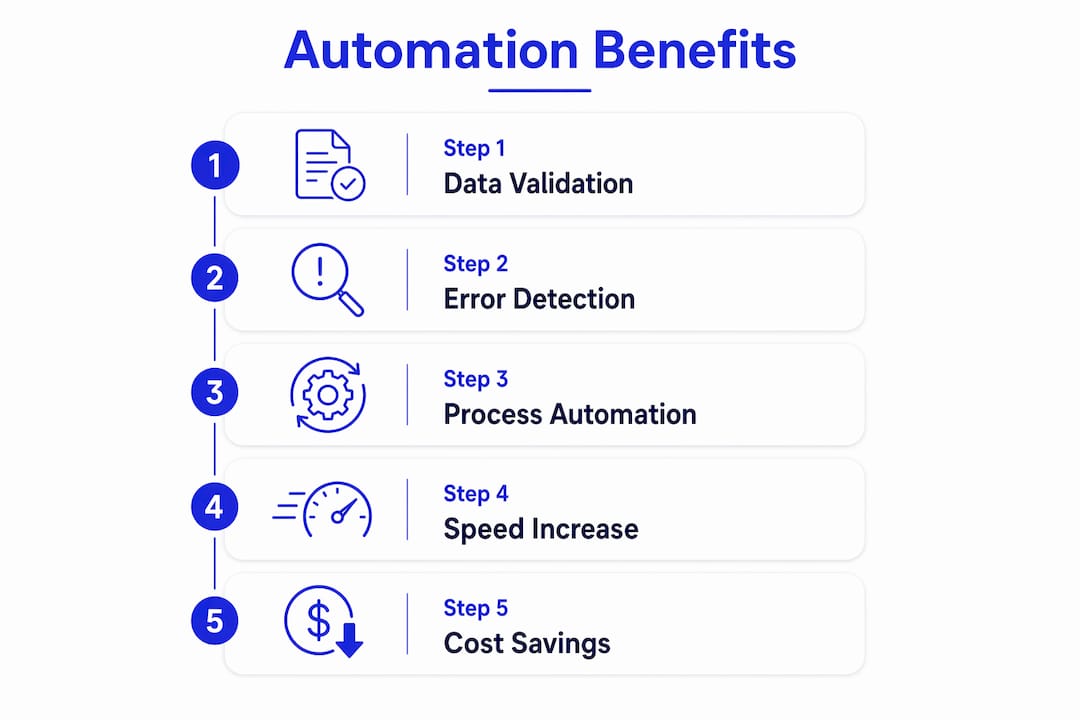
The speed gains are equally concrete. Load matching time drops from 15–20 minutes per load to 3–5 minutes with AI, and for an operation processing 500 loads monthly, that represents 125–140 hours of recovered staff time. Billing discrepancies drop by 90–95% with automated invoice processing, and carrier service failures decrease by 60–70% when vetting is automated.
| Process | Manual baseline | Post-automation range |
|---|---|---|
| Invoice processing time | 15–20 minutes per invoice | 3–5 minutes per invoice |
| Discrepancy detection rate | — | 90–95% of errors caught |
| Load matching time | 15–20 min per load | 3–5 min per load |
| — | 125–140 hours | 3–5 hours |
| Freight spend recovered | 3–8% of audited freight spend | — |
Beyond the direct numbers, there is the cascade effect. A single data error in freight forwarding rarely stays contained. A wrong container weight triggers a customs query. That query delays clearance. The delay generates demurrage. The demurrage generates a dispute. Automation breaks that chain at the first link, and the downstream costs simply do not materialize.
Stat callout: AI-powered automation in freight brokerage reduces operational errors by 78% and boosts profit margins by 23% within six months, through improvements in load matching, carrier vetting, and billing accuracy.
How to implement automation in your freight operations
Successful automation does not happen by layering new tools on top of broken manual processes. The operations that see the fastest error reduction are the ones that attack the manual workflow layer directly, mapping where fragmentation creates risk before they deploy any technology.
- Conduct an error audit first. Pull a sample of recent transactions and quantify your current error rate by category: data entry mistakes, billing discrepancies, compliance gaps, and communication failures. This baseline is what you measure against.
- Map your workflow gaps. Identify where data moves between fragmented systems manually, where rekeying happens, and where handoffs between teams create version errors. These are your highest-priority automation targets.
- Adopt AI-native solutions. Legacy TMS platforms record what happened. AI-native systems act across the fragmented environments where freight data actually lives, navigating carrier portals, normalizing rate formats, and flagging anomalies before they reach a customer.
- Set validation rules and confidence thresholds. Every automated workflow needs defined rules for what constitutes a clean record and what triggers human review. Pre-flight validations that detect invalid data early prevent inaccurate processing and compounded errors downstream.
- Retrain your team’s focus. The cognitive shift enabled by automation transitions freight teams away from repetitive data entry toward handling complex exceptions and operational decisions. Staff who previously spent hours on manual invoice verification can redirect that capacity to carrier relationships and dispute resolution.
- Monitor and refine continuously. Automation is not a set-and-forget deployment. Track first-pass yield, exception rates, and processing cycle times as primary KPIs, and refine your rules as your document mix and carrier base evolve.
The operations that close the efficiency gap fastest are the ones treating automation as a structural redesign of how work flows, not a feature added to an existing process.
How FreightSuite’s AI-native TMS reduces freight errors
FreightSuite is built as a fully agentic TMS, designed from the ground up to unify fragmented freight workflows under consistent, auditable automation. Where legacy platforms require manual intervention at every system boundary, FreightSuite’s AI agent orchestration executes across booking, rate management, operations, and invoicing as a single connected workflow.
- AI-driven rate management. FreightSuite automates rate requests across carrier portals, normalizes formats, and flags anomalies before quotes reach customers, eliminating the manual rekeying that introduces pricing errors on high-volume lanes.
- Real-time air and ocean tracking. Automated shipment status updates eliminate the manual status-checking that creates visibility gaps and delayed exception responses.
- Integrated validation from booking to invoicing. Every data point moves through automated validation rules, with full audit trails logged at each step. When a discrepancy appears, the system routes it with context, not just a flag.
- Human-in-the-loop design. FreightSuite’s confidence threshold architecture routes edge cases to human reviewers before they reach carriers or customers. This is what separates reliable production automation from demo environments that look clean until an unusual case appears.
- Multi-modal freight coverage. Whether your operation runs ocean freight, air, or road, FreightSuite’s automation features are built natively into the TMS, not bolted on through third-party connectors that break silently.
- Customs brokerage automation. Automated customs compliance workflows validate HS codes, duty calculations, and regulatory requirements in real time, catching compliance gaps before shipments depart.
Pro Tip: The human-in-the-loop design is not a limitation. It is the feature that makes the system trustworthy at scale. Configure your confidence thresholds to route genuinely ambiguous cases to reviewers, and you get the throughput of automation with the judgment of your best operators applied where it actually matters.
Key Takeaways
Automation reduces freight errors by enforcing consistent, rule-based workflows that eliminate human variability at every stage of the freight forwarding process, from document capture through invoice reconciliation.
| Point | Details |
|---|---|
| Error reduction at the source | Automated pre-flight validation catches invalid data before it propagates, preventing costly downstream cascade effects. |
| Speed and cost gains | Invoice processing drops from 15–20 minutes to 3–5 minutes per invoice; freight spend recovery improves from 3–8% of audited freight spend caught by automated three-way matching. |
| Staff productivity shift | AI automation reduces cognitive load by 80–90% on routine tasks, redirecting teams toward exception handling and strategic decisions. |
| Implementation sequence | Audit errors first, map workflow gaps, then deploy AI-native automation targeting the highest-volume document types. |
| FreightSuite advantage | FreightSuite’s agentic TMS unifies booking, rate management, and invoicing under native automation with human-in-the-loop controls for reliable, auditable operations. |
FreightSuite gives freight forwarders a faster path to error-free operations
Freight teams that have already mapped their error rates and workflow gaps know the problem is structural. The manual layers connecting your TMS, ERP, and carrier portals are where errors are born, and patching them with more headcount is not a solution that scales.
FreightSuite is the AI-native TMS built for freight forwarders who are ready to move past that structural problem. Rate management, air freight automation, ocean tracking, operations, finances, and AI agent orchestration are built natively into a single platform, not assembled from connectors that break without warning. The result is a freight operation where validation runs on every transaction, audit trails are automatic, and your team’s attention goes to the decisions that actually require human judgment. For road freight operations specifically, FreightSuite’s road freight TMS applies the same agentic automation to ground transport workflows, closing the visibility gaps that manual dispatch coordination leaves open. The window for competitive advantage through automation is real, and it has a timeline. Book a demo to see how FreightSuite performs against your current error rates.
Freight Lifecycle Management: A Complete Guide for Logistics Pros
What is freight lifecycle management?
Freight lifecycle management is the end-to-end process of planning, executing, and monitoring the movement of goods from origin to final destination, with the goal of delivering on time, at the lowest viable cost, and in full regulatory compliance. The Council of Supply Chain Management Professionals (CSCMP) frames supply chain oversight as a discipline requiring continuous coordination across every node, and freight lifecycle management sits at the operational core of that discipline.
The process spans six key stages:
- Planning and booking: order processing, carrier selection, rate negotiation
- Documentation and compliance: bills of lading, customs declarations, insurance
- Carrier and origin handling: inspection, loading, pre-shipment verification
- In-transit monitoring: GPS tracking, status updates, performance metrics
- Exception management: disruption identification, impact assessment, corrective workflows
- Post-delivery and financial closeout: delivery verification, invoicing, reconciliation
Four stakeholder groups drive every stage: shippers, carriers, warehouses, and customs brokers. Continuous monitoring across all six stages is what separates organizations that protect margins from those that absorb avoidable losses.
The six stages of the freight management process
Understanding the freight shipping lifecycle means knowing exactly what happens, and who owns it, at each phase.

1. Shipment planning and booking
Every shipment starts with a decision: what moves, when, and how. Teams analyze freight classification, select carriers based on lane performance and cost, and negotiate rates shaped by market demand, fuel costs, and shipment type. Disciplined booking practices set pricing expectations and execution responsibilities before a single pallet moves. Cutting corners here introduces risk that compounds at every downstream stage.
2. Documentation and compliance
Paperwork is not administrative overhead. It is the legal foundation of every cross-border or domestic shipment. Bills of lading, packing lists, customs declarations, and insurance certificates must be accurate before goods leave the origin facility. Account Master Management (AMM), a pre-shipment compliance screening practice, maintains a single validated record for all trade partners, preventing the data fragmentation that causes costly delays at customs.
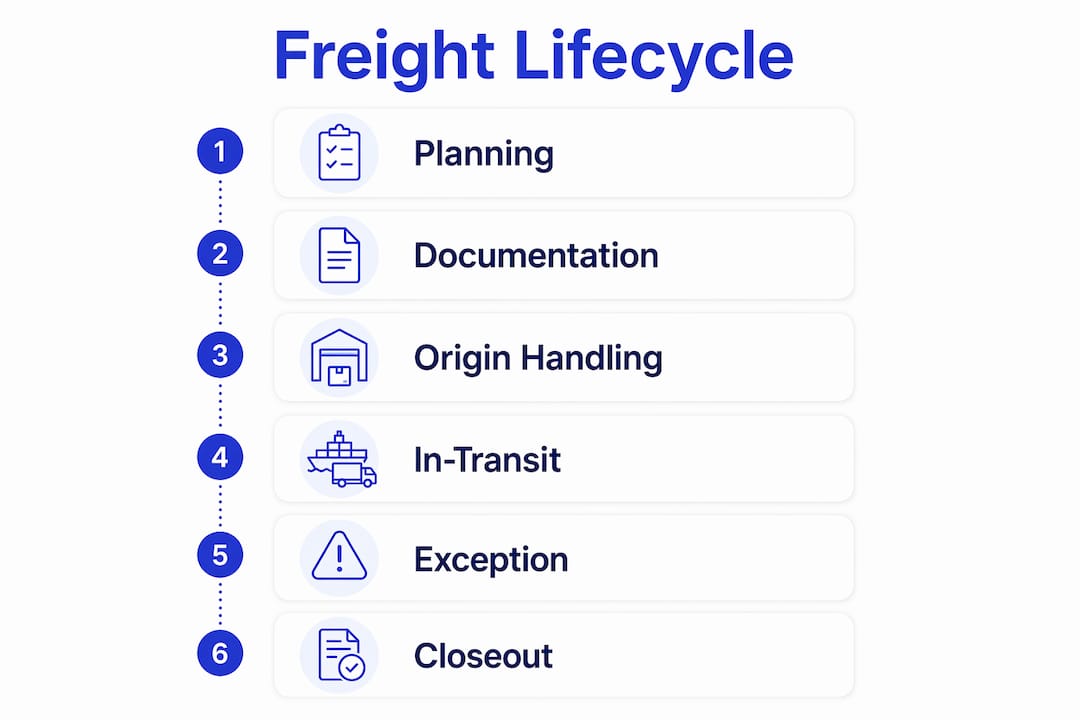
3. Carrier and origin handling
Once booked, the physical process begins. Goods are inspected for damage or discrepancies, shipping labels are generated, and loading is executed to prevent transit damage. A structured pre-pickup checklist determines whether a shipment starts cleanly or immediately enters exception status.
4. In-transit monitoring and visibility
Real-time freight tracking is the backbone of modern lifecycle of freight operations. GPS and IoT sensors monitor location, temperature, and potential delays across linehaul and cross-docking events. Status updates flow to shippers and consignees, and performance metrics accumulate for post-delivery analysis.
5. Exception management
No freight operation runs without disruptions. Vessel roll-offs, flight cancellations, and missed appointments are predictable occurrences, not surprises. Exception management is a proactive, structured workflow: identify the disruption, assess its impact on delivery commitments, and execute corrective actions rapidly. Speed of response here directly determines whether a disruption becomes a customer service failure or a resolved incident.
6. Post-delivery and financial closeout
Delivery confirmation is not the finish line. Proof of delivery (POD) must be signed, invoices processed, and accessorial fees reconciled immediately. Failure to close out ancillary charges promptly erodes margins and triggers disputes. Finance teams that own this stage with disciplined workflows protect profitability in ways that operational teams often underestimate.
Why effective freight lifecycle management pays off
The benefits of freight lifecycle management compound across every function that touches a shipment.
- On-time delivery rates improve when planning and exception management are disciplined, building carrier and customer trust simultaneously.
- Cost control tightens through optimized routing, smarter carrier selection, and accurate rate reconciliation after delivery.
- Regulatory risk drops when documentation and compliance processes are standardized rather than ad hoc.
- Supply chain visibility increases, giving leadership real data to act on rather than status updates assembled from emails and spreadsheets.
- Customer satisfaction rises with proactive shipment communication, particularly when exceptions are resolved before the consignee notices a problem.
- Carrier relationships strengthen when shippers demonstrate operational consistency and pay accurately and on time.
- Scalability becomes achievable once technology handles the transactional volume that manual processes cannot absorb.
Effective freight management enhances supply chain visibility, mitigates risks, and improves overall efficiency through integrated tracking and data analytics. The organizations that treat lifecycle management as a continuous discipline rather than a reactive function are the ones that turn logistics into a competitive advantage.
Common challenges in managing the freight lifecycle
The freight management process is complex by design, and the friction points are predictable.
- Multi-party coordination failures: shippers, carriers, brokers, and customs agents each operate on different systems and communication rhythms, creating gaps that delay decisions.
- Data silos: unstructured information flows between parties mean that critical shipment data lives in emails, spreadsheets, and disconnected portals rather than a single source of truth.
- Disruptions: weather events, port congestion, and capacity shortages are unavoidable. The difference is whether your team has a structured response or improvises each time.
- Regulatory complexity: cross-border shipments involve tariff classifications, export controls, and customs requirements that vary by country, commodity, and trade relationship.
- Documentation errors: a single incorrect field on a bill of lading can hold a shipment at customs for days.
- Manual processes: teams relying on manual data entry spend time on tasks that generate errors rather than insights.
- Cost versus service tension: pressure to cut freight spend often conflicts with the carrier quality and lane coverage needed to meet delivery commitments.
How technology and TMS platforms transform freight lifecycle management
A modern Transport Management System is not a tracking tool. It is a decision-making hub for complex logistics, integrating planning, execution, visibility, and compliance into a single operational environment.
AI-powered TMS platforms automate carrier selection based on lane performance data, forecast demand to prevent capacity gaps, and trigger exception alerts before disruptions escalate. Integration with ERP, inventory management, and customs systems eliminates the manual handoffs where errors accumulate. Generative AI now scans unstructured freight communications like emails to automate routine data entry tasks, freeing your team to focus on decisions that require human judgment rather than transcription.
Pro Tip: When evaluating a TMS, test its exception alerting logic before anything else. A platform that surfaces disruptions before your customer calls is worth more than one with a polished dashboard.
FreightSuite is built on this principle. Its air freight and road freight capabilities are natively integrated with AI agent orchestration, rate management, and financial workflows, so every lifecycle stage runs within one system rather than across a patchwork of tools. For teams managing container haulage, AI-assisted haulage platforms apply similar automation logic to carrier selection and compliance at the container level.
KPIs that tell you how well your freight lifecycle is performing
Measuring the lifecycle of freight operations requires metrics tied to each stage, not just final delivery.
| KPI | What it measures |
|---|---|
| On-time delivery rate | Percentage of shipments delivered within the committed window |
| Transit time variance | Deviation from planned transit time by lane or carrier |
| Exception rate | Frequency of disruptions per shipment volume |
| Documentation accuracy | Error rate on bills of lading, customs filings, and invoices |
| Cost per shipment | Total freight spend divided by shipment count, by mode and lane |
| Carrier performance score | Composite rating of on-time, damage, and communication metrics |
| Financial closeout cycle time | Days from delivery to fully reconciled invoice |
Real-time visibility and compliance management directly improve KPIs like on-time delivery and cost efficiency. Teams that review these metrics weekly, rather than monthly, catch performance drift before it becomes a pattern.
Best practices for optimizing freight lifecycle management
The organizations that consistently outperform their peers share a few operational habits.
Standardize documentation workflows before automating them. Automation applied to a broken process produces errors faster. Map your current documentation steps, identify where errors originate, and fix the process before deploying technology to scale it.
Build carrier scorecards and review them on a fixed cadence. Carrier performance data is only useful if it informs sourcing decisions. A quarterly scorecard review that feeds directly into carrier selection criteria closes the loop between measurement and action.
Treat exception management as a discipline, not a fire drill. Define response protocols for the most common disruption types (vessel roll-offs, missed pickups, customs holds) so your team executes from a playbook rather than improvising under pressure.
Invest in Account Master Management. Validated, centralized partner data prevents the documentation errors and compliance failures that stall shipments at origin or customs. This is one of the most overlooked levers in freight lifecycle optimization.
Pro Tip: Segment your shipment volume by lane, carrier, and commodity before setting KPI targets. A single on-time delivery target across all lanes masks the performance variation that actually drives cost and service outcomes.
Real-world impact: what good lifecycle management looks like
Consider a mid-size freight forwarder managing ocean and air shipments across North America and Asia. Before implementing a structured lifecycle management approach, their exception rate was high, documentation errors caused recurring customs delays, and post-delivery reconciliation took weeks. The financial closeout lag alone created cash flow pressure that affected carrier payment terms.
After deploying an integrated TMS with automated exception alerting, centralized AMM, and AI-assisted data capture, the team reduced manual data entry significantly, resolved exceptions faster, and closed invoices within days of delivery rather than weeks. The operational gains translated directly into stronger carrier relationships and measurable margin improvement.
This pattern repeats across the industry. The freight shipment lifecycle rewards organizations that treat each stage with equal discipline, because a breakdown at any point, whether at booking, in transit, or at closeout, affects every metric downstream.
Regulatory compliance and customs within the freight lifecycle
Customs and regulatory compliance are not a single event at the border. They run through the entire lifecycle, starting at the planning stage when commodity classifications and trade agreement eligibility are determined, through documentation preparation, and into post-delivery audit trails.
In the United States, freight brokers and forwarders operating across borders must be licensed with the FMCSA. Customs compliance requires accurate Harmonized Tariff Schedule (HTS) classifications, correct valuation, and adherence to export control regulations administered by agencies including the Bureau of Industry and Security (BIS). A single misclassification can trigger penalties, shipment holds, or loss of import privileges.
The practical implication: compliance cannot be delegated to a single specialist at the end of the process. It must be embedded in booking, documentation, and carrier selection workflows from the start.
Risk management and contingency planning in freight lifecycle management
Risk in freight is not a question of whether disruptions will occur. It is a question of how prepared your operation is when they do.
Effective risk management starts with mapping exposure by lane, mode, and carrier concentration. Over-reliance on a single carrier for a critical lane creates fragility that becomes visible only when that carrier has a capacity crisis. Diversifying carrier relationships and maintaining pre-qualified backup options for high-volume lanes is a foundational contingency measure.
Scenario planning for common disruption types, including port congestion, weather events, and regulatory changes, allows teams to execute response protocols rather than make decisions under pressure. Continuous improvement in freight lifecycle management builds resilience by enabling quick adaptation to disruptions, demand shifts, and regulatory updates. The organizations that treat risk planning as an ongoing operational practice, rather than an annual exercise, absorb disruptions with far less damage to margins and customer relationships.
Key Takeaways
Freight lifecycle management covers six distinct stages from booking to financial closeout, and performance at each stage directly affects cost, compliance, and customer outcomes.
| Point | Details |
|---|---|
| Six-stage structure | The lifecycle runs from planning and booking through post-delivery financial closeout. |
| Technology as command center | AI-powered TMS platforms automate carrier selection, exception alerts, and data capture across all stages. |
| Compliance starts at booking | Regulatory and customs requirements must be embedded from planning, not addressed only at the border. |
| KPIs require stage-level tracking | Metrics like exception rate and closeout cycle time reveal performance gaps that delivery rate alone cannot show. |
| Risk management is ongoing | Carrier diversification and scenario planning protect margins when disruptions occur, and they will occur. |
FreightSuite brings every stage of the freight lifecycle into a single AI-native TMS, from rate management and air and ocean tracking to financial workflows and agentic automation. If your team is managing lifecycle complexity across disconnected tools, the window to consolidate is open now.
Explore FreightSuite’s capabilities or book a demo to see how an agentic TMS handles the full freight lifecycle in one place.
Freight Forwarding Inefficiencies: What's Costing You in 2026
Freight forwarding operations in 2026 are under pressure from multiple directions at once. The most common freight forwarding inefficiencies fall into eight recurring categories: capacity shortages during peak seasons, margin compression from rate volatility, fragmented digital adoption, aging driver workforces limiting inland capacity, documentation and customs delays, communication breakdowns between stakeholders, compliance-driven shipment holds, and poor cargo visibility. These are not isolated problems. They compound each other, and the forwarders who understand that compounding effect are the ones positioned to act on it.
The margin picture is stark. 92% of freight forwarders expect margin pressure to intensify in 2026, driven by softening rates and ongoing geopolitical disruption. On the capacity side, 75% of logistics professionals report experiencing capacity shortages as a common challenge during peak seasons, and 72.7% identify limited cargo space as a direct cause of shipment delays. These numbers frame the operational reality your teams are navigating every day. Platforms like Freightsuite, built as an AI-native Transport Management System, are designed specifically to address these gaps across rate management, tracking, documentation, and financial workflows.

Common freight forwarding inefficiencies and their root causes
Capacity shortages and cargo space constraints
Aircraft and vessel space is finite, and peak demand periods expose that limit fast. The pre-Christmas retail window, Chinese New Year, and agricultural harvest cycles all create predictable bottlenecks, yet many forwarders still rely on reactive booking strategies. The 2021–2024 period saw structural supply chain issues in aircraft manufacturing that are expected to continue until 2031–2034, meaning the capacity ceiling is not lifting anytime soon. Last-minute bookings during these windows carry both a price premium and a reliability penalty.
Margin pressure and pricing volatility
The margin squeeze in 2026 is not simply a function of low rates. It is a timing problem. Customer pricing expectations reset downward quickly when geopolitical tensions ease, while operational costs adjust more slowly: insurance premiums, fuel expenses, repositioning costs, and contracts forged during turbulent periods all linger. The result is a gap between what clients expect to pay and what it actually costs to move their freight. Forwarders who lack shipment-level profitability visibility are the most exposed.
Fragmented digital adoption
In the European logistics industry, a partial adoption of digital innovations exists, but many freight forwarders lack full integration, including automated invoicing, online quotation, and e-booking capabilities, causing discrepancies and customer loss. The absence of automated invoicing increases the risk of payment discrepancies and delays. Without instant online quoting, forwarders lose customers to competitors who offer transparent, immediate rates. These are not minor inconveniences. They are revenue leaks that accumulate across hundreds of shipments.
Workforce shortages and inland transport capacity
The driver shortage is structural, not cyclical. A large proportion of the truck driver workforce is aged 55 or older across global regions, and the percentage of drivers under 25 remains at 12% or less in Europe, Asia, and North and South America. That younger cohort is insufficient to replace retiring drivers, so the shortage will worsen before it improves. For freight forwarders managing inland transport capacity, this translates directly into transit delays and reduced flexibility on last-mile delivery.
Documentation errors and customs clearance delays
International shipments require an Airway Bill, commercial invoice, packing list, certificate of origin, import and export licenses, and potentially dangerous goods declarations, all prepared accurately and submitted in the correct sequence. One error at any stage can hold cargo at customs, trigger demurrage charges, or send a shipment back to origin. While many respondents in one air freight study found AWB documentation manageable, a notable minority reported difficulties, pointing to real room for improvement in digital documentation practices.
Communication gaps between stakeholders
When carriers, agents, customs brokers, and clients operate in separate systems with no shared data layer, errors multiply. Status updates arrive late or not at all. Exceptions get escalated through email chains rather than resolved in real time. The downstream effect is predictable: missed delivery windows, duplicate work, and clients who lose confidence in their forwarder’s ability to manage complexity.
Compliance and regulatory delays
Trade regulations, customs protocols, tariffs, and environmental reporting rules shift continuously. A classification error, a missing permit, or an outdated regulation can hold a shipment for days. The cost is not just the delay. It is the downstream disruption to the client’s supply chain, the emergency re-routing costs, and the reputational damage that follows a pattern of compliance failures.
Poor cargo tracking and visibility
Fragmented tracking across carriers, handlers, and forwarders creates blind spots that undermine both responsiveness and customer trust. When a forwarder cannot tell a client where their shipment is in real time, that client starts looking for alternatives. Visibility is no longer a premium feature. It is the baseline expectation.
Inaccurate demand forecasting and shipment planning
When volume forecasts are wrong, the consequences cascade: overbooking wastes capacity, underbooking creates last-minute scrambles at peak rates, and resource allocation across warehousing and ground transport falls out of sync. Forwarders who rely on historical averages rather than dynamic, data-driven planning models are consistently caught off-guard by demand shifts.
How to reduce logistics errors and operational drag
The most effective approach to improving freight operations combines proactive planning, digital integration, and workforce investment. No single fix addresses all nine inefficiencies, but the following practices address the highest-impact areas.
Secure capacity ahead of peak seasons. Negotiate space guarantee agreements with carriers well in advance of the pre-Christmas window and Chinese New Year. Provide rolling 90-day demand forecasts to enable proactive booking. The forwarders who avoid peak-season rate spikes are the ones who planned three months earlier.
Automate invoicing, quoting, and e-booking. These three capabilities address the most common digital adoption gaps. Automated invoicing eliminates payment discrepancies. Instant online quoting retains customers who would otherwise defect to faster competitors. E-booking handles high order volumes without proportional headcount increases.
Adopt IATA eAWB and digital customs platforms. The IATA eAWB standard reduces the time, cost, and error rate associated with paper-based air freight documentation. Pairing it with a digital customs clearance platform cuts the risk of holds and demurrage charges significantly.
Build multi-modal routing options. For routes where air freight costs are prohibitive, sea-air and air-road hybrid combinations balance cost and speed. Moving cargo by sea to a regional hub and then by air for final delivery, or using air to a hub and road for last-mile, gives forwarders pricing flexibility without sacrificing reliability.
Invest in driver recruitment and retention. Given the structural nature of the driver shortage, short-term fixes are insufficient. Forwarders managing their own inland capacity need formal recruitment pipelines targeting younger workers and retention programs that address compensation and working conditions.
Implement real-time tracking across all modes. Carrier-agnostic tracking platforms that consolidate visibility across air, ocean, and road give both operations teams and clients a single source of truth. Exception management becomes proactive rather than reactive.
Pro Tip: Apply demand forecasting models that update dynamically based on booking patterns, not just historical averages. Static forecasts built on last year’s volumes will consistently underperform in a market defined by geopolitical volatility and shifting trade lanes.
How Freightsuite addresses freight forwarding inefficiencies directly
Freightsuite is built as an AI-native TMS, which means the capabilities that legacy platforms bolt on as integrations are native to the architecture here. Rate management, air freight tracking, ocean freight tracking, financial automation, workflow orchestration, and AI agent coordination all operate within a single system. That matters because fragmentation is the root cause of most operational inefficiencies. When your rate desk, operations team, and finance function work from the same data in real time, the errors that accumulate at handoff points disappear.
The platform addresses the margin visibility problem directly. Forwarders can track profitability at the shipment, customer, and service levels, giving commercial teams the data to defend margins as market conditions shift. This is the capability that separates top performers in the second half of 2026, according to analysis from OntegosCloud: the ability to translate operational recovery into financial gains requires insight at the transaction level, not just the aggregate.
| Inefficiency | Freightsuite capability |
|---|---|
| Capacity and booking gaps | Real-time rate management and e-booking workflows |
| Margin compression | Shipment-level profitability tracking and financial automation |
| Digital fragmentation | Native integration across air, ocean, road, and customs |
| Documentation errors | Automated documentation workflows with compliance checks |
| Poor cargo visibility | Integrated air and ocean tracking across all carriers |
| Communication breakdowns | AI agent orchestration connecting all stakeholder workflows |
Pro Tip: When evaluating a TMS, test whether rate management and financial reporting share the same data layer. Without this integration, margin leakage from billing exceptions may persist regardless of how good the operations module is.
Freightsuite’s case study results show measurable improvements in operational efficiency and customer retention for forwarders who replaced fragmented legacy systems with the platform. The ground is shifting beneath this industry. The window to act on that shift is real, and it has a timeline.
Ready to see how Freightsuite handles your specific operational gaps? Book a demo and walk through the platform with a freight forwarding specialist.
Key Takeaways
Freight forwarding inefficiencies in 2026 are structural, compounding, and addressable with the right combination of proactive planning, digital integration, and AI-native TMS capabilities.
| Point | Details |
|---|---|
| Margin pressure is near-universal | 92% of forwarders expect tighter margins in 2026 due to softening rates and geopolitical factors. |
| Capacity constraints are long-term | Aircraft manufacturing delays are expected to extend supply constraints through 2031–2034. |
| Digital gaps drive revenue loss | Missing automated invoicing and e-booking capabilities create payment delays and customer defection. |
| Driver shortage is structural | Drivers under 25 represent 12% or less of the workforce, making inland capacity shortages worse over time. |
| AI-native TMS closes the gap | Freightsuite integrates rate management, tracking, finance, and workflows in one system to eliminate handoff errors. |
Types of Logistics Automation Tools: 2026 Guide
The main types of logistics automation tools fall into two broad categories: software systems and physical automation hardware. On the software side, the foundational platforms are Warehouse Management Systems (WMS), Transportation Management Systems (TMS), Enterprise Resource Planning systems (ERP), Order Management Systems (OMS), and Inventory Management Systems (IMS). Physical automation covers Automated Guided Vehicles (AGVs), Autonomous Mobile Robots (AMRs), and Automated Storage and Retrieval Systems (AS/RS). Layered across both categories are digital intelligence tools, including Robotic Process Automation (RPA) and AI-driven predictive analytics. Together, these logistics automation solutions centralize data, eliminate manual bottlenecks, and give supply chain teams the real-time visibility they need to make faster, better decisions.
Here is a quick-reference breakdown of the primary categories:
What is logistics automation?
Logistics automation is the application of software, robotics, AI, and connected hardware to supply chain operations to reduce manual intervention, improve accuracy, and increase throughput. The term covers everything from a robotic arm picking a carton in a fulfillment center to an AI model recalculating delivery routes in response to a weather event. It spans both physical automation, such as conveyor belts, drones, and robots, and digital automation through software workflows, APIs, and data pipelines.
Effective logistics automation requires integration beyond merely picking software packages. The real work is process transformation: redesigning how tasks flow across systems, teams, and partners so that automation actually delivers the speed and accuracy gains it promises.
What makes this definition practically useful is the distinction between isolated automation and connected automation. A warehouse robot that cannot communicate with the TMS, or an ERP that does not sync with the WMS, creates islands of efficiency surrounded by manual handoffs. The role of automation in logistics is not just to replace individual tasks but to create a coordinated operating system across the entire supply chain. That shift in framing, from tool selection to system design, is what separates logistics teams that see real gains from those that accumulate software licenses without measurable results.
Why logistics automation delivers real operational gains
The core case for automation is straightforward: it replaces slow, error-prone manual processes with faster, more consistent machine-driven ones. Route optimization engines consider traffic, weather, and fuel costs simultaneously, something no dispatcher can do at scale across hundreds of loads. Automated inventory replenishment responds to real-time demand signals rather than waiting for a weekly stock count. These are not marginal improvements; they compound across every shipment, every order, and every warehouse shift.
The operational advantages break down into four areas:
Logistics automation is reshaping how goods move globally, with AI-driven demand forecasting and autonomous mobile robots now standard features in leading US fulfillment operations, reflecting how deeply automation has penetrated the industry in just a few years.
The scalability benefit deserves particular attention. A manual operation that handles 10,000 orders per day cannot simply double its throughput by hiring more people. An automated operation can scale by adjusting software parameters and deploying additional robotic units, which is a fundamentally different cost curve.
What makes logistics automation hard to get right
Automation is not a plug-and-play proposition. The barriers are real, and underestimating them is one of the most common reasons implementations stall or underdeliver.
The teams that navigate these challenges successfully tend to share one trait: they treat automation as a process redesign project first and a technology project second.
1. Warehouse Management Systems (WMS)
A WMS is the operational brain of a warehouse or distribution center. It controls where inventory lives, how it moves, and how orders get fulfilled. WMS platforms optimize storage layouts and order picking by integrating with barcode scanners, RFID readers, and physical automation equipment to give managers real-time insight into every pallet, bin, and carton.
Core WMS functions:
How a WMS creates measurable impact:
The practical ceiling for a WMS depends heavily on what it connects to. A WMS running in isolation from the TMS and ERP forces manual data transfers between systems, which reintroduces the errors and delays the WMS was supposed to eliminate. The value scales with integration depth.

2. Transportation Management Systems (TMS)
A TMS manages everything that happens once freight leaves a facility: carrier selection, route planning, load tendering, real-time tracking, and freight audit. TMS platforms centralize route planning, carrier management, and freight cost evaluation, using real-time analytics to improve shipping efficiency and reduce costs across every mode.
What a TMS handles:
TMS in practice:
Freightsuite’s road freight TMS and air freight capabilities are built on this foundation, with AI agent orchestration layered natively into the platform rather than bolted on as an afterthought. That architecture matters because it means rate management, tracking, and financial workflows share a single data model rather than syncing across separate systems.
Pro Tip: When evaluating a TMS, test its EDI translation layer against your actual carrier and customer document requirements before signing a contract. EDI variability between trading partners is the most common source of post-implementation integration failures.

3. Enterprise Resource Planning Systems (ERP) in logistics
An ERP system connects logistics with the rest of the business: finance, procurement, sales, and customer service. Where a WMS manages warehouse operations and a TMS manages transportation, an ERP provides the organizational layer that ties them to purchase orders, invoices, and customer accounts. The result is a single platform where a finance team can see freight costs against budget, a procurement team can track inbound shipments against purchase orders, and an operations team can manage order fulfillment, all without switching systems.
Key ERP logistics features:
ERP FunctionLogistics ApplicationBusiness BenefitOrder processingAutomates order entry and allocationFaster order-to-ship cycleFinancial managementAllocates freight costs to cost centersAccurate margin reportingProcurementLinks POs to inbound shipmentsReduces receiving discrepanciesInventory valuationReal-time stock value by locationAccurate balance sheet reportingComplianceManages customs documentationReduces clearance delays
The risk with ERP in logistics is the temptation to use it as a substitute for a purpose-built WMS or TMS. ERP logistics modules are broad by design; they cover the process but rarely match the depth of a dedicated platform. The strongest architectures use an ERP as the financial and organizational backbone while connecting it to specialized WMS and TMS systems through APIs or middleware. Freightsuite’s operations team solution is designed with this integration model in mind, supporting ERP connectivity without forcing teams to abandon the specialized tools they depend on.
4. Order Management Systems (OMS) and Inventory Management Systems (IMS)
OMS and IMS are often discussed together because they address adjacent problems in the order fulfillment cycle. An OMS manages the lifecycle of a customer order from placement to delivery. An IMS manages the stock that fulfills those orders. They are complementary, but they are not the same system.
OMS core functions:
IMS core functions:
FeatureOMSIMSPrimary focusOrder lifecycleStock levels and replenishmentTriggerCustomer orderInventory threshold or demand signalIntegrationWMS, TMS, ERPWMS, ERP, purchasingCustomer-facingYes (order status)No (internal operations)Key metricOrder fill rateInventory accuracy, turnover rate
The relationship between OMS and IMS becomes critical during peak periods. An OMS that cannot see accurate real-time inventory from the IMS will oversell, allocate to unavailable stock, and generate customer service failures. Ecommerce order management best practices in 2026 consistently point to real-time inventory visibility as the single most important factor in reducing order cancellations and improving customer satisfaction scores. The two systems need to share a live data connection, not a batch sync that runs every few hours.
5. AGVs, AMRs, and Robotic Process Automation in logistics
Physical automation and software automation are converging in modern logistics operations. AGVs, AMRs, and RPA each address a different layer of the problem, and understanding the distinctions helps teams deploy them where they will have the most impact.
AGVs vs. AMRs: AGVs follow fixed, predefined paths using magnetic tape, lasers, or embedded floor guides. They are reliable and cost-effective for repetitive, high-volume routes in stable environments, such as moving pallets from a receiving dock to a storage zone. AMRs are more sophisticated. They use LiDAR, computer vision, and onboard AI to navigate dynamically, adapting to obstacles and changing floor layouts without reprogramming. AMRs can work alongside human workers in shared spaces, which makes them far more flexible for operations where the floor layout changes frequently or where human-robot collaboration is required.
The shift from AGVs to AMRs reflects a broader principle in logistics automation: flexibility is becoming more valuable than raw speed. A fixed-path AGV is fast and predictable, but an AMR that can reroute around a forklift or a misplaced pallet keeps operations moving when the unexpected happens, which in a busy warehouse is every shift.
RPA in logistics addresses the digital equivalent of repetitive manual labor. RPA automates tasks like data entry, invoice processing, shipment documentation, and carrier communication that previously required a person to copy information between systems. The technology uses software robots that interact with existing applications through their user interfaces, which means RPA can be deployed without replacing or deeply integrating the underlying systems. That makes it particularly useful for bridging gaps between legacy platforms that lack modern APIs.
Primary uses and advantages:
Pro Tip: Before deploying RPA, map the exact process steps the robot will execute and identify every exception scenario. RPA bots fail gracefully only when exception handling is built into the design from the start.
6. Predictive analytics and AI tools in logistics automation
AI and predictive analytics are the layer that turns logistics data into forward-looking decisions. Where traditional reporting tells you what happened, AI-based predictive analytics drive demand forecasting and route optimization, delivering operational agility and risk mitigation through advanced data modeling.
What AI does in logistics:
Common AI tool applications in logistics:
AI for predictive inventory management is one of the highest-ROI applications available to logistics teams today, particularly for operations managing large SKU counts across multiple distribution points. The models improve over time as they ingest more data, which means the competitive advantage compounds with each planning cycle.
7. The value of unified logistics automation platforms
The most consequential shift in logistics technology over the past several years is the move away from best-of-breed point solutions toward unified logistics platforms that eliminate siloed systems and establish a single source of truth across all stakeholders. The argument for fragmented tools, each best-in-class for its specific function, breaks down when the integration cost and data consistency problems are factored in.
Why unified platforms outperform fragmented stacks:
CapabilityFragmented toolsUnified platformData consistencyRequires batch sync or manual reconciliationReal-time, single source of truthWorkflow automationLimited to within each systemSpans full order-to-cash lifecycleException managementRequires switching between systemsCentralized visibility and resolutionIntegration maintenanceMultiple point-to-point connectionsSingle architecture, extensibleScalabilityEach system scales independentlyCoordinated scaling across functions
The event-driven architecture that underpins the best unified platforms is what makes real-time data consistency possible. Rather than polling systems for updates on a schedule, event-driven systems push status changes the moment they occur, so every connected application sees the same state simultaneously. A master data hub consolidating customers, locations, and carriers is the foundation that keeps every integration honest when loads are changing status every minute.
How automation tools scale across industries and company sizes
Not every logistics operation needs the same automation stack. The right combination depends on shipment volume, product type, network complexity, and the competitive pressures specific to each industry.
Small and mid-size operations typically start with a TMS for freight cost control and a basic WMS for inventory accuracy. These two systems alone eliminate the most expensive manual processes: manual rate shopping, paper-based picking, and spreadsheet inventory management. Cloud-based SaaS deployments make enterprise-grade functionality accessible without the capital expenditure of on-premise installations.
Large distribution and fulfillment operations add physical automation, AS/RS, AMR fleets, and advanced AI forecasting as volume justifies the investment. At this scale, the integration architecture becomes as important as any individual tool. An event-driven backbone connecting TMS, WMS, ERP, and telematics systems is what prevents the fragile point-to-point integrations that break under load.
Industry-specific considerations shape tool selection significantly. Retail and ecommerce operations prioritize OMS and IMS for multi-channel order management and real-time inventory accuracy. Food and beverage logistics requires WMS platforms with lot tracking and expiration date management. Freight forwarders and third-party logistics providers need TMS platforms with strong EDI capabilities and multi-carrier connectivity. Cold chain operations add IoT temperature monitoring as a non-negotiable layer. The common thread across all of these is that the tools must fit the process, not the other way around.
Integration challenges and interoperability between automation tools
The hardest part of logistics automation is not selecting the right tools. It is making them work together reliably at scale. The integration problem in logistics is structural: a TMS runs on load-level transactions, a WMS runs on item-level events, EDI runs on document exchange with partner-specific variations, and telematics systems stream GPS and hours-of-service data in proprietary formats. Connecting all of this without a clear architecture produces what practitioners call “integration spaghetti,” a fragile web of point-to-point connections that breaks every time a partner updates their API or a vendor releases a new software version.
The integration patterns that hold up follow a consistent set of principles. An event-driven backbone for load and status events outperforms point-to-point connections because it keeps systems synchronized despite the constant stream of status updates that characterize active logistics operations. A standardized EDI translation layer isolates each trading partner’s quirks from downstream systems, so one partner’s nonstandard 214 implementation does not corrupt the shared data model. A master data hub consolidating customers, locations, carriers, and equipment is the foundation that keeps every other integration honest.
Proactive monitoring is the piece most teams underinvest in. Integration failures that go undetected for hours create customer service crises that are expensive to resolve. The teams with the most reliable logistics automation operations build monitoring and alerting into their integration architecture from day one, not as an afterthought after the first major outage.
Logistics automation in practice: US market examples
The US market offers some of the clearest examples of logistics automation delivering measurable results across different scales and sectors.
Fulfillment center automation: Large US ecommerce fulfillment operations have deployed AMR fleets that bring inventory to stationary human pickers rather than requiring pickers to walk miles of warehouse aisles per shift. The goods-to-person model increases picks per hour while reducing physical strain on workers. The WMS directs the AMR fleet, prioritizes orders by shipping deadline, and tracks inventory location in real time, all without manual intervention.
Freight brokerage and forwarding: US freight brokers and forwarders have adopted TMS platforms with AI-powered load matching and automated carrier tendering to handle volume that would be impossible to manage manually. RPA bots handle the documentation layer, generating bills of lading, customs entries, and carrier confirmations automatically from data already in the TMS. The result is faster cycle times and lower back-office headcount per shipment.
Cold chain and food logistics: US food distributors have integrated IoT temperature sensors with their WMS and TMS platforms to create automated cold chain monitoring. Temperature excursions trigger automatic alerts and, in some cases, automated rerouting decisions. The integration of sensor data with the WMS also enables automated lot recall processes that would take days to execute manually.
Port and intermodal operations: US ports and intermodal facilities use automated gate systems, optical character recognition for container identification, and TMS integration to reduce truck turn times. The data from gate transactions feeds directly into the TMS, updating shipment status without manual entry and giving shippers real-time visibility into container availability.
What comes next in logistics automation
The trajectory of logistics automation points toward greater autonomy, tighter integration, and more intelligence embedded directly into operational workflows.
Agentic AI is the most significant near-term development. Rather than AI tools that surface recommendations for humans to act on, agentic systems execute decisions autonomously within defined parameters. A freight forwarding TMS with agentic AI can rebook a shipment on an alternative carrier, update the customer, and generate the revised documentation without a dispatcher touching the workflow. Freightsuite is built on this model, with AI agent orchestration native to the platform rather than layered on top of a legacy architecture.
Digital twins of supply chain networks allow operations teams to simulate disruption scenarios, test routing changes, and model capacity decisions before committing to them in the real world. The technology is moving from experimental to operational in leading US logistics organizations.
Last-mile automation continues to evolve, with autonomous delivery vehicles, smart lockers, and AI dispatch systems reducing the cost and complexity of the final delivery leg. The regulatory environment in the US is gradually catching up with the technology, with autonomous vehicle pilots expanding in several states.
Blockchain for data integrity is finding practical application in high-value and regulated supply chains, where the ability to prove provenance and chain of custody is commercially or legally required. Its role is not to replace existing integration architectures but to add a tamper-evident audit layer on top of them.
The window for competitive differentiation through logistics automation is real, and it has a timeline. Operations that build the integration architecture and process discipline now will compound those advantages as the technology matures. Those that wait for a perfect solution will find themselves competing against organizations that have already absorbed the learning curve.
Freightsuite: built for the automation era
The legacy TMS was designed for a world where freight forwarding ran on spreadsheets, phone calls, and manual data entry. That world is gone. Freightsuite is an agentic TMS built from the ground up for the automation era, with rate management, air and ocean tracking, financial workflows, operations management, and AI agent orchestration all native to a single platform. There is no integration tax between modules, no batch sync between systems, and no manual handoffs where errors accumulate.
For logistics teams evaluating their automation stack in 2026, the question is not whether to automate but how to build an architecture that compounds returns over time. Freightsuite’s ocean freight TMS and road freight capabilities are designed to connect with your existing WMS, ERP, and EDI partners without the fragile point-to-point integrations that create maintenance burdens. The case study results speak to what that architecture delivers in practice.
The choice is yours to make. But the operations that move first on unified, AI-native platforms are the ones setting the cost and service benchmarks that everyone else will be chasing.
Key Takeaways
Logistics automation delivers the greatest returns when software systems, physical hardware, and AI tools are connected through a unified architecture rather than deployed as isolated point solutions.
PointDetailsSoftware systems are the foundationWMS, TMS, ERP, OMS, and IMS form the core of any logistics automation stack.Physical and digital automation work togetherAGVs, AMRs, and RPA each address different layers of manual work across warehouses and back offices.Integration architecture determines successEvent-driven backbones and master data hubs prevent the fragile point-to-point failures that undermine automation investments.AI adds forecasting and autonomous decision-makingPredictive analytics and agentic AI tools move logistics from reactive to proactive operations.Unified platforms outperform fragmented stacksA single source of truth across all functions reduces reconciliation costs and accelerates exception resolution.
Recommended
Freight Operations Reporting Automation: 2026 Guide
Freight operations reporting automation is the use of software and AI to replace manual data collection, report generation, and analytics delivery across freight workflows. The result is not just faster reports. It is a fundamentally different operating model: one where your team responds to exceptions rather than chasing status updates, where invoice discrepancies surface automatically rather than slipping through, and where supply chain performance metrics update in real time rather than at the end of the week. The ground is shifting beneath this industry, and the teams pulling ahead are the ones who have stopped treating reporting as an administrative task and started treating it as a strategic capability.
The core components of automated freight reporting include:
- BI dashboards that visualize KPIs across lanes, carriers, and shipment types without manual data pulls
- Real-time shipment tracking fed directly from carrier APIs and EDI integrations
- Automated client reports delivered on schedule without coordinator intervention
- Invoice auditing that matches carrier charges against contracted rates and flags discrepancies instantly
- Proactive alerts that notify teams the moment a shipment deviates from its expected timeline
What does freight operations reporting automation actually cover?
Automated freight reporting spans every layer of the data lifecycle, from raw carrier feeds to polished stakeholder dashboards. Understanding what each layer does helps you evaluate whether a platform covers your actual gaps or just the easy ones.
The most visible layer is the BI dashboard, where customizable visual analytics track KPIs like on-time delivery rates, carrier performance scores, dwell times, and lane cost per unit. These dashboards pull live data rather than relying on weekly exports, so operations managers see the current picture, not last Tuesday’s snapshot.
Beneath the dashboard sits the alert and notification engine. There is often a noticeable gap before the first carrier scan arrives after pickup, and proactive alert systems minimize WISMO inquiries by notifying teams the moment tracking updates land. That same engine flags late pickups, ETA slippage, and missing proof of delivery without anyone refreshing a portal.
Financial reporting automation is where the dollar impact becomes concrete. Freight invoices commonly include some error rate on average, covering incorrect rates, duplicate charges, unauthorized accessorials, and fuel surcharge miscalculations. Automated invoice auditing matches every carrier invoice against contracted terms and flags discrepancies with specific explanations rather than a generic exception code.
Key capabilities freight teams should expect from a modern reporting platform:
- Carrier API and EDI integration for live shipment data
- Scheduled and on-demand client report delivery
- Shipment profitability reporting at the job or lane level
- Role-based report customization for operations, finance, and sales stakeholders
- ERP connectivity with systems like NetSuite and SAP for order-to-cash visibility
- Compliance reporting that maps to regulatory requirements without manual reformatting
Pro Tip: Before evaluating any platform, map the exact reports your team currently builds manually and how long each takes. That baseline becomes your ROI benchmark during demos.
What are the real benefits, and where do teams struggle?

The efficiency gains from transportation data automation are well documented. Automating load building and rate quoting can increase brokerage capacity significantly per logistics coordinator. Separately, 40–60 hours of weekly labor tied to manual execution tasks like load building, tendering, and tracking disappear when a modern TMS handles them continuously. Those hours do not vanish from the payroll. They redirect toward carrier relationship management, exception handling, and the judgment-heavy work that actually differentiates a freight operation.
Automation also shifts the error profile. Rather than discovering a billing dispute weeks after the fact, teams catch discrepancies at invoice receipt. Rather than learning about a late pickup from an angry customer, coordinators receive an alert within minutes of the deviation.

The challenges are real, though. Data integration is the most common friction point. Connecting a new reporting platform to legacy ERPs, carrier APIs, and warehouse management systems takes more planning than most vendors acknowledge upfront. User adoption is the second hurdle. Coordinators who have built their workflows around spreadsheets and email threads often resist new systems, not because the tools are inferior, but because the transition period creates temporary uncertainty. Privacy and data security add a third layer of complexity, particularly for forwarders handling sensitive commercial invoices and customer shipment data across jurisdictions.
Integrating advanced tracking APIs that consolidate data from 1,700-plus carriers improves logistics satisfaction by 25% by reducing WISMO inquiries and enabling proactive updates. That figure reflects what happens when visibility becomes a system output rather than a manual task.
How do GoFreight and Freightsuite compare for automated reporting?
Two platforms stand out in the US market for freight reporting automation in 2025: GoFreight and Freightsuite. They serve different segments of the market, and the right choice depends heavily on your operation’s complexity, freight modes, and appetite for AI-driven workflows.
| Feature | GoFreight | Freightsuite |
|---|---|---|
| Key features | Freight analytics dashboards, automated shipment notifications, customer alerts, detention fee tracking | Rate management, air and ocean tracking, finance automation, operations workflows, AI agent orchestration |
| Integration capabilities | Carrier API integrations, customer portal connectivity | ERP integrations (NetSuite, SAP), carrier APIs, customs systems, multi-modal data feeds |
| Pricing models | Not publicly listed | Not publicly listed |
| Ease of use | Purpose-built for freight brokers; focused UI | Enterprise TMS with broader feature depth; structured onboarding |
| Customer support | Dedicated freight broker support | Enterprise-level support with implementation guidance |
| Automation scope | Automated pre-free-time expiration alerts, customer notifications, detention mitigation | End-to-end automation across road, air, and ocean freight; agentic AI workflows; automated invoice auditing |
| Best for | Freight brokers and logistics providers focused on proactive customer communication | Enterprise freight forwarders needing comprehensive multi-modal automation with AI-driven analytics |
GoFreight addresses one of the most expensive blind spots in freight brokerage: the gap between free time expiration and customer notification. Its automated pre-free-time expiration alerts push directly to customers before detention fees accrue, which is a concrete, measurable cost reduction for brokers managing high container volumes. For teams whose primary reporting pain is customer communication and detention fee disputes, GoFreight’s focused feature set delivers quickly.
Freightsuite operates at a different scope. As an agentic TMS, it brings AI agent orchestration natively into the platform rather than bolting it on as a feature layer. That means the system does not just flag a late pickup. It can identify the next-best carrier, re-tender the load, update the customer, and adjust the delivery appointment as a coordinated workflow. For enterprise freight forwarders managing road, air, and ocean freight simultaneously, that depth of automation across finance teams and operations is where Freightsuite’s architecture earns its place. The platform’s invoice auditing catches fuel surcharge mismatches and unauthorized accessorial charges automatically, which directly addresses the 3–7% invoice error rate cited above.
The honest distinction: GoFreight wins for brokers who need fast deployment and focused customer-facing automation. Freightsuite wins for forwarders who need a single platform to automate across modes, finance, and operations without stitching together separate tools.
How do you select and implement the right reporting automation tool?
Selection starts with a clear-eyed audit of your current state. Which reports consume the most manual hours? Where do errors most frequently occur? Which integrations are non-negotiable on day one versus acceptable in a phase-two rollout? Answering those questions before you open a vendor demo prevents the common mistake of buying for features you will not use while missing the ones you actually need.
The evaluation criteria that matter most:
- System compatibility: Does the platform connect natively to your ERP, WMS, and carrier network, or does it require custom middleware?
- Automation scope: Does it cover your freight modes, or is it optimized for one and thin on the others?
- Scalability: Can it handle your shipment volume at peak without degraded reporting latency?
- Data security: Does the vendor meet SOC 2 or equivalent standards? How is customer shipment data stored and isolated?
- Compliance support: Does the platform generate reports that map to CBP, FMC, or other regulatory requirements your operation faces?
Implementation follows a phased approach. Start with stakeholder alignment: operations, finance, IT, and sales all interact with freight reporting differently, and their requirements need to be captured before configuration begins. Integration planning comes next, with ERP connectivity as the highest-priority integration since it connects order data directly to the TMS. Pilot testing on a defined lane or shipment type lets you validate alert logic, report accuracy, and dashboard configuration before full rollout. Training and change management close the loop. Coordinators need to understand not just how to use the new system, but why their role is shifting from data entry to exception management.
Pro Tip: Run your first month of automated invoice auditing in parallel with your existing manual process. The discrepancies it catches in that window become the clearest possible ROI case for leadership.

Why AI-native platforms change the reporting equation
Traditional automation follows rules. If a shipment misses its pickup window, trigger an alert. That is useful. AI-native platforms go further by identifying patterns across thousands of shipments that no rule set would catch, such as a carrier whose on-time performance degrades specifically on Friday afternoon tenders, or a lane where accessorial charges spike in Q4 without a corresponding rate adjustment.
Automated invoice auditing transforms payment processes by detecting errors in real time, reducing costly manual audits, and preventing overpayment before it happens. That shift from after-the-fact reconciliation to real-time detection is the difference between recovering some overbilling and preventing most of it.
The workforce impact compounds over time. Automation reallocates staff from manual data entry to exception management, increasing focus on carrier relationships and strategic decisions. Coordinators who once spent their mornings pulling tracking updates now spend them resolving the exceptions the system has already identified and prioritized. That is a different job, and a more valuable one.
For complex freight environments, the hybrid approach that combines automation for high-volume, data-intensive tasks with human judgment for exception management and customer relationships yields the best operational performance. AI-native platforms like Freightsuite are built around that model. The agentic AI layer handles the continuous, multi-step workflows. The coordinator handles the decisions that require context, relationship knowledge, and commercial judgment.
Freightsuite’s ocean freight capabilities illustrate this well: automated tracking feeds, pre-alert generation, and profitability reporting run continuously in the background, while the operations team focuses on the shipments that actually need their attention. For logistics teams evaluating where AI fits into their reporting stack, that architecture is worth examining closely alongside emerging tools like Haulier.AI, which applies similar AI-assistance principles to container haulage workflows.
Freightsuite gives enterprise forwarders a different starting point
Legacy TMS platforms like Cargowise, Magaya, and Descartes were built for a world where reporting was a back-office function. Freightsuite was built for a world where reporting is a live operational input.
For enterprise freight forwarders who need automated reporting across road, air, and ocean freight without managing three separate platforms, Freightsuite’s agentic TMS architecture delivers that from a single system. Rate management, air freight tracking, finance automation, and AI agent orchestration are all native to the platform, not integrated add-ons. The result is a reporting environment where data flows without gaps, alerts fire without manual triggers, and your finance team gets accurate shipment profitability data without waiting for coordinators to reconcile it. Explore Freightsuite’s pricing plans or book a demo to see how the platform fits your current freight stack.
Key Takeaways
Freight operations reporting automation delivers its highest returns when AI-native platforms replace disconnected manual processes across tracking, invoicing, and analytics in a single integrated system.
| Point | Details |
|---|---|
| Invoice error exposure | Freight invoices carry a 3–7% error rate; automated auditing catches discrepancies at receipt, not weeks later. |
| Capacity gains | Automating load building and rate quoting can increase coordinator capacity by 30–40%. |
| Visibility gap | A 2–4 day initial scan gap is addressable with proactive alert systems that notify teams when tracking updates arrive. |
| Tool selection axis | GoFreight suits freight brokers focused on customer alerts; Freightsuite suits enterprise forwarders needing multi-modal, AI-driven automation. |
| Freightsuite advantage | Freightsuite’s agentic TMS delivers native automation across road, air, ocean, and finance in one platform, replacing legacy systems like Cargowise or Magaya. |
Recommended
Freight Quote Management: A 2026 Guide for Logistics Teams
Freight quote management is defined as the centralized digital process of collecting carrier buy rates, applying surcharges, setting sell rates, and routing approvals to produce accurate, profitable shipping quotes across all modes. It replaces fragmented spreadsheets and email chains with a unified rate database that generates quotes in seconds rather than hours. Logistics teams that treat this process as a profit driver, not just an administrative task, consistently outperform those still working from static files. Understanding what is freight quote management, and how it connects to freight rate management, freight invoice management, and margin control, is the foundation for building a pricing operation that scales.
What is freight quote management and how does it work?
Freight quote management is a structured digital process that handles buy rates, surcharges, sell rates, and approvals across shipping modes, reducing errors and manual delays. The industry also refers to this practice as freight rate management, and the two terms describe the same core discipline. The distinction worth noting is that “quote management” emphasizes the customer-facing output, while “rate management” emphasizes the underlying data architecture that makes accurate quotes possible.
The process begins with importing carrier contracts into a queryable database. From there, the system applies mode-specific surcharges, calculates sell rates against defined margin thresholds, and routes the completed quote through an approval workflow before delivery to the customer. Instant access to queryable rate databases with version control enables logistics teams to generate quotes in seconds, outperforming manual quotation methods. That speed advantage is not cosmetic. It directly affects win rates, because customers who receive a quote in minutes are far less likely to shop elsewhere.

Key components of a freight quote management workflow
A well-structured freight quote process moves through five distinct stages. Each stage builds on the last, and a failure at any point compounds downstream.
Pro Tip: Set your margin floor at the sell rate stage, not during manual review. If the system enforces the threshold automatically, your team stops spending time on quotes that were never profitable to begin with.
How the 6% Rule improves quoting efficiency
Automating every trade lane simultaneously is the most common mistake logistics teams make when rolling out a freight cost management tool. The smarter approach targets the lanes that actually drive volume.

Only about 6% of trade lanes typically generate 80% of all quoting activity, making targeted automation critical for efficiency. This prioritization principle, known as the 6% Rule, directs automation investment toward the lanes with the highest return. The remaining 94% of lanes can be handled manually or semi-automatically without meaningfully affecting throughput.
The same logic applies to carrier relationships. Approximately 15% of carriers handle 80% of a forwarder’s bookings, which means integrating those key partners delivers the vast majority of efficiency gains. Spreading integration effort evenly across all carriers wastes development time and creates maintenance overhead without proportional benefit.
Pro Tip: Pull 90 days of historical quote data before your system rollout. The concentration pattern almost always surprises teams. Most discover their top five lanes account for more volume than they expected, which makes the automation prioritization decision straightforward.
What is multimodal freight quote management?
Multimodal freight quote management is the practice of centralizing rates, surcharges, and contracts for ocean, air, and trucking within a single platform, so that a logistics team can generate a complete, surcharge-inclusive quote across modes without switching systems. Unified platforms reduce errors, speed quoting, and maintain consistent governance across modes. That consistency matters because pricing errors on one leg of a multimodal shipment can erase the margin on the entire move.
The table below shows how a unified platform compares to a siloed approach across the dimensions that matter most to a pricing team.
DimensionSiloed systemsUnified platformQuote generation timeHours, requiring manual data pulls from multiple toolsSeconds, with all rates and surcharges in one databaseSurcharge accuracyManual application, prone to omissionAutomatic application based on mode and lane rulesMargin visibilityCalculated after the fact, often in a spreadsheetReal-time, enforced at the sell rate stageAudit trailFragmented across email and filesCentralized, timestamped, and user-attributedCarrier contract managementStored separately per modeSingle repository with version control
Freightsuite supports ocean freight quoting, air freight, and road freight within one platform, which means surcharge rules and margin controls apply consistently regardless of the mode being quoted. For teams managing complex multimodal shipments, that consistency is the difference between a profitable quote and a margin leak.
Common challenges in managing freight quotes
The most persistent problem in freight quote management is data rot. Carrier contracts expire, surcharge tables change, and rate files accumulate without anyone systematically retiring outdated records. Moving from spreadsheets to structured rate management systems uncovers issues like expired or inconsistent rate data requiring cleansing and standardization. Teams that skip the data cleansing step during implementation find themselves quoting from stale rates within weeks.
Several other challenges consistently appear during rollouts:
Solving these challenges is primarily a process and governance problem, not a technology problem. The platform can only work with the data quality and discipline the team brings to it.
How freight quote management protects profit integrity
Proper margin control mechanisms embedded in rate management systems protect profit integrity by setting admin-defined thresholds for markups and discounts. This means every sell rate the system produces already meets the minimum profitability target, without requiring a manual check on each quote. The practical effect is that pricing decisions shift from reactive to systematic.
Freight margin management also depends on version control and audit trails. When a customer disputes a price or a carrier challenges a rate, the team needs to retrieve the exact rate card that was active at the time of the quote. Systems without version control force teams to reconstruct pricing history from emails and file timestamps, which is slow and unreliable. A proper freight rate negotiation tool stores every rate version with the user who approved it and the date it became active.
Faster quote turnaround also creates a competitive pricing advantage that compounds over time. Teams that respond to quote requests within minutes rather than hours win a higher share of spot market business. That volume, priced correctly with margin controls in place, grows revenue without growing headcount.
Pro Tip: Build a monthly margin report by trade lane into your review cycle. Lanes that consistently produce quotes below your average margin are either priced incorrectly or being discounted outside the approval workflow. Both problems are fixable once you can see them.
Key Takeaways
Freight quote management is the foundation of profitable, scalable freight pricing. Teams that digitize their rate data, enforce margin controls, and focus automation on high-volume lanes consistently outperform those still relying on manual processes.
PointDetailsCentralize rate dataStore all buy rates, surcharges, and contracts in one queryable database, not in spreadsheets.Apply the 6% RuleAutomate your top 6% of trade lanes first to capture 80% of quoting volume with focused effort.Enforce Maker-Checker approvalRequire a second-user validation before any rate is published to prevent pricing errors.Set margin floors at the system levelAdmin-defined markup thresholds protect profitability without manual review on every quote.Prioritize data cleansing before rolloutStandardize port codes and carrier names before import to prevent data rot from day one.
The shift I keep seeing teams miss
The logistics teams I work with most closely are not failing because they lack technology. They are failing because they treat freight quote management as a data entry problem rather than a pricing strategy problem. The instinct is to digitize what already exists, which means uploading the same expired rate cards and inconsistent naming conventions into a new platform and expecting different results.
The teams that get it right start with a different question. Instead of asking “how do we move our rates into the system,” they ask “what does our pricing operation need to look like to win the business we actually want?” That reframe changes everything. It forces a conversation about which trade lanes matter, which carrier relationships are worth deepening, and what margin floor the business needs to stay healthy.
The other pattern I see consistently is underestimating the governance side. Approval workflows and audit trails feel like compliance overhead until the first time a pricing error reaches a major customer. At that point, teams wish they had built the controls in from the start. The Maker-Checker principle is not bureaucracy. It is the mechanism that keeps your pricing team accountable to the business, not just to the customer in front of them.
The ground is shifting beneath this industry. AI-driven quoting, real-time carrier rate feeds, and agentic workflow automation are moving from pilot projects to standard practice. The window to build a clean, governed rate management foundation before those tools arrive is narrowing. The teams that invest in data quality and process discipline now will absorb the next wave of automation far more effectively than those who wait.
Freightsuite’s approach to freight quote management
Freightsuite is built for logistics teams that need rate management, margin controls, and approval workflows in one place, without the complexity of legacy platforms.
Freightsuite’s air freight TMS and road freight capabilities bring multimodal rate consolidation, automatic surcharge application, and Maker-Checker approval workflows into a single agentic platform. Finance teams get audit trails and margin visibility. Sales teams get quote turnaround times measured in seconds, not hours. The platform is designed for forwarders who want to compete on speed and pricing accuracy without adding headcount. If your team is ready to move beyond spreadsheets and build a pricing operation that protects margins at scale, Freightsuite is worth a closer look.
FAQ
What is freight quote management?
Freight quote management is the structured digital process of collecting carrier buy rates, applying surcharges, setting sell rates with margin controls, and routing quotes through approval workflows to produce accurate, profitable shipping prices across all modes.
How does freight quote management differ from freight rate management?
The two terms describe the same core discipline. “Rate management” refers to the underlying data architecture, while “quote management” emphasizes the customer-facing output that the rate data produces.
What is the Maker-Checker workflow in freight quoting?
The Maker-Checker process requires a second user to validate any rate entry or update before it is published. This approval step reduces pricing errors and maintains an audit trail for compliance and dispute resolution.
Why does the 6% Rule matter for freight pricing?
Approximately 6% of trade lanes generate 80% of all quoting activity. Focusing automation on those lanes first delivers the highest return on investment and avoids wasting resources on low-volume routes.
What causes data rot in freight rate management systems?
Data rot occurs when carrier contracts expire or surcharge tables change without the system being updated. Standardizing naming conventions and scheduling regular rate audits prevents stale data from reaching customer quotes.
How AI Agents Handle Freight Tasks in 2026
AI agents in freight logistics are defined as autonomous software systems that perceive supply chain data, reason through exceptions, and execute complex tasks without human intervention. Understanding how AI agents handle freight tasks is no longer a theoretical exercise. Agentic AI deployments have pushed operational automation rates past 90% in freight, far beyond the 50–60% ceiling that traditional rule-based systems hit. That gap represents real money, real headcount, and real competitive distance between operators who have adopted agentic AI and those still running legacy workflows. The ground is shifting beneath this industry, and the operators who recognize it earliest will define the next decade of freight forwarding.
How AI agents handle freight tasks: from data to execution

AI agents do not simply analyze data and surface recommendations. They reason, plan, and execute across logistics workflows, moving supply chains from passive visibility to autonomous action. Industry experts describe agentic AI as “systems of action” rather than predictive analytics tools. That distinction matters because it changes what your operations team is actually responsible for.
The tasks AI agents handle autonomously today include:
- Rate quoting: Agents query carrier portals, compare rates against contract terms, and return the best option without a human touching a keyboard.
- Load matching: Agents cross-reference available capacity, shipment requirements, and lane history to assign loads in real time.
- Shipment tracking: Agents monitor carrier milestones, flag exceptions, and send proactive status updates to shippers and consignees.
- Invoice auditing: Agents compare carrier invoices against contracted rates, identify discrepancies, and flag disputes for resolution.
- Appointment scheduling: Automating routine communications like appointment scheduling and follow-ups frees your team to focus on complex exceptions that genuinely require human judgment.
The key distinction between agentic AI and older robotic process automation (RPA) is adaptability. RPA scripts break when a carrier portal changes its interface. AI agents use goal-oriented logic to recognize new UI elements and re-reason through the workflow without manual reprogramming. That adaptability alone eliminates a major source of operational disruption.
Pro Tip: Start your AI agent deployment with invoice auditing and shipment tracking. Both tasks have clear inputs, measurable outputs, and immediate ROI, which makes them ideal for proving value before expanding to more complex workflows.
How does agentic AI improve efficiency compared to traditional automation?
The efficiency gap between agentic AI and traditional automation is not marginal. Agentic AI achieves automation rates above 90% while conventional AI systems plateau at 50–60%. That difference reflects the fundamental architecture: traditional systems follow fixed scripts, while AI agents adapt their approach based on current conditions.
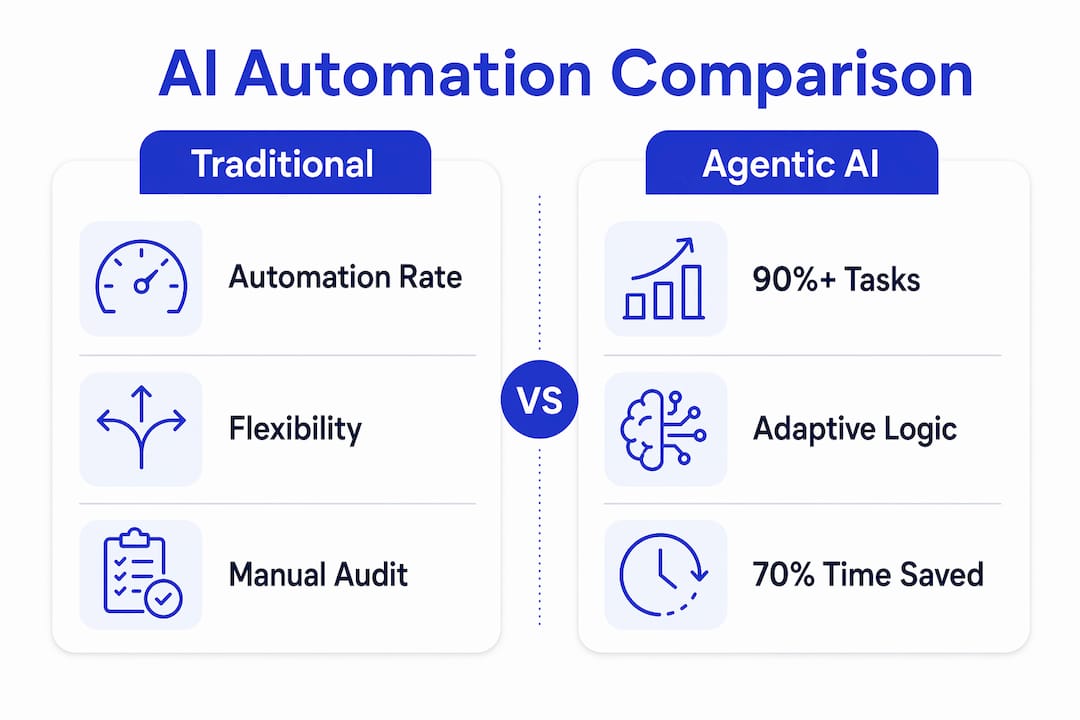
| Capability | Traditional automation | Agentic AI |
|---|---|---|
| Automation rate | 50–60% of tasks | 90%+ of tasks |
| UI change handling | Breaks, requires reprogramming | Adapts automatically |
| Invoice audit time | High manual review burden | Reduced by up to 70% |
| Exception handling | Escalates all exceptions | Resolves routine exceptions autonomously |
| Data context | Siloed per workflow | Shared common context layer |
AI agents reduce manual audit time by 70% compared to fully manual processes. For a finance team processing thousands of carrier invoices each month, that reduction translates directly into headcount capacity freed for higher-value work.
The shared data context is what makes multi-task coordination possible. A common context layer gives agents a single source of truth across order data, contract terms, and historical shipment records. Without it, agents operate in silos and produce conflicting outputs. With it, they coordinate across rate management, tracking, and finance workflows as a unified system.
Hybrid human-AI models produce the best results in practice. AI agents handle routine “see and sort” tasks while humans address complex decisions with pre-assembled intelligence packages. Your team stops doing data entry and starts making calls that require relationship knowledge, regulatory judgment, or commercial negotiation.
What are the key challenges in deploying AI agents for freight operations?
Deployment success depends on data infrastructure more than AI model sophistication. The quality of enterprise data is the real bottleneck to autonomous AI, not the algorithm itself. Agents that receive inconsistent, incomplete, or siloed data will produce unreliable outputs regardless of how advanced the underlying model is.
A practical deployment follows a phased approach:
- Audit your data infrastructure first. Map your TMS, WMS, and ERP data flows. Identify gaps in real-time data availability before you deploy a single agent.
- Start with high-ROI tasks. Early adoption concentrates on route optimization, invoice management, and exception handling because these tasks have measurable outcomes and clear success criteria.
- Build a governance structure. Define exception ladders, audit trails, and escalation protocols before agents go live. Agents need boundaries, and your team needs to know when and how to intervene.
- Implement a common context layer. Shared order, contract, and historical data is the foundation for coordinated agent action. Without it, multi-agent workflows collapse into conflicting decisions.
- Run hybrid workflows from day one. Let agents handle volume while humans handle complexity. Measure the ratio over time and expand agent autonomy as confidence builds.
The onboarding speed advantage of agentic AI over RPA is significant. Agents adapt to carrier portal changes automatically, which means you are not paying a developer to rescript every time a carrier updates their booking interface. That reduction in maintenance overhead compounds over time.
Pro Tip: Build your exception escalation protocol before you deploy. Define exactly which conditions trigger human review, and make sure agents pass a contextual package with every escalation. Your team should never receive a bare alert with no supporting data.
What does the future of AI agents in freight logistics look like?
The next phase of AI in freight logistics is multi-agent orchestration. Rather than a single agent handling one task, specialized agents collaborate automatically across the full shipment lifecycle without human handoffs between steps. Gartner projects that 60% of supply chain disruptions will be resolved autonomously via multi-agent systems by 2031. That projection signals a fundamental shift in what logistics managers actually do.
Several trends are converging to accelerate this shift:
- Tactical to strategic autonomy: AI agents are moving from executing individual tasks to making decisions across entire shipment corridors, including carrier selection, routing, and contract negotiation support.
- Expanding ROI timelines: Early deployments focused on immediate cost reduction. The next generation focuses on revenue protection, capacity planning, and margin defense across volatile trade lanes.
- Changing manager roles: Logistics managers are becoming orchestrators of AI teams rather than processors of individual transactions. The skill set required is shifting toward system oversight, exception judgment, and vendor relationship management.
- Industry-wide adoption pressure: As agentic AI becomes standard among freight brokers and third-party logistics providers, operators without autonomous workflows will face a speed and cost disadvantage that compounds with every quarter.
The window for early adoption advantage is real, and it has a timeline. Operators who build agentic infrastructure now will have trained systems, refined governance models, and measurable benchmarks before the broader market catches up. Those who wait will be implementing under competitive pressure rather than from a position of strength.
Key Takeaways
AI agents in freight logistics achieve automation rates above 90% by combining goal-oriented reasoning, shared data context, and adaptive execution across rate quoting, tracking, and invoice auditing workflows.
| Point | Details |
|---|---|
| Automation rate advantage | Agentic AI exceeds 90% task automation versus 50–60% for traditional systems. |
| Invoice audit efficiency | AI agents reduce manual audit time by up to 70%, freeing finance teams for higher-value work. |
| Data infrastructure is foundational | A shared common context layer across TMS, WMS, and ERP is required for coordinated agent action. |
| Phased deployment works best | Start with invoice auditing and exception handling, then expand as governance and confidence mature. |
| Multi-agent systems are next | Gartner projects 60% of supply chain disruptions resolved autonomously by 2031 via multi-agent orchestration. |
The uncomfortable truth about AI adoption in freight
I have watched freight operators spend months evaluating AI platforms and then deploy them on top of fragmented data infrastructure. The result is always the same: the AI underperforms, the team loses confidence, and the project stalls. The technology was never the problem. The data was.
The operators who get genuine results from agentic AI treat data integration as a prerequisite, not an afterthought. They map their TMS, ERP, and carrier data flows before they write a single agent workflow. They define what “clean data” means for their operation and they hold that standard before going live. That discipline is unglamorous, but it is what separates a 90% automation rate from a 55% one.
The other thing I would push back on is the idea that AI agents replace freight professionals. They do not. They replace the repetitive, low-judgment work that was always a poor use of experienced operators. The professionals who thrive in an agentic environment are the ones who learn to manage AI systems, interpret their outputs critically, and escalate with precision. That is a higher-value role, not a diminished one. The choice is yours to make: upskill now, or watch the gap widen.
— Annabel
Freightsuite brings agentic AI natively into your TMS
Freightsuite is built from the ground up as an AI-native freight forwarding TMS, with AI agent orchestration embedded directly into operations, finance, and workflow management. There is no bolt-on middleware and no separate AI layer to maintain.
Freightsuite’s agents handle rate management, air and ocean tracking, invoice auditing, and exception escalation across road, air, and ocean freight modes. The finance team workflows include automated invoice audit and dispute resolution, built on the same shared data context that powers every other agent in the system. If you are ready to see what 90%+ automation looks like inside a live freight operation, book a demo and we will walk you through it.
FAQ
What tasks do AI agents handle in freight logistics?
AI agents autonomously handle rate quoting, load matching, shipment tracking, invoice auditing, and appointment scheduling. They execute these tasks by reasoning through carrier data and workflow conditions without human input.
How do AI agents differ from traditional freight automation?
Traditional automation follows fixed scripts that break when systems change. AI agents use goal-oriented logic to adapt to carrier portal UI changes and complex surcharge clauses, achieving automation rates above 90% versus 50–60% for rule-based systems.
What data infrastructure do AI agents require?
AI agents require a shared common context layer that integrates TMS, WMS, and ERP data in real time. Without unified order, contract, and historical shipment data, agents produce conflicting outputs and fail to coordinate across workflows.
What is multi-agent orchestration in freight?
Multi-agent orchestration is a system where specialized AI agents collaborate automatically across the full shipment lifecycle without human handoffs. Gartner projects that 60% of supply chain disruptions will be resolved autonomously via these systems by 2031.
How should freight operators start deploying AI agents?
Start with high-ROI tasks like invoice auditing and exception handling, where inputs and success criteria are clear. Build governance structures including exception ladders and escalation protocols before expanding agent autonomy.
Recommended
Logistics Payment Automation: What Finance Teams Must Know
Logistics payment automation is the technology-driven process that captures, validates, approves, and pays freight invoices automatically, eliminating manual handling at every step. The industry term for this discipline is freight accounts payable automation, though logistics professionals use both phrases interchangeably. Payments in logistics have become operationally critical because delays in payment confirmation directly slow cargo release and cause supply chain congestion. A freight forwarder processing hundreds of carrier invoices each week cannot afford a three-day approval cycle. The cost of that delay is not just financial. It shows up as missed delivery windows, strained carrier relationships, and lost shipper confidence.
What is logistics payment automation and how does it work?
Logistics payment automation is defined as the end-to-end use of AI and rules-based workflows to process freight invoices from receipt through ERP posting, without manual data entry. The process begins the moment a carrier invoice arrives, whether by email, a web portal, or a direct file upload. No manual scanning is required.
The AI engine then extracts line-item data from complex freight documents. This includes base freight charges, fuel surcharges, accessorial fees, and shipment references like booking numbers and bills of lading. AI data extraction reduces cycle times from days to under 24 hours and cuts AP cost per invoice by up to 75%. That figure reflects a fundamental shift in how finance teams allocate their time.
After extraction, the system matches each invoice against purchase orders, bills of lading, rate agreements, and carrier statements. Discrepancies trigger exception flags rather than manual review queues. Invoices that fall within pre-configured tolerance thresholds receive automatic approval. Those outside the threshold route to the appropriate approver with full context attached.
Pro Tip: Set your auto-approval threshold conservatively at first, perhaps within 1% of the contracted rate. Tighten or widen it after reviewing your first 90 days of exception data.
What sets logistics payment automation apart from generic AP automation?
Generic accounts payable automation is built around purchase orders. A standard AP tool expects a three-way match: PO, goods receipt, and invoice. Freight billing does not work that way. Carrier invoices arrive with dozens of charge types, reference multiple shipment legs, and often carry no PO at all.

Freight invoice processing requires AI systems that understand logistics-specific document variations and validate against shipment and contract data, well beyond standard OCR capabilities. A generic AP tool reads text. A freight-trained AI understands that a “BAF” charge is a bunker adjustment factor, that it should match a specific lane rate, and that it belongs to a particular ocean shipment.
The table below compares how each approach handles the core challenges of freight billing.

ChallengeGeneric AP automationLogistics AP automationInvoice formatStructured PO-based invoicesBOLs, customs docs, carrier statementsMatching logicThree-way PO matchShipment, rate card, and contract matchCharge typesLine items tied to goodsFuel surcharges, accessorials, demurrageNon-PO handlingRequires manual workaroundAI classifies and routes automaticallyMulti-currencyLimited or manualNative, with real-time conversionShipment contextNot availableLinked to booking and cargo events
Freight invoice error rates average 5% to 25%, often undetected until after payment. Generic AP tools have no mechanism to catch a misapplied peak season surcharge or a duplicated port handling fee. Logistics-specific automation catches these variances before the payment clears.
Pro Tip: When evaluating logistics payment processing software, ask vendors specifically how they handle non-PO spot freight invoices and accessorial charges. The answer reveals whether the AI is truly freight-trained or just a generic OCR wrapper.
What are the operational and financial benefits of logistics payment automation?
The benefits of payment automation in logistics split cleanly into two categories: operational speed and financial control. Both matter, and neither works well without the other.
On the operational side, faster payment confirmation directly accelerates cargo release. Connecting payment confirmations to cargo shipment events creates a feedback loop that reduces dwell times and optimizes terminal throughput. This makes payments a core part of logistics execution rather than a back-office afterthought.
On the financial side, the gains are equally concrete:
The preferred shipper point deserves emphasis. In a tight freight market, carriers allocate capacity to shippers who pay cleanly and on time. Automation is not just an efficiency play. It is a competitive positioning tool.
How to implement logistics payment automation effectively
Implementation is where most teams underestimate the work. The technology is mature. The challenge is configuration, integration, and change management.
Pro Tip: Run your automation in parallel with your manual process for the first four weeks. Compare outputs daily. This builds team confidence and catches configuration gaps before you cut over fully.
The finance team solutions that deliver the fastest ROI are those integrated directly into the TMS, where shipment data and invoice data share the same system of record. Bolting a standalone AP tool onto a legacy TMS creates integration debt that erodes the efficiency gains.
Key Takeaways
Logistics payment automation delivers the greatest value when freight-trained AI, shipment data, and ERP integration operate as a single connected workflow rather than separate tools.
PointDetailsDefinition is specificLogistics payment automation automates freight invoice capture, matching, approval, and ERP posting end to end.Freight AI is differentGeneric AP tools fail on non-PO invoices; logistics automation requires AI trained on BOLs, rate cards, and carrier statements.Error rates are highFreight invoice errors average 5%–25%, making automated validation a financial necessity, not a convenience.Implementation takes planningA phased 6–12 week rollout with pilot carriers and parallel testing produces the most reliable go-live.Payments drive operationsPayment confirmation linked to cargo release reduces dwell time and strengthens carrier relationships.
Payments are no longer a back-office function
I have spent years watching logistics companies treat accounts payable as the last step in the process, something that happens after the shipment is done. That framing is wrong, and the industry is finally catching up to why.
The ground is shifting beneath freight finance. Carriers are increasingly selective about which shippers they prioritize. In a market where capacity tightens without warning, the forwarder who pays accurately and on time gets the booking. The one still running manual AP cycles gets the waitlist. That is not a hypothetical. I have seen it play out repeatedly.
What I find most underappreciated is the connection between payment speed and cargo release. When payment confirmation triggers automatically upon invoice approval, terminals release cargo faster. That single integration point reduces dwell fees, improves on-time delivery rates, and gives operations teams real-time visibility into financial status. Finance and operations stop working in separate silos.
The FinTech integration angle is also worth watching. ACH, real-time payments, and virtual cards are moving from “nice to have” to standard infrastructure in logistics billing. The forwarders who build these rails into their payment workflows now will have a measurable cash cycle advantage within two years. The window is real, and it has a timeline. The choice is yours to make.
How Freightsuite supports logistics payment automation
Freightsuite is built as an AI-native freight forwarding TMS with finance workflows, operations, and AI agent orchestration in a single platform. Invoice processing, carrier rate validation, and payment approval workflows are native to the system, not bolted on through third-party integrations.
Finance teams using Freightsuite get real-time invoice status linked directly to shipment events, multi-currency support, and automated ERP posting without manual reconciliation. Whether you manage air freight billing, ocean, or road, the payment workflow connects to the same shipment data your operations team uses. Explore Freightsuite’s finance capabilities or book a demo to see how freight payment automation works in practice.
FAQ
What is logistics payment automation?
Logistics payment automation is the AI-driven process of capturing, validating, approving, and paying freight invoices without manual data entry. It connects invoice data to shipment records, rate agreements, and ERP systems to process payments accurately and at speed.
How does logistics invoice automation differ from standard AP automation?
Standard AP automation is designed for PO-based invoices. Logistics invoice automation handles non-PO freight documents like bills of lading, customs invoices, and carrier statements, using AI trained specifically on freight billing formats and charge types.
What are the main benefits of payment automation in logistics?
The primary benefits include faster invoice cycle times, reduced error rates on freight charges averaging 5%–25%, lower Days Sales Outstanding, and improved carrier relationships through accurate, on-time payment.
How long does it take to implement freight payment automation?
Implementation typically takes 6–12 weeks, covering carrier format ingestion, validation rule configuration, parallel testing, and phased cutover. Starting with a pilot group of high-volume carriers accelerates the process.
What KPIs should logistics teams track after automating payments?
The four most important metrics are invoice cycle time, touch rate per invoice, exception rate by carrier, and DSO reduction. These indicators show whether the automation is working and where configuration adjustments are needed.
Real-Time Logistics Tracking: A Guide for Supply Chain Teams
Real-time logistics tracking is the continuous, live monitoring of shipments, vehicles, and freight status using integrated technologies to deliver immediate visibility across the supply chain. Known formally as supply chain visibility, this practice combines GPS, RFID, Electronic Logging Devices (ELD), IoT sensors, and Transportation Management Systems (TMS) to eliminate information gaps that cost operations teams time and money. Live GPS positioning updates every 5–15 minutes give dispatchers an accurate, current location for every active load in the network. That frequency is the foundation of proactive decision-making, not reactive firefighting.
What is real-time logistics tracking and how does it work?
Real-time logistics tracking is defined as the continuous collection, transmission, and display of shipment location and status data as freight moves through the supply chain. The industry term for this capability is supply chain visibility, and it covers everything from a truck leaving a warehouse to a container clearing customs.
Real-time tracking uses GPS, RFID, barcode scanning, IoT sensors, and TMS platforms to provide continuous logistics visibility. Each technology plays a distinct role. GPS delivers live vehicle location. RFID and barcode scanning confirm status at checkpoints like loading docks, port gates, and distribution centers. IoT sensors monitor cargo conditions such as temperature and humidity. ELDs capture driver hours and vehicle telematics. The TMS acts as the central platform that pulls all of this data together.

Data harmonization is the process that makes all of this usable. Without it, you have GPS pings from one carrier, barcode scans from another, and ELD data from a third, all in different formats with no common reference point. Effective systems aggregate, standardize, and integrate tracking data from multiple carriers and legacy systems into one central platform. That single view is what transforms raw data into decisions.
Pro Tip: When evaluating any tracking platform, ask vendors specifically how they handle data harmonization across carriers with different API formats. A platform that cannot normalize data from your top five carriers will create more work, not less.
What are the key benefits of real-time shipment tracking?
The benefits of real-time shipment tracking fall into three categories: labor savings, operational control, and customer trust. Each one compounds the others.
Labor savings through eliminated check calls
The primary ROI of real-time tracking is the drastic reduction in manual labor, specifically the elimination of “check calls” to carriers. A check call is when a dispatcher phones a driver or carrier to ask where a load is. In high-volume operations, teams make dozens of these calls per day. Real-time tracking removes that need entirely. Dispatchers see live location data on a dashboard instead of waiting on hold.
Operational control through automated exception alerts
Automated exception alerts notify all relevant parties immediately when a load deviates from its planned route or falls behind its scheduled delivery window. That immediacy is the difference between a manageable delay and a missed appointment. When a shipment falls two hours behind schedule, the system flags it automatically. Your team can reroute, notify the receiver, or adjust the appointment window before the problem escalates.
Integrating appointment windows with real-time ETAs allows systems to flag shipments as early, on time, or late without manual calculation. This is a significant operational shift. Instead of a coordinator manually comparing scheduled versus actual arrival times across 50 loads, the system does it continuously and surfaces only the exceptions that need human attention.
Customer trust through transparency
Real-time tracking reduces “Where Is My Order” (WISMO) queries and builds brand trust by giving customers timely, accurate updates. Fewer inbound inquiries mean your customer service team spends less time answering status questions and more time solving real problems. Proof-of-delivery confirmation with timestamp and electronic signature capture closes the tracking loop at delivery and can trigger immediate invoicing. That single automation accelerates your cash cycle.
How does real-time tracking improve exception management?
Exception management is where real-time tracking delivers its sharpest operational advantage. The difference between periodic status updates and continuous data streams is not just speed. It is the ability to act before a problem becomes a crisis.
Traditional tracking depends on scheduled status updates; real-time tracking provides continuous updates that allow earlier detection and intervention. A shipment that checks in every four hours could be sitting at a customs hold for three of those hours before anyone knows. A real-time system surfaces that hold within minutes.
The downstream impact of early exception detection reaches far beyond the logistics team:
- Customer service teams can proactively notify receivers before they call in, turning a potential complaint into a demonstration of reliability.
- Receiving and warehouse teams can adjust dock schedules and labor allocation based on accurate, live ETAs rather than guesses.
- Production teams relying on just-in-time components can activate contingency inventory or adjust line schedules before a delay causes a stoppage.
- Finance teams gain accurate accrual data because they know exactly when shipments arrive and when invoicing should trigger.
Real-time shipment tracking gives teams a current view of freight movement rather than delayed snapshots, fundamentally changing how teams manage risk. Centralized dashboards that display all active loads simultaneously make this possible at scale. A logistics manager monitoring 200 active shipments cannot manually track each one. A dashboard that surfaces only the exceptions requiring attention makes that workload manageable.
Pro Tip: Set exception alert thresholds based on your specific appointment windows, not generic industry defaults. A 30-minute delay threshold works for a distribution center with tight dock schedules. A 4-hour threshold may be appropriate for bulk freight with flexible receiving windows.
What are common challenges in real-time shipment visibility setup?
Setting up real-time shipment visibility is not a plug-and-play exercise. The technology is mature, but the integration work is where most implementations stall.
The table below compares the two most common approaches logistics teams take when building out their tracking infrastructure.
| Approach | Data coverage | Integration complexity | Best suited for |
|---|---|---|---|
| Carrier-native tracking portals | Limited to each carrier’s own network | Low per carrier, high in aggregate | Small operations with 1–3 carriers |
| Centralized TMS with data harmonization | All carriers in one unified view | High upfront, low ongoing | Mid-to-large operations with multimodal freight |
The carrier-native approach is faster to start but creates fragmentation. Your team ends up logging into five different portals to get a complete picture of the day’s freight. The centralized TMS approach requires more upfront integration work but delivers a single source of truth that scales with your operation.
The most common integration challenges include:
- Disparate data formats. Carriers use different APIs, EDI standards, and update frequencies. A TMS must normalize all of these into a consistent data model.
- Legacy carrier systems. Not every carrier offers real-time GPS tracking. Some still provide only milestone-based updates at pickup, in-transit, and delivery. Your platform needs a strategy for these gaps.
- Team adoption. A dashboard is only useful if your team uses it. Training coordinators to trust automated alerts rather than defaulting to check calls is a behavioral change, not just a technical one.
- Multimodal complexity. Air, ocean, and road freight each have different tracking data sources and update cadences. A platform built only for road freight will struggle with container visibility on ocean lanes.
Freightsuite addresses this directly through its operations team capabilities, which include native air and ocean tracking alongside road freight, all within a single TMS. That multimodal coverage eliminates the need to stitch together separate platforms for each freight mode.
Key Takeaways
Real-time logistics tracking delivers its greatest value not from GPS data alone, but from the integration and harmonization of that data into a single platform that enables proactive exception management across every freight mode.
| Point | Details |
|---|---|
| Core definition | Real-time tracking is continuous live monitoring of shipment location and status using GPS, RFID, ELD, and TMS integration. |
| Primary ROI driver | Eliminating manual check calls to carriers frees logistics teams for higher-value supply chain work. |
| Exception management advantage | Automated alerts flag delays and route deviations immediately, enabling intervention before problems escalate. |
| Data harmonization is mission-critical | GPS data alone is insufficient; standardizing multi-carrier data into one platform is what creates actionable visibility. |
| Implementation best practice | Centralized TMS platforms with multimodal support outperform carrier-native portals for operations managing diverse freight. |
Why real-time tracking is about data, not just dots on a map
The most persistent misconception I encounter is that real-time logistics tracking is essentially GPS. Logistics managers invest in a tracking tool, see a map with moving dots, and consider the job done. The dots are the least interesting part.
The real transformation happens in the data layer. When you harmonize tracking feeds from 15 carriers, normalize their different update formats, and connect that data to your appointment windows and customer commitments, you get something qualitatively different from a map. You get a decision engine. The system tells you which of your 200 active shipments needs attention right now, and why.
The shift from reactive to proactive logistics management is not a technology upgrade. It is an operational maturity upgrade. Teams that make this shift stop spending their day answering “where is my shipment?” questions and start spending it on the exceptions that actually require judgment. That is where the labor savings compound into something strategic. Headcount that was absorbed by check calls and manual status updates gets redirected toward carrier relationship management, rate negotiation, and process improvement.
My advice to logistics managers evaluating tracking solutions: do not evaluate the map. Evaluate the exception management workflow. Ask how the platform handles a carrier that only provides milestone updates. Ask how it surfaces the three loads that need attention out of the 200 active ones. Ask how it connects to your TMS data so that a delay automatically updates the downstream appointment. Those answers tell you whether you are buying a visibility tool or a decision support system.
— Annabel
How Freightsuite supports live freight visibility
Freightsuite is built as an Agentic TMS with air freight tracking, ocean freight visibility, and road freight management integrated natively into a single platform. Logistics managers get a unified dashboard that pulls tracking data from multiple carriers, normalizes it, and surfaces exceptions automatically through AI-driven workflows. There are no separate portals to log into and no manual data reconciliation.
Freightsuite’s automation layer handles exception alerts, ETA comparisons, and proof-of-delivery confirmation without manual intervention. If you manage multimodal freight and want to see how a purpose-built Agentic TMS handles real-time visibility at scale, book a demo to see the platform in action.
FAQ
What is real-time logistics tracking?
Real-time logistics tracking is the continuous monitoring of shipment location and status using GPS, RFID, ELD, and TMS integration, with live updates typically every 5–15 minutes. It gives logistics teams accurate, current data on every active load in the network.
How does real-time tracking differ from standard shipment tracking?
Standard tracking provides scheduled milestone updates at pickup, in-transit, and delivery. Real-time tracking delivers continuous data streams that allow teams to detect and act on delays, route deviations, or customs holds within minutes rather than hours.
What is the biggest operational benefit of real-time shipment tracking?
The largest ROI driver is the elimination of manual check calls to carriers, which frees logistics teams from repetitive status inquiries and redirects that time toward higher-value supply chain work.
What does data harmonization mean in logistics tracking?
Data harmonization is the process of aggregating and standardizing tracking data from multiple carriers and systems into one central platform. Without it, GPS data from different sources cannot be compared or acted on consistently.
What technology does real-time logistics tracking use?
Real-time logistics tracking uses GPS for live location, RFID and barcode scanning for checkpoint confirmation, IoT sensors for cargo condition monitoring, ELDs for driver and vehicle data, and a TMS to integrate and display all data in one place.
Recommended
Freight Forwarding TMS Explained for Logistics Pros
A freight forwarding TMS is a specialized software platform built to automate and manage the transportation execution side of freight forwarding operations. Unlike a general ERP, a Transport Management System focuses on routing, carrier selection, shipment tracking, and document generation across air, ocean, and road modes. With freight forwarding technology trends 2026 pointing toward digital adoption as a baseline requirement, understanding what a TMS does and where its limits lie is no longer optional for logistics professionals. The distinction between a TMS and a full freight forwarding ERP is where most technology decisions go wrong, and this guide covers both.
What key features does a freight forwarding TMS provide?
A freight forwarding TMS handles the operational core of moving freight from origin to destination. The platform manages route planning, carrier selection, rate management, and real-time shipment tracking within a single interface. For freight forwarders handling air and ocean freight, this means fewer manual touchpoints and faster exception response.
The core features freight forwarders rely on include:
Pro Tip: When evaluating a TMS for air and ocean freight, test the carrier connectivity list before signing. A platform with thin carrier API coverage forces your team back to email and manual tracking, which defeats the purpose.
How does a TMS connect carriers, forwarders, and systems?
The integration layer is the most underestimated component of any freight forwarding TMS. A platform with strong features but weak integrations creates data silos, duplicate entry, and blind spots across the shipment lifecycle. The governed operating fabric concept describes the architecture that successful firms use: a unified layer that normalizes data from carrier APIs, EDI feeds, webhooks, and manual inputs into a single, consistent data stream.

This matters because freight data arrives in dozens of formats. A carrier sends an EDI 214 status update. A port agent sends a PDF. A trucking partner sends a WhatsApp message. Without a normalization layer, each of these inputs requires a human to interpret and re-enter the data. With a governed integration layer, the TMS processes all inputs automatically and flags anomalies for review.
AI plays a direct role here. Successful firms use integrated AI for proactive exception management and coordinated execution, scoring shipments by risk level before a delay becomes visible to the customer. This predictive capability separates modern TMS platforms from legacy systems that only report what has already happened.

Pro Tip: Ask any TMS vendor how they handle manual inputs from agents who do not have API connectivity. The answer tells you how the platform performs in real-world freight networks, not just ideal conditions.
What is the difference between a freight forwarding TMS and an ERP?
A TMS focuses on transportation execution. A freight forwarding ERP covers the entire business operation. This distinction is where many freight forwarders wrongly treat TMS platforms as full solutions, overlooking the accounting, customs, and branch management functions that only an ERP provides.
A TMS handles routing, carrier management, tracking, and document generation. An ERP handles quotations, customs clearance, invoicing, multi-branch accounting, agent commission splits, and financial reporting. For a freight forwarder managing multiple offices, currencies, and agent networks, a standalone TMS leaves critical gaps.
Freight forwarding ERP platforms include customs clearance integration with systems like ICEGATE, reducing clearance time significantly compared to manual processes. A TMS alone cannot replicate this. The practical result is that separating TMS and ERP creates operational complexity through duplicate data entry and fragmented vendor management.
The right technology decision depends on your business scope. A carrier or shipper with a single transport function may operate well with a standalone TMS. A freight forwarder managing full shipment lifecycles, customs, and multi-currency invoicing needs a platform that combines TMS execution with ERP depth. A successful freight forwarding platform integrates shipment lifecycle, documentation, customs, finance, and agent networks into a single architecture rather than patching separate tools together.
What are the 2026 trends shaping freight forwarding TMS adoption?
The ground is shifting beneath this industry. Digital platforms are essential for survival by 2026, not a competitive advantage. Forwarders still running disconnected spreadsheets, legacy systems, and manual processes face regulatory and market expectations they cannot meet without modern technology.
The most significant operational benefits freight forwarders gain from modern TMS adoption include:
“The future of freight forwarding technology lies in integration layers combining AI, APIs, and EDI into a governed fabric enabling predictive and proactive freight management. The greatest operational gains come from a single integration layer that unifies diverse carrier and vendor data with AI-driven exception management rather than isolated software modules.”
The window for adoption is real, and it has a timeline. Forwarders who treat technology as a back-office concern rather than a front-line competitive tool will find themselves unable to meet customer expectations for visibility, speed, and accuracy that digitally mature competitors already deliver as standard.
How does a TMS manage complex shipment workflows and documentation?
Complex freight forwarding operations involve multi-leg shipments, multiple carriers, customs requirements, and agent coordination across time zones. A TMS manages this through structured shipment lifecycle tracking, where each milestone from booking to final delivery is recorded, monitored, and flagged if it falls outside expected parameters.
The documentation workflow follows a clear sequence:
Mobile access for field teams and real-time exception alerts mean that a missed pickup or a port delay triggers an immediate notification rather than a next-day discovery. For forwarders managing air freight capabilities and ocean freight simultaneously, this level of automated oversight is the difference between proactive customer communication and reactive damage control.
Pro Tip: The best TMS platforms generate documents from a single data entry point. If your current system requires re-entering shipment data into three different screens to produce an AWB, a BOL, and a customs entry, you are paying for that inefficiency in staff hours every day.
Key Takeaways
A freight forwarding TMS centralizes transportation execution, but forwarders who need customs, finance, and agent management require a platform that combines TMS depth with full ERP functionality.
Why the integration layer matters more than the feature list
I have spent years watching freight forwarders evaluate TMS platforms by comparing feature checklists. It is the wrong approach. Two platforms can list identical features and deliver completely different operational results based on how well their integration layer actually works in practice.
The forwarders who gain the most from modern TMS technology are not the ones who chose the platform with the longest feature list. They are the ones who chose the platform where carrier data, agent inputs, rate tables, and exception alerts all flow through a single, normalized layer. When that layer works, your operations team stops chasing status updates and starts managing exceptions. That shift alone changes the economics of running a freight forwarding business.
The trap I see most often is treating a TMS as a complete solution when the business actually needs a freight forwarding ERP. A TMS without ERP depth means your finance team is still reconciling invoices manually, your customs team is working in a separate system, and your agent commissions are calculated in a spreadsheet. The technology investment delivers half the value it should. Platforms like Freightsuite are built to address this by combining TMS execution with ERP functions, AI agent orchestration, and native integration into a single architecture. That is the direction the industry is moving, and the forwarders who recognize it early hold a real advantage.
The choice is yours to make. But the window for making it on your own terms is narrowing.
Freightsuite: a TMS built for the full freight forwarding operation
Freightsuite is an AI-native TMS designed for freight forwarders who need more than basic transportation execution. The platform covers ocean freight, air freight, and road freight within a single system, with rate management, real-time tracking, document automation, and AI agent orchestration built natively rather than bolted on.
Freightsuite connects carriers, agents, and finance teams through a governed integration layer that normalizes data from APIs, EDI, and manual inputs. The result is a single source of truth for every shipment, rate, and document across your operation. For freight forwarders evaluating the best TMS for logistics companies in 2026, Freightsuite offers the depth of a freight forwarding ERP with the speed of a modern cloud platform. Book a call to see how it works in your specific freight environment.
FAQ
What is a freight forwarding TMS?
A freight forwarding TMS is a software platform that automates transportation execution, including routing, carrier management, shipment tracking, and document generation across air, ocean, and road freight modes.
How does a TMS differ from a freight forwarding ERP?
A TMS focuses on transportation execution, while a freight forwarding ERP covers quotations, customs clearance, multi-currency invoicing, and multi-branch management. Most freight forwarders need ERP functionality to avoid operational gaps.
What TMS features do freight forwarders need most?
Freight forwarders need carrier API and EDI integration, automated document generation, real-time multi-modal tracking, rate management, and AI-powered exception management to run efficient operations.
How long does a freight forwarding TMS take to implement?
Modern multi-modal freight platforms typically implement in 3–6 months. Legacy enterprise TMS deployments can take 12–24 months, creating a significant competitive disadvantage during the transition period.
Is a cloud TMS suitable for small freight forwarders?
A cloud TMS is the most practical option for small freight forwarders. It requires no on-premise infrastructure, deploys faster than legacy systems, and scales as shipment volume grows without large upfront capital investment.
Top 4 Magaya Freight Management Alternatives 2026
Finding freight management software that automates tasks and consolidates operations without adding manual entry or integration gaps remains a challenge for freight forwarders. Many leading platforms demand costly customization, hide pricing behind sales calls, or lack public documentation on technical connectors. This comparison highlights automation, price transparency, and integration support across four Magaya.com alternatives so freight forwarders can match capabilities to their growth plans.
Table of Contents
FreightSuite
At a Glance
FreightSuite was developed by freight forwarders and includes AI agent orchestration built natively into the TMS, not as a bolt on. The system centralizes rate management, air and ocean tracking, finance, and operations in one place. That architecture targets traditional forwarders who want to scale without adding headcount.
Core Features
FreightSuite combines built-in automation for freight management with automatic document and invoice recognition, plus integrated rating and contract management tools. The platform supports customer self service portals for tracking and documentation while handling real-time pricing and quoting across air, ocean, and road freight. Finance and operations functions live alongside workflows to reduce duplicate entry and speed handoffs.
Key Differentiator
Industry specific automation is the central differentiator. FreightSuite embeds freight forwarding rules and task orchestration created by experienced forwarders, so common workflows run with minimal manual steps. That design reduces bespoke configuration for routine forwarding tasks and keeps operational logic inside the TMS rather than spread across spreadsheets and point tools.
Pros
Built for forwarding workflows, FreightSuite replaces repetitive tasks with automated steps, which reduces manual errors and frees operations staff for exception work. The platform connects rate management, quoting, documentation, and tracking so sales and operations use the same source of truth. According to the company, an early adopter reported large reductions in manual data entry and faster sales velocity; that result shows how automation converts into margin and throughput when implemented correctly.
Cons
Notable Integrations
FreightSuite lists integrations with Quickbooks, Xero, and Sage for accounting and finance reconciliation. Those connections let billing and ledger entries flow out of the TMS instead of being reentered manually. ERP or legacy system integrations will still need careful planning to map fields and tax rules.
Who It’s For
This product fits traditional freight forwarders that want to digitize operations without adding headcount. It suits teams handling ocean, air, or road freight plus customs brokerage and finance tasks. Companies that rely on negotiated contracts, complex rating, and customer portals will find the feature set especially relevant.
Unique Value Proposition
Built-in freight forwarding automation means FreightSuite moves operational rules into executable workflows inside the TMS. That reduces the need for external workflow engines and cuts the number of handoffs between sales, operations, and finance. For forwarders planning growth, that lowers the marginal cost of each additional booking.
Real World Use Case
A forwarder moved bookings, documents, and invoices onto FreightSuite and reduced repetitive entry across teams. The vendor reports a customer who achieved dramatic reductions in manual entry and large gains in revenue per employee. That case illustrates how a consolidated TMS can increase sales velocity while keeping headcount steady.
Pricing
Public pricing is not specified. FreightSuite appears to price by deployment scope and selected features, so quotes will vary by company size, integration needs, and customization. Expect to budget for implementation, onboarding, and any custom mapping work.
Website: https://freightsuite.com
Logitude World
At a Glance
The vendor advertises high user ratings and industry awards alongside a global presence. Logitude World targets SMB freight forwarders with a single suite that covers quoting, invoicing, and visibility. The product emphasizes automation to reduce manual work and provide customer self-service.
Core Features
Logitude World groups operations into modules for Shipment tracking, Quote management, and invoice and payment processing, all accessible from a unified dashboard. The platform includes a digital portal for customer self-service and container tracking with real-time dashboard updates. Automation rules and reporting tie these modules into daily operational workflows.
Key Differentiator
Logitude World positions itself as an all-in-one freight forwarding platform with deep configurability and automation. That recognition supports its claim to serve firms that need tailored workflows rather than one-size-fits-all setups. The product focuses on replacing manual steps across quoting, billing, and status updates.
Pros
Highly customizable configuration lets teams map existing processes into the system without rebuilding core operations. Strong automation features cut manual handoffs and reduce common booking and billing errors. The interface is intuitive, and reported support satisfaction appears high, which shortens onboarding time for mid-sized teams.
Cons
When It May Not Fit
If you run a tiny forwarding desk with only occasional shipments, the platform’s configurability may add unnecessary complexity. Companies with tight procurement timelines may find the opaque pricing slows vendor selection. If you require a public list of out-of-the-box integrations, this product does not provide those specifics.
Who It’s For
Small to medium-sized freight forwarders seeking a cloud-based system to consolidate quoting, bookings, and billing will find the product relevant. Teams that plan to automate repetitive tasks and offer a customer portal will gain the most operational lift. Organizations aiming for configurable workflows rather than fixed processes will see the greatest benefit.
Real World Use Case
A regional freight forwarder adopted Logitude World to automate quote generation and invoicing. The company replaced manual entry across bookings and billing, which reduced errors and sped up customer responses. Staff redirected time from data cleanup to exception handling and customer outreach.
Pricing
Pricing is available via the vendor’s detailed pricing page and through custom quotes, which suggests tiered plans and optional modules. Prospective buyers must contact sales for exact figures and plan breakdowns.
Website: https://logitudeworld.com
Linbis Logistics Software
At a Glance
Starting at $150 per month, Linbis targets startups through enterprise with modular logistics tooling. The platform combines cloud based access, AI driven automation for documents, and multi modal support for air, ocean, and ground shipments. That pairing makes it practical for teams that handle both freight forwarding and warehouse operations.
Core Features
Linbis groups operations, accounting, CRM, and a warehouse management system into one cloud hosted suite so teams can move from order to invoice without toggling several apps. The product uses AI driven automation to speed document creation and to suggest routing or exception handling. Advanced real time analytics and inventory replenishment tools surface operational levers and forecasting signals.
Key Differentiator
Linbis markets itself as purpose built for freight forwarders with an emphasis on document automation and broad modal coverage. The platform ties AI driven document generation to customs and compliance workflows, which reduces repetitive entry for forwarders that handle international filings. That focus narrows the target user to operations teams with heavy documentation needs.
Pros
Cloud based accessibility lets staff access shipment data and reports from remote locations, which helps distributed teams and sales reps. The modular architecture supports small setups and can scale into enterprise modules without replacing core processes. Features aimed at forwarding professionals include customs documentation, multi modal tracking, inventory controls, and analytics that together reduce manual handoffs and late charges.
Cons
When It May Not Fit
If your operation bills very small monthly volumes and cannot absorb a platform fee, Linbis may feel expensive. Organizations without internal IT or training capacity will struggle with advanced modules. Companies that require plug and play connectors to legacy host systems may face longer implementation timelines and extra integration work.
Notable Integrations
Linbis lists Zapier and QuickBooks Online among its connectors. Zapier enables event based links to niche apps and customer portals without a custom API build. QuickBooks Online supports a direct financial handoff for accounting teams that run standard cloud bookkeeping.
Who It’s For
Freight forwarders, 3PLs, and distribution centers that handle international shipments and require document automation will get the most value. Supply chain managers who need integrated inventory and shipment visibility will find the reporting and replenishment features useful. Mid sized businesses planning to scale operations into enterprise modules should evaluate total cost of ownership.
Real World Use Case
A mid sized freight forwarder used Linbis to automate bill of lading creation, push tracking updates to customers, and route savings recommendations to operations. The team reduced manual paperwork by assigning template rules to common lanes. Accounting received cleaner invoices via the QuickBooks Online connector.
Pricing
Pricing starts at $150 per month for the startup plan while enterprise pricing is custom. Final costs vary by selected modules and the number of users or seats required. Add ons and integration services may add one time setup fees.
Website: https://linbis.com
CargoEZ

At a Glance
CargoEZ reports SOC 2, ISO 27001, and GDPR compliance. This is the most specific claim the vendor makes about its security posture. As one of the magaya.com alternatives, it combines shipment control, accounting, warehouse tools, and analytics in the same interface. That consolidation aims to reduce duplicate data entry across teams.
Core Features
The product offers a unified freight management dashboard with electronic Air Way Bill eAWB and real time cargo tracking built in. It includes a logistics CRM for customer and lead work, freight rate and tariff management, warehouse operations, and freight data analytics. Compliance workflows sit alongside finance modules so accounting and operations report from the same dataset.
Key Differentiator
All modules are integrated into a single platform so operations, finance, and compliance share the same dataset. That single dataset reduces manual handoffs and keeps invoices, customs paperwork, and shipment records aligned. The vendor positions security and integrated controls as a core distinguishing element.
Pros
The platform delivers a user friendly interface that simplifies complex freight tasks and shortens training time. CargoEZ reports it is trusted by freight companies worldwide, and the vendor advertises flexible pricing to match different volumes. The product groups operations, CRM, and finance so teams do not need separate point products for core forwarding work.
Cons
When It May Not Fit
Solo operators and very small brokers that need a minimal tool will likely find CargoEZ more feature heavy than necessary. Teams with only a handful of shipments per month may face setup and training overhead. Without independent reviews, you may have limited visibility into real world support responsiveness.
Notable Integrations
Who It’s For
Freight forwarders and logistics providers that need an all in one freight management and analytics platform. Mid sized forwarders running cross border volume will benefit from the shared dataset across operations and finance. Teams that require formal compliance controls will find that compliance claim relevant to procurement.
Real World Use Case
A mid sized freight forwarding company uses CargoEZ to manage cross border shipments and simplify customs paperwork. Operations use the dashboard for shipment status while finance uses the analytics module to reconcile carrier bills. The combined workflow shortens cycle time for invoicing and improves customer visibility.
Pricing
Pricing is flexible and tailored to your shipment volume. The vendor advertises tiered plans and support options to match business size and requirements.
Website: https://cargoez.com
Comparison of alternatives
FreightSuite impresses with its tailored automation systems for freight forwarding, offering a and integrated approach to managing the complexities of modern logistics operations.
Integrated automation for common workflows
FreightSuite excels in streamlining day-to-day forwarding tasks by embedding industry-specific logic into its systems. Automated document handling, integrated finance reconciliation, and centralized operations systems reinforce its capability to significantly reduce manual entry and errors. While other platforms such as CargoEZ also provide system unification, FreightSuite’s AI-driven approach designed and optimized by forwarding professionals gives it the competitive edge.
Pricing structures and scalability
Linbis starts at a clear entry point of $150 per month, making it an attractive option for startups or firms with moderate operations. Logitude World and CargoEZ tailor their pricing but do not offer visible starting figures on public platforms. FreightSuite does not advertise specific pricing, emphasizing customized implementations that suit medium to large-scale forwarders. Firms seeking predictable costs and transparent pricing might explore Linbis or Logitude World for initial evaluations before committing to larger-scale options.
Best fit
Our pick
FreightSuite is our primary recommendation for freight forwarders seeking efficiency and precision that stem from automation directly tied to forwarding tasks. With its integrated workflows and industry-specific design, it enables scaling without proportional increases in manual overhead, making it ideal for firms focused on long-term operational efficiency and growth. For highly constrained budgets or niche capability needs, exploring other listed alternatives might provide results.
What Challenges Do Freight Forwarders Face With Legacy TMS Alternatives?
Freight forwarders often struggle with fragmentation caused by separate systems for rate management, tracking, and finance. This fragmentation creates duplicate data entry and slows down sales velocity. FreightSuite offers a unified Agentic TMS built specifically to reduce these inefficiencies by embedding AI agent orchestration and operational workflows directly inside the platform. This design eliminates manual handoffs and centralizes routine freight forwarding tasks so you can expand bookings without adding headcount.
Freight forwarders handling ocean, air, or road shipments will find FreightSuite’s rate and contract management, plus integrated finance and operations tools, directly address these common pain points found in legacy platforms like Magaya. See how FreightSuite can increase your teams’ margin and throughput by visiting FreightSuite. Take the next step to import your data and view automated booking workflows operating in real time.
FAQ
Which platform is better for traditional freight forwarders looking to scale?
Freightsuite is the best choice, as it is designed specifically for freight forwarders to scale operations without adding headcount. The platform centralizes rate management, tracking, finance, and operations all in one place, addressing the challenges faced by traditional forwarders.
Freightsuite’s architecture targets traditional forwarding workflows, making it easier for teams to manage operations efficiently. Consider starting with Freightsuite to streamline your operations effectively.
What is the difference between Freightsuite and Logitude World?
Logitude World is ideal for small to medium-sized freight forwarders seeking a cloud-based all-in-one solution. It emphasizes automation to reduce manual work and provide a unified dashboard for operations.
Freightsuite, on the other hand, offers industry-specific automation and embedded freight forwarding rules, ideal for larger traditional forwarders needing optimized scaling. Evaluate your company’s size and operational needs before selecting a solution.
Can I use CargoEZ if I need compliance support?
CargoEZ is suitable for freight forwarders needing integrated compliance controls as part of their operations. It claims to be SOC 2, ISO 27001, and GDPR compliant, addressing essential security needs for logistics providers.
Choosing Freightsuite could still provide a strong alternative, especially for forwarders looking for built-in freight forwarding automation and operational efficiency.
What sets Freightsuite apart in terms of automation?
Freightsuite features built-in automation specifically designed for freight forwarding workflows, which reduces manual tasks and errors. The platform automatically generates quotes, documentation, and integrates rate management seamlessly into operations.
Utilizing Freightsuite’s tailored automation can significantly improve your operational efficiency and minimize manual work.
How does Freightsuite handle integrations with software like Quickbooks?
Freightsuite integrates with Quickbooks for accounting and finance reconciliation, allowing for automated financial entries without manual reentry. This integration streamlines billing and ledger processes, giving a clear picture of your finances.
Expect easy implementation with Freightsuite for an efficient financial workflow that connects seamlessly with your accounting processes.
Recommended
Why Data Matters in Logistics: A 2026 Guide
Data in logistics is the operational foundation that separates profitable freight forwarders from those reacting to problems they could have predicted. Supply chain managers who treat data as a reporting tool rather than a decision engine leave measurable money on the table. AI and Big Data integration improves demand forecasting accuracy by 30%, reduces inventory waste by 25%, and cuts delivery time by 15–20% through better route management. Those numbers reflect a structural shift, not a marginal gain. The industry term for this discipline is logistics data analytics, and it now spans five distinct analytical layers, each more profitable than the last. This guide breaks down exactly how that works, where most teams fall short, and what it takes to build a data-driven operation that actually moves the needle.
Why data matters in logistics: the five analytics layers
Logistics analytics is not a single capability. It is a progression through five analytical stages, and most teams stall at the first one.
1. Descriptive analytics tells you what happened. It covers shipment volumes, delivery rates, and cost summaries. Most legacy TMS platforms produce this by default. The problem is that descriptive analytics functions more as a cost-center report than a profit driver.
2. Diagnostic analytics tells you why it happened. When a carrier’s on-time rate drops, diagnostic tools trace the root cause to a specific lane, depot, or scheduling pattern. This layer is where freight teams start making decisions rather than just reading summaries.

3. Predictive analytics tells you what will happen. Machine learning models use historical shipment data, weather patterns, and port congestion signals to forecast demand and flag delays before they occur. Companies that adopt predictive analytics report 15–20% cost reductions and OTIF rate improvements of 5–15%.
4. Prescriptive analytics tells you what to do about it. This layer generates specific recommendations: consolidate these three shipments, shift this lane to a different carrier, adjust delivery frequency on this route. Diagnosing and prescribing solutions is where logistics teams unlock real profit potential, far beyond mere metric reporting.
5. Cognitive analytics uses AI agent orchestration to act autonomously on those recommendations. This is the frontier that platforms like Freightsuite are built around, embedding AI natively into workflows rather than bolting it on afterward.
Pro Tip: If your team only reviews analytics during monthly reporting cycles, you are using descriptive analytics as a cost center. Move your review cadence to weekly operational check-ins and connect diagnostic tools directly to your TMS workflows.
The importance of data in logistics becomes clearest when you compare teams at stage one versus stage four. The gap is not just efficiency. It is margin.
What are the biggest challenges in logistics data management?
The single largest barrier to analytics maturity is data fragmentation. Around 50% of logistics companies lack end-to-end supply chain visibility, costing the industry an estimated $184 billion annually. That figure reflects what happens when TMS, WMS, and GPS systems operate as separate silos with no unified data layer connecting them.
The core problems logistics managers face in data management include:
Centralizing and standardizing data across TMS, WMS, GPS, and sensor systems remains the toughest yet most critical task to enable AI and advanced analytics in logistics. The solution is a unified data lake with enforced schema standards, not a patchwork of manual exports and spreadsheet merges.
Pro Tip: Before deploying any AI or predictive model, audit your data sources for completeness and consistency. A 30-day data quality review costs far less than six months of unreliable model outputs.
Which KPIs prove the role of data in transportation?
Logistics performance measurement gives data its business context. Without defined KPIs, analytics produce insights that no one acts on. The table below covers the metrics that matter most, along with industry benchmark targets.
These KPIs do not improve by tracking them. They improve when analytics tools connect the metric to its root cause and surface a corrective action. A carrier on-time rate of 82% is just a number until diagnostic analytics reveals that 70% of late deliveries occur on a single lane during a specific two-hour pickup window.
Most logistics operational improvements do not require major capital expenditure. They arise from better insight into shipment patterns and delivery programming. Case studies show millions in savings hidden inside existing data through behavioural and operational changes, not infrastructure overhauls.
How do you build a data-driven logistics strategy?
Moving from raw data to operational decisions requires a structured approach. The following steps reflect what high-performing logistics teams actually do, not what sounds good in a planning document.
About 70% of logistics companies now use AI for operational efficiency, focusing on transport planning, forecasting, and visibility. Yet only 13% report enterprise-wide transformation. The gap between adoption and transformation is almost always an integration and workflow problem, not a technology problem. Analytics used for slide decks without operational execution provide no real benefit. The Freightsuite operations platform is built specifically to close that gap, with AI agent orchestration embedded natively into daily freight workflows.
Key Takeaways
Data-driven logistics analytics delivers measurable margin improvements only when analytics are embedded in operational workflows, not isolated in reporting tools.
The data advantage most logistics teams are sitting on
I have spent years watching freight forwarding teams invest in analytics platforms and then underuse them within six months. The pattern is consistent. A team deploys a new reporting tool, generates impressive dashboards for a quarterly review, and then returns to managing by exception and gut instinct. The data was there. The insight was there. The operational change never happened.
The shift I advocate for is treating data as a live operational input, not a retrospective record. When your TMS surfaces a carrier performance alert at 9:00 AM on a Tuesday, that alert has value only if someone can act on it before the shipment leaves the dock. If the alert lives in a dashboard that gets reviewed on Friday, it is a history lesson, not a decision tool.
The teams I have seen make the most progress share one trait: they are obsessive about data quality before they are excited about AI. They spend the unglamorous months cleaning carrier codes, standardizing shipment records, and building a single source of truth across their systems. That foundation is what makes predictive and prescriptive analytics actually work. Without it, you are feeding noise into a model and calling the output intelligence.
The window for competitive advantage through logistics analytics is real, and it has a timeline. As AI adoption scales across the industry, the differentiation will shift from “who has AI” to “who has clean data and embedded workflows.” The choice is yours to make now, before that window narrows.
How Freightsuite puts logistics data to work
Freightsuite is built for logistics teams that are ready to move beyond legacy reporting and into genuine operational intelligence.
The Freightsuite AI-native TMS brings rate management, air and ocean tracking, finances, operations, and AI agent orchestration into a single platform. Data from every freight mode feeds into one environment, eliminating the siloed systems that cost the industry billions in lost visibility. For road freight operations specifically, the road freight TMS embeds analytics directly into daily workflows, so your team acts on insights in real time rather than reviewing them after the fact. If you manage freight across multiple modes, Freightsuite connects the data layer across all of them without the integration overhead of legacy systems.
FAQ
What is logistics data analytics?
Logistics data analytics is the practice of collecting, integrating, and analyzing operational data from freight systems to improve decisions on routing, inventory, carrier performance, and cost management. It spans five stages: descriptive, diagnostic, predictive, prescriptive, and cognitive analytics.
How does data improve supply chain visibility?
Data improves supply chain visibility by connecting TMS, WMS, GPS, and carrier systems into a unified view of shipment status, inventory levels, and delivery performance. Around 50% of logistics companies currently lack this visibility, resulting in significant operational and financial losses.
What KPIs should logistics managers track?
The most critical KPIs are on-time in-full rate, cost per shipment, carrier on-time rate, lead time, and route efficiency score. Each KPI becomes actionable only when connected to diagnostic analytics that identifies the root cause of underperformance.
Why do most logistics AI projects fail to scale?
Only 13% of logistics companies achieve enterprise-wide AI transformation despite widespread adoption. The primary reason is poor data quality and analytics tools that are not embedded in operational workflows, so insights never translate into decisions.
How much can data analytics reduce logistics costs?
Companies that move from reactive to predictive and prescriptive analytics report cost reductions of 15–20% and lead time cuts of 10–30%. Most of these savings come from analyzing existing shipment data, not from new infrastructure investment.
Freight ERP Alternatives for Forwarders: 2026 Guide
A freight ERP alternative is a modern software platform that replaces legacy freight forwarding ERP systems by integrating quoting, documentation, customs, invoicing, and operations management into a single, cloud-native solution. Freight forwarders in 2026 are moving away from monolithic, high-maintenance systems that demand dedicated IT teams and months-long deployments. The shift is not cosmetic. It reflects a fundamental change in what freight logistics software must do: cover the entire forwarding lifecycle, adapt quickly to market changes, and cost less to run over time. This guide explains what a freight ERP alternative actually is, why forwarders are choosing them, what features matter most, and how to select the right platform for your business.
What is a freight ERP alternative, and how does it differ from legacy systems?
A freight ERP alternative is any modern platform that replicates or exceeds the business management scope of a traditional freight forwarding ERP, without the architectural limitations that make legacy systems expensive and slow to change. The industry term for the closest modern equivalent is an agentic TMS or cloud-native freight management platform. Both phrases describe the same shift: from installed, server-dependent software to cloud-built systems that cover the full forwarding workflow.
The scope distinction matters. Freight ERPs manage the entire lifecycle from quotes to invoicing and agent network management, while a standard TMS focuses primarily on load planning and tracking. That means a true freight ERP alternative must go well beyond carrier selection and route optimization. It must handle customs filing, multi-currency invoicing, documentation generation, HR, and multi-branch management. A platform that only moves shipments from A to B is a TMS, not an ERP alternative.

Legacy freight forwarding ERPs were built for a different era. They run on SQL-based architectures that require dedicated database developers to maintain. Customizations are expensive, integrations break during updates, and new features take quarters to deploy. Cloud-native alternatives offer faster go-live times, measured in weeks rather than months, and simpler integration with accounting, customs, and carrier systems. That speed difference compounds over time into a significant operational advantage.
Pro Tip: When evaluating any platform as a freight ERP alternative, ask the vendor to map their feature set against the full forwarding lifecycle: quoting, booking, documentation, customs, invoicing, and agent management. If any of those six areas requires a separate third-party tool, the platform is not a true ERP alternative.
Why are freight forwarders actively seeking ERP alternatives?
The most common driver is cost. Legacy freight forwarding ERPs pose high total cost of ownership due to complex customization, long deployments, and ongoing IT maintenance. Forwarders often underestimate these hidden costs until they calculate the fully loaded expense of SQL developers, middleware engineers, and annual license fees. By that point, switching feels risky, but staying feels more expensive.

The second driver is usability. Legacy systems were designed before modern UX standards existed. Training a new operations team member on a 20-year-old interface takes weeks. High staff turnover in freight forwarding makes that training cost a recurring line item. Modern freight management software alternatives are built with current design standards, which reduces onboarding time and errors.
The third driver is integration failure. Freight forwarders need their platform to connect with customs portals, carrier APIs, and accounting systems in real time. Legacy ERPs require custom middleware to bridge those connections, and that middleware breaks. Cloud-native platforms with open APIs support faster innovation and automatic updates, which eliminates the middleware maintenance burden entirely.
Specific scenarios where alternatives deliver clear benefits include:
Core features to look for in freight ERP alternatives
The feature set of a freight ERP alternative determines whether it actually replaces your legacy system or just adds another tool to the stack. Well-built freight ERP reduces complexity by avoiding separate documentation software, invoicing tools, and customer portals. Every capability listed below should exist within a single platform, not across multiple vendors.
Customs integration shortens clearance times from days to hours and reduces manual errors. That single capability can determine whether a forwarder wins or loses time-sensitive cargo. Any platform that treats customs as an afterthought or requires a separate customs module from a different vendor is not a complete ERP alternative.
Security and compliance capabilities are equally non-negotiable. The platform must support role-based access controls, audit trails, and data encryption. Freight forwarding involves sensitive commercial invoices, HS codes, and financial data. A platform without enterprise-grade security creates regulatory and reputational risk.
Pro Tip: Request a live demo that walks through a complete shipment lifecycle, from quote creation to final invoice. If the demo skips customs or financial reconciliation, those modules are likely underdeveloped.
How to choose the best freight ERP alternative for your business
Choosing the right platform requires matching the system’s depth to your operational reality, not to a feature checklist. A forwarder handling 200 shipments per month has different needs than one handling 20,000. The evaluation process should reflect that difference.
Large complex freight forwarding organizations treat ERP modernization as a multi-year, multi-phase project. SMB forwarders can move faster, but the evaluation discipline is the same. The choice of platform shapes your operational capacity for years.
Key Takeaways
The best freight ERP alternative is a cloud-native platform that covers the full forwarding lifecycle, from quoting to customs to invoicing, without requiring separate tools or dedicated IT maintenance.
The uncomfortable truth about freight software modernization
The freight forwarding software market is full of platforms that call themselves ERP alternatives but deliver only partial coverage. I have seen forwarders sign contracts based on impressive demos, then discover six months later that customs filing requires a separate vendor, or that multi-currency invoicing is a premium add-on. The gap between what a platform markets and what it actually delivers at go-live is the single biggest risk in this evaluation process.
The forwarders who navigate this well share one habit: they define their requirements before they look at any software. They know their shipment volumes, their trade lanes, their customs filing obligations, and their finance team’s reporting needs. That clarity makes it impossible for a vendor to distract them with features they do not need.
The shift to cloud-native freight management software alternatives is real and accelerating. The window for modernizing before your competitors do is narrowing. But speed without discipline is expensive. The forwarders who will gain the most from this shift are the ones who evaluate carefully, pilot honestly, and choose platforms built for the full scope of freight forwarding, not just the visible parts. You can explore real-world results from forwarders who have already made this transition to calibrate your own expectations.
The choice is yours to make. Make it with your eyes open.
Freightsuite: a modern platform built for the full forwarding lifecycle
Freightsuite is an agentic TMS built specifically for freight forwarders who need more than basic shipment tracking. It covers air freight operations, ocean freight management, and road freight transport within a single cloud-native platform. Rate management, customs brokerage, multi-currency invoicing, and AI agent orchestration are all built natively into the system, with no middleware required.
Freightsuite is designed for operations teams and finance teams who need real-time visibility and automated workflows across every shipment. If you are evaluating freight management software alternatives and want to see how a purpose-built agentic TMS performs against your actual workflow, book a demo and bring a real shipment to test.
FAQ
What is a freight ERP alternative?
A freight ERP alternative is a modern, cloud-native platform that replaces legacy freight forwarding ERP systems by integrating quoting, documentation, customs, invoicing, and operations management into one solution. It covers the full forwarding lifecycle without requiring separate tools or dedicated IT infrastructure.
How does a freight ERP alternative differ from a TMS?
A TMS focuses on transport execution tasks like carrier selection and route optimization, while a freight ERP alternative also handles customs filing, multi-currency invoicing, documentation, HR, and agent network management. Freight forwarders need the broader scope that an ERP alternative provides.
How long does it take to implement a freight ERP alternative?
Some freight ERP alternatives go live in weeks, while legacy ERP deployments typically take six months or more. Cloud-native platforms with open APIs reduce implementation time by eliminating the need for custom middleware and complex data migrations.
What hidden costs should I watch for in legacy freight ERP systems?
Legacy freight forwarding ERPs require ongoing support from IT resources skilled in SQL, middleware, and integration security, which adds significant indirect costs beyond the base license fee. Cloud-native alternatives shift those costs to the vendor, reducing your internal IT burden.
What features are non-negotiable in a freight ERP alternative?
The platform must include automated customs integration, multi-currency invoicing, real-time shipment tracking, and document generation within a single system. Customs integration alone can cut clearance times from days to hours, making it one of the highest-value capabilities to verify before signing any contract.
Top 4 Transport Management Alternatives 2026
Finding a transport management platform that automates freight workflows without demanding full legacy ERP replacement is complicated. Most platforms require custom integration work or hide pricing behind sales calls, which delays vendor selection and budget planning. Freight forwarders and logistics companies can use this comparison to match a transport management software to workflow needs and pricing expectations before engaging vendors.
Table of Contents
FreightSuite
At a Glance
Core Features
FreightSuite combines automatic document and email classificationautomatic invoice recognition and reconciliationKey Differentiator
The system was built by industry veterans to push automation into everyday freight forwarding tasks from day one. That focus shows up in features that automate document capture, matching, and routing to the right workflow. The design aims to convert those automation steps into measurable operational and financial improvements quickly.
Pros
FreightSuite claims measurable efficiency gains such as the reductions in data entry time and faster sales cycles that appear in the figure above. Its feature set covers rate management, air and ocean tracking, finances, and operations, which reduces tool sprawl for teams that handle multiple transport modes. Native AI agent orchestration and integrated accounting links make it easier to reconcile invoices and update ledgers without manual handoffs.
Cons
Notable Integrations
The product connects to mainstream accounting packages including Quickbooks, Xero, and Sage for financial reconciliation and invoicing automation. These connections let finance teams push entries into existing ledgers rather than rekeying data. Integration availability reduces effort when replacing or modernizing legacy billing processes.
Who It’s For
This product fits mid sized to large freight forwarding companies and logistics providers that need to replace legacy TMS systems. It suits teams with separate sales, operations, and finance functions that want to reduce manual work and speed quote response. Companies without in house IT resources should budget for implementation and training.
Unique Value Proposition
Agentic TMS functionality with AI agent orchestration built natively into the core product. That capability lets FreightSuite run recurring classification and reconciliation tasks automatically, rather than bolting on third party automation. For forwarders, the economic effect is fewer headcount hours spent on paperwork and faster quote conversion tied to the automated pricing engine.
Real World Use Case
A mid sized forwarder replaces spreadsheets and email threads with FreightSuite workflows. Quote response time drops from days to seconds because pricing and route options are computed automatically. Invoices are auto matched to shipments, which shortens the finance close and reduces disputes over billed services.
Pricing
Pricing is not publicly listed. The vendor appears to use tailored enterprise or business models that scale with seats and modules. Prospective customers should request a quote and a deployment plan that includes training and integration work.
FreightGain
At a Glance
Integrates directly with SAP, Oracle, Tally, Odex, Hapag Lloyd, and Maersk. That level of native connectivity lets carriers and ERP teams exchange rates, bookings, and status updates without manual rekeying. FreightGain targets freight forwarders and shippers who need a single web interface for rate checks, bookings, B L processing, and export documentation.
Core Features
FreightGain automates the full shipping workflow from rate comparison through booking, cargo tracking, and bill of lading processing. The platform adds a CRM module for sales activity and supports trade documentation and compliance tasks to reduce paperwork. It also connects to major ERP systems so accounting and operational records flow into back office systems.
Key Differentiator
The defining feature is freight and ERP connectivity combined with end to end process automation. That pairing aims to reduce duplicate data entry across sales, operations, and finance teams and keep shipment records synchronized with enterprise systems.
Pros
FreightGain presents logistics functions together in one web application, which reduces the need for separate ERP or spreadsheet workarounds. It automates routine paperwork and booking steps to cut manual errors and free operations staff for exception handling. The platform reports real time updates and integrates with major ERPs, which helps teams keep finance and compliance records aligned during growth.
Cons
When It May Not Fit
Small freight forwarders that run highly localized processes or that cannot allocate an implementation team will likely struggle. Organizations that need transparent list pricing before vendor selection will find the lack of public figures a barrier. Firms requiring a light weight solution with minimal integration work will prefer a different approach.
Notable Integrations
FreightGain connects to a mix of ERPs and carriers.
Who It’s For
Shipping and logistics companies that plan to centralize sales, operations, and finance workflows will get the most from FreightGain. Freight forwarders with an IT team ready for integration work will realize the platform value faster. Customs agents and compliance teams that need digital documentation and reporting will also find the feature set relevant.
Real World Use Case
A global freight forwarder used FreightGain to consolidate rate comparison, booking, cargo tracking, and export documentation into a single web workflow. The company cut repetitive data entry between operations and finance and sped up responses to customer queries. That change freed operations staff to handle exceptions and improved the timeliness of billing records.
Pricing
Pricing is not available on the public site. The vendor lists pricing as likely custom or available on request, so budget conversations require direct contact and scope definition. That model means procurement teams must plan for an implementation estimate before finalizing total cost of ownership.
Website: https://freightgain.com
Logitude World
At a Glance
INTTRA integration for ocean freight tracking is built into Longitude World, giving forwarders direct access to vessel event data inside the platform. The product also advertises a cloud-based digital portal for customers, automated processes for high-volume tasks, and modular customization. That mix targets growing SMB forwarders that need visibility and configurability without rebuilding internal tools.
Core Features
Logitude World combines shipment management, quote generation, and invoices with a customer-facing digital portal that exposes tracking and billing. The platform adds container tracking and visibility through INTTRA, automated workflows to reduce manual steps, and security controls for operations and data. It supports cloud deployment and integrations so teams can connect carriers and back-office systems.
Key Differentiator
The central distinction is the combination of deep customization and embedded ocean-tracking via INTTRA. Many freight tools offer tracking or customization, but Logitude World ties the two so you can map carrier events into tailored processes. That approach helps teams use carrier signals to trigger billing, notifications, and exception workflows.
Pros
Logitude World reports high ratings on G2, Capterra, and SourceForge, which suggests broad user approval across review platforms. The product reduces manual handoffs by automating shipment processing and quoting, and the platform exposes real-time shipment state to customers through its portal. Customer onboarding and support score well in vendor materials, and the system’s configurability lets teams adapt workflows without heavy development.
Cons
When It May Not Fit
If your operation is a single-person forwarder handling a handful of shipments each month, the platform’s configurability may be more than you need. If you require transparent, line-item pricing before engaging vendors, this product’s private pricing model will slow procurement. Teams that must operate reliably without consistent internet access will find the real-time portal less useful.
Notable Integrations
The product lists INTTRA for ocean freight tracking as a native integration. That connection brings carrier event feeds into shipment records and supports event-driven automation.
Who It’s For
Forwarders and logistics managers at SMB freight forwarding companies that plan to grow and want a configurable operations platform will get the most from Logitude World. You should have basic process discipline and willingness to invest in configuration during onboarding. Teams that want ocean event data mapped into billing and notifications will find the product aligned to their needs.
Real World Use Case
A regional forwarder automated shipment processing and customer notifications after implementing Logitude World. The team used INTTRA feeds to trigger container status updates and to generate invoices faster. That change reduced manual tracking calls and improved customer visibility.
Pricing
Pricing is not specified publicly. The vendor indicates commercial terms are available after a demo or on request, so expect to contact sales for tiering and seat or module costs.
Website: https://logitudeworld.com
CargoEZ
At a Glance
According to the company, CargoEZ holds SOC 2, ISO 27001, and GDPR compliance. The vendor also states CargoEZ is trusted by major freight forwarders worldwide. Those claims position the product as a security-minded, industry-oriented platform for freight operations.
Core Features
CargoEZ combines real-time cargo tracking and multi-modal shipment handling with compliance tools for filings such as AMS and ISF. It pairs a centralized CRM for contacts and deals with freight rate management that includes tariff comparison and optimization. The system also includes logistics accounting for multi-currency invoicing and profit reporting.
Key Differentiator
CargoEZ focuses exclusively on freight forwarders and packs operations, compliance, finance, and customer access into one cloud product. That focus translates into shipping-specific workflows and customs modules not commonly bundled together. Teams that need both operational visibility and filings support will see this platform as a single place to run those tasks.
Pros
The platform delivers a single environment for freight operations, customer management, finance, and customs, which reduces the number of separate tools teams must use. Its interface aims to cut manual entry and accelerate routine tasks, so staff spend less time on paperwork and more time managing exceptions. Flexible pricing options and the security certifications already mentioned support enterprise buyers who value control and data protection.
Cons
When It May Not Fit
CargoEZ requires a reliable internet connection and some onboarding time to reach peak productivity. Companies with highly customized or legacy workflows may need bespoke development to match their processes. If you need a plug-and-play system that maps exactly to a niche operation out of the box, this product may demand more configuration than you want.
Who It’s For
Freight forwarders and logistics companies that want to move operations into a single cloud system will benefit from CargoEZ. It fits teams that handle multi-modal shipments, do their own customs filings, and run financial reporting across currencies. Organizations that can allocate training time and accept tailored pricing will get the most value.
Real World Use Case
A global freight forwarder used CargoEZ to consolidate ocean, air, and road shipments into one dashboard. The team automated customs filings and gave clients a portal for real-time tracking. That setup reduced duplicate data entry and improved invoice accuracy while centralizing profit analysis.
Pricing
CargoEZ requires you to contact the vendor for a tailored quote. The vendor advertises flexible plans that adapt to shipment volumes and needs. Expect a sales-led pricing process rather than published fixed tiers.
Website: https://cargoez.com
Comparison of alternatives
Freight forwarding software presents a variety of strengths and tradeoffs based on individual organizational needs for automation, integration, and scalability. The following analysis delves into the distinctive advantages offered by FreightSuite, FreightGain, Logitude World, and CargoEZ, while addressing which solutions best align with specific professional scenarios.
Integration capabilities
FreightGain distinguishes itself with its ERP integration, enabling data synchronization across systems like SAP and Oracle. This feature is a significant benefit for organizations operating these enterprise systems as it reduces manual data entry and enhances data consistency. Conversely, Logitude World specializes in customization and uses integrations such as INTTRA to provide a unique tracking-focused operational platform. While FreightSuite excels in native AI automation, FreightGain’s connectivity offers extensive potential for system unification in enterprise-level environments.
Ease of use deployment
CargoEZ offers versatile compliance features such as multi-modal shipment handling and regulatory filings integrated within the platform. This emphasis makes it a dependable choice for enterprises prioritizing adherence to logistics regulations. FreightSuite, with its AI focus on automating paperwork flows, suits organizations seeking rapid implementation with minimal dependency on existing IT infrastructure. The tradeoff rests on whether tailored compliance tools yield a better fit for your operational priorities compared to AI-driven functionality.
Best fit
Our pick
FreightSuite stands out by its proprietary focus on automation across freight forwarding workflows, leveraging AI-driven technologies for data classification and reconciliation. This approach uniquely minimizes manual workload while enhancing operational efficiency. FreightSuite may not be ideal for smaller teams with distinct regulatory demands lacking IT support for setup. Overall, FreightSuite is an excellent choice for freight organizations ready to leverage cutting-edge automation for transformative efficiency improvements.
For organizations seeking advanced freight management platforms, the following table compares key features of leading software options:
Software
Primary Use Case
Key Differentiator
Best For
Pricing
Notable Limitation
FreightsuiteFreight automation & trackingNative AI agent orchestrationMid to large freight forwarding companiesPrice not publishedLimited public customer testimonialsFreightGainRate checks & dispatch managementIntegration with major ERPsMedium to enterprise-level forwardersPrice not publishedImplementation complexity for custom legacy systemsLogitude WorldShipment processing & ocean trackingCustomizable workflows with INTTRA supportGrowing SMB freight forwardersPrice not publishedDependent on internet access for real-time operationsCargoEZMultimodal shipment handlingCentralized system with compliance toolsFreight forwarders managing customs filingsPrice not publishedThird-party integrations not comprehensively listed
What Challenges Do Weezioo.com Alternatives Address in Freight Management?
Freight forwarding teams must cut through manual tasks and data entry delays to meet fast quote turnaround and reduce invoicing errors. FreightSuite answers these challenges by offering an Agentic TMS built to automate document handling, rate management, air and ocean tracking, and financial reconciliation. The system centralizes sales, operations, and finance workflows to cut headcount hours and improve operational margins.
For mid sized and large freight forwarders seeking reliable alternatives to Weezioo.com, FreightSuite’s native AI agent orchestration streamlines routine reconciliation and pricing. See how FreightSuite transforms legacy TMS workflows and lets your teams respond to customer quotes instantly. Visit FreightSuite to learn more and request a personalized demo that includes integration and training plans.
FAQ
How does Freightsuite automate document handling and quote generation?
Freightsuite combines automatic document and email classification with instant quoting. This feature significantly reduces manual data entry tasks associated with freight forwarding work. Users can expect improved workflow efficiency and faster response times for quotes.
What is the difference between FreightGain and Freightsuite?
FreightGain excels in its deep integration with major ERPs like SAP and Oracle, enabling smooth data exchange without manual rekeying. Freightsuite, on the other hand, offers native AI capabilities that streamline operational tasks specifically tailored for freight forwarding needs. This makes Freightsuite the better choice for companies focused solely on these functions.
Which transport management software allows for automated invoice reconciliation?
Freightsuite provides automatic invoice recognition and reconciliation features that help to minimize the effort required for financial closings. This capability assists finance teams in quickly aligning invoices with shipments, leading to fewer discrepancies.
Can I benefit from Freightsuite if my team lacks IT resources?
Freightsuite may require an implementation budget for training and integration, which is crucial if your team does not have in-house IT support. Planning for these resources will enhance the adoption and effectiveness of the software.
What unique functionality does Freightsuite offer for logistics teams?
The system features Agentic TMS functionality with AI agent orchestration, allowing for the automation of recurring tasks such as classification and reconciliation. This functionality leads to fewer hours spent on paperwork and accelerates the quote conversion process for logistics teams.
Recommended
Freight Forwarding Scalability Challenges in 2026
Freight forwarding scalability challenges are the operational, technological, and regulatory barriers that prevent logistics businesses from growing volume without proportionally growing costs or errors. The 2026 freight market is not forgiving of inefficiency. Persistent disruption is now the baseline, and forwarders who rely on manual processes and fragmented systems will hit a ceiling long before they reach their growth targets. This article identifies the top challenges in freight logistics that limit scale, and explains what separates operations that grow cleanly from those that fracture under pressure.
1. Freight forwarding scalability challenges start with fragmented technology
Fragmented technology systems cause data silos, duplicate data entry, and revenue leakage across freight forwarding operations. When your transport management system does not talk to your billing platform, and your billing platform does not connect to your compliance tools, every transaction requires manual intervention. That intervention compounds as volume grows.
The Softlink Global report makes this point directly: what many forwarders call a “tech stack” is actually a collection of disconnected tools held together by spreadsheets. Unified ERP systems that integrate freight operations, billing, accounting, and compliance are the recognized path to removing this ceiling.

Pro Tip: Before scaling headcount or adding new trade lanes, audit your system integration maturity. Map every manual handoff between platforms. Each one is a future bottleneck.
2. Manual document processing creates compounding errors at scale
51% of logistics firms report high error rates in manual data entry, and 49% identify lack of document format standardization as a major scalability barrier. These are not edge cases. They are the daily reality for operations running on paper-based or semi-digital workflows.
The consequences compound fast. A single miskeyed container number delays customs clearance. A scanning malfunction on a bill of lading holds up invoicing. At low volume, teams absorb these errors. At scale, they accumulate into missed SLAs, compliance penalties, and client churn.
Pro Tip: Automate document workflows using AI-native platforms that validate data at the point of capture, not after the fact. Correction after entry costs three to five times more than prevention at entry.
3. Volatile trade policy disrupts capacity planning and compliance workflows
U.S. tariffs changed on average every 1.5 weeks during 2025. That pace of regulatory change makes static compliance processes obsolete. Forwarders who rely on manual tariff lookups or infrequent system updates cannot keep pace with the rate of change.
The downstream effect is real. Shipments routed under outdated tariff classifications face customs holds, fines, and rerouting costs. Technology-enabled customs solutions that update classification rules automatically are no longer a premium feature. They are a baseline requirement for any forwarder operating at scale.
| Regulatory challenge | Operational impact | Technology response |
|---|---|---|
| Frequent tariff changes | Misclassification and customs holds | Automated tariff rule updates |
| Evolving trade agreements | Incorrect duty calculations | Real-time compliance data feeds |
| Documentation format changes | Processing delays and rejections | AI-native document validation |
| Sanctions list updates | Shipment holds and legal exposure | Automated screening workflows |
4. Legacy systems block real-time visibility and exception handling
Legacy TMS and ERP systems lacking AI capabilities create visibility gaps and delay exception handling. When a vessel reschedules or a carrier drops a booking, the operations team needs to know immediately. Legacy systems surface that information hours later, after the window for corrective action has closed.
The architecture problem runs deeper than software age. Systems built on single-tenant, monolithic codebases cannot push updates to all users simultaneously. Every compliance change or carrier API update requires a manual patch cycle. Multi-tenant architecture with a single shared codebase is the standard for SaaS platforms that scale without accumulating technical debt.
The gap between legacy and modern platforms shows up most clearly in exception management. A modern integration layer turns carrier data into an automated decision. A legacy system turns it into a task for a coordinator to investigate manually.
5. Integration failures between carrier and vendor systems cause operational errors
Integration failures between carrier systems, vendor platforms, and freight TMS cause late schedule changes and operational errors that impede scalability. EDI connections drop. API endpoints change without notice. When those failures go undetected, shipments miss cutoffs and clients receive no warning.
Clean integration layers are what allow AI to act on data rather than simply display it. Without reliable data pipelines connecting your TMS to carrier systems, port authorities, and customs platforms, AI tools have nothing accurate to work with. The integration layer is not a technical nicety. It is the foundation on which every other scaling effort depends.
Pro Tip: Treat your integration layer as a first-class operational asset. Assign ownership, monitor uptime, and build alerting for failed data exchanges. Silent failures are the most expensive kind.
6. Scaling headcount without process simplification raises costs without fixing problems
Scaling headcount without process simplification leads to increased exception handling overhead and erodes operational efficiency. The math is straightforward. If each new shipment requires the same manual touchpoints as the last, adding volume means adding people. Margins compress. Errors multiply.
Labor shortages and rising costs amplify this risk. The freight market lost approximately 89,000 carriers since 2022, a structural shift that has tightened the available talent pool across the supply chain. Competing for skilled coordinators in a constrained market while simultaneously trying to grow volume is an unsustainable position.
The answer is not to stop hiring. It is to change what your people spend their time on. Automated workflows handle routine data entry, document validation, and status updates. Your team handles exceptions, client relationships, and decisions that require judgment.
7. Lack of standardized data formats slows cross-border processing
Document format inconsistencies are a key scalability barrier for 49% of logistics firms. Every trade lane brings a different set of document requirements. Air waybills, bills of lading, certificates of origin, and customs declarations each follow different standards across different jurisdictions.
When your system cannot ingest and normalize these formats automatically, your team does it manually. That works at 200 shipments per month. It breaks at 2,000. The DCSA has published digital standards for electronic bills of lading (eBL) precisely because the industry recognized that format fragmentation was a structural barrier to growth. Platforms that support eBL and eAWB natively remove an entire category of manual processing.
8. Rate management complexity grows faster than volume
Rate management is one of the most underestimated freight forwarding scalability challenges. A forwarder managing 10 carrier contracts can track rates manually. A forwarder managing 100 contracts across air, ocean, and road cannot. Rate tables expire, surcharges change, and fuel adjustments arrive mid-quote.
When rate data is not centralized and version-controlled, quotes go out with stale numbers. Margin erosion follows. The 5.9% general rate increase pressure documented across logistics markets means there is no room to absorb pricing errors. Automated rate management with real-time carrier feeds is the only way to quote accurately at scale.
9. Customer visibility expectations outpace operational reporting capabilities
Shippers now expect real-time tracking across every mode. That expectation does not scale down based on your system’s capabilities. When your TMS cannot surface live air and ocean tracking data to a customer portal, your operations team fields status calls manually. Each call takes time that compounds across hundreds of active shipments.
The gap between what clients expect and what legacy systems deliver is a direct driver of client churn during growth phases. Automating document workflows and connecting tracking data to client-facing portals removes this friction. It also frees coordinators from reactive status reporting so they can focus on proactive exception management.
10. Financial visibility gaps hide the true cost of scaling
Finance teams in freight forwarding often operate one step behind operations. Invoices are raised after the fact. Accruals are estimated. Vendor bills arrive late and get matched manually. At low volume, the lag is manageable. At scale, it creates cash flow blind spots and EBIT distortions that make it impossible to price new business accurately.
Unified ERP frameworks that connect operational data to financial reporting in real time give finance teams the visibility they need to manage margin at scale. When every shipment’s cost and revenue are visible as the job progresses, not after it closes, pricing decisions and profitability targets become grounded in actual data.
Key takeaways
Overcoming freight forwarding scalability challenges requires unified technology, automated workflows, and real-time financial visibility working together as a single system.
| Point | Details |
|---|---|
| Fragmented tech limits growth | Disconnected systems create manual handoffs that multiply as volume increases. |
| Manual errors compound at scale | 51% of logistics firms report high data entry error rates that worsen with volume. |
| Regulatory volatility demands automation | Tariff changes averaging every 1.5 weeks require automated compliance workflows. |
| Headcount alone cannot scale operations | Process simplification must precede or accompany any headcount growth strategy. |
| Financial visibility drives margin control | Real-time cost and revenue data per shipment is the foundation of profitable scaling. |
The ground is shifting, and spreadsheets will not hold it together
I have spent years watching freight forwarders approach growth the same way: hire more coordinators, add more email threads, build more spreadsheets. It works until it doesn’t. The breaking point is always the same. Volume hits a threshold where the manual layer can no longer absorb the complexity, and the whole operation starts leaking, through errors, delays, client complaints, and margin erosion.
What I have found is that the forwarders who scale well share one characteristic. They treat their technology infrastructure as a core operational asset, not a back-office cost. They invest in integration before they need it, not after the cracks appear. They automate document workflows before error rates become a client issue. They build financial visibility before a bad quarter forces the conversation.
The 2026 freight market rewards this kind of preparation. Persistent disruption is now structural, not cyclical. The forwarders who embed resilience into their processes now will be the ones still growing when the next tariff shock or capacity reset hits. The choice is yours to make. The window is real, and it has a timeline.
— Annabel
How Freightsuite addresses scaling freight operations
Freightsuite is built for freight forwarders who are serious about growth without the operational fracture that typically comes with it. The platform brings rate management, air freight tracking, ocean freight management, road freight, customs brokerage, finance, and AI agent orchestration into a single unified TMS. There are no integration gaps between modules because they were built together from the ground up.
For operations teams managing growing shipment volumes, Freightsuite’s customs brokerage capabilities handle regulatory complexity automatically, while the finance module gives real-time margin visibility per job. If you are ready to see what scaling without the manual overhead looks like, book a demo and walk through the platform with the team.
FAQ
What are the main freight forwarding scalability challenges?
The main challenges are fragmented technology systems, manual document processing errors, volatile trade policy, legacy TMS limitations, and headcount-driven scaling models. Each one compounds as shipment volume grows, creating bottlenecks that erode margin and service quality.
How does manual data entry affect freight forwarding scalability?
51% of logistics firms report high error rates from manual data entry, and 49% cite document format inconsistencies as a major barrier. These errors delay shipment processing and create compliance risks that worsen at scale.
Why do legacy TMS systems limit scaling freight operations?
Legacy systems lack AI capabilities and real-time integration, which creates visibility gaps and delays exception handling. They also require manual patch cycles for compliance updates, making it impossible to respond quickly to regulatory or carrier changes.
How can freight forwarders manage regulatory complexity at scale?
Technology-enabled customs solutions that update tariff classifications automatically are the most effective response. With U.S. tariffs changing on average every 1.5 weeks, manual compliance processes cannot keep pace with the rate of regulatory change.
What role does a unified ERP play in overcoming logistics scalability issues?
A unified ERP connects freight operations, billing, accounting, and compliance in one system, eliminating the manual handoffs that create errors and delays. It gives finance and operations teams shared visibility, which is the foundation of profitable growth.
Recommended
Shipment Status Automation: A Guide for Logistics Teams
Shipment status automation is defined as the process of using software, carrier APIs, and integrated notification systems to automatically track, update, and alert stakeholders on shipment progress without manual intervention. For logistics professionals managing dozens or hundreds of daily shipments, what is shipment status automation really means in practice is replacing manual carrier logins and spreadsheet updates with real-time, event-driven workflows. The industry term for this capability is “automated shipment tracking,” and it sits at the core of modern supply chain visibility. When implemented correctly, it does not just report status. It triggers action.
What is shipment status automation and how does it work?
Shipment status automation works by connecting your logistics platform to carrier systems through APIs, webhooks, and IoT devices that capture tracking events the moment they occur. Every time a shipment moves through a milestone, such as dispatch, in-transit, customs clearance, or delivery, the system receives a data event and processes it automatically. That event then triggers the next step in your workflow without anyone picking up a phone or logging into a carrier portal.
The technical process has three distinct layers. First, data capture: carrier APIs and webhooks push real-time events to your platform. Second, normalization: because carrier status codes vary widely across providers, the system maps them into a single unified model your workflows can act on. Third, orchestration: the unified event triggers downstream actions, whether that is sending a customer notification via email or SMS, updating a warehouse management system, or flagging an exception for your operations team.
Standard automated tracking systems support over 500 global carriers, which means your team no longer needs separate logins or manual data entry for each provider. That scale eliminates a significant source of human error and frees your staff to focus on exceptions rather than routine status checks.

Pro Tip: Set up webhook-based event capture rather than polling-based API calls wherever carriers support it. Webhooks push data to you the instant an event occurs, while polling introduces delays and unnecessary API call volume.
The final layer of a well-built system is multi-channel notification. Once an event is captured and normalized, the platform routes alerts to the right audience through the right channel. Customers receive branded tracking updates via email or SMS. Your operations team gets exception alerts inside your TMS or CRM. Finance teams receive automated triggers for billing or credit memo workflows. This is what separates automated shipment updates from simple tracking links.

What are the key benefits of shipment tracking automation?
The operational case for automated shipment tracking is well documented, and the numbers are specific enough to build a business case around.
The 35–55% reduction in inbound inquiries deserves emphasis. For a team handling 200 customer shipments per day, that translates to dozens of avoided calls or emails daily. Multiply that across a quarter and the labor savings are substantial.
What are the common challenges in implementing shipment status automation?
Implementation is where most logistics teams underestimate the complexity. The technology is mature, but the execution requires discipline.
Pro Tip: Before selecting an automation platform, map every downstream action your team currently takes after receiving a shipment status update. That list becomes your workflow trigger catalog, and it will reveal gaps in any platform you evaluate.
The normalization challenge is the one most teams discover too late. Building a unified carrier status model before you design workflows saves significant rework. Platforms that handle this natively, like Freightsuite, remove the burden from your internal team entirely.
How does shipment status automation transform operations and customer communication?
The shift from manual tracking to automated orchestration changes how your entire operation functions, not just how your tracking page looks.
Without automationWith automationStaff log into carrier portals manuallyAPIs and webhooks push events in real timeCustomer inquiries trigger status checksProactive notifications prevent inquiriesExceptions discovered reactivelyAI flags exceptions before customers noticeFinance waits for manual delivery confirmationDelivery event triggers invoice automaticallyOperations team receives generic alertsEnriched exception routing enables fast resolution
The downstream business process integration is where the real value compounds. When a delivery confirmation event fires, it can simultaneously close a customer service ticket, trigger a finance team invoice, update your warehouse inventory count, and send a satisfaction survey to the customer. None of those steps require a human to initiate them.
AI and machine learning take this further. Real-time visibility alone is insufficient for competitive advantage. AI-powered exception management recalculates ETAs based on delays, weather events, and port congestion before customers notice a problem. That moves your operation from reactive to genuinely proactive, which is a meaningful differentiator in freight forwarding.
Multi-channel communication is the customer-facing expression of this capability. Your customers receive updates through the channel they prefer, whether email, SMS, or a branded tracking portal, at the moment an event occurs. For air freight operations and ocean freight alike, that real-time transparency builds trust that is difficult to replicate through manual processes. The operations teams that adopt this model consistently report fewer escalations and stronger client retention.
Key Takeaways
Shipment status automation is the single most direct way logistics teams can reduce manual workload, cut customer inquiry volume, and trigger downstream business processes without adding headcount.
PointDetailsCore definitionAutomation replaces manual carrier logins with API-driven, real-time event capture and workflow triggers.Normalization is non-negotiableCarrier status codes must be mapped to a unified model before any downstream automation can work reliably.Inquiry volume drops sharplyProactive notifications reduce “Where is my order” calls by 35–55% compared to self-service portals alone.Middleware beats direct integrationAPI aggregators handle multi-carrier connectivity at scale, freeing your team to focus on business rules.Automation is active orchestrationStatus events should trigger accounting, warehouse, and customer service workflows, not just send notifications.
The ground has shifted, and passive tracking is no longer enough
When I look at freight forwarding operations that are still running manual status checks at 50 or more daily shipments, I see a team spending real money on a problem that has been solved. The ROI calculation is not complicated. The hours your staff spend logging into carrier portals, copying tracking numbers into emails, and fielding “Where is my shipment?” calls are hours that could be spent on exception resolution, customer relationships, or rate negotiation.
What I find more interesting, though, is the strategic dimension that most articles on this topic miss. Shipment status automation is not a tracking feature. It is an orchestration layer. The moment you treat every status event as a potential workflow trigger, your operation starts to behave differently. Finance closes faster. Warehouses prepare earlier. Customers call less. That is not an incremental improvement. It is a structural change in how your business operates.
The teams I have seen get this right share one habit: they invest time upfront in mapping their exception logic before they touch any platform configuration. They know which exceptions go to which team member, with what context, and within what timeframe. The technology executes that logic. The teams that struggle treat the platform as the strategy, rather than the tool that executes one.
AI-driven ETA recalculation and proactive exception prediction are already available in platforms built for this purpose. The window to build a competitive advantage through automation is real, and it has a timeline. The forwarders who move first will set the service standard their customers expect from everyone else.
How Freightsuite supports shipment status automation
Freightsuite is built as an Agentic TMS with air freight tracking, ocean freight automation, and road freight visibility integrated natively into a single platform. Carrier API connectivity, status normalization, proactive customer notifications, and exception routing are not add-ons. They are core to how the system operates.
For logistics professionals ready to move beyond manual tracking, Freightsuite connects multi-carrier data into unified workflows that trigger downstream actions across finance, operations, and customer communication automatically. If you manage more than 50 shipments per day and your team is still checking carrier portals manually, the cost of that process is already measurable. Book a demo to see how Freightsuite handles shipment status automation across your freight modes.
FAQ
What is shipment status automation?
Shipment status automation is the process of using carrier APIs, webhooks, and software to automatically capture, normalize, and act on shipment tracking events without manual input. It replaces manual carrier logins with real-time, event-driven workflows that notify stakeholders and trigger downstream business processes.
How does automated shipment tracking reduce customer service workload?
Proactive shipment notifications reduce inbound “Where is my order” inquiries by 35–55% compared to customer self-service portals alone. Customers receive updates at each milestone before they think to ask, which eliminates the majority of routine status inquiries.
Why is carrier data normalization critical for shipment automation?
Every carrier uses different status codes and event formats, so raw carrier data cannot reliably trigger consistent workflows. Normalization maps all carrier statuses into a single unified model, which is the foundation that allows automated actions like invoicing, warehouse updates, and customer alerts to fire correctly.
What is the difference between shipment tracking and shipment status automation?
Shipment tracking is the act of monitoring where a shipment is. Shipment status automation goes further by using that tracking data to trigger actions automatically, such as sending customer notifications, updating finance systems, or routing exception alerts to the right team member with full context.
When does shipment status automation deliver a positive return on investment?
For carriers and 3PLs handling over 50 daily shipments, automation cost savings on manual tracking and inquiry handling exceed implementation costs within a single billing cycle. The ROI accelerates as shipment volume increases.
Freight Forwarding Document Management Setup Guide
Freight forwarding document management setup is the process of organizing, automating, and validating all shipping paperwork to reduce errors, cut delays, and give your operations team real-time visibility. The industry runs on documents: bills of lading, commercial invoices, customs declarations, certificates of origin, and proof of delivery each carry legal and financial weight. Get the setup wrong and a single missing field on a customs form can hold a container at port for days. Get it right and you create a document control system in logistics that pays for itself fast. For mid-to-large volume freight forwarders, automation ROI typically exceeds implementation cost within 60 days.
What types of documents does freight forwarding document management cover?
The freight documentation process spans four core document categories, and each one has a distinct owner, purpose, and compliance requirement.
Shipping documents include bills of lading, invoices, customs forms, and proof of delivery, each serving specific operational and legal purposes that require distinct management approaches. Understanding that distinction is the first step toward building a system that actually works.
The four primary categories are:
- Bill of lading (BOL). The legal contract between shipper and carrier. It defines cargo ownership, routing, and delivery terms. The carrier issues it; the consignee must present it to claim goods.
- Commercial invoice. The financial record of the transaction. Customs authorities use it to assess duties and taxes. The exporter generates it, and it must match the packing list exactly.
- Customs documentation. Includes import/export declarations, certificates of origin, and phytosanitary certificates where applicable. Customs brokers typically prepare these, but the freight forwarder is responsible for accuracy.
- Proof of delivery (POD). Confirms the shipment reached its destination in the agreed condition. Carriers or drivers generate it at the point of handoff. Finance teams rely on it to trigger invoicing.
Each document type also feeds a different downstream function. Bills of lading drive shipment tracking and carrier liability. Invoices feed financial reporting workflows. Customs forms determine regulatory compliance. PODs close the operational loop and release payment. A cargo document management system that treats all four the same will create bottlenecks at every handoff point.
What tools and technologies do you need for document management?
The right technology stack for freight forwarding document management depends on three integration layers: your transport management system (TMS), your data sources, and your document processing engine.

| Layer | Function | Key consideration |
|---|---|---|
| TMS | Central hub for shipment data and document generation | Must support native document templates and workflow triggers |
| ERP or accounting system | Financial document reconciliation and reporting | Needs real-time sync with TMS to avoid duplicate data entry |
| Document automation engine | OCR, data extraction, and validation | Should handle unstructured formats like PDFs and scanned images |
| API integration layer | Connects carriers, customs portals, and client systems | Determines how fast data moves between parties |
| Client portal | Gives customers self-service access to their documents | Reduces inbound queries and supports client onboarding |
The TMS sits at the center of this stack. It is the system that knows when a shipment event occurs, which documents that event requires, and which parties need to receive them. A TMS without native document workflow capabilities forces your team to manage documents manually outside the system, which is where errors multiply.
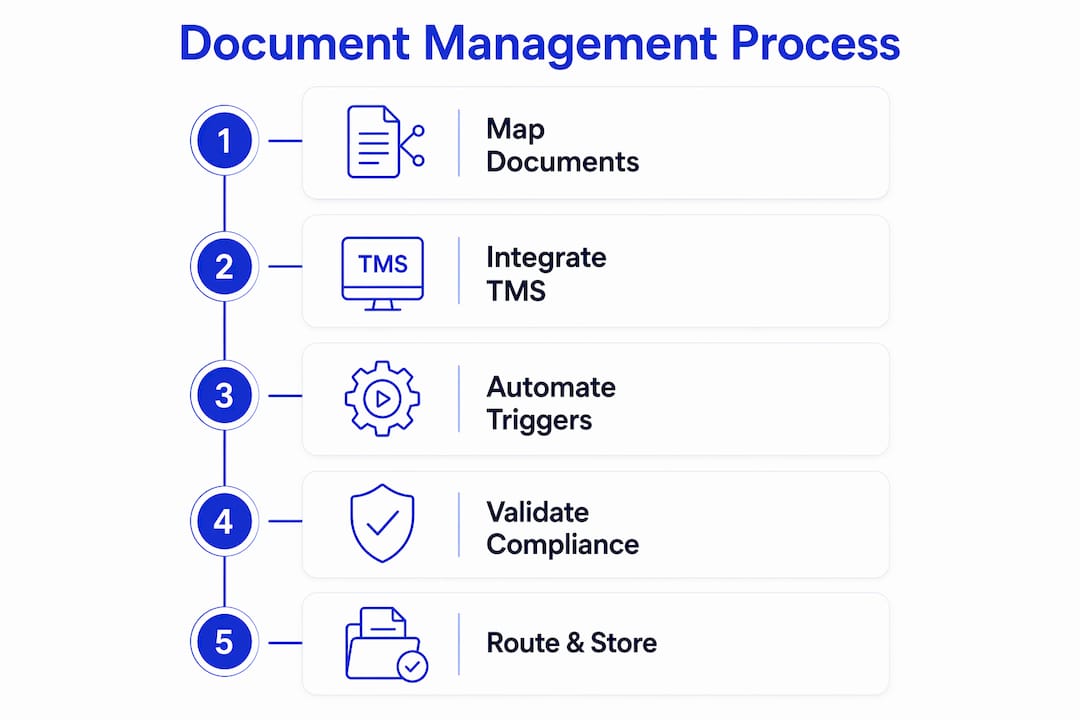
EDI limitations create visibility gaps because EDI only reflects planned data, not real-time shipment status. Sourcing data directly from carriers and sensors improves accuracy. This matters for document management because a document generated from stale EDI data can misrepresent cargo status, creating compliance and financial risk.
Pro Tip: Before evaluating any document automation tool, map every document type your team currently handles and identify which ones require data from external sources like carrier APIs or customs portals. Tools that cannot pull live data from those sources will require manual intervention at exactly the wrong moment.
Freightsuite addresses this by building air and ocean tracking, workflow automation, and document management natively into a single TMS. That native integration removes the API stitching that typically creates data lag and validation failures in multi-tool setups.
How do you automate document processing step by step?
Automation works best when you treat it as a workflow design problem, not a software installation. The steps below apply whether you are setting up document automation for the first time or rebuilding a process that has grown too manual.
-
Map your document flows. List every document type your team handles, who creates it, who receives it, and what triggers its creation. A shipment booking triggers a BOL. A custom filing triggers a declaration. A delivery triggers a POD. Without this map, automation has no logic to follow.
-
Identify high-impact document types first. Automating proof of delivery or invoices first demonstrates rapid ROI and builds team confidence before you tackle more complex customs workflows. Start where the volume and friction are highest.
-
Build standardized templates. Create master templates for each document type with locked fields for regulatory data and editable fields for shipment-specific data. Standardization is what makes automation repeatable. Without it, every document becomes a one-off.
-
Configure triggers and routing logic. Define the shipment events that fire each document workflow. A booking confirmation triggers the BOL generation. A customs filing deadline triggers a compliance check. Routing logic determines who receives each document and in what format.
-
Add compliance validation layers. Automated compliance checks hold flagged documents for review before submission, preventing auto-submission of documents with known errors. This layer is what separates a document automation system from a document generation system.
-
Build a human-in-the-loop exception process. Exception management requires a pre-defined human review process to handle validation failures efficiently. Without it, failed documents sit in a queue with no owner and no resolution timeline.
Pro Tip: Run your first automation pilot on proof of delivery documents. PODs have a clear trigger (delivery confirmation), a defined recipient (finance team), and a measurable outcome (invoice release). That clarity makes them the fastest document type to automate and the easiest to demonstrate value with.
The operations team benefits most from steps four and five. When triggers and validation run automatically, operations staff spend time on exceptions rather than routine document routing, which is where their judgment actually adds value.
What are the most common pitfalls in freight document management setup?
Most freight document management projects fail not because of technology but because of process decisions made before any technology is selected.
- Digitizing a broken process. Automating inefficient manual workflows accelerates the inefficiency rather than removing it. Fix the document lifecycle first. Identify where data is duplicated, where approvals are redundant, and where handoffs create delays. Then automate the corrected process.
- Skipping unified data architecture. A consistent data framework across systems aligns cost, service metrics, and shipment events with consistent shipment identifiers to remove disconnected data silos. Without it, the same shipment appears differently in your TMS, your ERP, and your customs portal, and reconciliation becomes a manual job.
- Ignoring exception volume. Teams often design for the happy path and assume exceptions are rare. In freight forwarding, exceptions are routine. Customs holds, carrier data mismatches, and missing signatures happen on a significant share of shipments. Your exception workflow needs as much design attention as your standard workflow.
- Implementing everything at once. A phased approach, starting with one document type or one trade lane, produces faster results and lower risk than a full rollout. Early wins build internal support and reveal integration issues before they affect your entire shipment volume.
“Document management is more than retrospective reporting. It should function as a real-time operational intelligence layer that enables proactive exception management, not just a record of what already happened.”
The freight operations visibility best practices that separate high-performing forwarders from average ones come down to this: they treat documents as live data, not static files. A bill of lading is not just a PDF. It is a data object that should update your TMS, notify your client portal, and trigger your finance workflow the moment it is issued.
Key Takeaways
A well-designed freight forwarding document management setup connects document creation, validation, and routing into a single automated workflow that serves operations, finance, and compliance simultaneously.
| Point | Details |
|---|---|
| Start with document mapping | List every document type, its trigger, its owner, and its downstream recipient before selecting any tool. |
| Automate high-friction documents first | Proof of delivery and invoices deliver the fastest ROI and build team confidence early. |
| Build compliance validation in | Automated checks that hold flagged documents prevent regulatory errors before submission. |
| Use unified data architecture | Consistent shipment identifiers across TMS, ERP, and customs systems eliminate reconciliation work. |
| Design exception workflows deliberately | Pre-defined human review steps prevent failed documents from creating invisible backlogs. |
Why document management is the operational layer most forwarders underinvest in
I have worked with freight forwarders across air, ocean, and road who have invested heavily in rate management and customer portals while leaving their document workflows almost entirely manual. The pattern is consistent: documents are treated as an output of the shipment process rather than an active part of it. That framing is the root cause of most operational bottlenecks I see.
Real-time document ingestion transforms document management from a reactive process into a proactive one. When a document is generated, normalized, and validated the moment a shipment event occurs, your team can act on exceptions before they become delays. When documents are processed in batches at end of day, you are always managing yesterday’s problems.
The forwarders who get this right share one habit: they run a focused pilot on a single document type, measure the result in days, and use that proof point to expand the program. A pilot on proof of delivery documents, for example, can show measurable impact on invoice cycle time within weeks. That speed matters because it builds the internal case for broader investment.
The window for building a real competitive advantage through document automation is real, and it has a timeline. As AI-native platforms become the standard, forwarders still running manual document workflows will face a growing cost and speed gap against those who have automated. The choice is yours to make now, before that gap widens further.
— Annabel
How Freightsuite supports your document management workflow
Freightsuite is built as an AI-native TMS, which means document automation, compliance validation, and workflow triggers are not add-ons. They are part of the core platform. Freight forwarders using Freightsuite manage their air freight documents, road freight paperwork, and ocean shipment records from a single system without stitching together separate tools.
The platform connects operations, finance, and client-facing workflows so that a document generated at booking automatically routes to the right team, triggers the right compliance check, and appears in the client portal without manual intervention. For forwarders ready to move beyond legacy document handling, Freightsuite’s core platform offers a practical starting point with measurable results.
FAQ
What is freight forwarding document management setup?
Freight forwarding document management setup is the process of organizing, automating, and validating all shipping documents, including bills of lading, customs forms, and invoices, to reduce errors and improve operational efficiency.
Which documents should you automate first?
Automate proof of delivery and invoices first. These document types have clear triggers, defined recipients, and measurable outcomes, making them the fastest to implement and the easiest to demonstrate ROI with.
How does a TMS support cargo document management?
A TMS acts as the central hub that connects shipment events to document generation, routing, and validation. Without native document workflow capabilities in a TMS, teams manage documents manually outside the system, which increases error rates.
What is a compliance validation layer in document automation?
A compliance validation layer is an automated check that reviews documents for known errors before submission. It holds flagged documents for human review rather than auto-submitting them, which prevents regulatory penalties and customs delays.
How do you avoid the automation trap in freight document management?
Map and fix your document lifecycle before automating it. Digitizing a broken process accelerates inefficiency rather than removing it, so workflow redesign must come before technology selection.
Recommended
How AI Transforms Logistics Operations in 2026
Artificial intelligence is defined as the primary driver of autonomous logistics management, replacing manual coordination with systems that plan, execute, and correct shipments without human intervention. The global AI solutions market in logistics exceeded $13 billion by the end of 2025. That number reflects a fundamental shift, not a trend. Understanding how AI transforms logistics operations means understanding three core technologies: agentic AI, deterministic AI, and multi-agent validation frameworks. Together, they move supply chain management from reactive firefighting to predictive, enterprise-wide control. Freightsuite is built on exactly this architecture, with AI agent orchestration native to its transport management system.
What are the major AI technologies transforming logistics operations?
Agentic AI is the technology that makes autonomous logistics possible. Unlike rule-based automation, agentic AI makes decisions, adapts to new information, and coordinates multi-step workflows without waiting for human approval. Agentic AI enables logistics to scale through intelligence rather than labor, shifting the model from sequential optimization to dynamic system control. That distinction matters because traditional automation hits a ceiling when conditions change. Agentic AI does not.
Deterministic AI plays a different but equally critical role. Where agentic AI orchestrates decisions, deterministic AI validates the data those decisions depend on. Deterministic AI acts as a cognitive layer on verified data, protecting contractual truth and liability boundaries in logistics. A shipment manifest with a wrong weight or incorrect commodity code will corrupt every downstream process, from customs clearance to final delivery billing. Deterministic AI catches those errors at the point of entry, before they propagate.

Multi-agent validation frameworks are the third pillar. These architectures assign separate AI agents to cross-check each other’s outputs, functioning like a legal cross-examination rather than a single opinion. Multi-agent AI architectures validate decisions similarly to legal cross-examination, preventing propagation of errors from generative AI hallucinations in logistics. Prompt engineering alone cannot achieve this level of accuracy. Only structured agent-to-agent validation can.
Pro Tip: Treat your data receiving process as the first AI checkpoint. No downstream AI system can correct a false premise introduced at the dock floor. Enforce deterministic validation at every data entry point before any agentic process touches the record.
How does AI improve efficiency and accuracy in real-world logistics applications?
The numbers from 2026 are not projections. They are operational results. Over 92% of 4PL shipments are autonomously orchestrated by agentic AI, reducing manual task durations from hours or days to seconds. That compression of process time is not a marginal improvement. It is a structural change in how logistics networks operate.
The accuracy gains are equally significant. A medical logistics provider achieved a delivery loss rate of 0.01% using multi-agent AI frameworks that validate every decision before execution. Medical freight has zero tolerance for error, which makes it the most demanding test case for AI accuracy. Passing that test at scale proves the technology works beyond controlled environments.
The impact of AI on logistics spans seven distinct operational areas, not just speed and accuracy. AI-driven predictive analytics and route optimization affect cost reduction, automation, route optimization, warehouse management, customer service, sustainability, and risk management. Each area compounds the others. Better route optimization reduces fuel costs, which improves sustainability metrics, which reduces risk exposure from carbon regulations.
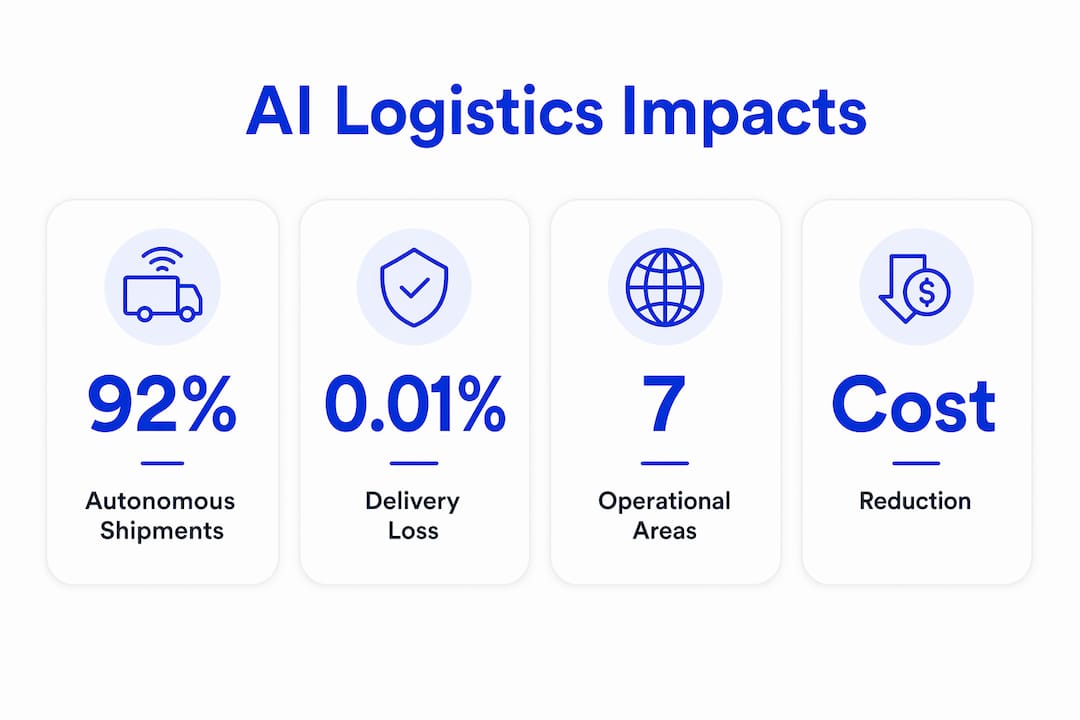
AI agents in supply chains expand the feasible solution space beyond human capabilities by coordinating complex multi-step decisions optimized for enterprise-wide objectives. A human coordinator optimizes for the shipment in front of them. An AI agent optimizes across the entire network simultaneously. That difference in scope is what breaks the traditional cost-speed tradeoff in logistics.
What challenges and nuances affect AI adoption in logistics operations?
The most common failure point in AI adoption is not the technology. It is the data. Data quality failures at receiving points propagate errors downstream, making deterministic AI validation at data entry essential for accurate logistics operations. Organizations that deploy AI on top of dirty data do not get better outcomes. They get faster errors.
The organizational challenge is equally underestimated. Successful AI adoption requires CEO-backed, end-to-end workflow redesign to integrate AI-led enterprise optimization beyond traditional functional silos. AI cannot be bolted onto existing processes. It requires those processes to be rebuilt around the logic of autonomous orchestration. That level of change demands executive sponsorship, not just an IT project.
Several specific misconceptions slow adoption across the industry:
The gap between organizations that treat AI as a point tool and those that build it into end-to-end orchestration is widening. The window to close that gap has a timeline. Logistics networks that delay integrated AI adoption will face a compounding disadvantage as competitors’ systems grow more capable through continuous learning.
How can logistics professionals apply AI to enhance their operations?
The starting point is not selecting a platform. The starting point is auditing your data entry processes. Entropy control at data intake points is paramount. No downstream AI process can correct false premises in shipping manifests or inventory data introduced at receiving. Before any agentic system touches your workflows, your data must be clean and validated at the source.
Once data integrity is established, the path to agentic AI adoption follows a clear sequence:
Pro Tip: Do not start with your most complex freight. Start with your most predictable. High-volume, low-variability lanes give AI the clean data and consistent patterns it needs to build accuracy before you expose it to edge cases.
AI implementations that move from tooling to autonomous agentic orchestration create self-healing feedback loops that improve over time through root cause analysis and continuous intelligence feeding. This is the compounding advantage that separates mature AI operations from early adopters. Each exception the system resolves becomes training data for the next one. Over time, the system anticipates disruptions rather than reacting to them.
AI agents transform supply chain decision-making from reactive and manual to predictive, proactive, and unified at the enterprise level. For logistics professionals, that means exception management shifts from a daily firefight to a monitored, automated process. Network resilience improves because the system identifies risk before it becomes a delay. And scalability no longer depends on headcount growth.
Key Takeaways
AI transforms logistics operations by replacing manual coordination with autonomous, self-improving systems that validate data, orchestrate shipments, and predict disruptions at enterprise scale.
The ground is shifting, and most operators are still standing still
I have watched this industry debate AI adoption for three years. The debate is over. The organizations that treated AI as a future consideration are now competing against networks where 92% of shipments run without a human touching the workflow. That is not a technology gap. That is an operational gap that grows every quarter.
What concerns me most is not the organizations that have not started. It is the organizations that have started wrong. Deploying a generative AI chatbot on top of a legacy TMS and calling it an AI strategy is the logistics equivalent of putting a GPS on a broken truck. The vehicle still does not move efficiently. The real shift requires rebuilding the workflow around autonomous orchestration, with deterministic validation at every data entry point and multi-agent cross-checking at every decision point.
The cultural shift is harder than the technical one. I have seen capable operations teams resist agentic AI not because they distrust the technology, but because autonomous orchestration changes their role. That resistance is understandable. It is also a strategic liability. The teams that will thrive are the ones that move from executing shipments to governing AI systems that execute shipments. That is a meaningful upgrade in both value and resilience.
The opportunity is real. The timeline is not indefinite.
Freightsuite: AI-native freight management built for this moment
Freightsuite is an AI-native freight forwarding TMS built for logistics professionals who need autonomous orchestration, not another layer of manual tooling. Rate management, air and ocean tracking, operations, workflows, and AI agent orchestration are all native to the platform, not bolted on after the fact.
Whether you manage road freight operations, complex ocean shipments, or time-sensitive air freight, Freightsuite’s multi-agent architecture handles end-to-end orchestration with deterministic validation built in. Finance teams get automated freight payment processing. Operations teams get self-healing exception management. The entire organization gets a system that improves with every shipment cycle. If you are ready to see what agentic TMS looks like in practice, book a demo and we will show you the architecture behind the results.
FAQ
What is agentic AI in logistics?
Agentic AI is an autonomous system that makes multi-step logistics decisions, such as shipment routing and exception resolution, without waiting for human input. It differs from basic automation by adapting to new conditions in real time.
How does AI improve logistics accuracy?
Multi-agent validation frameworks cross-check AI decisions before execution, reducing delivery loss rates to as low as 0.01% in demanding sectors like medical logistics. Deterministic AI validation at data entry points prevents errors from propagating downstream.
What is the biggest risk in AI logistics adoption?
Poor data quality at receiving and entry points is the primary risk. No AI system can correct false data introduced at the source, making deterministic validation the prerequisite for any agentic deployment.
How does AI in logistics reduce costs?
AI eliminates redundant manual handoffs, optimizes route selection using real-time conditions, and reduces exception handling labor across the shipment lifecycle. These gains compound as the system learns from each completed cycle.
Do small freight forwarders benefit from AI logistics solutions?
AI adoption scales with shipment volume, but the data governance and workflow redesign principles apply regardless of company size. Starting with high-volume, predictable lanes gives smaller operators a clear path to measurable results without overextending resources.
Recommended
Freight Forwarding KPIs to Track for Peak Performance
Freight forwarding KPIs to track are quantifiable metrics logistics managers use to measure shipment efficiency, cost control, customer retention, and overall operational performance. The industry standard framework covers five core categories: operational execution, financial health, customer quality, sales velocity, and capacity utilization. Maintaining a minimum cash buffer of $502,000 is one benchmark that illustrates how specific these targets need to be. Vague goals produce vague results. The metrics covered here give you a concrete foundation for building a performance culture that holds up under market pressure.
1. What are the top freight forwarding KPIs to track?
The top five must-track KPIs for freight forwarders are the Demurrage and Detention (D&D) incidence rate, gross margin per shipment, customer churn rate, cash conversion cycle, and on-time multimodal pickup rate. Each one targets a different failure point in the business. Together, they give you a complete picture of where money is leaking and where service is breaking down.

2. On-time delivery rate
On-time delivery rate measures the percentage of shipments that arrive within the agreed window. It is the most visible KPI to your clients and the fastest way to lose or retain a contract. A consistent drop in this rate signals carrier performance issues, customs delays, or internal booking errors that need immediate investigation.
Tracking this metric by lane, carrier, and shipment mode reveals patterns that aggregate numbers hide. A forwarder might show a strong overall on-time rate while a specific trans-Pacific lane consistently underperforms. That granularity is where the real corrective work happens.
3. D&D incidence rate
Demurrage and detention fees are direct margin killers. The D&D incidence rate tracks how often your shipments incur these charges as a percentage of total shipments. Gross margin per shipment is directly affected by D&D fees, which means a high incidence rate quietly erodes profitability even when revenue looks healthy.
Reducing D&D incidence requires tracking free-time usage at each port and terminal. When you know which corridors generate the most charges, you can renegotiate free-time allowances or adjust documentation workflows to clear cargo faster.
4. Gross margin per shipment
Gross margin per shipment calculates revenue minus direct costs for each individual shipment. It is the clearest signal of whether your pricing covers your true cost of service. A forwarder running high volumes with thin margins per shipment is one rate war away from an operating loss.
This metric also informs pricing strategy by exposing which trade lanes, clients, or shipment types generate the strongest returns. Use it to decide where to grow and where to reprice.
Pro Tip: Segment gross margin per shipment by client tier and lane simultaneously. A client that looks profitable in aggregate may be dragging down margins on specific routes.
5. Customer churn rate
Customer churn rate measures the percentage of clients who stop using your services over a given period. Segmenting churn by revenue band helps prioritize retention efforts and forecast staffing needs more accurately. Losing a single high-revenue client can have the same financial impact as losing ten smaller ones.
Churn is a lagging indicator, which means by the time it shows up in your data, the relationship has already deteriorated. Pair it with a leading indicator like Net Promoter Score or shipment frequency per client to catch at-risk accounts before they leave.
6. Cash conversion cycle
The cash conversion cycle (CCC) measures how long it takes to convert operational spending into collected revenue. A long CCC means you are financing your clients’ operations with your own working capital. For freight forwarders operating on thin margins, this creates real liquidity risk.
Monitoring CCC alongside your accounts receivable aging report tells you which clients consistently pay late and how much that costs you in financing. Tightening payment terms with slow-paying clients is one of the fastest ways to improve cash flow without changing a single shipment.
7. Minimum cash buffer
Maintaining a minimum cash buffer of $502,000 is the recommended baseline for managing liquidity risk in freight forwarding. This figure accounts for the gap between when you pay carriers and when clients pay you. Falling below this threshold puts the business at risk during any demand shock or payment delay.
Treat this as a non-negotiable floor, not a target. Build your financial KPI dashboard to flag when reserves approach this level so you can act before a shortfall becomes a crisis.
8. On-time multimodal pickup rate
The on-time multimodal pickup rate tracks whether cargo is collected on schedule across road, air, and ocean modes. This KPI validates SLA compliance and surfaces issues in carrier performance or customs processes by shipment corridor. A low pickup rate on a specific air freight lane, for example, often points to a carrier reliability problem rather than a documentation issue.
Monitoring this metric by mode and corridor gives operations teams the data they need to make carrier substitution decisions before client relationships suffer.
9. Order accuracy rate
Order accuracy, on-time deliveries, and average wait time are the three operational KPIs that most directly influence customer satisfaction and process efficiency. Order accuracy specifically measures the percentage of shipments processed without errors in documentation, routing, or cargo details. A low accuracy rate drives up rework costs, increases claims, and erodes client trust faster than almost any other operational failure.
Tracking order accuracy by team, origin office, or shipment type identifies where training or process gaps exist. A 98% accuracy rate sounds strong until you realize that 2% error rate on 5,000 monthly shipments means 100 problem files every month.
10. Average wait time
Average wait time measures how long cargo sits idle at pickup or delivery points beyond the scheduled window. Long wait times increase D&D exposure, reduce asset utilization, and signal bottlenecks in your carrier network or internal coordination. This metric is especially relevant for road freight operations where driver time is a direct cost.
Reducing average wait time requires visibility into where delays originate. Port congestion, late documentation, and carrier no-shows each demand a different response. Without the data, you are reacting to complaints rather than managing the process.
11. Lead conversion time
Lead conversion time measures how long it takes to convert a prospect into a booked shipment. It reflects both sales team efficiency and the speed of your quoting and rate management process. A long conversion time in a competitive market means clients book with someone else while your team is still building a quote.
Connecting this metric to your sales team workflows reveals whether the bottleneck is in the sales process itself or in the rate management system behind it. Faster quotes win more business, and the data will tell you exactly where the delay lives.
How to set up a freight forwarding KPI dashboard
A KPI dashboard is only as useful as the data feeding it. The foundation requires four data sources: shipment records, cost and revenue data, carrier performance logs, and customer account information. Without all four, your dashboard will show you part of the picture and let you make confident decisions based on incomplete information.
Power BI dashboards consolidate shipment status, transit times, costs, revenue, and profit margins into one interactive platform. That centralization cuts the time analysts spend pulling reports from multiple systems and puts real-time visibility in front of decision-makers who need it.
Effective dashboards use these core visualization types:
- KPI cards showing current values against targets for metrics like on-time delivery rate and gross margin per shipment
- Trend charts tracking week-over-week or month-over-month movement in cash conversion cycle and churn rate
- Heat maps displaying D&D incidence by corridor or origin country
- Slicers and filters allowing drill-down by shipment mode, carrier, or client segment
Interactive filters and slicers let you drill down by shipment mode, carrier, origin country, and month to surface insights that aggregate views conceal. A dashboard without this capability forces analysts to build separate reports for every question, which defeats the purpose of centralization.
Pro Tip: Set automated threshold alerts in your dashboard so the system flags when a KPI crosses a defined boundary. Waiting for a weekly review to notice a D&D spike costs you days of avoidable fees.
What financial KPIs drive profitability in freight forwarding?
Financial KPIs in freight forwarding connect daily operational decisions to long-term business health. The four that matter most are gross margin per shipment, customer churn rate, cash conversion cycle, and the minimum cash buffer. Each one measures a different dimension of financial risk.
Gross margin per shipment is calculated by subtracting direct shipment costs (carrier fees, customs charges, D&D fees, and handling costs) from the revenue billed to the client for that shipment. The result tells you whether each unit of business is contributing to overhead or consuming it. Forwarders who track this metric by lane and client segment can make pricing decisions based on real data rather than gut feel.
Customer churn rate feeds directly into revenue forecasting. A churn rate that rises even modestly in a high-revenue client segment forces a recalculation of growth projections and headcount plans. The finance team tools that connect churn data to revenue forecasts give CFOs the visibility they need to plan capital allocation accurately.
The cash conversion cycle and the $502,000 cash buffer benchmark work together. A lengthening CCC signals that the buffer is being drawn down faster than expected. Monitoring both metrics in parallel gives finance teams early warning before a liquidity problem becomes a crisis.
Which operational KPIs signal service quality problems?
Operational KPIs reveal where the freight forwarding process breaks down before clients escalate complaints. The four most telling metrics are on-time multimodal pickup rate, order accuracy, average wait time, and lead conversion time.
On-time multimodal pickup rate is the first signal that a carrier relationship or customs process is degrading. When this rate drops on a specific corridor, the operations team has a defined problem to investigate rather than a vague sense that “things are slow.” That specificity is what separates reactive firefighting from proactive management.
Order accuracy and average wait time together define the client experience at the transaction level. A client who receives accurate documentation on time and experiences minimal delays at pickup and delivery has no operational reason to look elsewhere. When either metric deteriorates, the client experience deteriorates with it, and churn follows.
Lead conversion time closes the loop between sales performance and operational capacity. A fast conversion time is only valuable if operations can execute the shipment at the promised standard. Tracking both together reveals whether growth is outpacing execution capability.
Key Takeaways
Aligning operational and financial KPIs provides the complete performance view that freight forwarding managers need to make decisions that hold up under pressure.
| Point | Details |
|---|---|
| Track the five core KPIs | D&D incidence rate, gross margin per shipment, churn rate, CCC, and on-time pickup rate cover the critical failure points. |
| Maintain the cash buffer | Keep a minimum of $502,000 in reserve to absorb payment timing gaps and demand shocks. |
| Build a drill-down dashboard | Use filters by mode, carrier, and corridor to surface problems that aggregate metrics hide. |
| Segment financial KPIs by client tier | Churn and margin data segmented by revenue band drives better pricing and retention decisions. |
| Connect operational and financial data | Linking pickup rates and order accuracy to margin data shows the true cost of service failures. |
KPIs are only as good as the decisions they drive
I have worked with logistics managers who had beautiful dashboards and still made slow decisions. The data was there. The problem was that KPIs were reviewed in monthly reports rather than embedded in daily operations. By the time a D&D spike appeared in a monthly summary, the fees had already accumulated for three weeks.
The shift that changes outcomes is treating KPIs as operational triggers, not reporting artifacts. When your on-time multimodal pickup rate drops below threshold on a specific lane, that triggers a carrier review that week, not a note in next month’s deck. That responsiveness is what separates forwarders who use data from those who just collect it.
The other pattern I see consistently is the separation of financial and operational KPIs into different teams with different review cadences. Operations tracks pickup rates. Finance tracks margins. Neither team sees the full picture. When you bring both datasets into the same review, the connections become obvious. A corridor with a high D&D incidence rate almost always shows a compressed gross margin per shipment. The operational problem and the financial problem are the same problem.
The forwarders building durable competitive positions right now are the ones who have closed that gap. They are not waiting for the ground to shift beneath them. They are reading the data and moving first.
— Annabel
Freightsuite gives your team the KPI visibility to act faster
Freight forwarding performance management requires more than a spreadsheet. Freightsuite is an AI-native TMS built to give logistics managers real-time visibility across every KPI that matters, from gross margin per shipment to on-time pickup rates across road freight, air freight, and ocean freight operations.
Freightsuite integrates rate management, shipment tracking, financial reporting, and AI-driven workflows into a single platform. Your finance and operations teams work from the same data, in real time, without pulling reports from three different systems. The result is faster decisions, tighter margins, and a KPI culture that actually changes outcomes. Book a call to see how Freightsuite supports your team’s performance goals.
FAQ
What are the most important freight forwarding KPIs?
The five most critical freight forwarding KPIs are D&D incidence rate, gross margin per shipment, customer churn rate, cash conversion cycle, and on-time multimodal pickup rate. These metrics cover the key dimensions of cost control, profitability, and service execution.
How much cash should a freight forwarder keep in reserve?
Freight forwarders are advised to maintain a minimum cash buffer of $502,000 to manage liquidity risk from payment timing gaps between carrier payments and client collections.
What tool is best for a freight forwarding KPI dashboard?
Power BI is a widely used platform for freight forwarding KPI dashboards because it consolidates shipment, cost, revenue, and carrier data into one interactive view with drill-down filters by mode, corridor, and carrier.
How does gross margin per shipment affect pricing decisions?
Gross margin per shipment reveals which lanes and clients generate the strongest returns, allowing managers to reprice underperforming routes and prioritize growth in high-margin segments.
How often should freight forwarding KPIs be reviewed?
Operational KPIs like on-time pickup rate and D&D incidence should be reviewed weekly so teams can respond before problems compound. Financial KPIs like cash conversion cycle and churn rate warrant monthly review with quarterly trend analysis.
Recommended
Logistics Cost Visibility: What Supply Chain Managers Need to Know
Logistics cost visibility is defined as the real-time ability to track, analyze, and understand every expense component across your supply chain. Without it, logistics costs typically consume 10–15% of total costs for manufacturing companies, and businesses routinely lose 3–5% of freight spend to unidentified discrepancies before those costs ever reach the finance team. That gap is not a rounding error. For a large freight operation, it represents hundreds of thousands of dollars disappearing each quarter. The companies closing that gap are the ones treating cost visibility not as a reporting function, but as a core operational capability.
What is logistics cost visibility, and why does it matter?
Logistics cost visibility is the operational capability to see, in near real time, what you are spending across every shipment, carrier, lane, and mode. The industry term most closely aligned with this concept is freight spend analytics, though logistics cost visibility is the broader practice that connects financial data to operational execution. Both terms describe the same goal: replacing aggregate ledger summaries with granular, shipment-level insight.
The significance is direct. Fragmented data and manual reconciliation delay visibility and control, leaving finance teams reading ledger summaries while logistics teams track service delivery and procurement teams manage negotiated terms. None of those three groups sees the full picture. That fragmentation is where cost leaks live.
Understanding supply chain visibility at this level means connecting operational events to financial outcomes. A shipment that triggers a detention charge, an accessorial fee, or an emergency air upgrade creates a financial impact the moment it happens, not at month end. The organizations that capture those signals in real time are the ones that can act before margins erode.
What components make up a complete cost visibility picture?
Logistics expense tracking covers four primary cost categories: transportation, warehousing, inventory carrying costs, and accessorial charges. Transportation is typically the largest single line item, but accessorial charges, such as fuel surcharges, liftgate fees, and residential delivery premiums, are where unmanaged costs accumulate fastest. They are contractually complex, often inconsistently applied, and easy to miss in aggregate reports.
Granular data is the difference between knowing you have a cost problem and knowing exactly where it lives. Managing costs only at aggregate general ledger levels masks key cost drivers and margin-eroding outliers at the lane or shipment level. A cost spike that averages out across a region is invisible in a summary report but obvious when you filter by lane and carrier.
Effective cost visibility dashboards track costs across six critical dimensions:
Analyzing costs at granular levels across these six dimensions is the only reliable way to surface hidden, margin-eroding costs. Without that structure, you are managing averages, not reality.
How does modern technology enable real-time cost visibility?
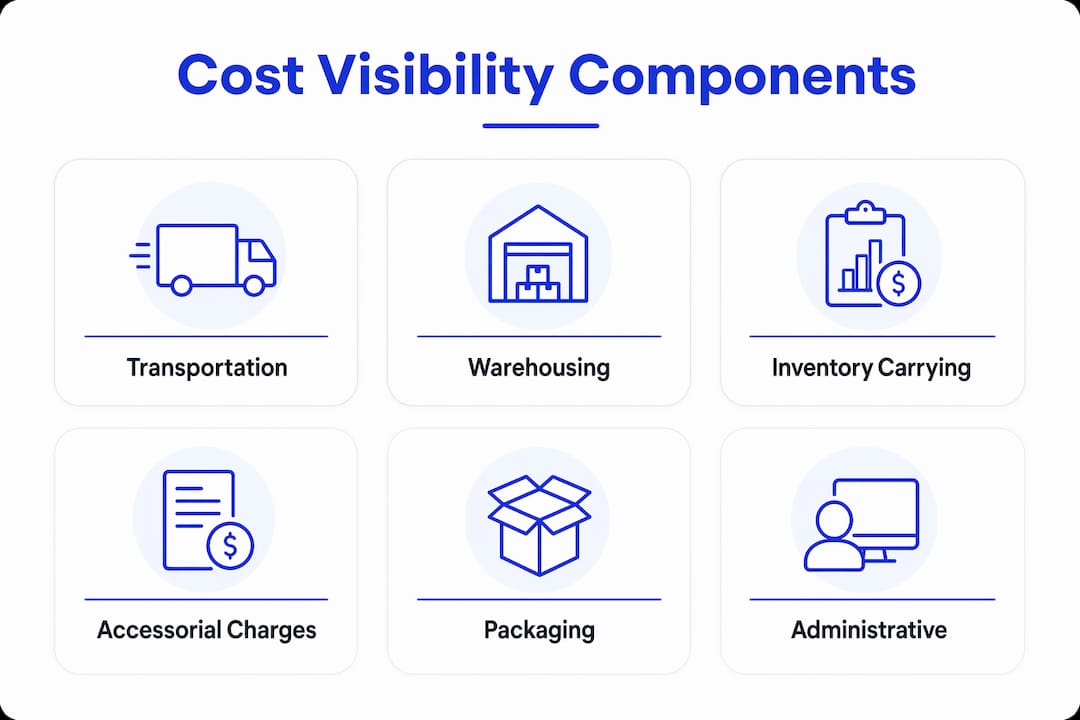
Traditional month-end finance reports are structurally incapable of supporting cost control. By the time a report lands, the shipments that caused the cost spikes are weeks in the past. The decisions that could have prevented the damage are no longer available.
Real-time cost visibility requires moving from month-end reports to shipment-level data refreshed every few hours, using integration models like Direct Lake that connect operational systems directly to financial validation layers. This is not a reporting upgrade. It is an architectural shift in how logistics and finance data interact.
The key capabilities that make this work include:
Closed integration between operational events and financial systems reduces manual reconciliation and accelerates cost validation. That speed is what converts visibility from a passive reporting tool into an active cost management capability. Freightsuite’s finance team tools are built on exactly this principle, connecting shipment execution data directly to financial workflows without manual handoffs.
Pro Tip: Set your cost dashboard to flag any shipment where accessorial charges exceed 15% of the base freight rate. That threshold catches the most common billing anomalies before they compound across a full billing cycle.
Why does cost visibility prevent budget overruns and cost leaks?
The magnitude of unmanaged freight spend is significant. Businesses commonly lose 3–5% of freight spend to unidentified discrepancies. That loss is not caused by bad contracts or poor carrier performance alone. It is caused by the inability to see costs at the level where the problems actually occur.
“The value of logistics cost visibility lies not in accumulating data but in enabling quick, informed action to preempt margin erosion. Speed of response is the real value, not just the raw data.”
Local optimization, such as focusing solely on cheaper freight rates, often drives higher total logistics costs due to downstream impacts on inventory, detention, or demurrage fees. This is one of the most common and costly mistakes in logistics management. A team that wins a 5% rate reduction on a lane but triggers $40,000 in detention fees has not saved money. It has shifted costs to a place that is harder to see.
The practical steps to prevent this pattern are:
Freight visibility reduces disputes, compresses invoice cycles, and moves carrier relationships from reactive firefighting to strategic quarterly reviews. That shift alone changes the dynamic of carrier negotiations and contract renewals.
What best practices help logistics managers improve cost control?
Activity-Based Costing (ABC) is the most effective costing method for logistics operations. ABC traces logistics costs directly to triggering activities like dock hours or kilometers traveled, providing sharper insight than standard costing averages. The practical result is that you can see exactly which activities, customers, or shipment types are generating cost, not just which cost centers are over budget.
The organizational side of cost visibility is equally important. Logistics cost visibility requires breaking down silos across finance, procurement, and logistics to achieve a single source of truth. That is a process and culture challenge as much as a technology one. The best dashboard in the world produces no value if procurement is negotiating contracts based on data that logistics has already flagged as inaccurate.
Key best practices for building durable cost visibility include:
Pro Tip: Before switching modes or renegotiating a carrier contract, run a 90-day cost-per-shipment analysis by lane. Decisions made from 90 days of granular data are far more defensible than those made from quarterly averages.
How to interpret cost visibility data for strategic decisions
The “Detect, Decide, Act” framework is the most practical structure for operationalizing cost visibility. Experts advocate this framework because speed of response is the real value of visibility, not the accumulation of data. Detection without decision-making is just reporting. Decision-making without action is just analysis. The framework only delivers value when all three stages happen quickly.
Closing the feedback loop between logistics execution and financial performance is what separates organizations that manage costs from those that merely report them. When a carrier consistently generates accessorial charges on a specific lane, that pattern should trigger a contract review, not just a budget adjustment. Cost visibility data makes that conversation factual rather than anecdotal.
Continuous improvement requires monitoring cost trends over rolling periods, not just point-in-time snapshots. A lane that looks acceptable this month may show a clear deterioration trend over six months. That trend is only visible if you are tracking costs at the shipment level with consistent dimensions across time.
Key Takeaways
Logistics cost visibility is the single most effective tool for converting freight spend from an uncontrolled variable into a managed, predictable line item across your supply chain.
The visibility gap most teams are still ignoring
The most persistent challenge I see in logistics cost management is not a technology problem. It is an organizational one. Teams invest in dashboards and data integrations, then fail to close the loop because finance, procurement, and logistics are still operating on different definitions of what a “cost” is and who owns it.
The reconciliation gap between systems is real, but the reconciliation gap between departments is larger. I have seen operations where the logistics team had near-perfect shipment-level data and the finance team was still working from a month-end ledger summary. The data existed. The connection did not. That gap is where the 3–5% freight spend loss actually lives for most organizations.
The shift toward AI-driven workflows is changing this faster than most teams realize. When AI agents can automatically flag billing discrepancies, route exceptions to the right decision-maker, and close the loop with carrier systems without human intervention, the “Detect, Decide, Act” cycle compresses from days to hours. That is not a future state. It is available now for teams willing to move beyond legacy system architectures.
Cost visibility reshapes logistics from a cost center into a competitive advantage. The organizations that get there first are not the ones with the most data. They are the ones that have built the cross-functional discipline to act on it.
How Freightsuite delivers real-time freight cost visibility
Freightsuite is built for logistics managers who need operational and financial data in one place, without the reconciliation overhead of legacy systems.
The platform connects shipment execution across road freight, air freight, and ocean freight to financial workflows natively, so your finance team sees the same cost data your operations team acts on. Rate management, carrier tracking, and invoice validation run in a single system, eliminating the fragmented data problem that drives most freight spend leaks. Freightsuite’s finance team solution is purpose-built to give CFOs and logistics managers the shipment-level cost visibility that month-end reports cannot provide. If you are ready to see what that looks like in your operation, book a demo with the Freightsuite team.
FAQ
What is logistics cost visibility?
Logistics cost visibility is the real-time ability to track and analyze every freight expense across carriers, modes, lanes, and customers at the shipment level. It replaces aggregate ledger summaries with granular data that connects operational events directly to financial outcomes.
How much freight spend do companies typically lose without cost visibility?
Businesses commonly lose 3–5% of freight spend to unidentified discrepancies before those costs reach the finance team. For large freight budgets, that represents a material quarterly loss that compounds without intervention.
What is the “Detect, Decide, Act” framework?
“Detect, Decide, Act” is a three-stage framework for operationalizing cost visibility: surface a cost outlier quickly, evaluate root cause using granular data, and execute a corrective action within the same billing cycle. Speed of response is what makes the framework effective.
What is Activity-Based Costing in logistics?
Activity-Based Costing (ABC) traces logistics costs directly to the activities that trigger them, such as dock hours or kilometers traveled, rather than spreading costs across broad averages. It produces a sharper cost-to-serve analysis that reveals how specific operational decisions affect financial outcomes.
How does end-to-end logistics visibility differ from cost visibility?
End-to-end logistics visibility covers the full physical movement of goods, including location, status, and exceptions. Logistics cost visibility specifically tracks the financial dimension of those movements, connecting operational events to their cost impact in near real time.
Logistics Finance Management Best Practices for 2026
Logistics finance management best practices are the integrated financial controls, audit processes, and cost optimization frameworks that keep logistics companies profitable at scale. U.S. business logistics costs reached $2.58 trillion in 2024, representing 8.8% of GDP. That figure means finance leaders in supply chain carry more organizational weight than almost any other function. The Council of Supply Chain Management Professionals (CSCMP) and freight audit and payment (FAP) standards provide the industry’s foundational guidance, but the real edge comes from applying those frameworks with speed, data discipline, and integrated technology. The practices below are where that edge lives.
1. What are the key elements of freight audit and payment?
Freight Audit and Payment is the process of verifying every carrier invoice against contracted rates before funds leave your account. It catches rate discrepancies, duplicate invoices, and unauthorized accessorial charges before they compound into material losses. FAP is the first line of defense in any serious logistics finance strategy.
The most common billing errors caught through FAP include:
- Rate discrepancies: Carrier invoices that exceed the agreed contracted rate
- Duplicate invoices: The same shipment billed twice, often across billing cycles
- Unauthorized accessorials: Fuel surcharges, liftgate fees, or residential delivery charges applied without contractual basis
- Weight and dimension errors: Incorrect freight classifications that inflate base charges
Outsourced FAP services typically identify savings within the first 30 days. That speed matters because every day an overbilled invoice sits unpaid is a day your working capital is tied up in a dispute. Transitioning from post-payment recovery to pre-payment prevention is the structural shift that separates high-performing finance teams from reactive ones.
Pro Tip: Set a rate tolerance threshold of 0% for contracted line-haul charges and no more than 2% for accessorials. Any invoice outside those bands should auto-route to dispute before payment approval.

2. How to run a data-driven logistics RFP
The weighted scoring matrix is the standard tool for objective RFP evaluation in logistics procurement. Industry guidance recommends weighting price at 40–60%, service history at 20–30%, and technology or innovation at 10–20%. Applying these weights removes the bias toward the lowest bid and forces a full-cost view of each provider.
A well-run RFP follows a defined sequence:
- Build your data foundation. Pull a minimum of 3 months of historical freight data to generate accurate volume projections. Thin data produces inaccurate lane forecasts, which leads to mispriced bids.
- Prequalify your bidder pool. Limit the pool to 8–12 providers. Larger pools create evaluation noise and slow the process without improving outcomes.
- Set a firm response window. The RFP cycle should run 3–4 weeks. Longer timelines invite scope creep and delay contract execution.
- Normalize all cost submissions. Unbundle accessorials from base rates so every bid reflects the same cost structure. The cheapest headline rate often becomes the most expensive partnership once hidden fees surface.
- Score and rank. Apply the weighted matrix to each submission. Document the scoring rationale for audit trail purposes.
Integrated platforms reduce emergency broker procurement by 31% through better forecasting and automated load tendering. That reduction directly lowers your average cost per shipment because spot market rates consistently exceed contracted rates.
Pro Tip: Use your audited invoice data as the negotiation baseline, not broad industry benchmarks. Granular, lane-level cost history gives you far more leverage at the table.
| RFP Criterion | Recommended Weight | What It Measures |
|---|---|---|
| Price | 40–60% | Total landed cost including accessorials |
| Service history | 20–30% | On-time delivery, claims ratio, damage rate |
| Technology and innovation | 10–20% | EDI capability, tracking visibility, API integration |
| Financial stability | 5–10% | Carrier solvency and insurance coverage |
3. What role does finance and operations integration play in cash flow?
Finance and operations integration means your expense data and your shipment data live in the same system, updated in real time. Without that connection, finance teams are always working from yesterday’s numbers, which makes accurate cash flow forecasting nearly impossible. The gap between operational reality and financial reporting is where working capital gets lost.
“Financial health in logistics requires elite operational discipline on the floor. Invoice quality, processing speed, and the variability of admin costs are the critical levers for unlocking working capital.”
Operational Levers to Unlock Capital in Logistics
Next-day invoice processing is the operational standard that shortens Days Sales Outstanding (DSO) and keeps liquidity predictable. Paper-based or batch-processed invoices introduce 3–5 day delays that accumulate into significant working capital drag over a full quarter. Digital workflows that capture invoice data at the point of delivery eliminate that lag entirely.
Key integration practices that directly improve cash flow include:
- First-time-right invoicing: Accurate invoices on first submission reduce dispute cycles and accelerate payment
- Variabilizing admin costs: Aligning administrative headcount and overhead to order volume prevents fixed cost overruns during slow periods
- Embedded trade finance: In-platform financing options help smaller carriers stabilize working capital without requiring external credit facilities
- Real-time expense tracking: Connecting carrier cost events to financial ledgers as they occur removes the reconciliation backlog at month-end
The solutions for finance teams that deliver the most measurable impact are those that close the loop between operational events and financial records without manual intervention.
4. Which technology and governance frameworks support scalable logistics finance?
A scalable logistics ERP architecture unifies commercial, operational, and financial workflows to process event-driven orchestration without manual intervention. That unification is the foundation of reliable cost control and financial visibility. Without it, finance teams spend more time reconciling data than analyzing it.
Logistics procurement workflow automation is a cross-functional control program, not a narrow IT project. It requires defined roles, approval hierarchies, vendor qualification criteria, and rate tolerance policies before a single workflow goes live. Automation without governance accelerates poor data through your systems faster than manual processes ever could.
The workflows that deliver the highest return when automated first:
- Carrier onboarding: Standardized qualification checklists, insurance verification, and rate card loading
- Invoice matching: Three-way match between purchase order, shipment record, and carrier invoice
- Accessorial approvals: Pre-approved accessorial types auto-clear; exceptions route to a named approver
- SLA monitoring: Automated alerts when carrier performance drops below contracted thresholds, triggering corrective action plans before contract termination becomes necessary
Data discipline underpins all of it. Clean master data, consistent rate structures, and standardized event codes produce profitability reports you can act on. Dirty data fed through automated workflows produces wrong answers at scale.
| Governance Element | Without It | With It |
|---|---|---|
| Defined approval roles | Invoices approved by whoever is available | Invoices approved by the right authority level |
| Rate tolerance policy | Every variance triggers manual review | Only true exceptions escalate |
| Vendor qualification criteria | Any carrier gets onboarded | Only compliant, insured carriers enter the network |
| Clean master data | Profitability reports require manual correction | Reports are reliable and decision-ready |
5. How to build negotiation leverage through audited data
Renegotiating carrier contracts requires at least 12 months of granular, audited invoice data to build real negotiation leverage. Finance leaders who walk into rate reviews armed with lane-level cost history, accessorial frequency analysis, and claims data negotiate from a position of fact. Those who rely on industry benchmarks alone negotiate from a position of assumption.
The distinction matters because carriers know their own cost structures in detail. Matching that specificity is the only way to hold the line on rates. A 12-month audited dataset reveals patterns that a single quarter cannot: seasonal accessorial spikes, lane-specific rate creep, and service level trends that correlate with cost increases.
Cost normalization is the technical step that makes comparison valid. Unbundling accessorials from base rates and applying a consistent fuel surcharge methodology across all carrier bids removes the structural advantage that complex pricing gives to incumbent carriers. The cheapest bid on paper frequently becomes the most expensive relationship once hidden fees are counted.
Pro Tip: Build a carrier scorecard that tracks cost per shipment, on-time rate, and claims ratio on a rolling 90-day basis. Update it monthly and share it with carriers at quarterly business reviews. Transparency accelerates performance improvement faster than contract penalties alone.
6. What does effective logistics vendor management look like?
Logistics vendor management best practices center on continuous performance monitoring rather than periodic contract reviews. The logistics subcontractor management workflow that produces the best outcomes treats vendor relationships as living contracts, not static agreements. Performance data drives every conversation.
Effective vendor management requires three operational disciplines. First, set measurable SLAs at contract execution, not after the first service failure. Second, review performance data at a cadence that matches the volume and risk of the relationship. High-volume carriers warrant monthly reviews; lower-volume providers can be reviewed quarterly. Third, define escalation procedures in writing before they are needed. A corrective action plan framework agreed to at contract signing removes the ambiguity that turns service failures into legal disputes.
The finance dimension of vendor management is often underweighted. Payment terms, volume rebate structures, and fuel surcharge methodologies are negotiated at contract signing but rarely revisited. A disciplined logistics vendor management program includes an annual financial review of every major carrier contract, not just a service performance review.
Key Takeaways
Effective logistics finance management requires proactive data governance, pre-payment audit controls, and integrated technology to convert operational activity into reliable financial outcomes.
| Point | Details |
|---|---|
| Freight audit prevents losses | Pre-payment FAP catches billing errors before funds leave your account, protecting working capital. |
| Weighted RFP scoring wins | Scoring price at 40–60% and service at 20–30% prevents lowest-bid decisions that cost more long-term. |
| Integration closes the cash gap | Real-time finance and operations data connection shortens DSO and removes month-end reconciliation backlogs. |
| Governance before automation | Define approval roles and rate tolerances before automating workflows to prevent bad data at scale. |
| 12 months of data builds leverage | Audited invoice history spanning a full year gives finance leaders lane-level facts at the negotiation table. |
The ground is shifting under logistics finance
The finance leaders I see winning in this environment share one habit: they treat data collection as a continuous operational discipline, not a pre-negotiation sprint. The teams that scramble to pull 12 months of invoice history two weeks before a carrier rate review are always at a disadvantage. The teams that maintain a live, audited dataset use every carrier conversation as an opportunity, not a defense.
The second pattern I notice is that the best finance executives in logistics have stopped treating procurement, operations, and finance as separate functions. The cross-functional orchestration model is not a management theory. It is a practical reality in companies where EBIT margins are measured in single digits. When a procurement decision affects cash flow within 30 days, finance cannot afford to be downstream of the process.
The third thing I would push back on is the instinct to automate first and govern later. Every logistics finance team I have seen burn time and money on automation projects made the same mistake: they automated the workflow before they cleaned the data and defined the rules. The result is faster wrong answers. Governance is not the bureaucratic overhead of automation. It is the condition that makes automation worth doing.
The window for building these capabilities is real, and it has a timeline. Carriers are getting more sophisticated about pricing. Shippers who lack audited data and integrated systems will find themselves on the wrong side of every rate negotiation.
— Annabel
Freightsuite brings logistics finance management together
Finance teams in logistics need more than a general-purpose ERP. They need a platform built around the specific workflows that drive cost control: freight audit, carrier contract management, invoice matching, and real-time expense visibility.
Freightsuite is an Agentic TMS built natively for these workflows. Its finance team tools connect procurement, operations, and financial reporting in a single platform, so your data is always current and your approvals always traceable. Whether you manage air freight, ocean, or road, Freightsuite gives your finance team the visibility and control that legacy systems cannot deliver. See the Freightsuite case study for a concrete look at what integrated freight finance management produces in practice, or book a demo to see the platform against your own workflows.
FAQ
What is freight audit and payment in logistics finance?
Freight Audit and Payment (FAP) is the process of verifying carrier invoices against contracted rates before payment is released. It catches billing errors, duplicate charges, and unauthorized accessorials, with outsourced FAP services typically identifying savings within the first 30 days.
How much historical data do I need before renegotiating carrier contracts?
At least 12 months of granular, audited invoice data is the minimum for effective carrier contract negotiation. Lane-level cost history and accessorial frequency data give finance leaders specific facts that broad industry benchmarks cannot match.
What weighting should I use for logistics RFP scoring?
Industry guidance recommends weighting price at 40–60%, service history at 20–30%, and technology or innovation at 10–20%. This structure prevents lowest-bid selection and forces a full-cost evaluation of each provider.
Why does automation fail without governance in logistics finance?
Automation without defined approval roles, rate tolerances, and clean master data accelerates poor data through financial systems faster than manual processes. Governance policies must be in place before workflows go live to prevent compliant-looking but incorrect approvals.
How does finance and operations integration improve working capital?
Connecting operational shipment events to financial records in real time shortens DSO by enabling next-day invoice processing and eliminating batch-processing delays. First-time-right invoicing and embedded trade finance tools further stabilize liquidity across the carrier network.
Recommended
Shipment Status Automation: A Guide for Logistics Teams
Shipment status automation is defined as the process of using software, carrier APIs, and integrated notification systems to automatically track, update, and alert stakeholders on shipment progress without manual intervention. For logistics professionals managing dozens or hundreds of daily shipments, what is shipment status automation really means in practice is replacing manual carrier logins and spreadsheet updates with real-time, event-driven workflows. The industry term for this capability is “automated shipment tracking,” and it sits at the core of modern supply chain visibility. When implemented correctly, it does not just report status. It triggers action.
What is shipment status automation and how does it work?
Shipment status automation works by connecting your logistics platform to carrier systems through APIs, webhooks, and IoT devices that capture tracking events the moment they occur. Every time a shipment moves through a milestone, such as dispatch, in-transit, customs clearance, or delivery, the system receives a data event and processes it automatically. That event then triggers the next step in your workflow without anyone picking up a phone or logging into a carrier portal.
The technical process has three distinct layers. First, data capture: carrier APIs and webhooks push real-time events to your platform. Second, normalization: because carrier status codes vary widely across providers, the system maps them into a single unified model your workflows can act on. Third, orchestration: the unified event triggers downstream actions, whether that is sending a customer notification via email or SMS, updating a warehouse management system, or flagging an exception for your operations team.
Standard automated tracking systems support over 500 global carriers, which means your team no longer needs separate logins or manual data entry for each provider. That scale eliminates a significant source of human error and frees your staff to focus on exceptions rather than routine status checks.
Pro Tip: Set up webhook-based event capture rather than polling-based API calls wherever carriers support it. Webhooks push data to you the instant an event occurs, while polling introduces delays and unnecessary API call volume.
The final layer of a well-built system is multi-channel notification. Once an event is captured and normalized, the platform routes alerts to the right audience through the right channel. Customers receive branded tracking updates via email or SMS. Your operations team gets exception alerts inside your TMS or CRM. Finance teams receive automated triggers for billing or credit memo workflows. This is what separates automated shipment updates from simple tracking links.
What are the key benefits of shipment tracking automation?
The operational case for automated shipment tracking is well documented, and the numbers are specific enough to build a business case around.
The 35–55% reduction in inbound inquiries deserves emphasis. For a team handling 200 customer shipments per day, that translates to dozens of avoided calls or emails daily. Multiply that across a quarter and the labor savings are substantial.
What are the common challenges in implementing shipment status automation?
Implementation is where most logistics teams underestimate the complexity. The technology is mature, but the execution requires discipline.
Pro Tip: Before selecting an automation platform, map every downstream action your team currently takes after receiving a shipment status update. That list becomes your workflow trigger catalog, and it will reveal gaps in any platform you evaluate.
The normalization challenge is the one most teams discover too late. Building a unified carrier status model before you design workflows saves significant rework. Platforms that handle this natively, like Freightsuite, remove the burden from your internal team entirely.
How does shipment status automation transform operations and customer communication?
The shift from manual tracking to automated orchestration changes how your entire operation functions, not just how your tracking page looks.
Without automationWith automationStaff log into carrier portals manuallyAPIs and webhooks push events in real timeCustomer inquiries trigger status checksProactive notifications prevent inquiriesExceptions discovered reactivelyAI flags exceptions before customers noticeFinance waits for manual delivery confirmationDelivery event triggers invoice automaticallyOperations team receives generic alertsEnriched exception routing enables fast resolution
The downstream business process integration is where the real value compounds. When a delivery confirmation event fires, it can simultaneously close a customer service ticket, trigger a finance team invoice, update your warehouse inventory count, and send a satisfaction survey to the customer. None of those steps require a human to initiate them.
AI and machine learning take this further. Real-time visibility alone is insufficient for competitive advantage. AI-powered exception management recalculates ETAs based on delays, weather events, and port congestion before customers notice a problem. That moves your operation from reactive to genuinely proactive, which is a meaningful differentiator in freight forwarding.
Multi-channel communication is the customer-facing expression of this capability. Your customers receive updates through the channel they prefer, whether email, SMS, or a branded tracking portal, at the moment an event occurs. For air freight operations and ocean freight alike, that real-time transparency builds trust that is difficult to replicate through manual processes. The operations teams that adopt this model consistently report fewer escalations and stronger client retention.
Key Takeaways
Shipment status automation is the single most direct way logistics teams can reduce manual workload, cut customer inquiry volume, and trigger downstream business processes without adding headcount.
.
The ground has shifted, and passive tracking is no longer enough
When I look at freight forwarding operations that are still running manual status checks at 50 or more daily shipments, I see a team spending real money on a problem that has been solved. The ROI calculation is not complicated. The hours your staff spend logging into carrier portals, copying tracking numbers into emails, and fielding “Where is my shipment?” calls are hours that could be spent on exception resolution, customer relationships, or rate negotiation.
What I find more interesting, though, is the strategic dimension that most articles on this topic miss. Shipment status automation is not a tracking feature. It is an orchestration layer. The moment you treat every status event as a potential workflow trigger, your operation starts to behave differently. Finance closes faster. Warehouses prepare earlier. Customers call less. That is not an incremental improvement. It is a structural change in how your business operates.
The teams I have seen get this right share one habit: they invest time upfront in mapping their exception logic before they touch any platform configuration. They know which exceptions go to which team member, with what context, and within what timeframe. The technology executes that logic. The teams that struggle treat the platform as the strategy, rather than the tool that executes one.
AI-driven ETA recalculation and proactive exception prediction are already available in platforms built for this purpose. The window to build a competitive advantage through automation is real, and it has a timeline. The forwarders who move first will set the service standard their customers expect from everyone else.
How Freightsuite supports shipment status automation
Freightsuite is built as an Agentic TMS with air freight tracking, ocean freight automation, and road freight visibility integrated natively into a single platform. Carrier API connectivity, status normalization, proactive customer notifications, and exception routing are not add-ons. They are core to how the system operates.
For logistics professionals ready to move beyond manual tracking, Freightsuite connects multi-carrier data into unified workflows that trigger downstream actions across finance, operations, and customer communication automatically. If you manage more than 50 shipments per day and your team is still checking carrier portals manually, the cost of that process is already measurable. Book a demo to see how Freightsuite handles shipment status automation across your freight modes.
FAQ
What is shipment status automation?
Shipment status automation is the process of using carrier APIs, webhooks, and software to automatically capture, normalize, and act on shipment tracking events without manual input. It replaces manual carrier logins with real-time, event-driven workflows that notify stakeholders and trigger downstream business processes.
How does automated shipment tracking reduce customer service workload?
Proactive shipment notifications reduce inbound “Where is my order” inquiries by 35–55% compared to customer self-service portals alone. Customers receive updates at each milestone before they think to ask, which eliminates the majority of routine status inquiries.
Why is carrier data normalization critical for shipment automation?
Every carrier uses different status codes and event formats, so raw carrier data cannot reliably trigger consistent workflows. Normalization maps all carrier statuses into a single unified model, which is the foundation that allows automated actions like invoicing, warehouse updates, and customer alerts to fire correctly.
What is the difference between shipment tracking and shipment status automation?
Shipment tracking is the act of monitoring where a shipment is. Shipment status automation goes further by using that tracking data to trigger actions automatically, such as sending customer notifications, updating finance systems, or routing exception alerts to the right team member with full context.
When does shipment status automation deliver a positive return on investment?
For carriers and 3PLs handling over 50 daily shipments, automation cost savings on manual tracking and inquiry handling exceed implementation costs within a single billing cycle. The ROI accelerates as shipment volume increases.
Recommended
Multi-Modal Logistics Tracking Setup: 2026 Guide
Multi-modal logistics tracking setup is the practice of monitoring shipments continuously across road, rail, sea, and air transport modes through a single integrated system. The industry term for this is multimodal supply chain visibility, and it covers everything from GPS and cellular positioning on trucks to satellite IoT on ocean vessels. The core challenge is not hardware. Software integration connecting carrier APIs, customs systems, and internal ERPs drives the primary value and the primary complexity of any cross-channel shipment monitoring project. Get that integration right, and you gain predictive ETAs, automated exception alerts, and a single dashboard your operations, finance, and customer service teams can all trust.
What do you need before setting up a multi-modal tracking system?
A successful setup starts with an honest inventory of what you already have and what you still need. Skipping this step produces expensive rework.
Hardware and positioning technology
Modern tracking devices use hybrid positioning, combining GPS, cellular triangulation, and satellite IoT depending on the transport mode and geographic coverage. The good news is that tracking devices automatically detect transport mode and adapt their behavior, eliminating manual device swaps at every handoff. That single capability removes a significant operational burden from warehouse and carrier teams.
Connectivity costs are real and must be budgeted before procurement. Global connectivity runs approximately £120–240 per device annually, covering cellular roaming for road and rail plus satellite IoT for ocean routes. That translates to roughly £10–20 per device per month. For a fleet of 500 active trackers, that is a six-figure annual line item before any software costs.
Software and integration requirements
Your platform must connect to carrier APIs, your ERP, and customs data feeds. The minimum viable software stack includes:
Pro Tip: Before signing any platform contract, ask the vendor to demonstrate a live ERP connector to your specific system. Generic API documentation is not the same as a tested, production-ready integration.
Contractual and organizational readiness
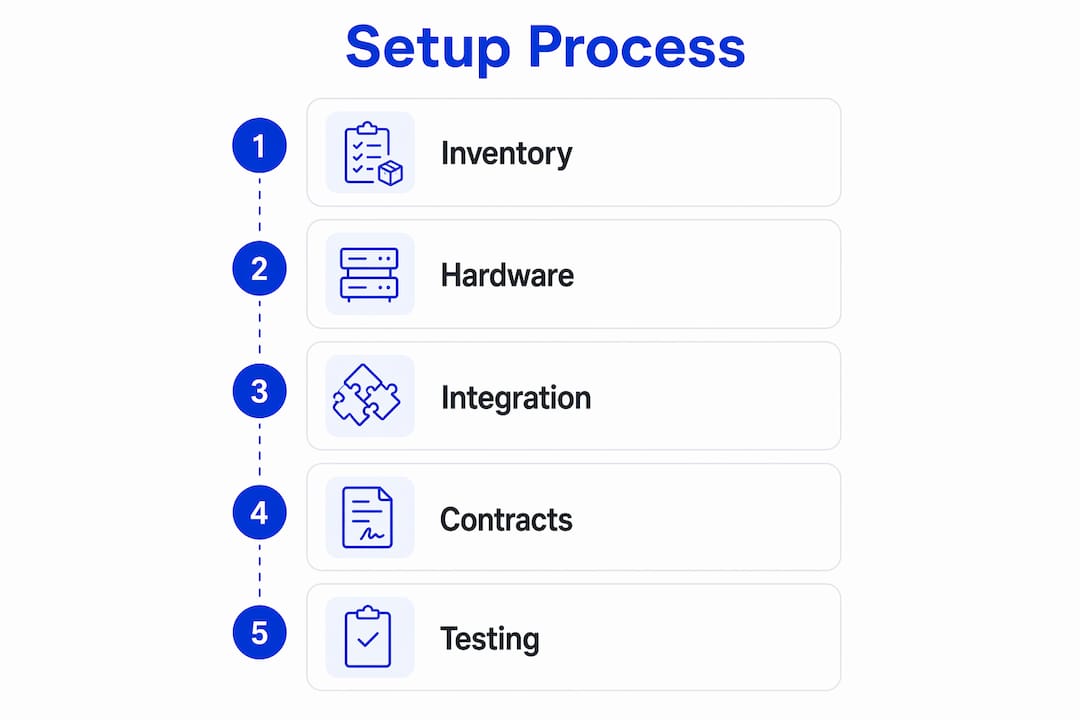
Carrier contracts must define reporting obligations at every mode handoff. Without milestone-backed SLAs mandating status updates at transfer points, you will have visibility blackouts regardless of how good your technology is. SLA clarity aligns carrier incentives with your operational needs.
Internally, change management is non-negotiable. Carriers need to scan trackers at pickup. Warehouse teams need updated receiving protocols. Customer service staff need training on reading the new dashboard. Technology without process adoption produces data, not results.
Readiness areaWhat to confirm before go-liveHardwareDevices procured, tested, and assigned to shipment typesConnectivityCellular and satellite plans active for all operating regionsSoftwareERP, carrier APIs, and customs feeds connected and testedContractsSLAs include milestone reporting at every mode handoffTrainingCarriers, warehouse, and customer service teams briefed
How to implement multi-modal tracking step by step
A phased approach reduces risk and lets you validate each layer before building on it.
Pro Tip: Run a parallel tracking period of two to four weeks where both your old process and the new system operate simultaneously. This surfaces integration gaps before you decommission legacy workflows.
What are the most common multi-modal tracking challenges?
Even well-planned implementations hit friction. Knowing where to expect it lets you prepare rather than react.
Data fragmentation is the most persistent problem. Carriers update their systems on different schedules, use different event vocabularies, and sometimes send duplicate or conflicting statuses. A canonical status model solves this at the data layer, but you still need rules for handling conflicts when two sources disagree on shipment location.
Connectivity blackouts occur on ocean routes, in remote rail corridors, and inside port facilities with poor cellular coverage. The practical fix is to log manual confirmations during connectivity gaps and update your TMS as soon as connectivity resumes. Manual milestone confirmations are not a failure of the system. They are a designed complement to automated tracking.
Mode transfer blind spots happen at the exact moments that matter most: when a container moves from a truck to a vessel, or from a vessel to a rail car. These handoffs are where cargo gets lost, delayed, or misdirected. Milestone-backed SLAs with carriers at every transfer point are the contractual defense against this. Technology alone cannot close this gap without contractual backing.
Cost versus ROI balance is a real concern, particularly for lower-volume operations. Companies shipping 500 or more multi-modal loads annually see the clearest ROI from centralized visibility platforms. Below that threshold, a lighter aggregator model may deliver better returns than a full direct-API build.
Carrier API changes are an ongoing maintenance burden. Carriers update their APIs, deprecate endpoints, and change authentication methods without always providing advance notice. Assign ownership of API maintenance to a specific team member or vendor, and build a monitoring alert that flags failed API calls within minutes.
Best practices for sustaining multi-modal tracking operations
Getting the system live is the beginning, not the end. Sustained performance requires deliberate operational habits.
Cross-team collaboration is the cultural backbone of sustained tracking performance. Operations, IT, finance, and commercial teams all depend on the same data. When one team changes a workflow without informing the others, data quality degrades. A monthly cross-functional review of tracking performance keeps everyone aligned and surfaces issues before they compound.
Key takeaways
A successful multi-modal logistics tracking setup requires software integration across carrier APIs, ERP, and customs systems as its foundation, supported by contractual SLAs and organization-wide process adoption.
The part most guides skip: software integration is where projects succeed or fail
I have worked with logistics teams that spent months selecting the perfect tracking hardware, only to go live with a system that could not talk to their ERP. The devices worked. The data arrived. And then it sat in a silo, disconnected from order management, disconnected from finance, and useless for customer communication.
Matthew Holland’s point resonates with me: modern tracking hardware is commoditized. The differentiation lives in the platform’s ERP connectors and exception management engine. When you evaluate platforms, the first question is not “how many carriers do you support?” It is “show me your ERP integration in production.”
The second thing I have learned is that contractual clarity is not a legal formality. It is an operational tool. A carrier that has no SLA obligation to report at a mode handoff will not report at a mode handoff. You cannot engineer your way around that with better software. The milestone-backed SLA framework is what converts a tracking system from a best-effort data feed into a reliable operational backbone.
The teams that get this right treat their tracking setup as a living system. They review integrations, update status models, and renegotiate SLAs as their network evolves. The teams that struggle treat it as a one-time IT project. The difference in outcomes is significant.
Freightsuite’s approach to integrated freight tracking
Freightsuite is built for logistics teams that need air, ocean, and road tracking connected to a single TMS without stitching together separate tools. The platform includes native ERP connectivity, carrier API integrations, and an exception management engine designed for complex cross-border operations.
For operations teams managing multi-modal freight, Freightsuite’s road freight capabilities and ocean freight module provide centralized visibility across modes with predictive ETA and automated workflows built in. The result is fewer manual interventions and faster exception resolution. If you are evaluating platforms for your next tracking implementation, book a demo to see how Freightsuite handles carrier API normalization and ERP integration in a live environment.
FAQ
What is multi-modal freight tracking?
Multi-modal freight tracking is the continuous monitoring of a shipment as it moves across two or more transport modes, such as road, rail, sea, or air, through a single integrated platform. It provides unified visibility from origin to destination regardless of how many carriers or handoffs are involved.
What is the biggest challenge in a multimodal tracking setup?
Software integration is the primary challenge. Connecting fragmented carrier APIs, customs systems, and internal ERPs into a coherent data feed requires more technical effort than hardware procurement and delivers the most operational value when done correctly.
How do you prevent visibility blackouts in multi-modal tracking?
Milestone-backed SLAs in carrier contracts mandate status reporting at every mode handoff, which closes the most common visibility gaps. Manual milestone confirmations logged during connectivity outages supplement automated tracking and keep your TMS current.
What is a canonical status model in logistics tracking?
A canonical status model translates non-standardized carrier event codes into a unified set of statuses, such as In Transit, Arrived at Facility, and Exception, so that data from multiple carriers can be compared and reported consistently across your operation.
At what shipment volume does centralized tracking deliver clear ROI?
Companies shipping 500 or more multi-modal loads per year see the clearest return from centralized visibility platforms, driven by reduced manual exception management and improved ETA accuracy across complex cross-border routes.
Why Modernize Freight Forwarding Systems in 2026
Modernizing freight forwarding systems is the single most consequential decision a freight forwarder can make right now. Legacy manual processes cannot scale to meet the volume, speed, and visibility demands of today’s global supply chains. Digital capabilities have shifted from a competitive edge to a survival requirement. Freight forwarders and logistics managers who delay this transition face mounting pressure on margins, customer retention, and operational reliability. The window is real, and it has a timeline.
Why modernize freight forwarding systems now
The freight forwarding industry is built on coordination across dozens of carriers, customs authorities, vendors, and clients. Legacy systems handle that coordination through manual data entry, spreadsheets, and disconnected software. That approach breaks down fast when shipment volumes spike or a single carrier changes their API.

Integrated digital freight platforms show measurable gains in productivity, data quality, and customer satisfaction. Those gains are not theoretical. They show up in fewer billing errors, faster quote turnaround, and clients who stay because they trust your tracking data.
The industry term for this shift is transport management system modernization, often shortened to TMS modernization. The phrase “why modernize freight forwarding systems” captures the same concept from the operator’s perspective. Both describe the same strategic move: replacing fragmented, manual infrastructure with a governed, connected platform that can support automation and AI.
Customer expectations have also hardened. Shippers now expect real-time visibility, accurate ETAs, and digital documentation as standard. A forwarder running a 20-year-old system cannot deliver those promises reliably. The cost of inaction is no longer just inefficiency. It is lost business.
How automation and AI transform freight forwarding operations
AI is the most powerful tool available to freight forwarders right now, and the gap between those using it and those not is widening fast.
The clearest proof is in supply chain analytics. AI-native logistics systems can assess an entire supply chain in under 30 minutes, compared to up to 4 weeks with traditional methods. That is not a marginal improvement. It means your operations team can identify risk, reroute freight, and communicate with clients before a problem becomes a crisis.

Freight forwarding automation also eliminates the paperwork burden that consumes operator time. AI can handle document classification, bill of lading generation, customs pre-filing, and exception flagging without human input. That frees your team to focus on the decisions that actually require judgment: negotiating rates, managing key accounts, and handling complex exceptions.
The critical nuance here is that AI enhances operator productivity rather than replacing human expertise. A skilled freight operator using an AI-assisted platform outperforms both an unaided operator and a fully automated system with no human oversight. The goal is augmentation, not replacement.
Practical AI applications in modern freight systems include:
Pro Tip: When evaluating AI tools for your TMS, prioritize platforms where AI is built natively into the workflow, not bolted on as a separate module. Native AI has access to clean, real-time operational data. Bolted-on AI does not.
Integration and digital connectivity as the backbone of modern freight systems
Automation only delivers value when the underlying data is clean, connected, and trusted. That is the integration problem most forwarders underestimate.
The next competitive advantage in freight forwarding lies in building a clean integration layer as a governed digital spine. This means every carrier API, customs system, vendor portal, and customer platform feeds into a single source of truth. Without that spine, AI tools produce unreliable outputs because they are working from fragmented, inconsistent data.
DSV’s consolidation of over 25 road transport systems into a single platform projects $870 million USD in annual improvement by 2030. That figure reflects what happens when fragmented infrastructure is replaced with a unified, governed platform at scale.
The shift from standalone systems to a connected digital spine is not just a technology upgrade. It changes how your operations team makes decisions. When every data point is trusted and queryable, your team stops chasing information and starts acting on it.
Pro Tip: Before selecting a TMS, audit how many separate systems your team currently logs into during a single shipment lifecycle. Every additional login is a data gap. A modern platform should collapse that number to one.
Cloud-based vs. legacy on-premise freight management systems
The infrastructure question matters as much as the software question. Where your TMS runs determines its reliability, scalability, and total cost of ownership.
Cloud-based freight management systems achieve 99.5% operational uptime. Legacy on-premise systems cannot match that figure because they depend on internal IT teams for maintenance, patching, and disaster recovery. Every hour of downtime in freight forwarding has a direct cost in delayed shipments, missed bookings, and client trust.
The operational advantages of cloud TMS platforms include:
The cost argument for cloud also holds up under scrutiny. On-premise systems carry hidden costs: server hardware, IT staffing, software licensing, and upgrade projects that routinely run over budget and schedule. Cloud TMS platforms convert those unpredictable capital expenses into predictable monthly operating costs. For operations teams managing freight workflows, that predictability matters when planning headcount and technology investment.
The honest caveat is that cloud migration requires upfront effort. Data migration, staff training, and integration reconfiguration take time. But that cost is a one-time investment. The ongoing cost of staying on legacy infrastructure compounds every year.
How to modernize freight systems: strategic priorities
Knowing you need to modernize is not the same as knowing where to start. The build-versus-buy decision is where most forwarders get stuck.
The clearest framework is this: build what makes you unique, buy what is commodity infrastructure.
Pro Tip: Avoid the trap of adding AI modules to a 20-year-old architecture. Bespoke AI integrations built on clean data flows deliver competitive advantage. AI layered on top of dirty, fragmented legacy data delivers noise.
Key takeaways
Freight forwarding modernization is no longer optional. Forwarders who build a clean integration layer, adopt AI natively, and migrate to cloud infrastructure will outperform those who do not, on every metric that matters.
The ground is shifting, and the window is closing
I have spent years watching freight forwarders treat technology as a back-office concern. That view is no longer defensible. The forwarders gaining ground right now are not the largest ones. They are the ones who moved first on integration and AI.
The uncomfortable truth is that most legacy TMS platforms were not designed for the data volumes or API complexity of modern freight. Patching them with AI modules does not fix the underlying architecture. It adds cost and complexity without delivering the automation benefits that actually move the needle on EBIT.
What I find most underappreciated in this industry is the integration layer argument. Everyone talks about AI. Far fewer talk about the data governance and connectivity work that makes AI actually function. The forwarders who will build durable competitive moats are the ones investing in that layer now, before their competitors realize it is the real battleground.
Human expertise is not going away. The best operators I have seen work with AI tools the way a skilled analyst works with a Bloomberg terminal. The tool does not replace the judgment. It makes the judgment faster, better informed, and more consistent. That combination is what clients are starting to demand, and it is what modern freight forwarding technology makes possible.
The choice is yours to make. But the window has a timeline.
Freightsuite: an AI-native TMS built for modern freight forwarders
Freightsuite is built from the ground up as an AI-native freight forwarding TMS, with rate management, air and ocean tracking, finances, operations, workflows, and AI agent orchestration all in one platform. There is no legacy architecture underneath it. The integration layer, the data governance, and the automation logic are native.
Freightsuite covers road freight, air freight, and ocean freight within a single platform, so your team works from one source of truth across every mode. If you are ready to see what a modern TMS looks like in practice, book a demo and we will walk you through it.
FAQ
Why modernize freight forwarding systems at all?
Freight forwarding modernization is now a survival requirement, not an optional upgrade. Legacy manual processes cannot scale to meet shipper expectations for real-time visibility, accurate ETAs, and digital documentation.
What is the biggest benefit of freight forwarding automation?
The biggest operational benefit is time. AI-native systems can assess an entire supply chain in under 30 minutes, compared to up to 4 weeks with traditional methods, freeing operators to focus on high-value decisions.
How does a cloud TMS compare to an on-premise system?
Cloud-based freight management systems achieve 99.5% operational uptime and eliminate internal IT maintenance burdens. On-premise systems carry higher hidden costs and cannot match cloud reliability or scalability.
What does a freight forwarding integration layer do?
An integration layer connects every carrier, vendor, customs system, and customer platform into a single governed data source. It is the foundation that makes AI-driven insights reliable and real-time customer promises credible.
Should freight forwarders build or buy their TMS technology?
Build bespoke workflow logic that reflects your unique pricing and operational knowledge. Buy commodity infrastructure like carrier integrations and ETA prediction tools from specialist providers. Own your data in both cases.
Recommended
Ocean Freight Tracking Workflow: A Logistics Pro's Guide
An ocean freight tracking workflow is a coordinated system that pulls data from multiple sources, normalizes shipment events, dynamically recalculates ETAs, and routes exceptions to the right people automatically. The industry term for this practice is shipment visibility management, and it sits at the core of every high-performing freight forwarding operation. Standards like DCSA Track & Trace and ISO 6346 container identification give logistics teams a shared language for building these systems. Without that shared language, even the best technology produces noise instead of insight. This guide gives you the architecture to build a workflow that actually works.
What prerequisites and tools does an ocean freight tracking workflow require?
A reliable ocean freight tracking workflow starts with four data sources: carrier APIs, Automatic Identification System (AIS) vessel feeds, port and terminal event feeds, and EDI messages from carriers and customs. Each source covers a different part of the voyage. Carrier APIs report milestone events like gate-in and vessel departure. AIS feeds show real-time vessel position. Terminal EDI feeds confirm physical events at the port level.

AIS-only tracking is insufficient during open-ocean passages because satellite coverage gaps create blind spots that can last hours. Enterprise-grade workflows combine AIS with carrier API pushes and terminal EDI event feeds to maintain complete visibility across the full voyage arc.
Container identification follows the ISO 6346 standard, which assigns every container a unique four-letter owner code plus a six-digit serial number and a check digit. That identifier is the key that links events across all your data sources. Without consistent use of ISO 6346, event matching across systems breaks down and you get duplicate or orphaned records.
The technology layer needs three components to function: an API orchestration layer that calls carrier and AIS endpoints on schedule, an integration platform that connects your tracking data to your TMS or ERP, and a normalization engine that maps raw carrier codes to your internal event vocabulary. Dynamic polling strategies adjust call frequency based on voyage phase, polling carrier APIs every 8 hours mid-ocean and increasing to every 2 hours within 48 hours of port arrival. That frequency shift concentrates system resources where they matter most.
How to implement event normalization and standardized milestone tracking
Carrier-specific event codes are the single biggest source of confusion in container tracking. One carrier reports a gate-out event as another use. A third sends a free-text description. Without normalization, your system cannot reliably detect exceptions because it cannot tell whether two events describe the same milestone.
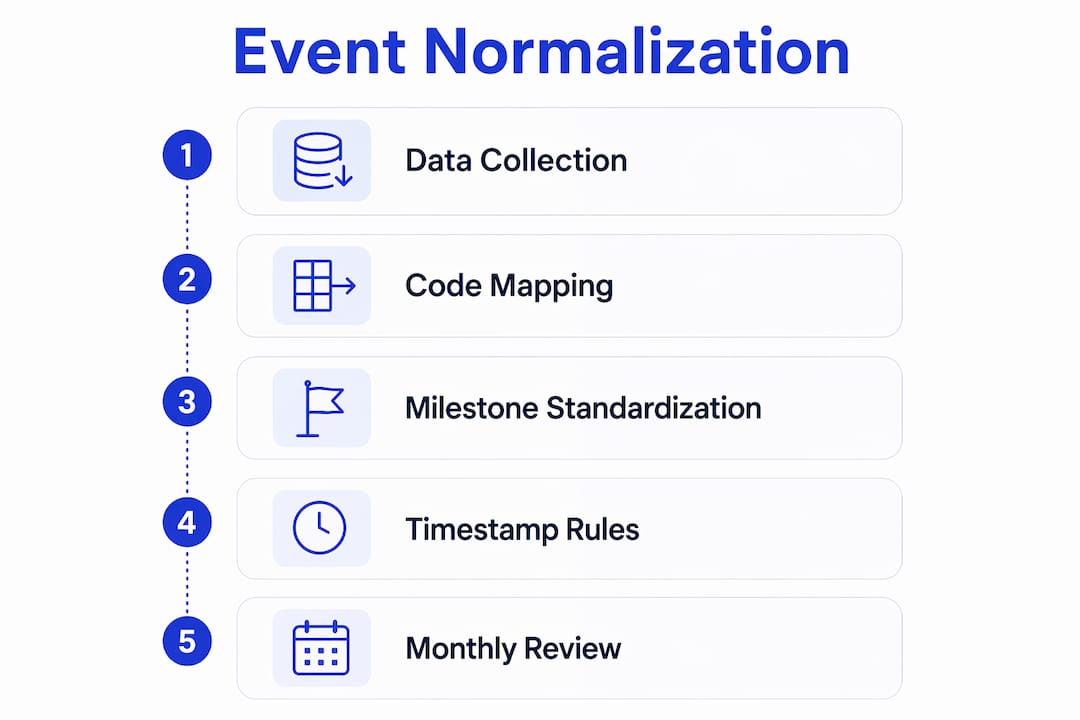
Normalizing carrier events into a unified shipment event vocabulary eliminates that data noise and makes exception detection reliable. The process maps every raw carrier code to a standard internal milestone. Your internal model then drives all downstream logic, from ETA calculations to exception alerts to customer notifications.
A practical standard event model covers these milestones in sequence:
Timestamp rules are as important as the event definitions themselves. Defining a clear event model with official milestones and timestamp rules turns fragmented tracking data into a functional visibility system. Each event record should carry the event type, the source system, the raw carrier code, the normalized milestone label, and a UTC timestamp. Sequencing validation then rejects any event that arrives out of logical order, such as a “delivered” event before a “departed” event.
Pro Tip: Build a mapping table that logs every raw carrier code alongside its normalized equivalent. Review it monthly. Carriers change their event codes without notice, and a stale mapping table is the fastest way to lose exception coverage on active shipments.
What are the best practices for real-time ETA forecasting and exception handling?
Dynamic ETA logic is the engine that makes a tracking workflow operationally useful. A static ETA pulled from the booking confirmation becomes wrong the moment a vessel slows down, diverts, or waits at anchor. A dynamic ETA recalculates continuously using vessel position from AIS, terminal congestion signals, and carrier-reported delays.
The recalculation logic should follow these steps in order:
Exception alerts need structure to be useful. A flat list of alerts with no priority ranking creates the same problem as no alerts at all. Separate your exception queue into tiers: critical exceptions like customs holds and vessel diversions go to a dedicated escalation channel, while informational updates like minor ETA shifts route to a lower-priority queue. Combining exception queues, milestone timelines, ETA deviation indicators, and communication history into a single dispatcher workspace gives your team the context to act quickly without switching between systems.
Pro Tip: Set your ETA deviation threshold at the shipment level, not globally. A 4-hour shift matters far more for a time-sensitive pharmaceutical shipment than for a bulk commodity. Configurable thresholds per cargo type prevent both under-alerting and alert fatigue.
How to automate shipment visibility workflows and integrate tracking data into operations
Automation converts tracking data from a reporting function into an operational one. The shift happens when your tracking system stops displaying information and starts triggering actions. The real value lies not in feed frequency alone but in how tracking platforms integrate data with TMS and ERP workflows to trigger automated tasks and reduce manual effort.
A fully integrated ocean freight TMS connects carrier milestones, AIS data, and terminal feeds into a single operational layer. When a vessel departs, the system automatically notifies the customs broker. When a customs hold appears, it opens a task for the operations team and starts an SLA timer. When delivery is confirmed, it triggers the invoice generation process. Each of those actions happens without a human manually checking a tracking portal.
Key workflow features that make this work in practice:
“The tracking platforms that deliver the most operational value are the ones where the data disappears into the workflow. Your team should be responding to tasks, not reading status screens.” FreightSuite Operations Perspective
Automating container tracking eliminates an average of 15 manual status check-ins per container per voyage. That reduction compounds across a high-volume operation. A forwarder handling 500 active containers at any time removes 7,500 manual check-ins from their team’s workload every voyage cycle.
What common challenges occur in ocean freight tracking workflows and how to troubleshoot them?
Even well-designed workflows encounter predictable failure points. Knowing where they occur lets you build defenses before they affect operations.
Pro Tip: Schedule a quarterly audit of your event normalization mapping and your exception rules. Carrier code changes, new trade lanes, and new carrier partnerships all create gaps that accumulate silently until a shipment falls through the cracks.
Key Takeaways
An effective ocean freight tracking workflow requires multi-source data integration, standardized event normalization, dynamic ETA logic, and automated exception routing to deliver operational value beyond basic cargo visibility.
The insight most tracking implementations miss
After working with freight forwarding operations across multiple trade lanes, the pattern I see most often is this: teams invest heavily in data acquisition and almost nothing in workflow integration. They have excellent visibility into where their containers are. They have almost no system for deciding what to do about it.
The normalization step is where this gap becomes most visible. When every carrier speaks a different event language, your operations team spends its cognitive energy translating status codes instead of managing exceptions. A unified event vocabulary is not a technical nicety. It is the foundation that makes every downstream decision faster and more reliable.
The other underrated element is the exception dashboard. Most teams build one dashboard for everyone. The result is a screen that shows customs brokers vessel positions they cannot act on, and shows dispatchers customs codes they do not understand. The operations teams that perform best build role-specific views: dispatchers see ETA deviations and open tasks, customs teams see holds and document deadlines, and management sees SLA compliance rates. Each view surfaces only what that role can act on.
The deeper truth is that automation does not replace operational judgment. It creates the conditions for better judgment by removing the noise. When your team is not spending time on manual check-ins, they have the bandwidth to catch the exceptions that automation cannot yet classify. That balance between data-driven automation and human decision-making is where the real competitive advantage lives.
FreightSuite’s approach to ocean freight visibility
Freightsuite is built for freight forwarders who need tracking data to drive operations, not just inform them. Its ocean freight TMS capabilities include native multi-source event normalization, dynamic ETA forecasting, and exception routing that connects directly to your operational workflow. Assignment rules, SLA timers, and team routing are built into the platform, not bolted on as integrations.
Freightsuite also supports air and road freight within the same TMS, so your visibility workflow covers every mode without switching platforms. If you are ready to see how agentic AI and workflow automation can reduce manual check-ins across your active container portfolio, book a demo with the Freightsuite team and walk through a live workflow build.
FAQ
What is an ocean freight tracking workflow?
An ocean freight tracking workflow is a system that collects shipment events from carrier APIs, AIS feeds, and terminal EDI sources, normalizes them into standard milestones, recalculates ETAs dynamically, and routes exceptions to the right team automatically.
How does event normalization work in container tracking?
Event normalization maps carrier-specific event codes like or to a single internal milestone vocabulary, eliminating data noise and making exception detection consistent across all carriers and trade lanes.
How often should a tracking system poll carrier APIs?
Dynamic polling intervals are the standard practice: poll every 8 hours during open-ocean passages and increase to every 2 hours within 48 hours of port arrival to maintain ETA accuracy when it matters most.
What is the DCSA Track & Trace standard?
DCSA Track & Trace is an industry standard that defines consistent shipment event codes and API specifications, giving freight forwarders and carriers a shared framework for exchanging container milestone data.
How much manual work does tracking automation eliminate?
Automating container tracking eliminates an average of 15 manual status check-ins per container per voyage, which compounds significantly across high-volume operations handling hundreds of active shipments simultaneously.
Recommended
Freight Tech Stack Explained: A 2026 Guide for Logistics Teams
A freight tech stack is defined as an integrated set of software layers that collectively manage freight operations, from shipment booking and carrier communication through to compliance, finance, and real-time visibility. The term “freight tech stack” is the informal industry phrase for what supply chain architects more formally call a freight forwarding technology architecture or logistics software ecosystem. Understanding what is freight tech stack means understanding how these layers connect, not just what each one does in isolation.
Softlink Academy identifies seven critical technology layers as foundational to a mature freight tech stack: ERP core, integration layer, customer workspace, embedded AI, data and analytics, mobility, and compliance. That list is not arbitrary. Each layer addresses a specific failure point that, left unmanaged, produces errors, delays, or invisible revenue leakage. For logistics professionals evaluating freight technology solutions in 2026, the stack is the unit of analysis, not the individual tool.
What are the core components of a freight tech stack?
The ERP core is the system of record for the entire operation. Platforms like SAP and Oracle serve this function in large enterprises, unifying order management, finance, and compliance data across the freight ecosystem. Without a single source of financial truth, every downstream report is suspect.

The integration layer sits above the ERP and connects it to the outside world. It governs data flow between carriers, airlines, customs authorities, and vendors using APIs, EDI, and webhooks. The customer workspace layer gives shippers and consignees direct access to shipment status, documents, and communication history, removing the need for manual status calls.
The embedded AI layer handles automation tasks that would otherwise require human attention at scale. Predictive delay detection, document classification, and rate benchmarking all live here. The data and analytics layer converts raw operational data into real-time profitability reports and cash flow projections, giving finance teams the visibility they need to act before problems compound.
The mobility layer supports operations beyond office hours. Field agents, port representatives, and drivers need access to the same data that desk-based teams use, and the mobility layer makes that possible. The compliance layer embeds customs rules, tax requirements, and documentation standards directly into workflows, so teams do not need to check external references for every shipment.
Pro Tip: Map your current tools against these seven layers before evaluating new software. The gaps you find will tell you exactly where your stack is leaking time and money.
Why is the integration layer the competitive moat of freight technology?
The integration layer is the new competitive moat in freight forwarding, connecting carriers, customers, and TMS platforms before financial problems emerge. That claim deserves unpacking. Most freight forwarders have invested in multiple software tools over the years. The problem is not the tools. The problem is that those tools do not talk to each other in a governed, reliable way.

When data moves between systems manually or through brittle point-to-point connections, re-entry errors accumulate. Shipment status updates arrive late. Invoice data does not match booking data. These are not minor inconveniences. Fragmented technology stacks produce invisible revenue leakage and collapsed operational speed, even when each individual tool is performing as designed.
A mature integration layer uses industry standards to govern data exchange. DCSA (Digital Container Shipping Association) standards apply to ocean freight event messaging. IATA ONE Record defines a single digital record for air cargo that travels with the shipment. Legacy EDI formats like X12 and EDIFACT still dominate many carrier connections and must coexist with modern API-based integrations. A stack that cannot handle both is already behind.
“The integration layer acts as a shared digital operating fabric connecting carriers, airlines, vendors, and TMS platforms. Without it, AI has no reliable data to act on.”
The integration layer also enables AI-driven exception detection. When a carrier reports a delay, the integration layer routes that event to the AI layer, which scores the risk and triggers the appropriate workflow. That chain only works if the data arrives in a consistent, structured format. A canonical data model shared across all layers is the technical prerequisite for any meaningful AI capability.
Pro Tip: Before signing any carrier integration contract, ask specifically whether the connection supports event-based webhooks or only batch EDI. The answer tells you how current their data will be.
How does a freight tech stack deliver operational benefits?
Real-time shipment visibility is the most immediate benefit logistics teams notice after a proper stack integration. Predictive ETAs with 95% accuracy depend on mature integration with real-time telematics feeds from carriers, not just basic API connections. That distinction matters because many teams assume any API connection delivers reliable predictions. It does not.
AI-powered automation changes the economics of freight operations at scale. Automated tendering, invoice auditing, and risk scoring reduce the manual workload that typically grows in proportion to shipment volume. When the stack handles exceptions automatically, operations teams can manage more shipments per person without sacrificing accuracy.
The analytics layer delivers a benefit that is harder to see but equally important: carrier performance visibility. When all shipment data flows into a single reporting layer, teams can compare on-time delivery rates, damage claims, and cost per lane across every carrier in their network. That data drives better contract negotiations and smarter routing decisions.
Fragmented stacks suffer from hidden losses despite investment in multiple standalone tools. Unified data layers and integrated workflows prevent those losses and accelerate decision-making. The cost savings from reduced rework and optimized routing are real, but they only materialize when the stack operates as a connected system rather than a collection of separate applications.
What are best practices for implementing a freight tech stack?
Implementation is where most freight tech investments succeed or fail. The software is rarely the problem. The sequencing and governance are.
Siloed system adoption is the most common trap. Teams buy a best-in-class visibility tool, a separate invoice auditing platform, and a standalone customs filing system, then wonder why their data is inconsistent. The answer is always the same: no shared integration layer, no canonical data model, no unified stack.
Key takeaways
A freight tech stack delivers operational control only when all seven layers are connected through a governed integration layer, not when individual tools are deployed in isolation.
PointDetailsSeven layers define maturityA complete stack covers ERP, integration, customer workspace, AI, analytics, mobility, and compliance.Integration layer is foundationalAPIs, EDI, and webhooks must connect all systems before AI or analytics can deliver reliable outputs.Fragmentation causes revenue leakageSiloed tools produce re-entry errors and hidden financial losses even when each tool works correctly.Phased implementation reduces riskBuild from ERP core outward, validating each layer before adding the next dependency.Operations team is part of the stackSoftware without expert oversight or agentic AI orchestration does not convert to operational value.
The ground is shifting, and most stacks are not ready
The freight forwarding industry is maturing fast, and the gap between integrated and fragmented operators is widening every quarter. I have watched companies invest heavily in individual tools, only to find that their data is still siloed, their teams are still re-entering information, and their AI pilots are producing unreliable outputs because the underlying data is inconsistent.
The human and AI operational layer is the piece most technology conversations skip. Software vendors sell features. They rarely talk about the operational discipline required to make those features work at scale. The teams or agentic AI systems that manage exceptions, audit workflows, and enforce data standards are what separate a freight tech stack that delivers ROI from one that collects dust.
Real-time data accuracy is becoming non-negotiable. Shippers expect predictive ETAs. Finance teams expect real-time profitability. Customs authorities in an increasing number of markets expect pre-arrival electronic filing. A stack that cannot meet these expectations is not just inefficient. It is a competitive liability.
The shift from legacy systems to modern, integration-focused architectures is genuinely difficult. Legacy TMS platforms carry years of customization, and the teams that use them have built workflows around their limitations. The transition requires patience, phased planning, and a clear-eyed view of where the current stack is failing. The companies that get this right will operate at a cost and speed advantage that compounds over time. The choice is yours to make.
Freightsuite: built for the integrated freight tech stack era
Freightsuite is an AI-native freight forwarding TMS designed for logistics teams that need all seven stack layers in a single platform, not a collection of disconnected tools.
Freightsuite covers air freight management, ocean freight operations, and road freight compliance with native rate management, multimodal tracking, finance workflows, and AI agent orchestration built into the core. The integration layer connects carrier APIs and telematics feeds directly, so your visibility data is current, not batched. The compliance layer handles customs brokerage requirements without external tools. If you want to see how a fully integrated stack performs in practice, book a demo with the Freightsuite team and bring your current stack audit with you.
FAQ
What is a freight tech stack in simple terms?
A freight tech stack is the complete set of software layers a freight forwarder or logistics team uses to manage operations, from booking and tracking through to compliance and finance. The layers must be connected through a shared integration layer to deliver reliable data and automation.
How many layers does a mature freight tech stack have?
Softlink Academy identifies seven layers in a mature freight tech stack: ERP core, integration layer, customer workspace, embedded AI, data and analytics, mobility, and compliance. All seven must be present and connected for the stack to function as a unified system.
Why do fragmented freight tech stacks cause revenue leakage?
Fragmented stacks force teams to re-enter data between systems, which creates errors and delays. Those errors produce invoice disputes, missed billing, and inaccurate financial reporting, all of which represent revenue that is earned but not captured.
What integration standards does a freight tech stack use?
A modern freight tech stack uses DCSA standards for ocean freight event messaging, IATA ONE Record for air cargo digital records, and legacy EDI formats like X12 and EDIFACT for carrier connections that have not yet migrated to API-based integrations.
How long does it take to implement a freight tech stack?
Implementation timelines vary by stack complexity and current system maturity. A phased approach, starting with ERP-to-TMS integration and adding layers sequentially, typically produces faster ROI than attempting a full replacement in a single project.
How a TMS Tracks Air Shipments: A 2026 Guide
A transport management system (TMS) tracks air shipments by pulling live data from carrier APIs, normalizing it into standardized shipment events, and triggering automated workflows when exceptions arise. This is not passive visibility. A modern TMS acts as an execution platform, using tracking data to drive decisions before disruptions escalate into costs. For logistics professionals managing air cargo, understanding how TMS air shipment tracking works is the difference between reactive firefighting and proactive freight control.
How TMS integrates carrier data for real-time air shipment tracking
Real-time air cargo visibility starts with data ingestion. A TMS connects to carrier systems through three primary channels: carrier APIs, Electronic Data Interchange (EDI) feeds, and IoT sensor streams. Each channel delivers different data types, from flight status updates to temperature readings on sensitive cargo. Combining GPS, telematics, and carrier APIs into a single TMS produces live tracking and operational insight that no single carrier portal can match.
The harder problem is normalization. Every carrier uses different status codes, timestamp formats, and event naming conventions. One carrier labels an event “freight tendered to airline.” Another calls it “AWB accepted.” Without normalization, your team wastes hours reconciling fragmented data across carrier websites. Standardizing carrier updates into common shipment events gives operations teams a single, trusted source of truth instead of a patchwork of logins.
Once normalized, the TMS builds a unified shipment status view. Every stakeholder, from the operations manager to the customer service team, sees the same milestone timeline with calculated ETAs. That single view is what makes proactive decision-making possible.

Pro Tip: Set up carrier API connections before your first shipment goes live. Retrofitting integrations after go-live is significantly more disruptive than building them into your onboarding process.
How does a TMS manage air shipment exceptions automatically?
Exceptions are the real cost driver in air freight. A delayed flight, a missing document, a customs hold. Each one requires someone to notice it, classify it, and act on it. 67% of logistics firms still rely on manual triage for shipment exceptions despite having visibility platforms. That statistic reveals a critical gap: visibility without automation is just an expensive dashboard.
A modern TMS closes that gap through AI-driven exception classification. When a carrier status update triggers an anomaly, the system scores it by severity and financial exposure. A missed connection on a time-sensitive pharmaceutical shipment scores higher than a minor delay on a non-urgent industrial part. The TMS routes high-severity exceptions to the right team member immediately, while lower-severity cases enter an automated resolution queue.
AI-driven triage reduces exception misclassification rates by 70–85%. That improvement means fewer shipments fall through the cracks and fewer emergency calls to carriers at 11 PM. The automation pipeline works in four stages: ingestion from multiple carrier feeds, AI classification with financial exposure weighting, intelligent routing to the right workflow, and a feedback loop that improves accuracy over time.
Common exceptions resolved automatically by a TMS include:
Effective TMS platforms resolve 40–50% of common air freight exceptions without any human intervention. That frees your team to focus on the complex cases that genuinely require judgment.
Pro Tip: Build severity scoring rules around financial exposure, not just shipment status. A 2-hour delay on a $200,000 perishable shipment is not the same as a 2-hour delay on a $500 spare part.
Common challenges in implementing TMS for air shipment visibility
The most common implementation mistake is treating a TMS like a tracking portal. A true TMS uses tracking data to trigger automated decisions, such as re-tendering shipments or updating warehouse appointments, before service failures occur. Teams that configure their TMS only for visibility miss the execution layer entirely.
Heterogeneous carrier data is the second major obstacle. Airlines, ground handlers, and customs authorities all produce data in different formats and at different latencies. Some carriers push updates in near real time. Others batch their status feeds every four hours. That inconsistency means your normalized shipment timeline will have gaps unless your TMS is built to handle variable update frequencies.
Training is the third challenge. Even the best-configured TMS fails if your team treats it as a backup system. Operations teams need to trust the normalized data feed and act on automated alerts without defaulting to manual checks. That trust is built through consistent data quality and transparent exception logs.
Pro Tip: Audit your carrier integration depth before go-live. Count how many carriers push event-level feeds versus summary-only updates. That gap tells you exactly where your visibility blind spots will be.
Key takeaways
A TMS tracks air shipments by normalizing carrier data into unified milestones and using automated workflows to resolve exceptions before they become costly disruptions.
The tracking gap most teams never close
I have worked with enough logistics operations to know that the gap between “we have visibility” and “we have control” is wider than most teams realize. The teams that close it share one habit: they treat post-arrival milestones as seriously as pre-departure ones.
Most TMS configurations are front-loaded. Teams invest heavily in departure confirmations, in-flight status updates, and arrival scans. Then the shipment lands, and attention shifts to the next booking. That is exactly when the costs start accumulating. Free time at the airport runs down. Customs holds go unnoticed for hours. Storage fees appear on invoices weeks later, and no one can trace them back to a specific decision point.
The fix is not complicated. It requires configuring milestone triggers for customs availability, free time expiration, and pickup confirmation, then connecting those triggers to automated alerts and operations team workflows. The teams I have seen do this well reduce their unplanned storage costs significantly within the first quarter of implementation.
The second observation I would share is about data normalization. Teams often underestimate how much carrier data inconsistency they are absorbing manually. When you map out how many status codes your team reconciles across carriers each week, the number is almost always surprising. That manual reconciliation is not just slow. It introduces errors that compound downstream in scheduling, invoicing, and customer communication. Fixing normalization at the TMS layer pays dividends across every function that touches shipment data.
The choice is yours to make: configure your TMS as a passive display or as an active execution engine. The technology supports both. Only one of them protects your margins.
FreightSuite’s air freight TMS for logistics teams
FreightSuite is built for logistics professionals who need more than a tracking dashboard. Its air freight management system connects carrier APIs natively, normalizes shipment events across all carriers, and uses AI agent orchestration to classify and resolve exceptions automatically.
Every milestone trigger, from departure confirmation to post-arrival free time alerts, feeds directly into FreightSuite’s operations and finance workflows. That means your team acts on data, not on guesswork recovered from carrier portals. FreightSuite also supports ocean freight tracking and customs brokerage workflows within the same platform, giving multimodal operations a single execution environment. Book a demo to see how Freightsuite handles air cargo tracking end to end.
FAQ
How does a TMS track air shipments in real time?
A TMS connects to carrier APIs, EDI feeds, and IoT sensors to pull live shipment data, then normalizes it into standardized milestones with calculated ETAs. The result is a single unified status view updated continuously as the shipment moves through each stage.
What is the difference between a visibility tool and a TMS for air freight?
A visibility tool displays shipment status. A TMS uses that status data to trigger automated decisions, such as re-tendering a shipment or updating a warehouse appointment, before a disruption causes a service failure.
How does a TMS manage air shipment exceptions?
The TMS detects anomalies in carrier status feeds, classifies them by severity and financial exposure using AI, and routes them to automated workflows or the right team member. Platforms with strong exception automation resolve 40–50% of common exceptions without human intervention.
What air freight costs does TMS tracking help avoid?
Post-arrival milestone tracking prevents airport storage fees by alerting teams when free time is about to expire. Real-time ETA visibility also supports proactive rerouting decisions that avoid expedited delivery charges when disruptions occur.
Can a TMS track both air and ocean shipments in one platform?
Yes. Platforms like Freightsuite manage air and ocean tracking within the same system, normalizing carrier data across modes into a single shipment timeline. That multimodal view eliminates the need to switch between separate portals for different freight types.
Inbound Freight Management Workflow: 2026 Guide
An inbound freight management workflow is the coordinated process of planning, executing, and monitoring incoming shipments from suppliers to receiving facilities. Transportation costs represent nearly 50% of total logistics spend, which means every uncontrolled inbound shipment is a direct hit to your margin. The freight management process covers routing guide development, vendor compliance enforcement, yard and dock orchestration, and technology integration across carriers and warehouses. Supply chain managers who treat inbound logistics as a passive function, rather than an actively managed workflow, consistently leave cost and service performance on the table.
What are the core components of an inbound freight management workflow?
A well-built inbound freight management workflow starts with a vendor routing guide. This document defines which carriers move which freight, under what conditions, and at what cost. Without it, suppliers default to their preferred carriers, and you absorb the premium.
Routing guide development covers four core decisions:
- Carrier selection criteria — mode, weight thresholds, commodity type, and service level requirements
- Geographic lanes — origin and destination pairings with primary and backup carrier assignments
- Compliance standards — packaging requirements, advance shipment notifications (ASNs), and documentation rules
- Penalty structures — financial deductions indexed to the actual cost of non-compliance
Routing guide development takes 5–8 weeks to complete properly. That timeline reflects the real complexity of aligning carrier contracts, vendor capabilities, and internal operational requirements before a single shipment moves under the new program.
Compliance enforcement is where most programs fail. Penalties must reflect real business costs, not token fines. Automated deductions from vendor invoices, triggered by validated routing and documentation failures, are the most effective enforcement mechanism available. They remove the manual dispute process and make non-compliance financially unattractive.
Technology integration ties the workflow together. A Transportation Management System (TMS) connects vendor portals, load tendering, carrier tracking, and compliance monitoring in one place. Freight management integrates port agents, customs brokers, and carriers who operate across different software environments, which is why a shared platform matters more than any single point solution.

Pro Tip: Build your routing guide in phases. Start with your top 20 vendors by freight spend, validate the compliance logic, then expand. Trying to onboard all vendors simultaneously is the fastest way to create exceptions you cannot manage.
How to orchestrate yard and dock operations for inbound freight
Yard and dock operations are where well-designed workflows either hold or collapse. The scheduling constraint is not dock door count. It is the alignment of three parallel variables: appointment windows, dock door capacity by hour, and labor availability. Scheduling based on these three constraints prevents congestion before it starts.
Dedicated spotter teams are the operational core of a high-performing yard. Their job is not simply to move trailers. Their job is to maintain flow. Effective spotter operations follow a clear priority sequence:
- Clear empty trailers from active dock doors before staging new arrivals
- Maintain move times under 15 minutes per trailer to prevent door lockup
- Track every trailer status in real time: live, staged, loaded, or empty
- Share trailer status visibility between transportation and receiving teams simultaneously
“Orchestrated yard operations build resilience and predictability, reducing costly congestion and dependency on external trailer pools.” — Inbound Logistics
Spotter teams prioritize door clearance and sequencing over raw yard space. A yard with 50 available trailer slots but 10 blocked dock doors is operationally worse than a tighter yard with clean door rotation. The difference is discipline in sequencing, not square footage.
Pro Tip: Standardize your trailer status codes across transportation and warehouse teams. When both groups use the same four status labels, live visibility replaces the radio calls and spreadsheet updates that slow every shift.
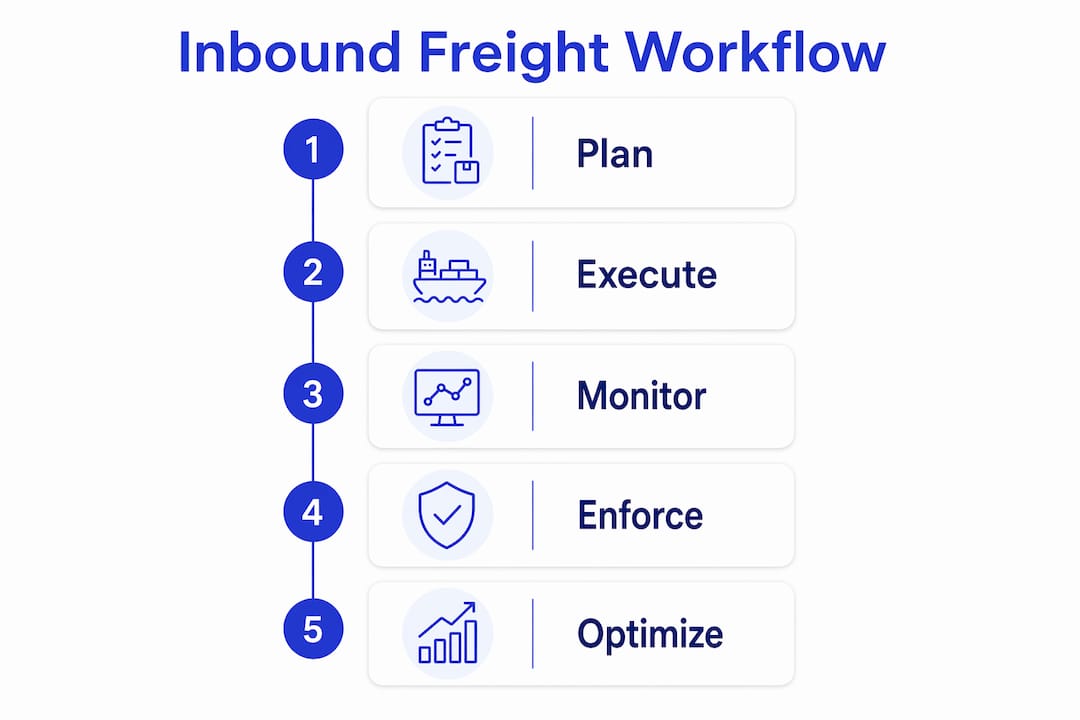
What role does technology play in freight workflow orchestration?
Modern freight workflow orchestration connects planning, execution, and visibility in a single event-driven system. The biggest margin improvements come from eliminating the gaps between these three functions, not from improving any one of them in isolation.
A capable TMS platform delivers four specific capabilities that manual processes cannot replicate at scale:
- Vendor self-service portals — suppliers book appointments, submit ASNs, and retrieve compliance status without contacting your team
- Multi-carrier connectivity — load tendering, tracking, and rate management across all modes from one interface
- Document storage — POD documents stored for up to 5 years reduce manual follow-up and protect you in disputes
- Compliance monitoring — automated flags trigger penalty workflows when routing or documentation rules are violated
AI-powered orchestration takes this further. AI systems unify order capture through freight payment under continuous monitoring, self-healing disruptions without waiting for human intervention. This is what freight workflow orchestration looks like at its most advanced: a closed-loop system that surfaces problems and resolves them before they become exceptions on your desk.
Integrating AI into your freight data management requires one dedicated role. An AI Engineer monitors network patterns and intervenes only when systemic anomalies occur. This is not a full-time firefighting role. It is a pattern-recognition function that keeps the automated system calibrated.
| Capability | Manual process | TMS with AI orchestration |
|---|---|---|
| Compliance monitoring | Weekly manual review | Real-time automated flags |
| Carrier tendering | Email and phone | Automated multi-carrier broadcast |
| Document retrieval | File request, 1–3 days | Instant, up to 5-year archive |
| Exception resolution | Reactive, after impact | Proactive, before shipment delay |
Freightsuite builds AI agent orchestration natively into its TMS, covering air and ocean tracking, rate management, operations, and finance in one platform. That native integration removes the middleware layer that creates data gaps in bolt-on solutions.
How to implement and maintain an inbound freight workflow over time
Implementation follows a predictable sequence. The routing guide and compliance framework take 5–8 weeks to develop. Technology deployment spans 8–12 weeks, covering TMS configuration, pilot testing with primary vendors, and ERP integration for invoice automation. Plan for both phases to overlap, not run sequentially, or your go-live date will drift by months.
The phased rollout structure that works in practice looks like this:
- Weeks 1–4: Finalize routing guide, carrier contracts, and compliance penalty schedule
- Weeks 3–8: Configure TMS, build vendor portal access, and set up compliance monitoring rules
- Weeks 6–10: Pilot with top 10–20 vendors by freight spend; document exceptions and adjust rules
- Weeks 9–12: Full vendor onboarding with training sessions and written compliance acknowledgments
- Week 13 onward: Daily exception reviews, monthly scorecards, and quarterly penalty audits
Vendor training is not optional. Change management determines whether your routing guide becomes the operating standard or a document vendors ignore. Written acknowledgment of compliance requirements, combined with a clear penalty schedule, creates accountability before the first shipment moves.
Ongoing maintenance requires daily exception reviews. A compliance rate that starts at 85% will erode to 60% within two quarters without active follow-up. Penalties indexed to actual business costs maintain vendor behavior over time. Token fines do not.
Common mistakes to avoid:
- Launching without a tested exception-handling process for routing guide conflicts
- Skipping ERP integration and managing compliance deductions manually
- Treating the routing guide as a static document rather than a quarterly-reviewed standard
- Failing to align warehouse receiving teams with transportation scheduling before go-live
Pro Tip: Run a compliance scorecard for every vendor at the 30-day and 90-day marks after go-live. Share the scores directly with vendor account managers. Visibility into their own performance changes behavior faster than any penalty alone.
Key takeaways
An effective inbound freight management workflow requires routing guide discipline, enforced compliance, coordinated yard operations, and technology that connects planning to execution in real time.
| Point | Details |
|---|---|
| Routing guide is the foundation | Develop carrier selection, lane assignments, and penalty structures before onboarding any vendor. |
| Compliance enforcement drives results | Index penalties to actual costs and automate deductions to make non-compliance financially unattractive. |
| Yard orchestration prevents bottlenecks | Align appointment windows, dock capacity, and labor availability; keep spotter move times under 15 minutes. |
| Technology unifies the workflow | A TMS with AI orchestration connects vendor portals, compliance monitoring, and freight payment in one system. |
| Phased implementation reduces risk | Overlap routing guide development and TMS deployment across a 12-week window to hit go-live on schedule. |
What I’ve learned from building inbound freight workflows that actually hold
The programs that fail share one common trait: they treat compliance as a relationship problem instead of a systems problem. I have seen teams spend months negotiating with vendors over routing violations that a properly configured automated deduction would have resolved in the first week. The moment you make non-compliance financially automatic, the conversation changes.
Yard orchestration is consistently undervalued. Most supply chain managers focus on carrier selection and rate negotiation, then wonder why their receiving throughput is unpredictable. The answer is almost always in the yard. Sequencing discipline and spotter accountability deliver more consistent throughput than any rate improvement you will negotiate this year.
The AI conversation in freight is real, but the implementation reality is more measured than the marketing suggests. Closed-loop AI orchestration works when your data is clean, your compliance rules are enforced, and your team has someone watching the system for anomalies. It does not fix a broken routing guide. It amplifies whatever foundation you have already built.
The choice that matters most is whether you treat inbound freight as a cost center to minimize or a workflow to actively manage. The operations that win on margin do the latter, consistently, quarter after quarter.
— Annabel
Freightsuite and the future of inbound freight management
Supply chain managers who have outgrown spreadsheets and disconnected TMS platforms need a system built for the way freight actually moves today.
Freightsuite is an AI-native TMS that covers road, air, ocean, and customs brokerage in one platform, with AI agent orchestration, rate management, compliance monitoring, and finance built natively. There is no middleware to configure and no data gap between your planning and execution layers. Operations teams get end-to-end workflow control from order capture through freight payment, with automated compliance flags and document storage that removes manual follow-up. If your inbound freight program is ready for a platform that matches its complexity, Freightsuite is built for that conversation. Book a demo to see it in action.
FAQ
What is an inbound freight management workflow?
An inbound freight management workflow is the coordinated process of routing, scheduling, and monitoring incoming shipments from suppliers to receiving facilities. It covers routing guide development, vendor compliance enforcement, yard orchestration, and TMS integration.
How long does it take to implement an inbound freight program?
Routing guide and compliance framework development takes 5–8 weeks. Full technology deployment, including TMS configuration and ERP integration, spans 8–12 weeks. Overlapping these phases keeps total implementation within a 12-week window.
What is freight workflow orchestration?
Freight workflow orchestration is the practice of connecting planning, execution, and visibility in a continuous, event-driven system. AI-powered orchestration manages order capture through invoice payment while automatically resolving disruptions without manual intervention.
Why do inbound freight programs fail?
Most inbound freight programs fail because compliance penalties are not enforced or are not indexed to actual business costs. Without automated deductions and daily exception reviews, vendor compliance rates erode within the first two quarters.
How does a TMS improve inbound freight management?
A TMS centralizes carrier tendering, compliance monitoring, document storage, and vendor communication in one platform. Modern TMS platforms store POD documents for up to 5 years and automate compliance flags, reducing manual follow-up and protecting against disputes.
Recommended
How a TMS Tracks Air Shipments: A 2026 Guide
A transport management system (TMS) tracks air shipments by pulling live data from carrier APIs, normalizing it into standardized shipment events, and triggering automated workflows when exceptions arise. This is not passive visibility. A modern TMS acts as an execution platform, using tracking data to drive decisions before disruptions escalate into costs. For logistics professionals managing air cargo, understanding how TMS air shipment tracking works is the difference between reactive firefighting and proactive freight control.
How TMS integrates carrier data for real-time air shipment tracking
Real-time air cargo visibility starts with data ingestion. A TMS connects to carrier systems through three primary channels: carrier APIs, Electronic Data Interchange (EDI) feeds, and IoT sensor streams. Each channel delivers different data types, from flight status updates to temperature readings on sensitive cargo. Combining GPS, telematics, and carrier APIs into a single TMS produces live tracking and operational insight that no single carrier portal can match.
The harder problem is normalization. Every carrier uses different status codes, timestamp formats, and event naming conventions. One carrier labels an event “freight tendered to airline.” Another calls it “AWB accepted.” Without normalization, your team wastes hours reconciling fragmented data across carrier websites. Standardizing carrier updates into common shipment events gives operations teams a single, trusted source of truth instead of a patchwork of logins.
Once normalized, the TMS builds a unified shipment status view. Every stakeholder, from the operations manager to the customer service team, sees the same milestone timeline with calculated ETAs. That single view is what makes proactive decision-making possible.
Pro Tip: Set up carrier API connections before your first shipment goes live. Retrofitting integrations after go-live is significantly more disruptive than building them into your onboarding process.
How does a TMS manage air shipment exceptions automatically?
Exceptions are the real cost driver in air freight. A delayed flight, a missing document, a customs hold. Each one requires someone to notice it, classify it, and act on it. 67% of logistics firms still rely on manual triage for shipment exceptions despite having visibility platforms. That statistic reveals a critical gap: visibility without automation is just an expensive dashboard.
A modern TMS closes that gap through AI-driven exception classification. When a carrier status update triggers an anomaly, the system scores it by severity and financial exposure. A missed connection on a time-sensitive pharmaceutical shipment scores higher than a minor delay on a non-urgent industrial part. The TMS routes high-severity exceptions to the right team member immediately, while lower-severity cases enter an automated resolution queue.
AI-driven triage reduces exception misclassification rates by 70–85%. That improvement means fewer shipments fall through the cracks and fewer emergency calls to carriers at 11 PM. The automation pipeline works in four stages: ingestion from multiple carrier feeds, AI classification with financial exposure weighting, intelligent routing to the right workflow, and a feedback loop that improves accuracy over time.
Common exceptions resolved automatically by a TMS include:
Effective TMS platforms resolve 40–50% of common air freight exceptions without any human intervention. That frees your team to focus on the complex cases that genuinely require judgment.
Pro Tip: Build severity scoring rules around financial exposure, not just shipment status. A 2-hour delay on a $200,000 perishable shipment is not the same as a 2-hour delay on a $500 spare part.
What are the practical benefits of TMS tracking for air cargo operations?
The business case for TMS air cargo tracking is built on cost avoidance, not just visibility. Here is how tracking data translates into measurable operational outcomes:
Common challenges in implementing TMS for air shipment visibility
The most common implementation mistake is treating a TMS like a tracking portal. A true TMS uses tracking data to trigger automated decisions, such as re-tendering shipments or updating warehouse appointments, before service failures occur. Teams that configure their TMS only for visibility miss the execution layer entirely.
Heterogeneous carrier data is the second major obstacle. Airlines, ground handlers, and customs authorities all produce data in different formats and at different latencies. Some carriers push updates in near real time. Others batch their status feeds every four hours. That inconsistency means your normalized shipment timeline will have gaps unless your TMS is built to handle variable update frequencies.
Workflow typeManual exception handlingAutomated exception handlingException detectionOps team monitors carrier portalsTMS triggers alert on status anomalyClassificationManual review and judgmentAI scores severity and financial exposureResolutionEmail or phone to carrierAutomated workflow executes next actionDocumentationManual entry into TMSSystem logs all actions automaticallyEscalationAd hoc, often delayedRules-based routing to right team member
Training is the third challenge. Even the best-configured TMS fails if your team treats it as a backup system. Operations teams need to trust the normalized data feed and act on automated alerts without defaulting to manual checks. That trust is built through consistent data quality and transparent exception logs.
Pro Tip: Audit your carrier integration depth before go-live. Count how many carriers push event-level feeds versus summary-only updates. That gap tells you exactly where your visibility blind spots will be.
Key takeaways
A TMS tracks air shipments by normalizing carrier data into unified milestones and using automated workflows to resolve exceptions before they become costly disruptions.
PointDetailsCarrier data normalizationStandardize API, EDI, and IoT feeds into common shipment events for a single source of truth.AI exception managementAutomated triage resolves 40–50% of common exceptions without human intervention.Post-arrival milestone alertsMilestone-based alerts on free time expiration prevent airport storage fees and rush charges.Execution over visibilityA TMS must trigger automated next actions, not just display shipment status.Financial integrationConnecting live tracking data to freight finance tools improves cost accruals and margin accuracy.
The tracking gap most teams never close
I have worked with enough logistics operations to know that the gap between “we have visibility” and “we have control” is wider than most teams realize. The teams that close it share one habit: they treat post-arrival milestones as seriously as pre-departure ones.
Most TMS configurations are front-loaded. Teams invest heavily in departure confirmations, in-flight status updates, and arrival scans. Then the shipment lands, and attention shifts to the next booking. That is exactly when the costs start accumulating. Free time at the airport runs down. Customs holds go unnoticed for hours. Storage fees appear on invoices weeks later, and no one can trace them back to a specific decision point.
The fix is not complicated. It requires configuring milestone triggers for customs availability, free time expiration, and pickup confirmation, then connecting those triggers to automated alerts and operations team workflows. The teams I have seen do this well reduce their unplanned storage costs significantly within the first quarter of implementation.
The second observation I would share is about data normalization. Teams often underestimate how much carrier data inconsistency they are absorbing manually. When you map out how many status codes your team reconciles across carriers each week, the number is almost always surprising. That manual reconciliation is not just slow. It introduces errors that compound downstream in scheduling, invoicing, and customer communication. Fixing normalization at the TMS layer pays dividends across every function that touches shipment data.
The choice is yours to make: configure your TMS as a passive display or as an active execution engine. The technology supports both. Only one of them protects your margins.
Freightsuite’s air freight TMS for logistics teams
Freightsuite is built for logistics professionals who need more than a tracking dashboard. Its air freight management system connects carrier APIs natively, normalizes shipment events across all carriers, and uses AI agent orchestration to classify and resolve exceptions automatically.
Every milestone trigger, from departure confirmation to post-arrival free time alerts, feeds directly into Freightsuite’s operations and finance workflows. That means your team acts on data, not on guesswork recovered from carrier portals. Freightsuite also supports ocean freight tracking and customs brokerage workflows within the same platform, giving multimodal operations a single execution environment. Book a demo to see how Freightsuite handles air cargo tracking end to end.
FAQ
How does a TMS track air shipments in real time?
A TMS connects to carrier APIs, EDI feeds, and IoT sensors to pull live shipment data, then normalizes it into standardized milestones with calculated ETAs. The result is a single unified status view updated continuously as the shipment moves through each stage.
What is the difference between a visibility tool and a TMS for air freight?
A visibility tool displays shipment status. A TMS uses that status data to trigger automated decisions, such as re-tendering a shipment or updating a warehouse appointment, before a disruption causes a service failure.
How does a TMS manage air shipment exceptions?
The TMS detects anomalies in carrier status feeds, classifies them by severity and financial exposure using AI, and routes them to automated workflows or the right team member. Platforms with strong exception automation resolve 40–50% of common exceptions without human intervention.
What air freight costs does TMS tracking help avoid?
Post-arrival milestone tracking prevents airport storage fees by alerting teams when free time is about to expire. Real-time ETA visibility also supports proactive rerouting decisions that avoid expedited delivery charges when disruptions occur.
Can a TMS track both air and ocean shipments in one platform?
Yes. Platforms like Freightsuite manage air and ocean tracking within the same system, normalizing carrier data across modes into a single shipment timeline. That multimodal view eliminates the need to switch between separate portals for different freight types.
Recommended

